Create “A Hug Across Time” Photo with Nano Banana
By Kelly
Nano Banana is an AI image-editing feature inside Diffus.me — simple to use, no setup required.
You can turn old family photos into soft, realistic Polaroid-style memories in minutes.
🧡 Step 1 — Prepare your photos
Find:
- one photo of you as a child
- one clear photo of your baby
Cut out the people (PNG with transparent background) if you can — clear faces give the best results.


🪄 Step 2 — Open Nano Banana
- Go to https://diffus.me → log in.
- From Tools, open Nano Banana Image Editor.
- Choose Image to Image mode and upload your photos.
✨ Step 3 — Paste the prompt
Copy this prompt exactly into the text box:
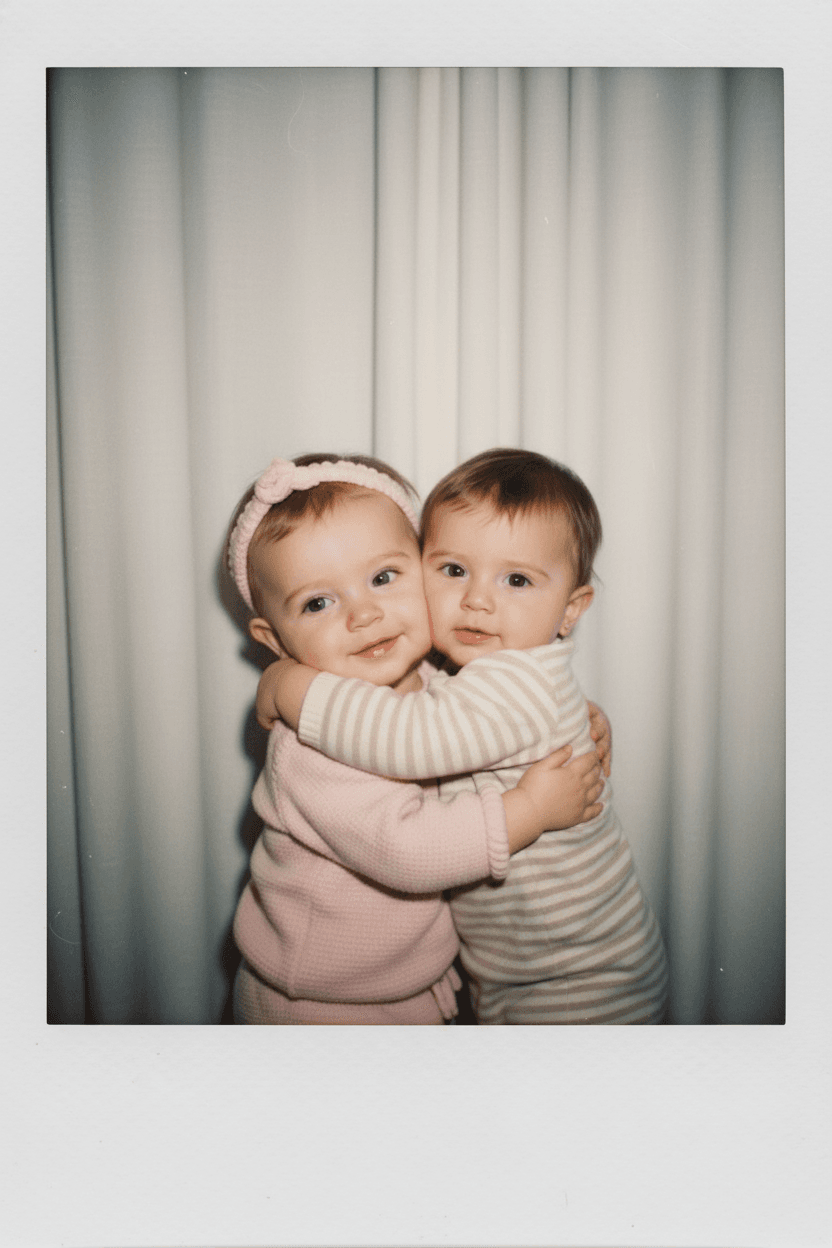
Take a photo taken with a polaroid camera. The photo should look like an ordinary photograph, without an explicit subject or property. The photo should have a slight blur and a consistent light source, like a flash from a dark room, scattered throughout the photo. Don't change the faces. Change the background behind the two people to white curtains. With the two kids hugging.
🌙 Step 4 — Generate
- Keep image to image selected.
- Click Generate and wait about 30–60 seconds.
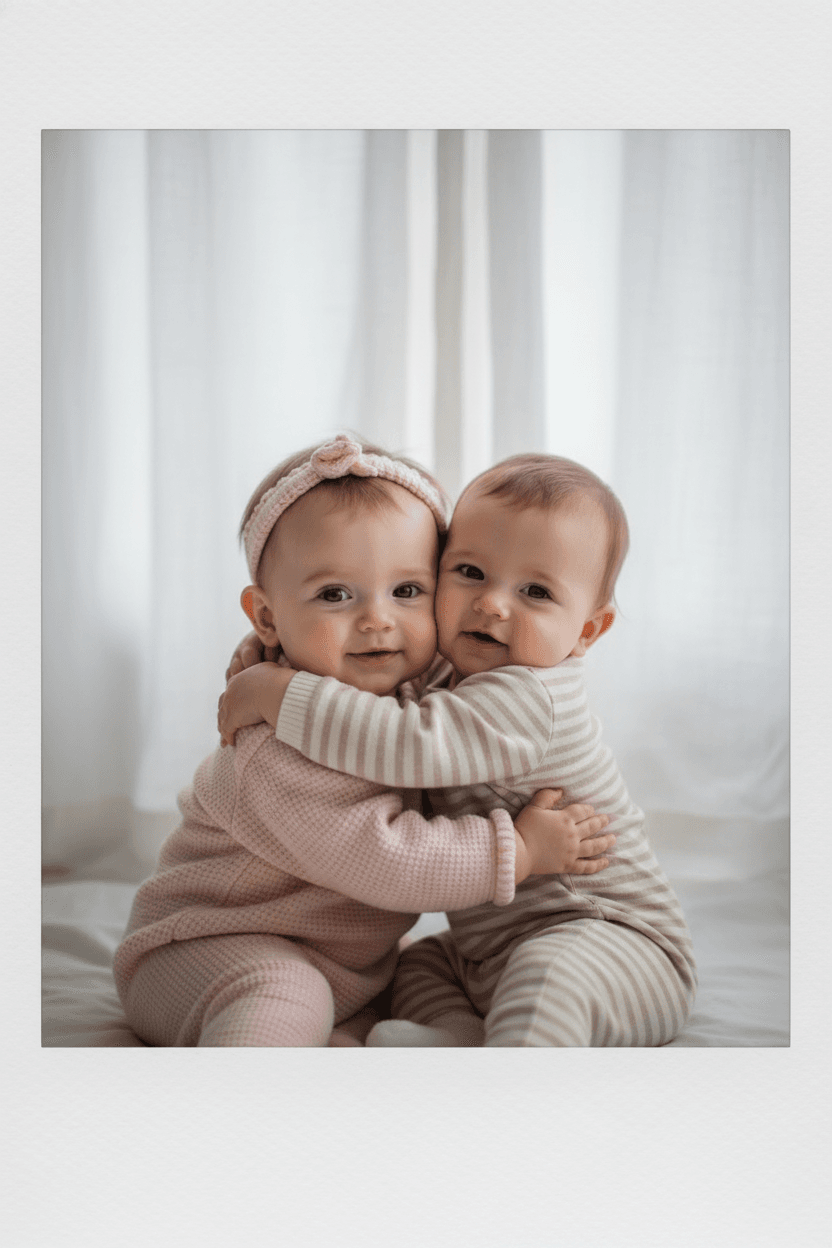
- The result should show the two kids hugging in front of soft white curtains, with a gentle flash-lit Polaroid look.
🖼️ Step 5 — Save or share
If you like the result, click Download to save it, or Upload to Gallery on Diffus to share your image with others.
✅ Result checklist
- Faces unchanged and natural
- White curtain background
- Slight blur, warm flash lighting
- Realistic “old Polaroid” mood
That’s it — your nostalgic family-style photo is ready!