How to Create an Industrial Concept Sketch with Nano Banana
By Kelly

Nano Banana is an AI image-generation tool inside Diffus.me, designed to make detailed creative visuals easy to produce — no setup or advanced skills needed.
You can use it to generate realistic industrial or architectural concept sketches directly from text prompts.
🪄 Step 1 — Open Nano Banana
- Go to https://diffus.me.
- Log in or create a free account.
- On the homepage, open Tools → Nano Banana Image Editor.
- Choose Text to Image mode. You’ll see a prompt box ready for your text.
🧩 Step 2 — Paste and Edit the Prompt
Copy this prompt into the text box:
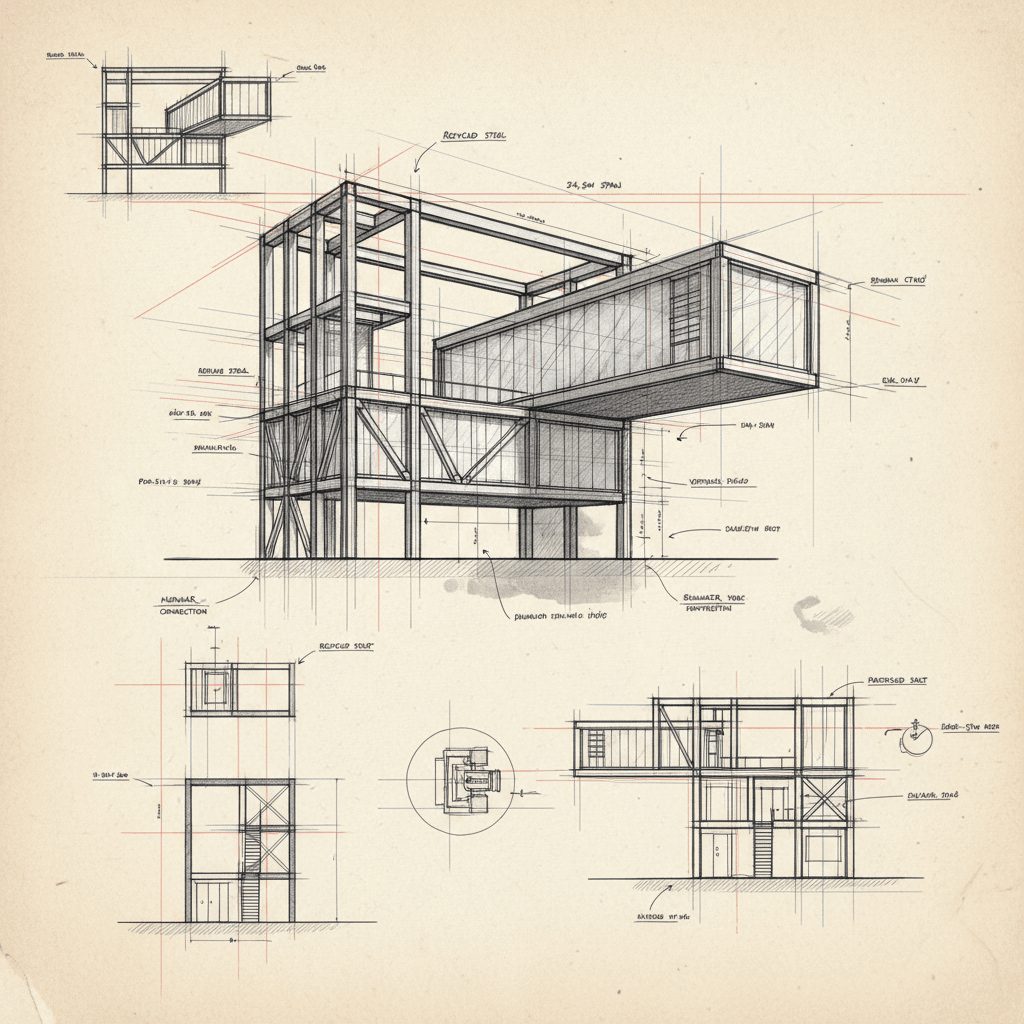
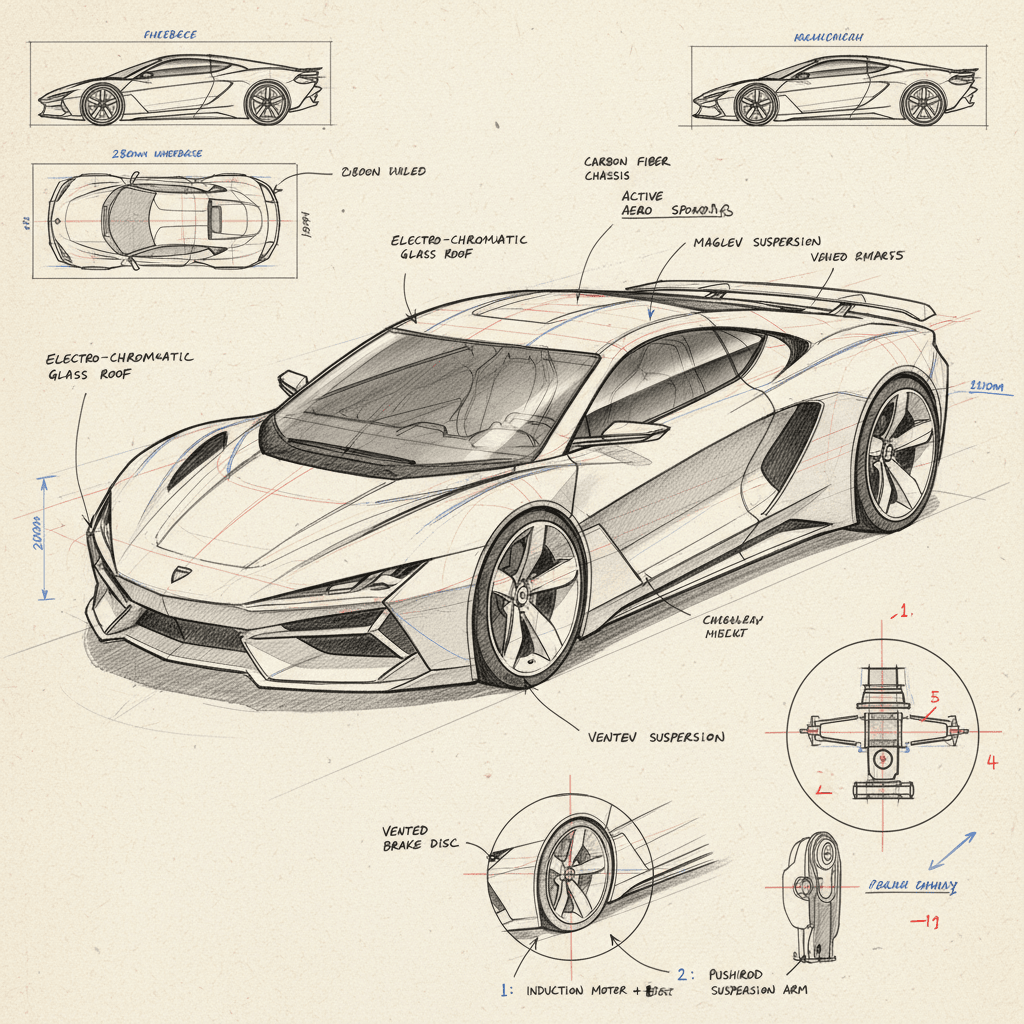
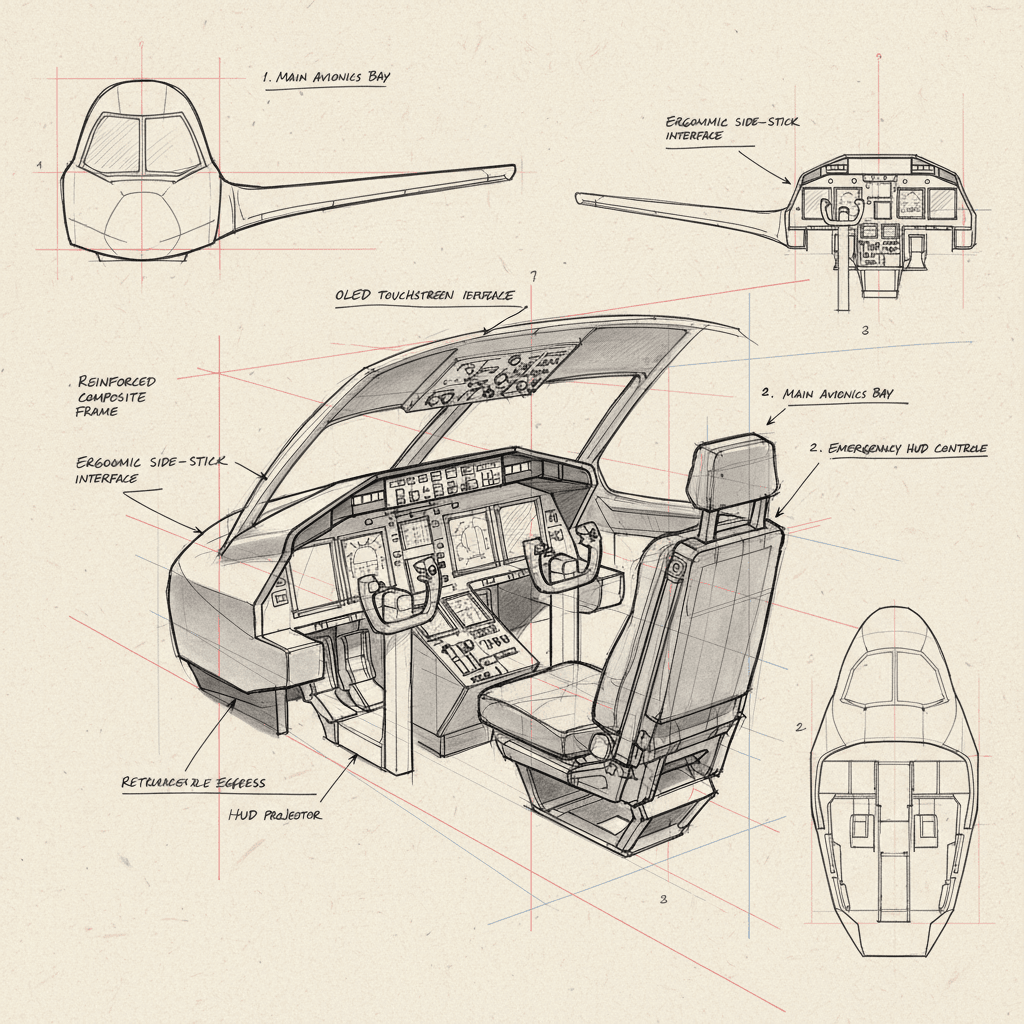
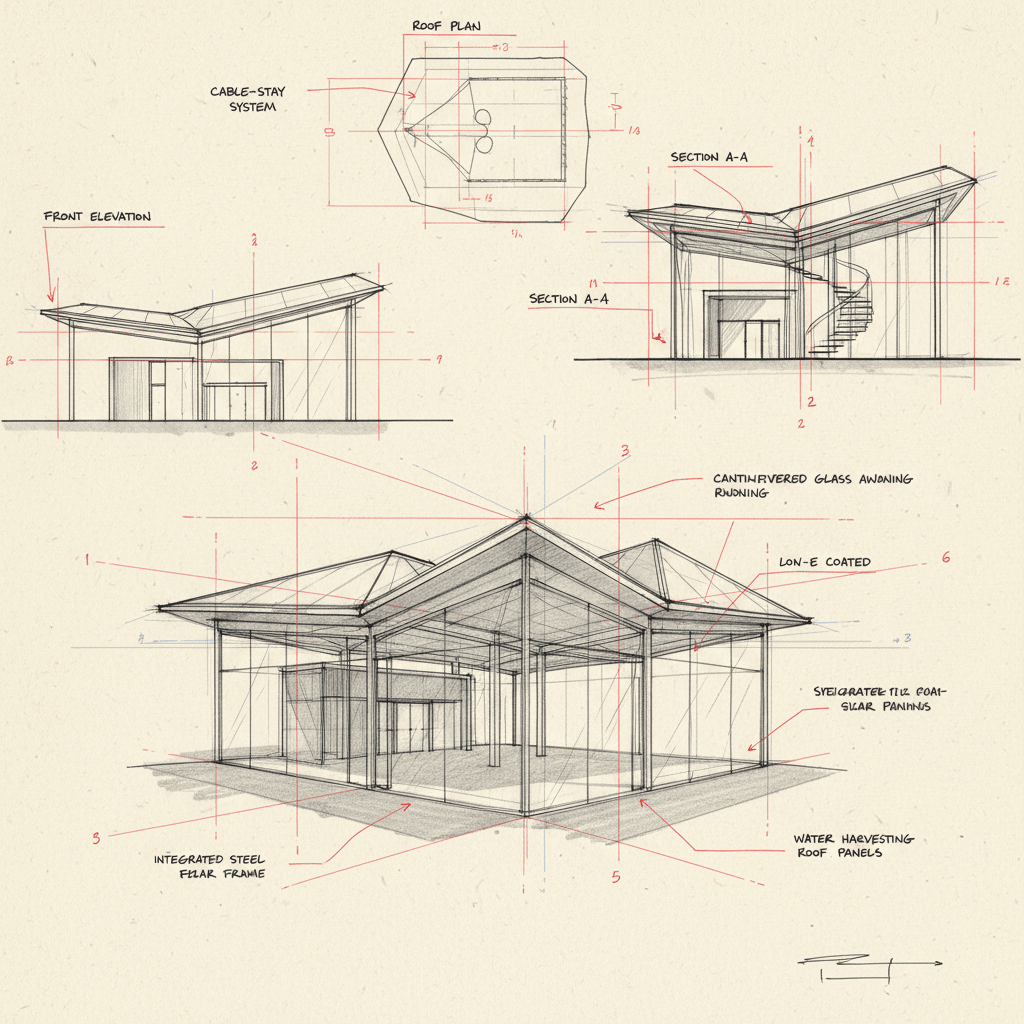
A highly detailed industrial concept sketch of a (type of object or structure, e.g. sports car / architectural pavilion / mechanical system / furniture prototype / aircraft cockpit), drawn on warm white drafting paper. The design is shown in a precise perspective view with clear structural lines, complex geometric details, and refined proportions. Fine black ink lines define form and texture, while red and blue construction guidelines mark axes, measurements, and composition balance. Type of annotations, e.g. technical notes, dimensions, material labels, or mechanical explanations are written in small handwritten script across the page, with arrows and numerical callouts highlighting key design elements. Additional perspective studies or orthographic projections — such as front, top, or sectional views — appear around the main drawing, connected with thin red reference lines. The style is both artistic and technical: expressive hand-drawn linework with variable pen pressure, soft graphite shading, subtle smudges, and visible paper grain. The layout resembles a professional designer’s concept sheet, balancing creativity with precise engineering intent. Style: hand-drawn technical concept sketch, industrial and architectural design illustration, perspective and orthographic layout, red and blue pen detailing, realistic drafting paper texture, photographed under neutral light, 8K scan quality.
Before generating, replace the (type of object or structure) part with what you want:
- 🏎️ sports car
- 🏛️ architectural pavilion
- ⚙️ mechanical system
- 🪑 furniture prototype
- ✈️ aircraft cockpit
⚙️ Step 3 — Generate the Image
- Click Generate.
- Wait about 20 seconds.
- Your result should appear as a hand-drawn industrial design sheet with detailed linework, red/blue construction marks, and realistic paper texture.
💾 Step 4 — Save or Share
- Click Download to save your image in PNG or JPG format.
- If you like your result, click Upload to Gallery to share it with the Diffus community — others can view and remix your design idea.
✅ Tips for Best Results:
That’s it!
You’ve just created a professional industrial design concept sketch using Nano Banana on Diffus.me — perfect for showcasing architecture, engineering, or product ideas with a hand-drawn touch.
