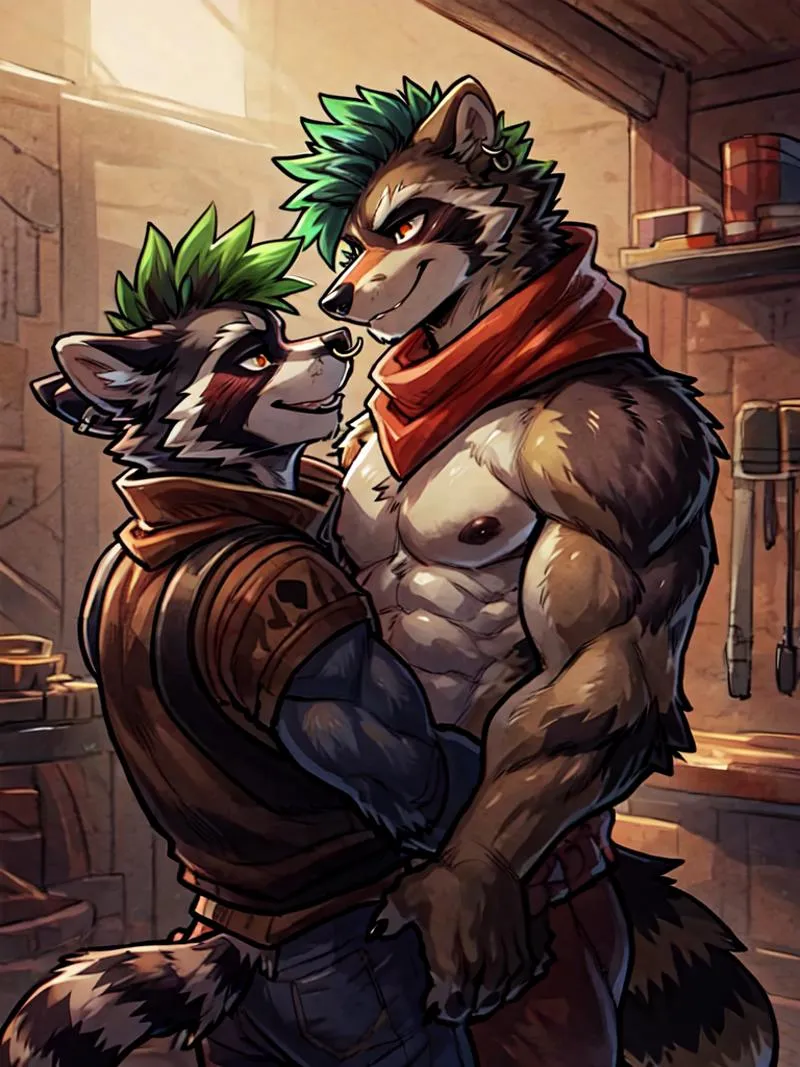
Split Screen | Concept LoRA - v1.0
Verwandte Schlüsselwörter & Tags
Hervorgehobene Bilder

Empfohlene Prompts
SplitScreen,split screen,close-up
Highly detailed, High Quality, Masterpiece, beautiful, close-up, SplitScreen, split screen, <lora:SplitScreen:1>
Empfohlene Negative Prompts
FastNegativeEmbedding, (worst quality, low quality:1.4)
Empfohlene Parameter
samplers
steps
cfg
clip skip
resolution
other models
Empfohlene Hires (Hochauflösungs-) Parameter
upscaler
upscale
steps
denoising strength
Tipps
Das Gewicht kann von 0,9 bis 1 gehen; empfohlenes Gewicht ist 1.
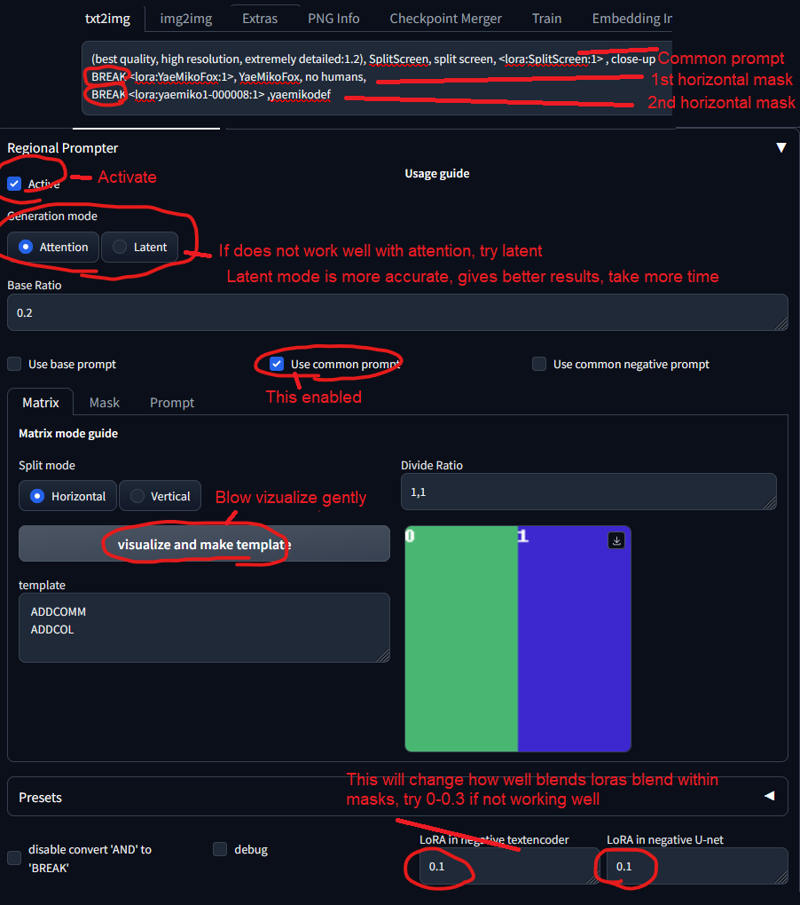
Verwende die Regional Prompt Erweiterung, um genaue Charaktere zu erhalten.
Setze das Gewicht für Split Screen LoRA auf 0,5-0,6, wenn der Effekt zu stark ist.
Um LoRA in auto1111 zu verwenden, lade die LoRA herunter, platziere sie in stable-diffusion-webui/models/lora, wähle die LoRA aus und nutze das Trigger-Wort, wobei bei Bedarf das Gewicht angepasst wird.
Split Screen | Concept LoRA
VOR DER NUTZUNG LESEN!!!
Das Gewicht kann von 0,9 bis 1 gehen. Ich empfehle 1. Funktioniert mit fast jedem Stil, jedem Charakter und photorealistischen Modellen.
Dieses Modell muss mit Regional Prompt verwendet werden, wenn du einen genauen Charakter möchtest. Siehe Vorschau-Bilder für Prompts. Du brauchst diese Erweiterung und diese Einstellungen:
(Setze das Gewicht für Split Screen LoRA auf 0,5-0,6, falls es zu stark ist. Der übliche Prompt verdoppelt es)
Trigger-Wort:
SplitScreen, split screen
Hilfreicher Prompt:
Nahaufnahme
Wie man LoRAs in auto1111 verwendet:
LoRA herunterladen
Kopiere die Datei nach
stable-diffusion-webui/models/loraWähle deine LoRA aus und benutze das Trigger-Wort
Stelle sicher, das Gewicht bei Bedarf zu ändern (standardmäßig ist es
:1)Viel Spaß!

Modell-Details
Modelltyp
Basismodell
Modellversion
Modell-Hash
Trainierte Wörter
Ersteller

Diskussion
Bitte log in um einen Kommentar zu hinterlassen.
Modellsammlung - Split Screen | Concept LoRA

Bilder von Split Screen | Concept LoRA - v1.0
Bilder mit Kunst







Bilder mit Charaktere




Bilder mit Duo