How to Create a “Synthwave Desert Mirage” Image with Nano Banana
Par Kelly

Nano Banana is an AI image generator inside Diffus.me.
You can use it to turn simple text prompts into dreamy, retro-futuristic artwork in a few clicks.
Open Nano Banana
- Go to https://diffus.me in your browser.
- Log in (or create a free account).
- On the homepage, go to Tools → Nano Banana Image Editor.
- Choose Text to Image mode.
You should now see a big text box for your prompt.
Paste and Customize the Prompt
Paste this prompt into the text box:
A Synthwave Desert Mirage depiction of [subject], blending surreal desert landscapes with retro-futuristic elements. Use pastel [color1] and [color2] to evoke a sense of nostalgia and endless horizons
Now replace the bracketed parts with your own ideas:
- [subject] → what you want to see
- e.g. “a lone wanderer near a pond”
- e.g. “an abandoned sports car half-buried in sand”
- [color1] and [color2] → two main pastel colors for the mood
- e.g. “pink” and “lavender”
- e.g. “turquoise” or “blue”
Example:
A Synthwave Desert Mirage depiction of a girl on a swing, blending surreal desert landscapes with retro-futuristic elements. Use pastel pink and lavender to evoke a sense of nostalgia and endless horizons
Generate the Image
Check that your text looks clear and specific.Click Generate.Wait about 20–40 seconds for the result to appear.
You should see a synthwave-style desert scene with soft pastel colors, surreal atmosphere, and retro-futuristic details.
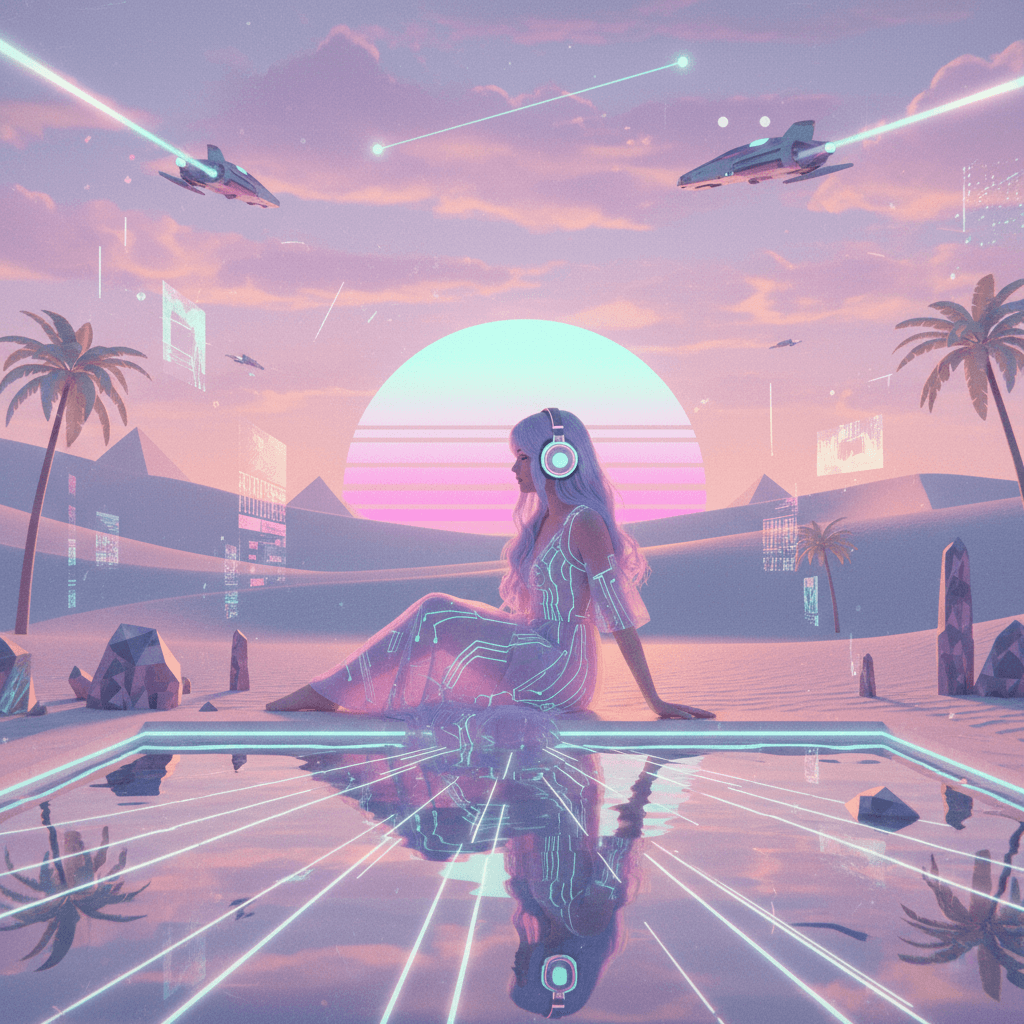
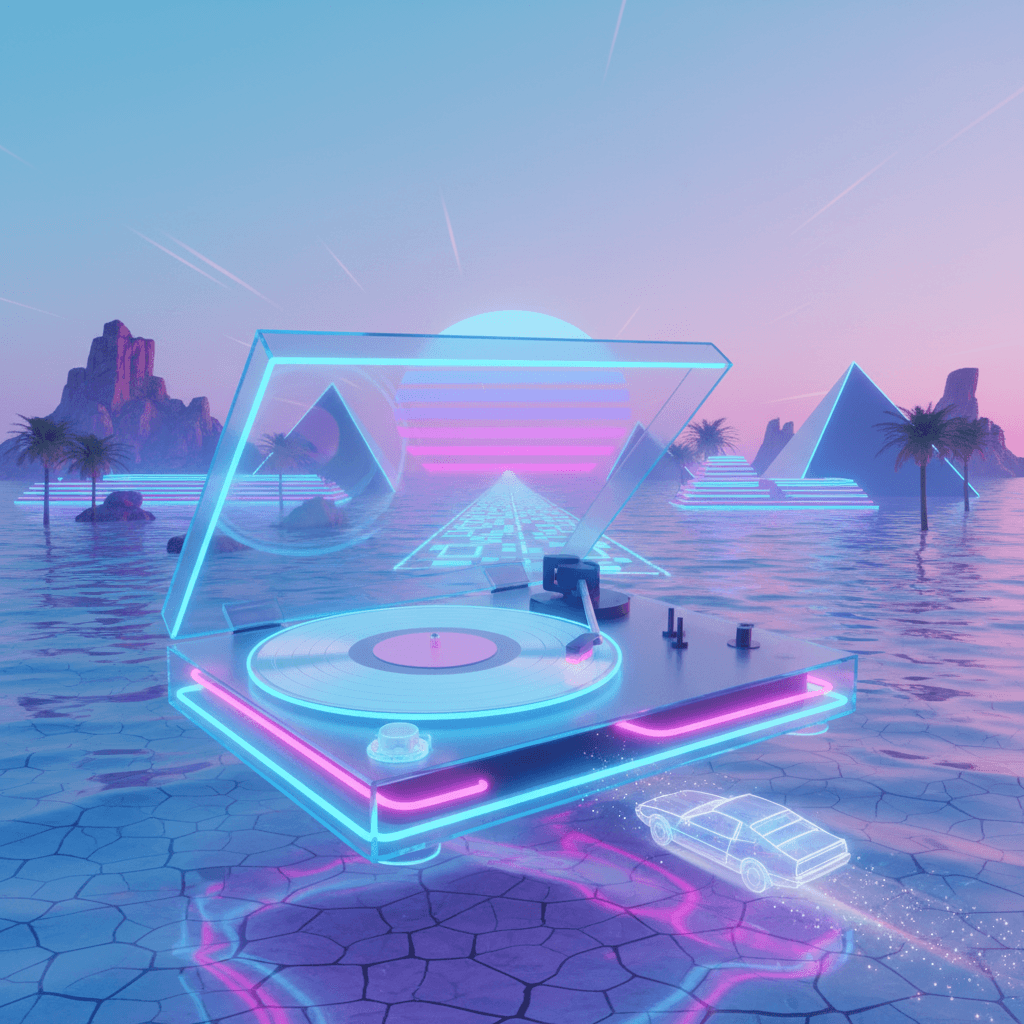
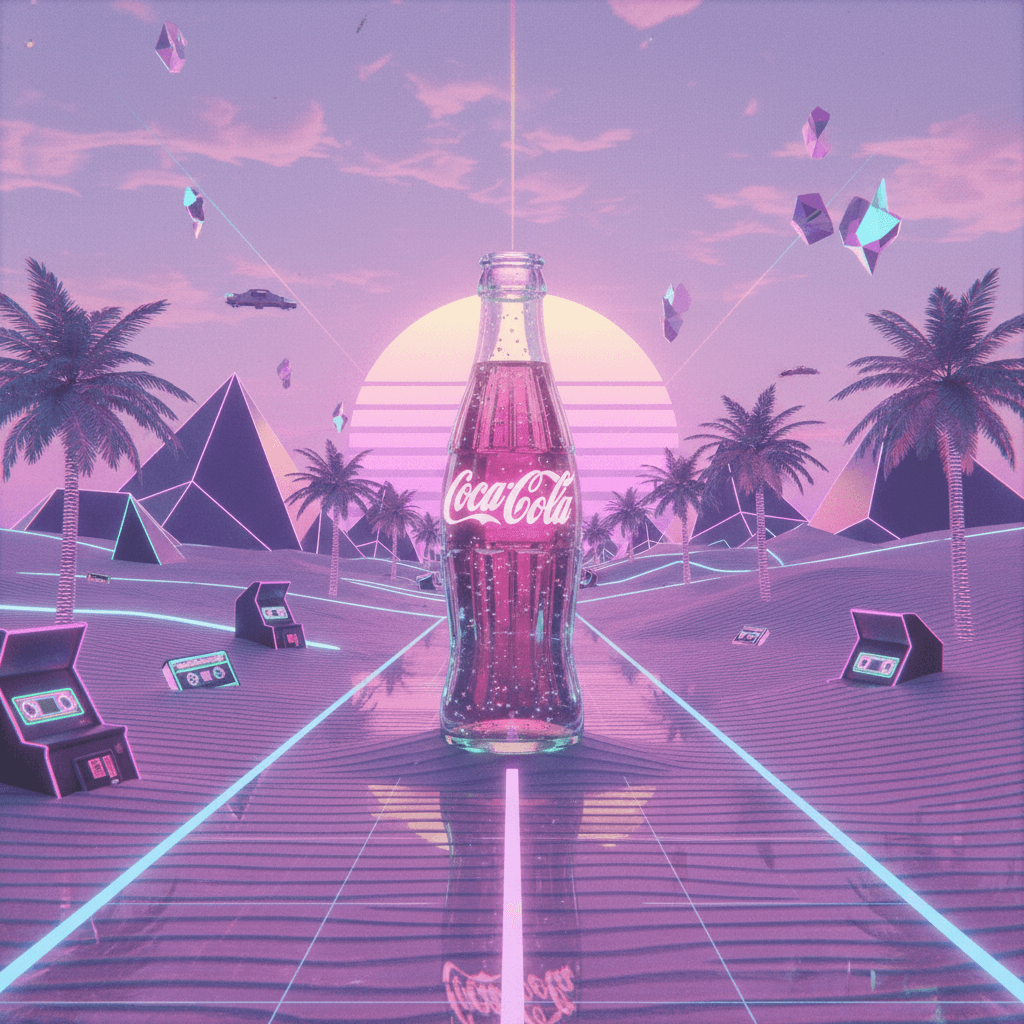
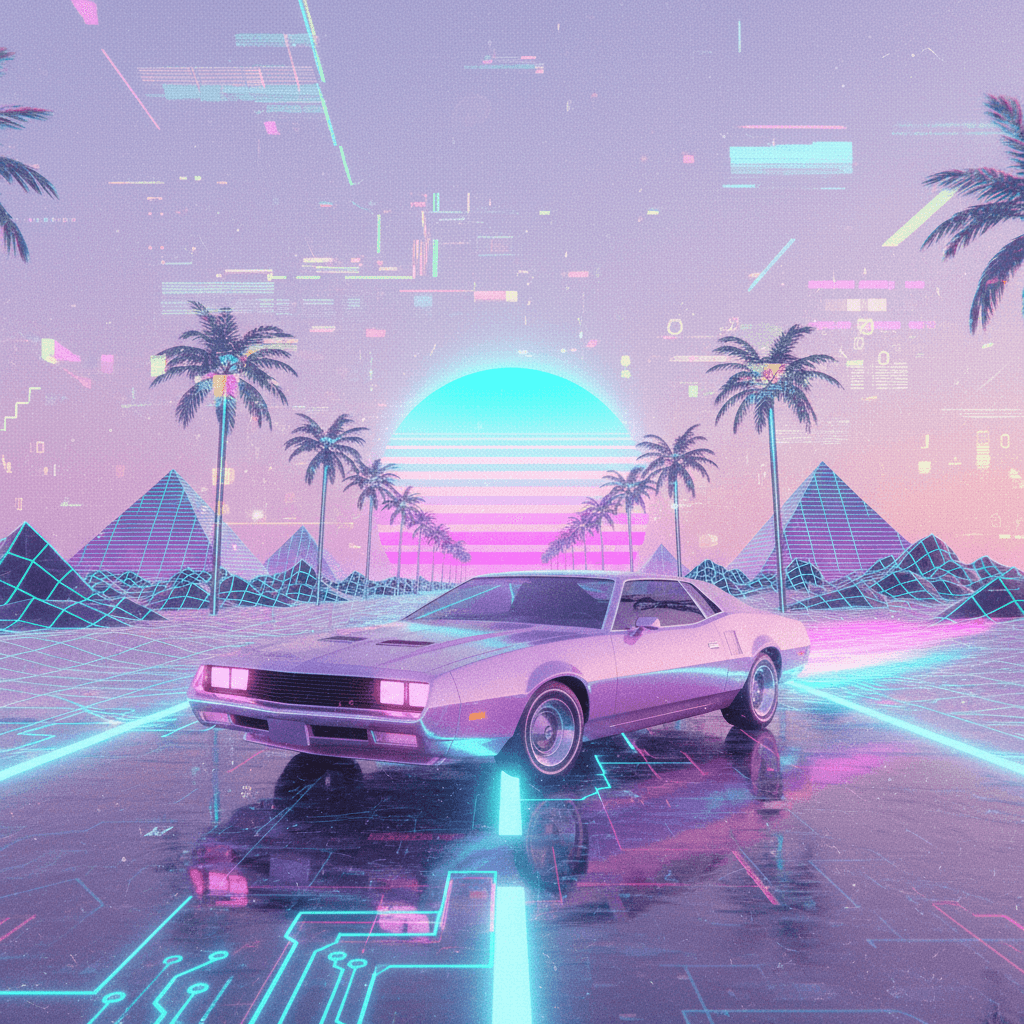
Save or Share
- Click Download to save your image.
- If you really like it, click Upload to Gallery to share it with the Diffus.me community so others can view and remix your prompt.
Tips for Better Results
- Keep the desert theme: mention sand dunes, horizon, mirage, sun, or moons if you want more detail.
- Stay in pastel: use soft colors like pink, peach, mint, turquoise, lavender.
- If you want a stronger retro feel, you can choose to add:
- “neon glow, grid lines on the sand, distant synthwave sun with rays”
- “soft VHS glow around shapes and highlights”
- “floating neon triangles or geometric shapes”
- “light film grain and faint VHS noise”
- “soft chromatic aberration on the edges”
That’s it — you now have a simple way to create dreamy Synthwave Desert Mirage artwork with Nano Banana on Diffus.me.
