Comment créer un croquis conceptuel industriel avec Nano Banana

Nano Banana est un outil de génération d’images par IA intégré à Diffus.me, conçu pour créer facilement des visuels créatifs et détaillés — sans aucune configuration ou compétence technique.
Vous pouvez l’utiliser pour générer directement à partir de texte des croquis conceptuels industriels ou architecturaux réalistes.
🪄 Étape 1 — Ouvrir Nano Banana
- Rendez-vous sur https://diffus.me.
- Connectez-vous ou créez un compte gratuit.
- Depuis la page d’accueil, ouvrez Outils → Nano Banana Image Editor.
- Sélectionnez le mode Texte vers image (Text to Image). Une boîte de saisie de texte s’affiche, prête à recevoir votre prompt.
🧩 Étape 2 — Coller et modifier le prompt
Copiez ce prompt dans la boîte de texte :
A highly detailed industrial concept sketch of a (type of object or structure, e.g. sports car / architectural pavilion / mechanical system / furniture prototype / aircraft cockpit), drawn on warm white drafting paper.
The design is shown in a precise perspective view with clear structural lines, complex geometric details, and refined proportions. Fine black ink lines define form and texture, while red and blue construction guidelines mark axes, measurements, and composition balance.
Type of annotations, e.g. technical notes, dimensions, material labels, or mechanical explanations are written in small handwritten script across the page, with arrows and numerical callouts highlighting key design elements.
Additional perspective studies or orthographic projections — such as front, top, or sectional views — appear around the main drawing, connected with thin red reference lines.
The style is both artistic and technical: expressive hand-drawn linework with variable pen pressure, soft graphite shading, subtle smudges, and visible paper grain. The layout resembles a professional designer’s concept sheet, balancing creativity with precise engineering intent.
Style : hand-drawn technical concept sketch, industrial and architectural design illustration, perspective and orthographic layout, red and blue pen detailing, realistic drafting paper texture, photographed under neutral light, 8K scan quality.
Avant de générer, remplacez la partie (type of object or structure) par ce que vous souhaitez :
- 🏎️ voiture de sport
- 🏛️ pavillon architectural
- ⚙️ système mécanique
- 🪑 prototype de mobilier
- ✈️ cockpit d’avion
⚙️ Étape 3 — Générer l’image
- Cliquez sur Generate (Générer).
- Attendez environ 20 secondes.
- Le résultat affichera une feuille de conception industrielle dessinée à la main, avec des lignes de construction rouges et bleues, un tracé détaillé et une texture réaliste de papier à dessin.
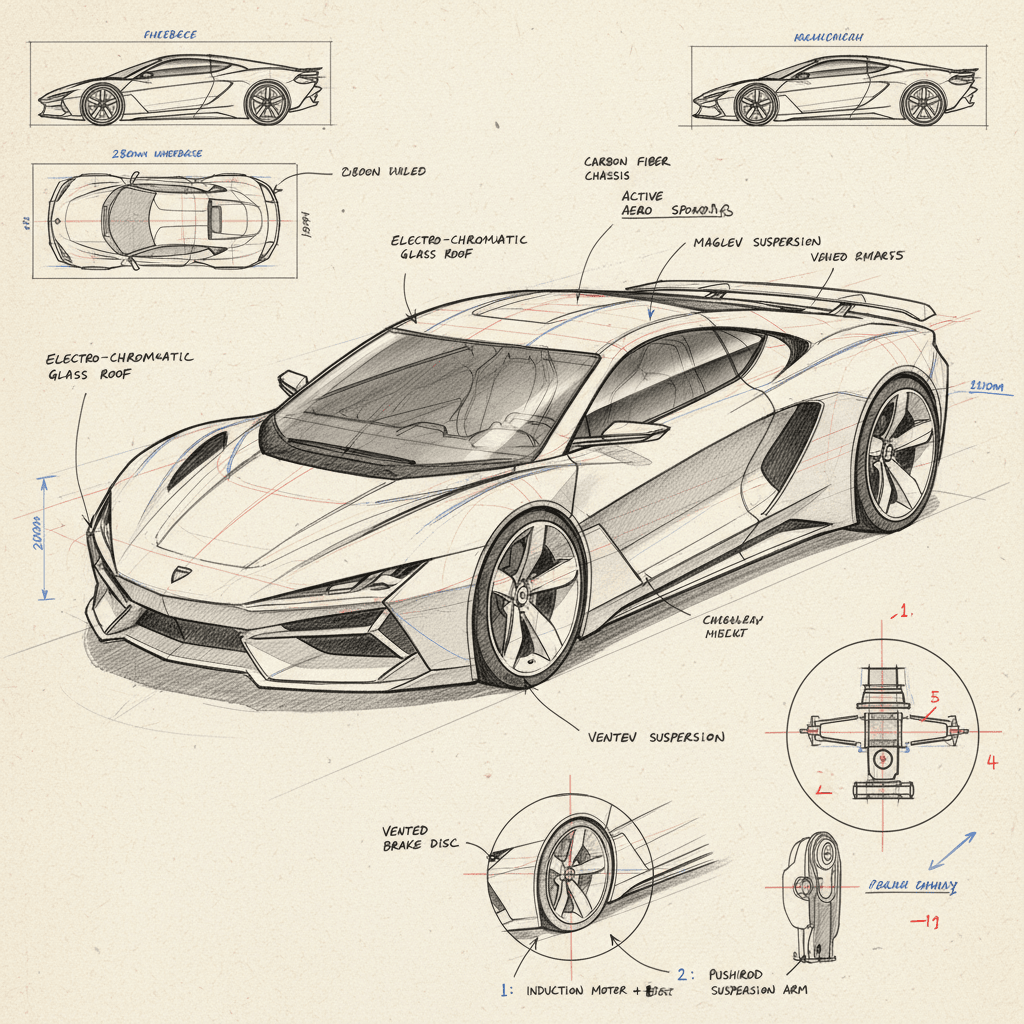
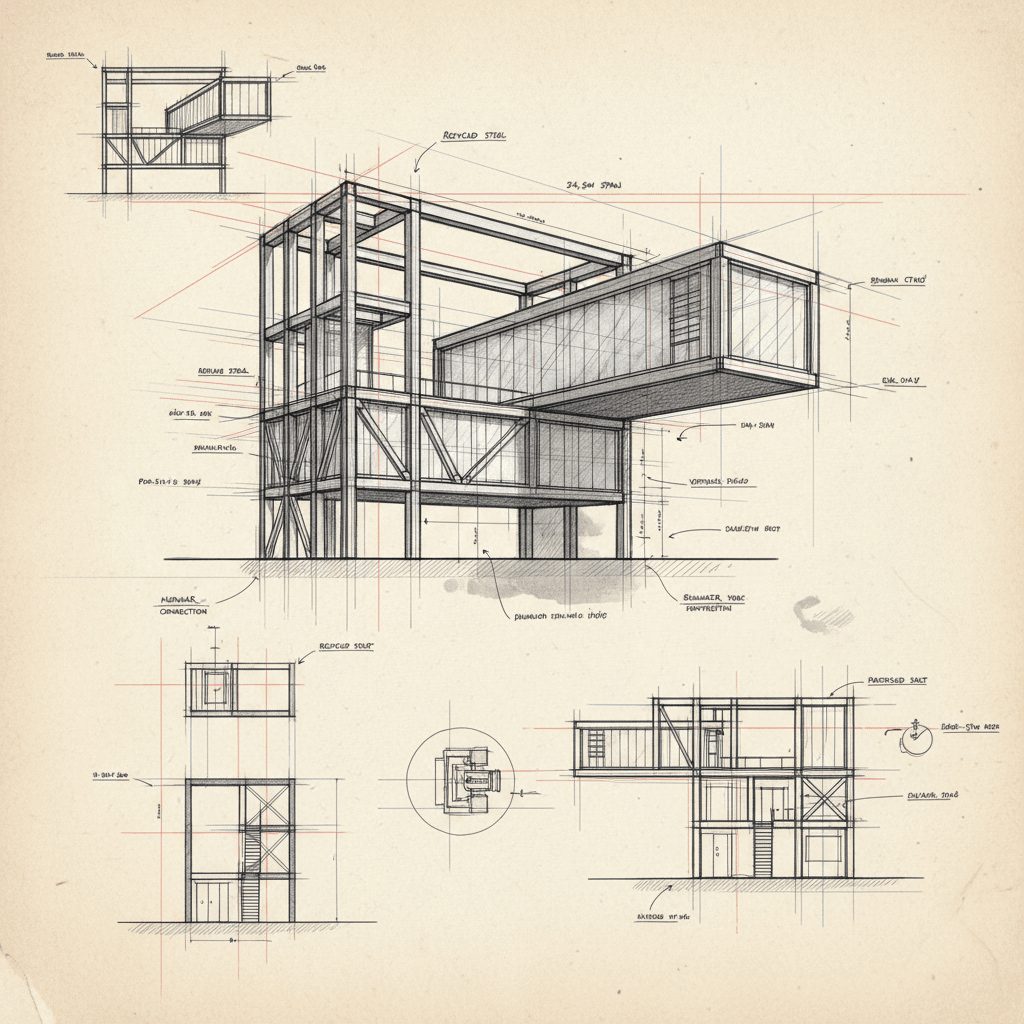
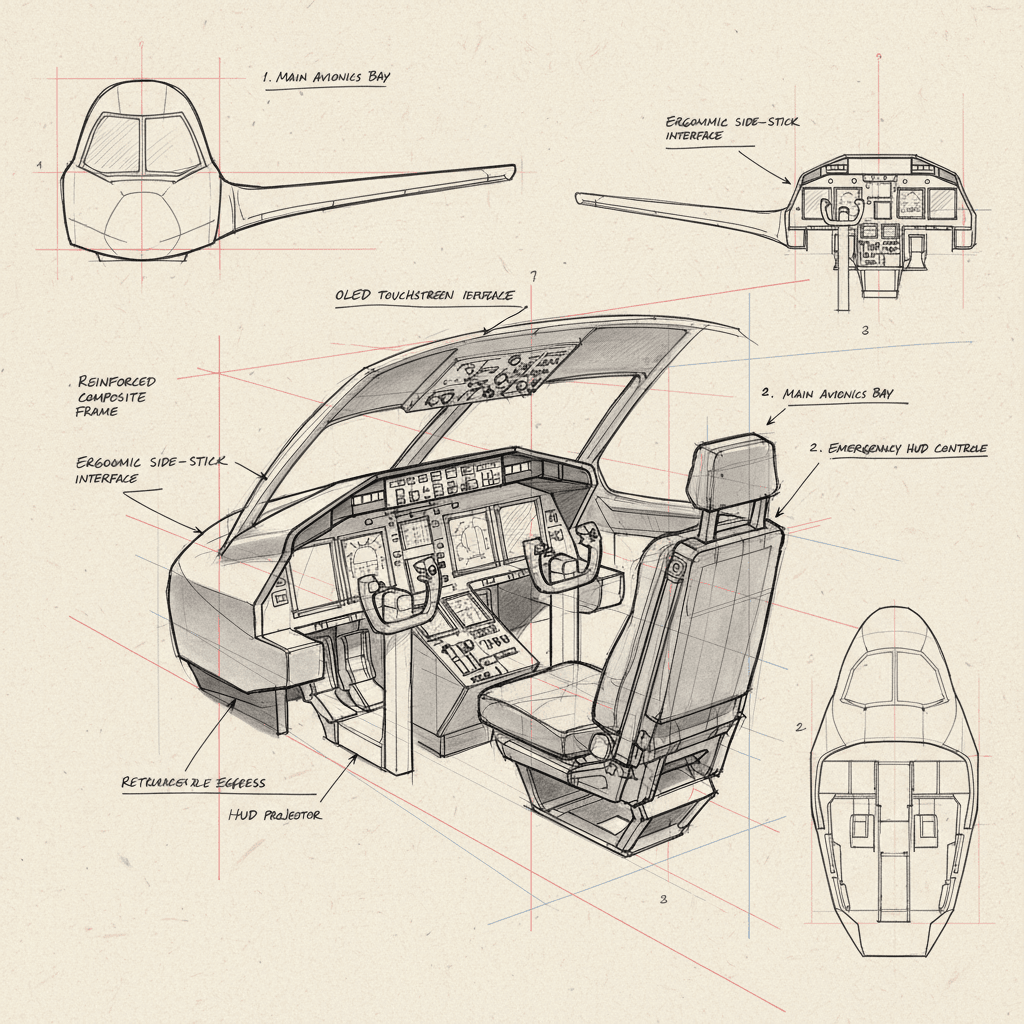
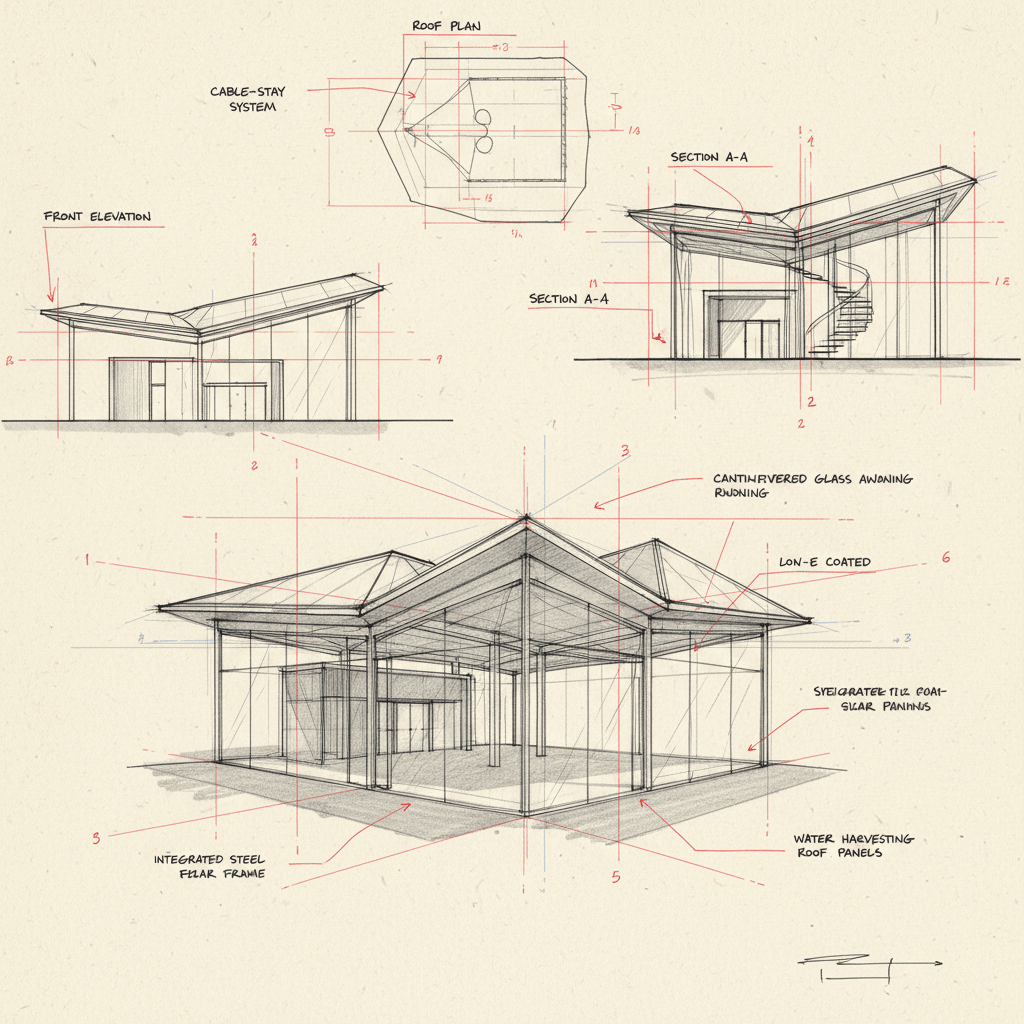
💾 Étape 4 — Enregistrer ou partager
- Cliquez sur Download (Télécharger) pour enregistrer l’image au format PNG ou JPG.
- Si le résultat vous plaît, cliquez sur Upload to Gallery (Téléverser dans la galerie) pour le partager avec la communauté Diffus — d’autres utilisateurs pourront voir et réutiliser votre idée de design.
✅ Conseils pour de meilleurs résultats
- Utilisez des sujets de conception clairs (par ex. : « voiture de sport futuriste » ou « pavillon en verre moderne »).
- Évitez les termes vagues comme « truc cool » ou « machine » : soyez précis.
- Si les lignes sont trop pâles, ajoutez : “strong ink linework, visible sketch details” à votre prompt.
- Gardez les balises de style (« hand-drawn technical concept sketch… ») — elles définissent la texture réaliste du croquis.
Et voilà ! 🌟
Vous venez de créer un croquis conceptuel industriel professionnel avec Nano Banana sur Diffus.me — parfait pour présenter des idées d’architecture, d’ingénierie ou de produit avec une touche de dessin à la main.
