Diffus Image Generatorでラグジュアリーなファッションポートレートを作る方法
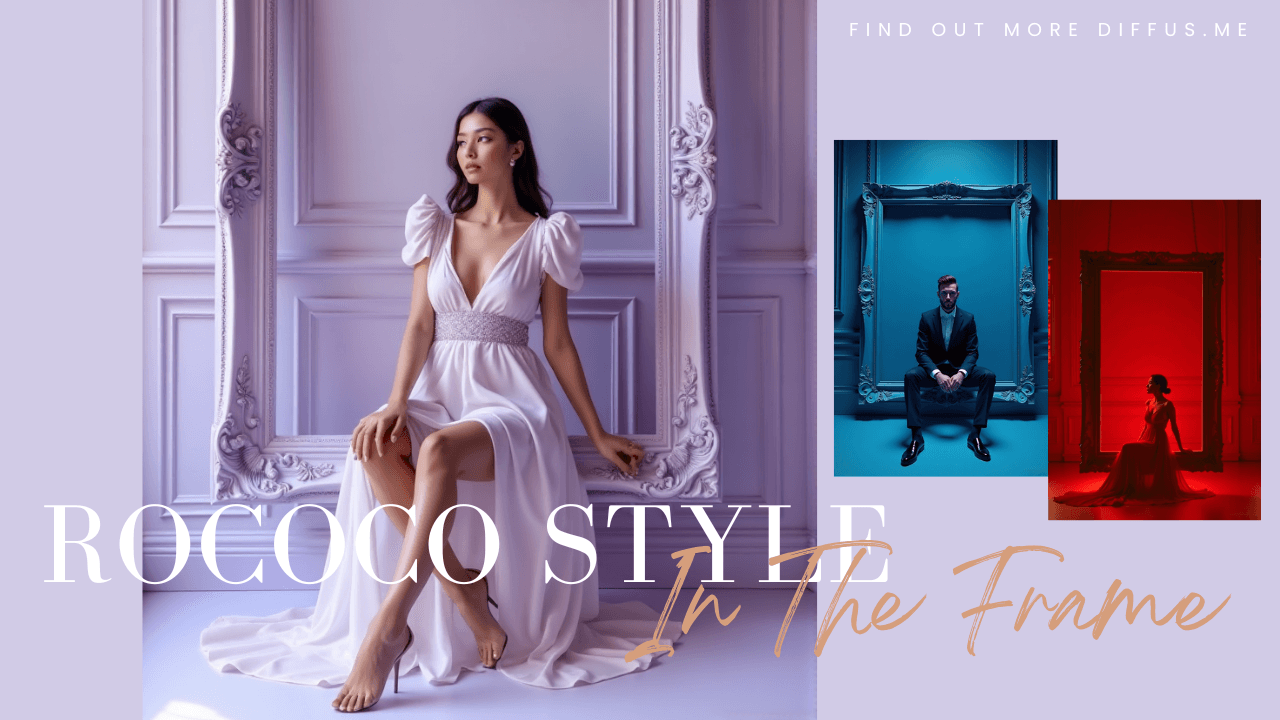
このガイドでは、Diffus Image Generator を使ってエレガントでハイファッションなポートレートを作成する方法を紹介します。
与えられたプロンプトの使い方、自分のキャラクターやカラーテーマに合わせて調整する方法、そして同じ編集スタイルでシネマティックなポートレートプロンプトを書くコツを学ぶことができます。
🌟 重要なお知らせ:最も正確な生成結果を得るためには、必ず英語のプロンプトを使用してください。
Step 1:Diffus Image Generatorを開く
- ブラウザで https://diffus.me にアクセスします。
- アカウントにログインします(初めての場合は無料登録)。
- メインダッシュボードで 「Image Generator」 をクリックします。
- プロンプトを入力するテキストボックスと、画像のスタイル・比率・解像度を設定するオプションが表示されます。
Step 2:プロンプトを貼り付ける
下の完全なプロンプトをコピーし、プロンプト欄に貼り付けてください。
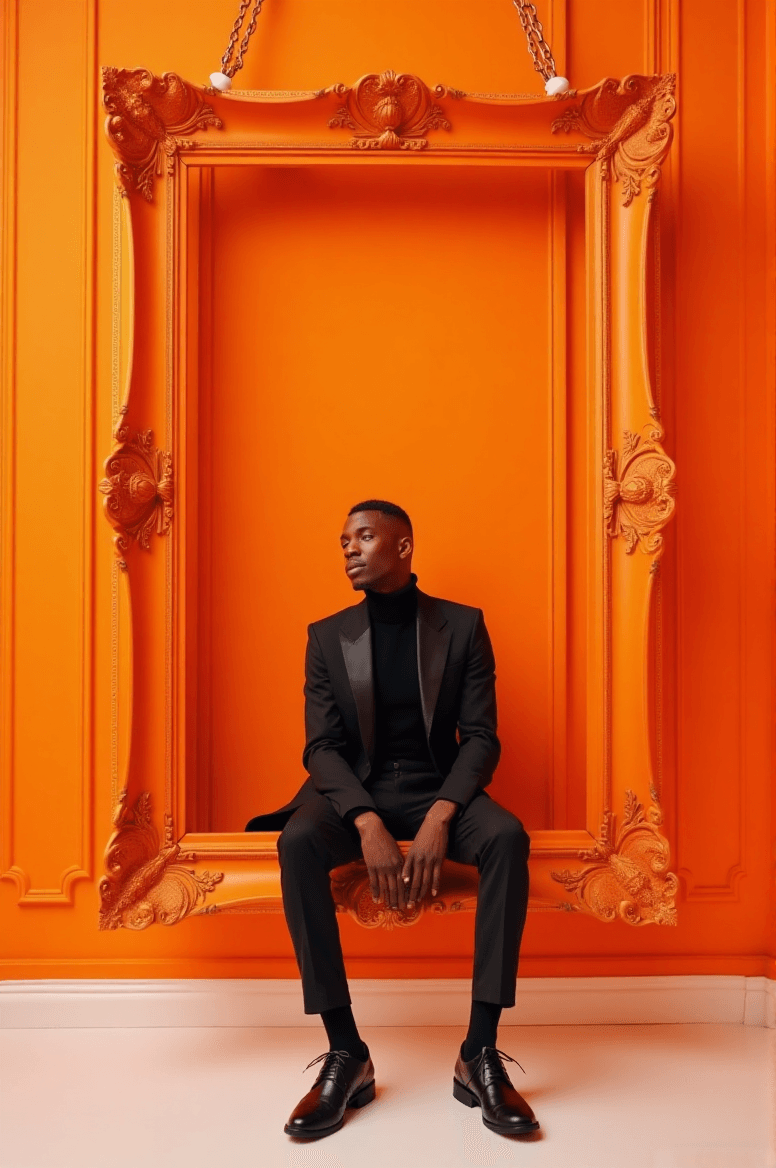
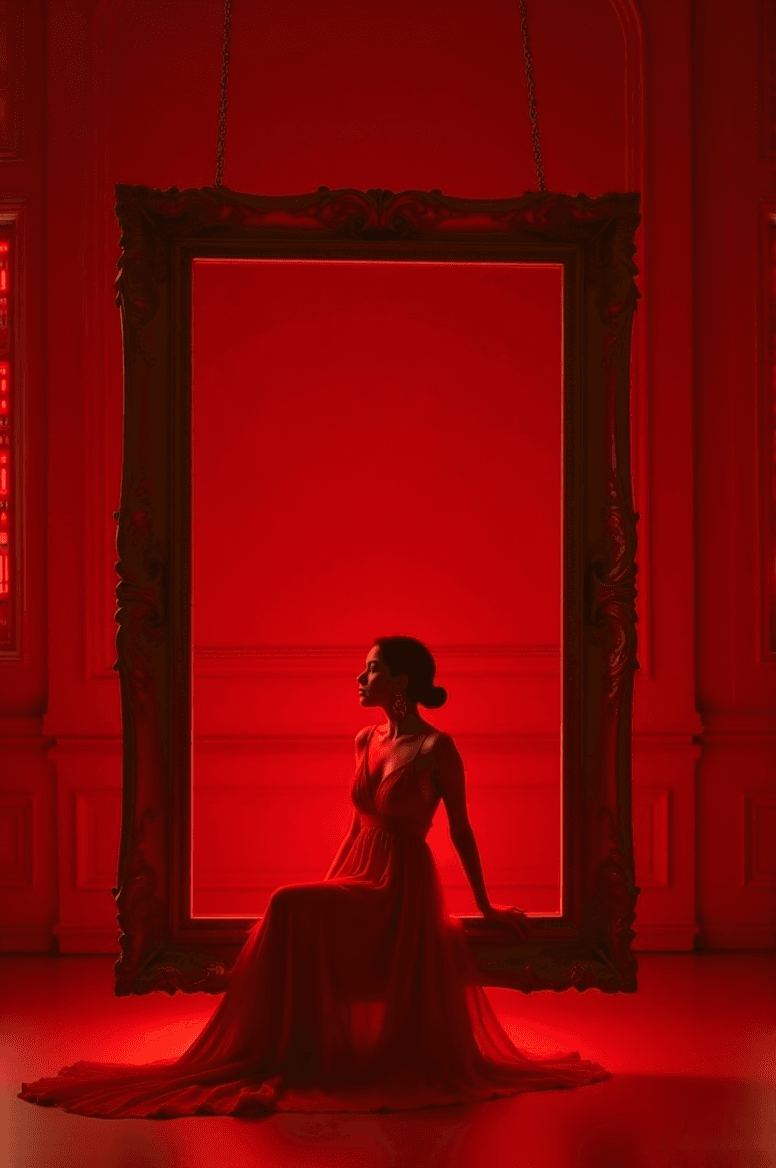
A luxurious high-fashion portrait of [CHARACTER DESCRIPTION] sitting gracefully on the inner lower edge of a large ornate rectangular picture frame, subtly suspended slightly above the floor by short hooks/chains at the top edge. The frame is perfectly level and floating with a visible gap from the floor. The entire scene follows a refined [COLOR THEME] monochromatic palette.

Frame:
• Ornate Baroque / Rococo rectangular frame
• Painted in [FRAME COLOR & FINISH] to match or tastefully contrast the palette

Environment:
• Background: elegant studio wall with classic molded paneling in [COLOR], harmonized with the chromatic theme
• Floor: slightly reflective surface in [FLOOR COLOR], same tone family for cohesive luxury aesthetics

Lighting:
• High-key cinematic fashion lighting
• Soft diffused glow on the subject and frame
• Gentle rim-light for clean silhouette separation

Camera:
• Symmetrical centered full-body portrait
• Clean editorial fashion composition
• 8K ultra-detailed premium campaign quality

Style tags:
monochromatic | ornate suspended frame | cinematic studio fashion | luxury editorial aesthetic
Step 3:変数をカスタマイズして生成
カッコ内の部分を自分の設定に置き換えましょう。
例:
- [CHARACTER DESCRIPTION] →「黒いシルクのガウンをまとった自信に満ちた女性」
- [COLOR THEME] → 「エメラルドグリーン」
- [FRAME COLOR & FINISH] → 「サテン仕上げのアンティークゴールド」
- [COLOR] → 「淡いグリーンのパネルウォール」
- [FLOOR COLOR] → 「ポリッシュ加工のマーブルグリーン」
Generate(生成) ボタンをクリックし、30~60秒ほど待ちます。
🟢 例:
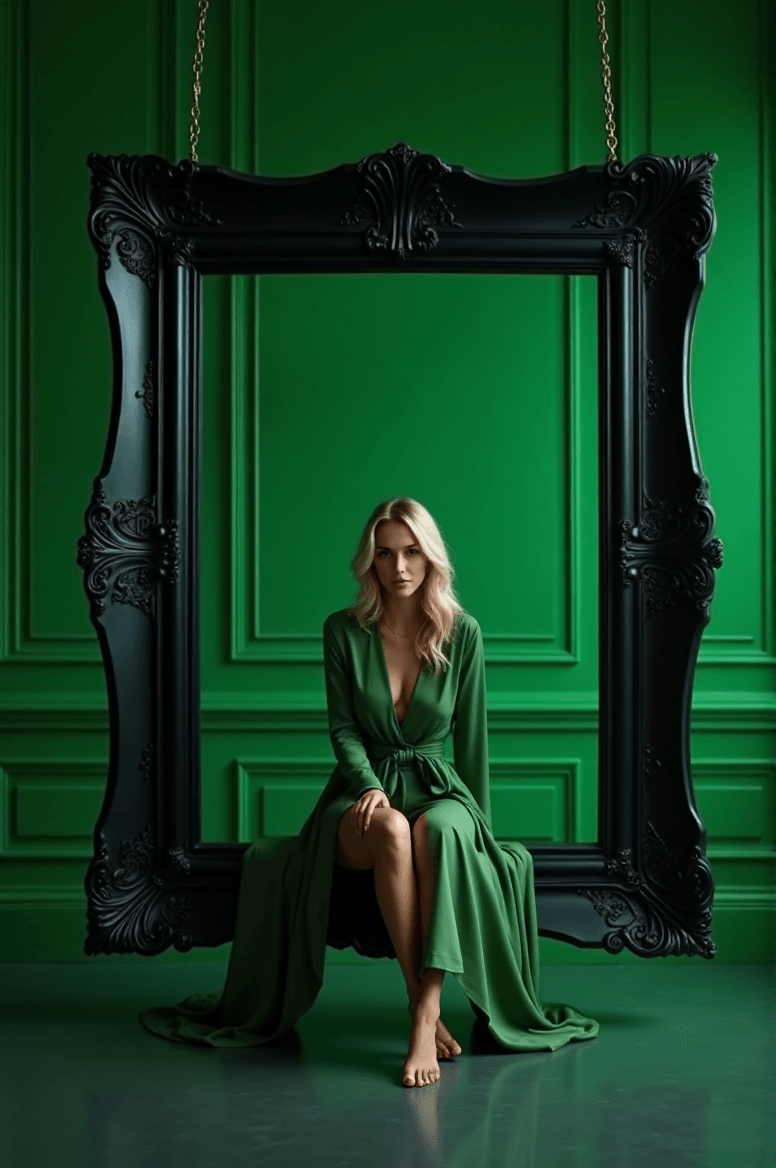
A luxurious high-fashion portrait of a confident woman in a black silk gown sitting gracefully on the inner lower edge of a large ornate rectangular picture frame, subtly suspended slightly above the floor by short hooks/chains at the top edge. The frame is perfectly level and floating with a visible gap from the floor. The entire scene follows a refined emerald green monochromatic palette.
Frame:
• Ornate Baroque / Rococo rectangular frame
• Painted in antique gold with satin finish to match or tastefully contrast the palette
Environment:
• Background: elegant studio wall with classic molded paneling in pale green panel wall, harmonized with the chromatic theme
• Floor: slightly reflective surface in polished marble green, same tone family for cohesive luxury aesthetics
Lighting:
• High-key cinematic fashion lighting
• Soft diffused glow on the subject and frame
• Gentle rim-light for clean silhouette separation
Camera:
• Symmetrical centered full-body portrait
• Clean editorial fashion composition
• 8K ultra-detailed premium campaign quality
Style tags:
monochromatic | ornate suspended frame | cinematic studio fashion | luxury editorial aesthetic
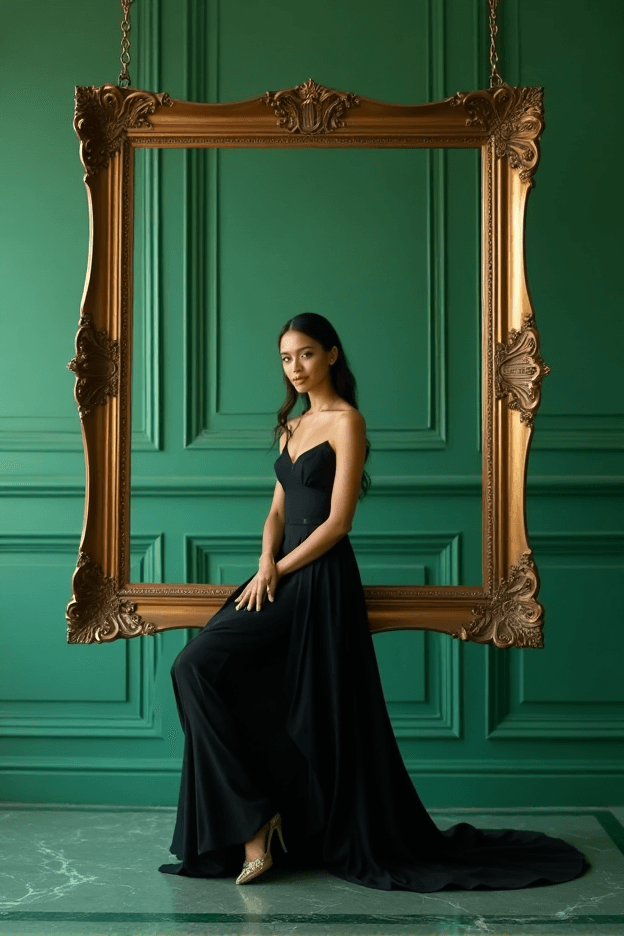
布地、色調、光の状態をより正確に記述するほど、出力結果は豊かで映画的になります。
Step 4:レビューと調整
生成された画像には次のような要素が含まれているはずです:
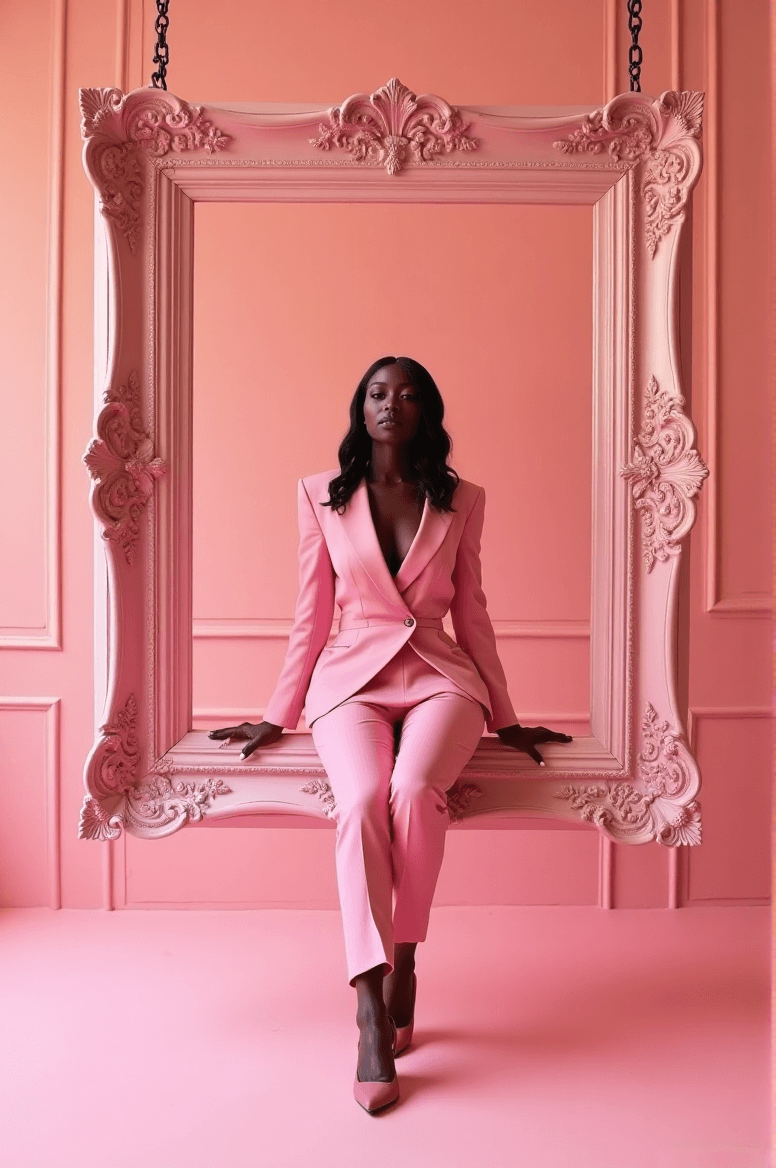
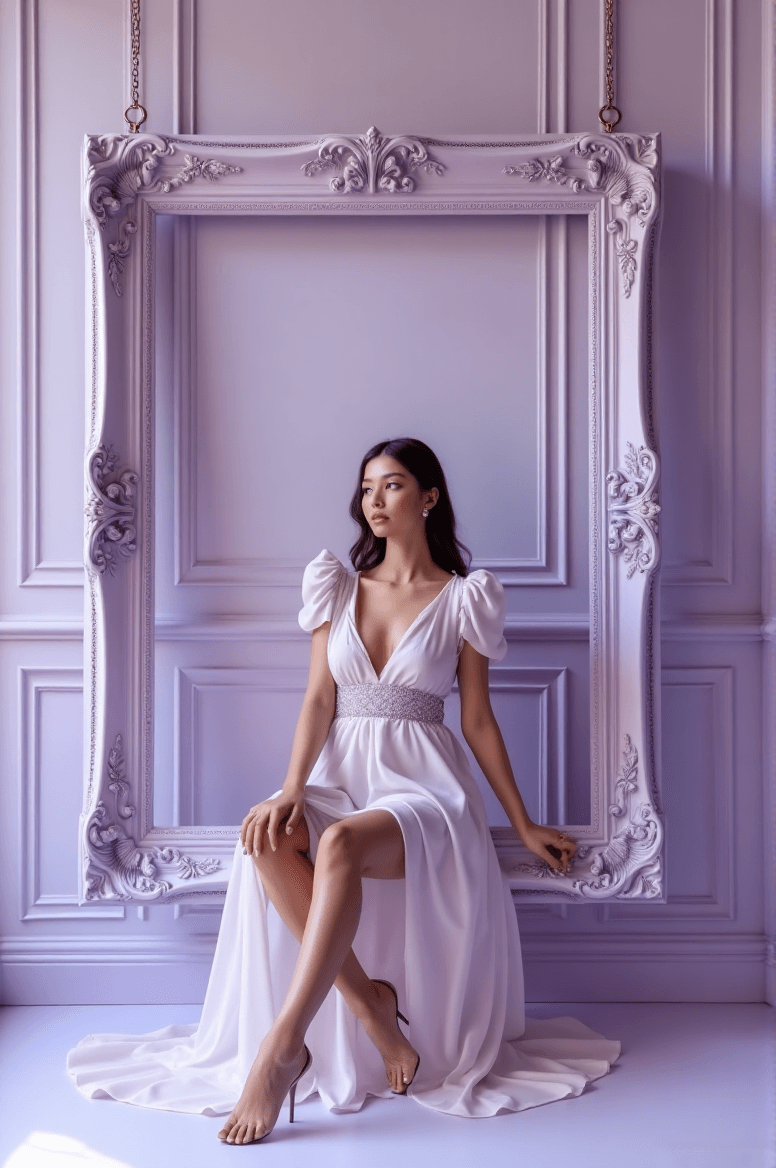
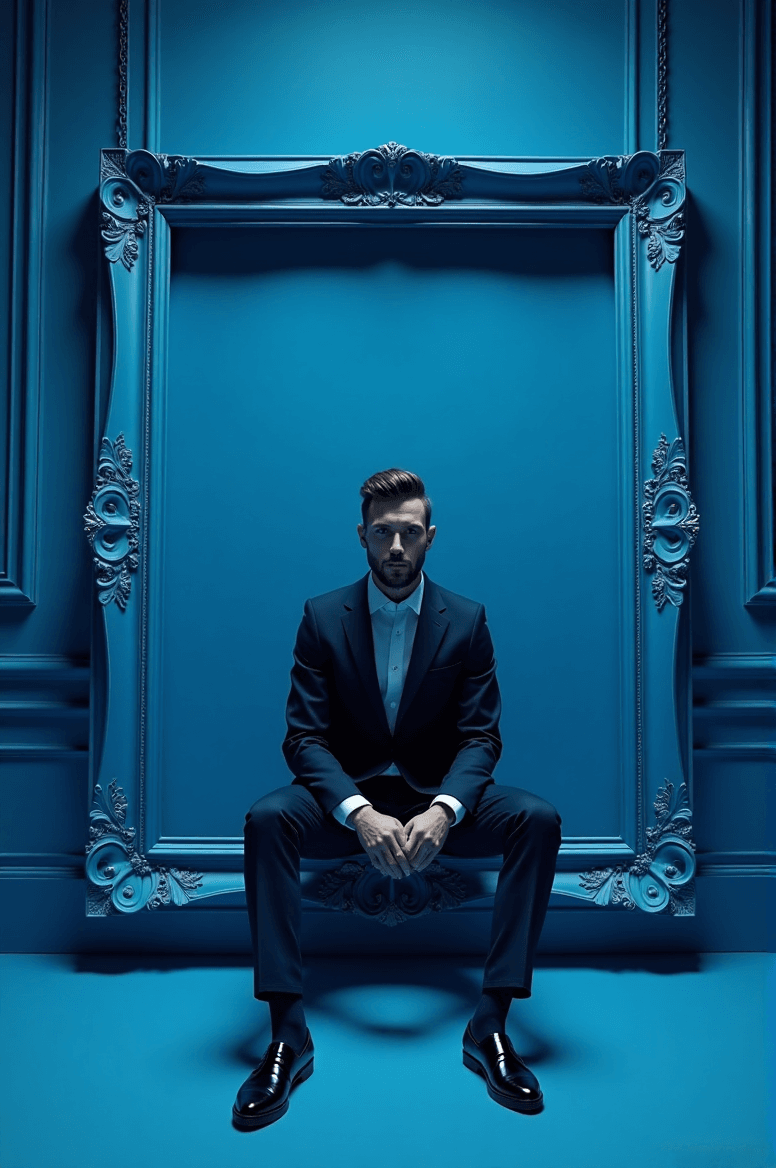
- 床から少し浮いた位置に吊るされた大きな装飾的フレーム内に座る人物
- 洗練された単色トーン(全体に色調の統一感)
- バランスの取れたシネマティックな光と影
- ファッションキャンペーンのような高品質な仕上がり
もし結果が完璧でない場合は、次のように調整してみましょう:
- カラーテーマを変更(例:「パールホワイト」「クリムゾンレッド」「ミッドナイトブルー」)
- 光の強さを再調整(例:「ソフトスタジオライト」「ドラマチックハイキーライト」など)
- スタイルタグを変更(例:「Vogue editorial aesthetic」「fine art photography」などを追加)
Step 5:保存と共有
満足できる結果が得られたら:
- Download をクリックし、PNGまたはJPGを選択。
- 結果に満足した場合は、Upload to Gallery をクリックして Diffus コミュニティに共有することも可能です。
他のユーザーがあなたの作品を閲覧したり、コメントしたり、プロンプトを参考にしたりできます。
作品を共有することで、コミュニティ全体が新しいプロンプトやビジュアルスタイルを発見する手助けになります。
✨ 今すぐ Diffus Image Generator 内で試してみましょう!
さらに詳しいチュートリアルや作例を見たい場合は、Diffus 公式サイトで完全版をチェックしてください。