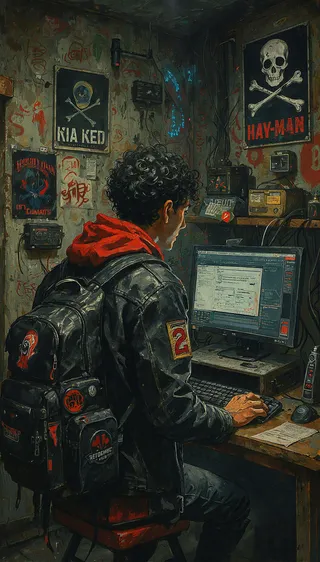
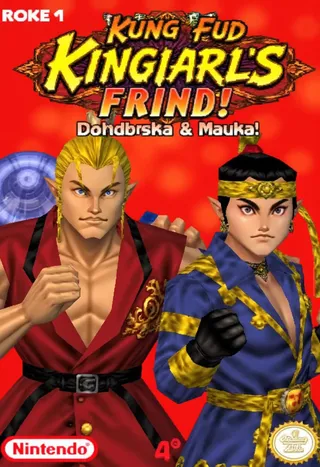
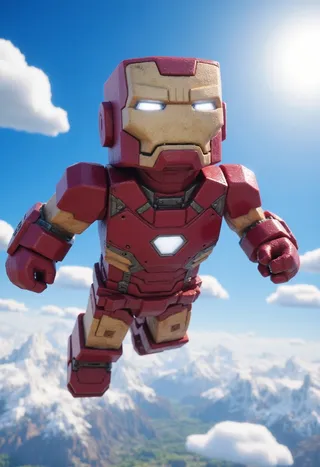
Arcane Style LoRA - offset
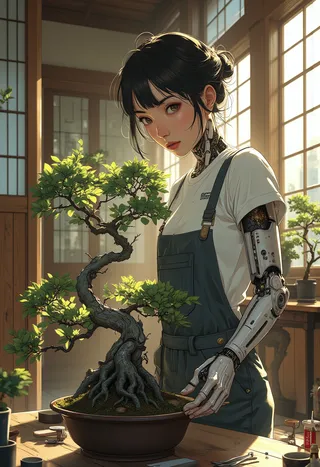
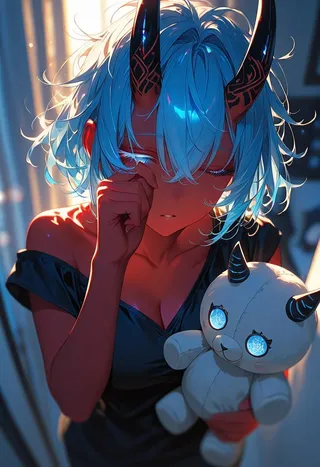
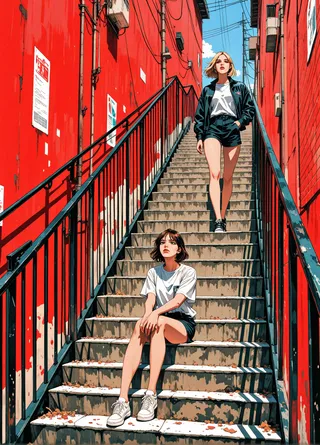
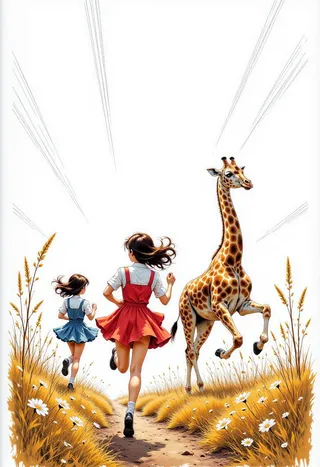
ハイライトされた画像
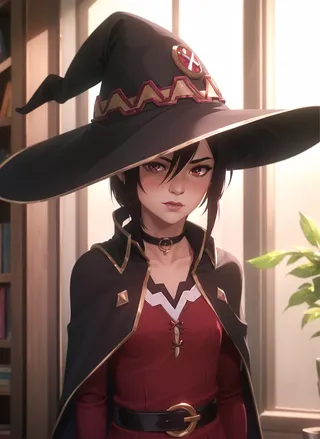
推奨プロンプト
arcane style, 1girl, bangs, looking at viewer, solo
推奨ネガティブプロンプト
(painting by bad-artist-anime:0.9), (painting by bad-artist:0.9), text, error, blurry, cropped, watermark, worst quality, jpeg artifacts, low quality, normal quality, signature, username, artist name, (worst quality, low quality:1.4), bad anatomy
推奨パラメータ
samplers
steps
cfg
resolution
other models
推奨ハイレゾパラメータ
upscaler
upscale
steps
denoising strength
ヒント
弧巻スタイルLoRAをAnyLoRAと一緒に使い、offsetでは約1の重み、オリジナルでは0.65の重みを設定する。
高解像度修正にR-ESRGAN 0.4のノイズ除去を使用すると出力品質が向上する。
このLoRAはスタイルベースでキャラクター特化ではないが、正確なプロンプトでキャラクターに近づけられる。
auto1111では、LoRAファイルをstable-diffusion-webui/models/loraにコピーし、必要に応じてデフォルトの:1から重みを調整する。
クリエイタースポンサー
モデル制作は費用がかかります。私の仕事を気に入っていただけたら、Patreon 🅿️でサポートを検討してください。またはコーヒーをおごってください ☕
Arcane Style LoRA
モデル制作は費用がかかります。私の仕事を気に入っていただけたら、Patreon 🅿️でサポートを検討してください。またはコーヒーをおごってください ☕
2021年最高のショー、これを2023年のStable DiffusionにLoRAで持ち込みます。
AnyLoRA(中立的なもの)と一緒に使用し、offsetバージョンには約1の重み、オリジナルには0.65の重み(高解像度修正R-ESRGAN 0.4のノイズ除去を用いるとより良い結果)で使うのが推奨されます。トリガーはarcane styleですが、多くの場合なくても効果があります。
これはキャラクターローラではありません(データセットにキャラクタータグを付けていません)。とはいえ、正確なプロンプトを使えば元のキャラクターにかなり近づけます。また、多くの私のキャラクターローラとも相性が良いです(AhriとLucyでテスト済み)。
どうぞお楽しみください。
auto1111でのLoRAの使い方:
webuiを更新する(
git pullでこちらのように、または再ダウンロードしてください)ファイルを
stable-diffusion-webui/models/loraにコピーするこの動画のようにLoRAを選択する
必要なら重みを変更することを忘れずに(デフォルトは
:1です)


モデルコレクション - Arcane Style LoRA
「Arcane Style LoRA - offset」による画像
アニメ画像
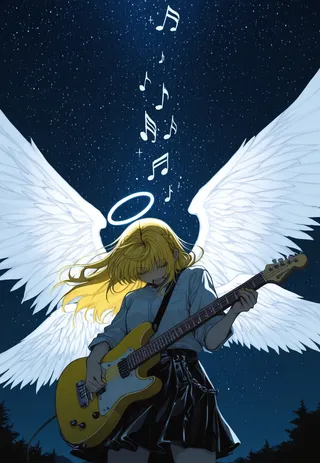
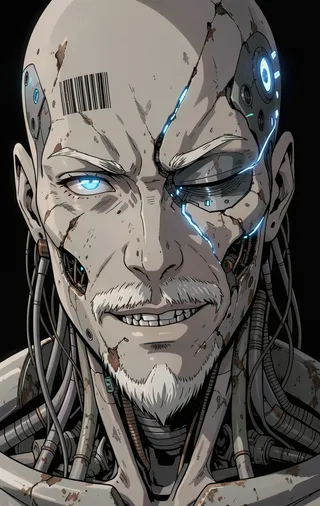
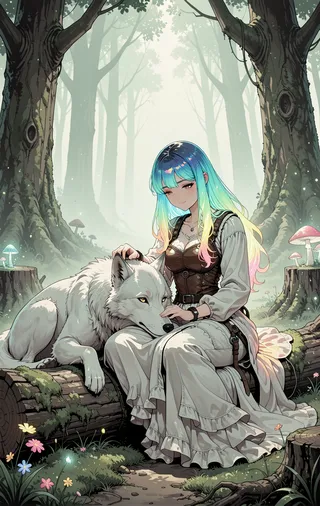
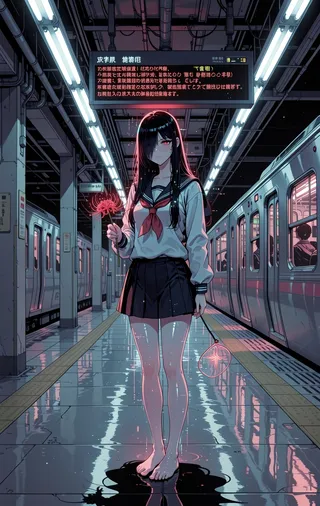
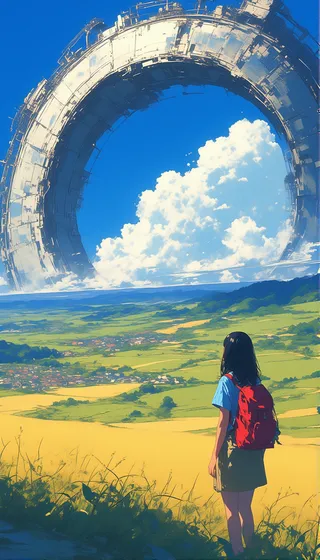
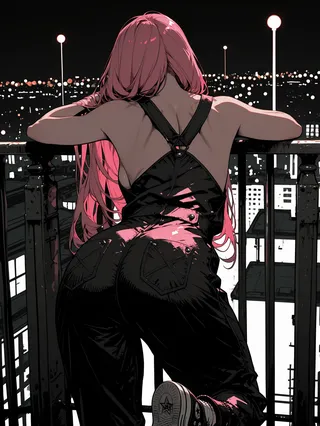
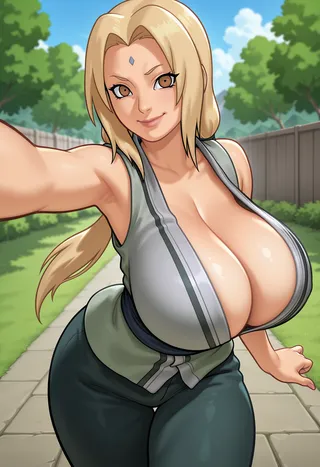
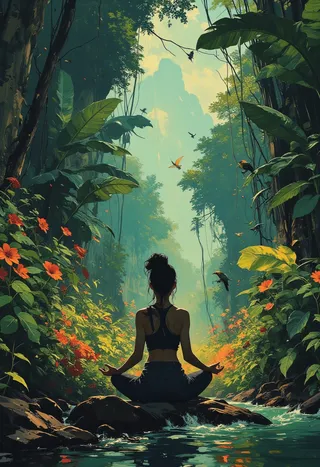
女の子画像
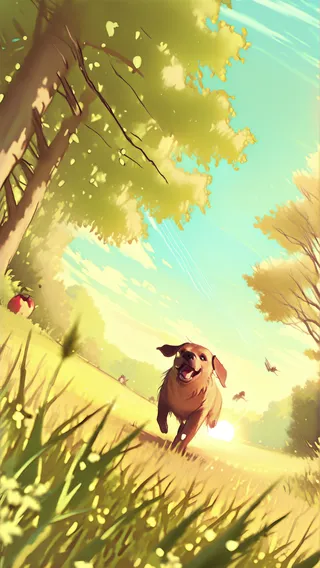
スタイル画像
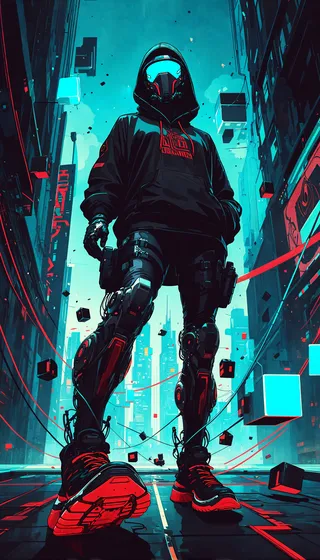
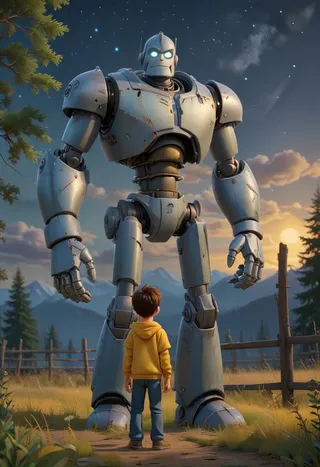
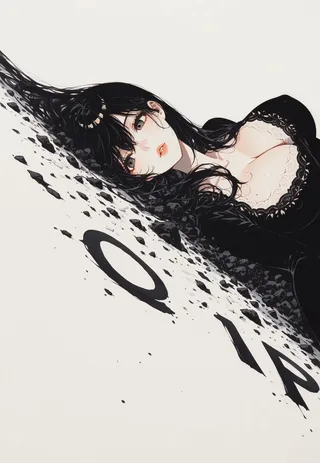




ビデオゲーム画像