Nano Banana로 산업 콘셉트 스케치를 만드는 방법

Nano Banana는 Diffus.me 플랫폼에 내장된 AI 이미지 생성 도구로, 별도의 설정이나 전문적인 기술 없이도 정교하고 창의적인 시각 이미지를 손쉽게 제작할 수 있습니다.
텍스트 프롬프트만으로 사실적인 산업 디자인 또는 건축 콘셉트 스케치를 바로 생성할 수 있습니다.
🪄 1단계 — Nano Banana 열기
- https://diffus.me 에 접속합니다.
- 로그인하거나 무료 계정을 생성합니다.
- 메인 화면에서 Tools → Nano Banana Image Editor 를 클릭합니다.
- Text to Image (텍스트 → 이미지) 모드를 선택합니다.
이제 프롬프트를 입력할 수 있는 텍스트 박스가 표시됩니다.
🧩 2단계 — 프롬프트 붙여넣기 및 수정
아래의 프롬프트를 복사하여 입력창에 붙여넣으세요:
A highly detailed industrial concept sketch of a (type of object or structure, e.g. sports car / architectural pavilion / mechanical system / furniture prototype / aircraft cockpit), drawn on warm white drafting paper.
The design is shown in a precise perspective view with clear structural lines, complex geometric details, and refined proportions. Fine black ink lines define form and texture, while red and blue construction guidelines mark axes, measurements, and composition balance.
Type of annotations, e.g. technical notes, dimensions, material labels, or mechanical explanations are written in small handwritten script across the page, with arrows and numerical callouts highlighting key design elements.
Additional perspective studies or orthographic projections — such as front, top, or sectional views — appear around the main drawing, connected with thin red reference lines.
The style is both artistic and technical: expressive hand-drawn linework with variable pen pressure, soft graphite shading, subtle smudges, and visible paper grain. The layout resembles a professional designer’s concept sheet, balancing creativity with precise engineering intent.
Style: hand-drawn technical concept sketch, industrial and architectural design illustration, perspective and orthographic layout, red and blue pen detailing, realistic drafting paper texture, photographed under neutral light, 8K scan quality.
이미지를 생성하기 전에, 괄호 안의 (type of object or structure) 부분을 원하는 주제로 교체하세요:
- 🏎️ 스포츠카
- 🏛️ 건축 파빌리온
- ⚙️ 기계 시스템
- 🪑 가구 프로토타입
- ✈️ 항공기 조종석
⚙️ 3단계 — 이미지 생성하기
- Generate (생성) 버튼을 클릭합니다.
- 약 20초 정도 기다립니다.
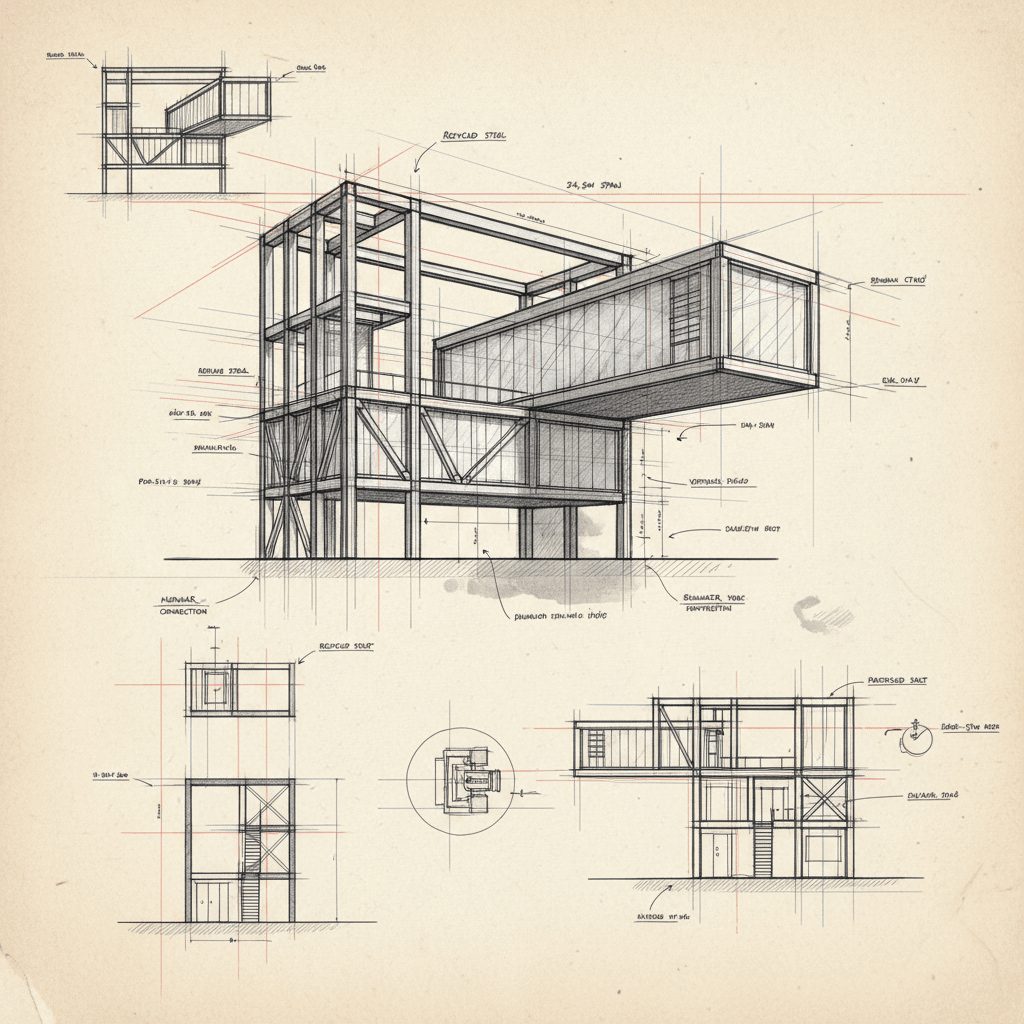
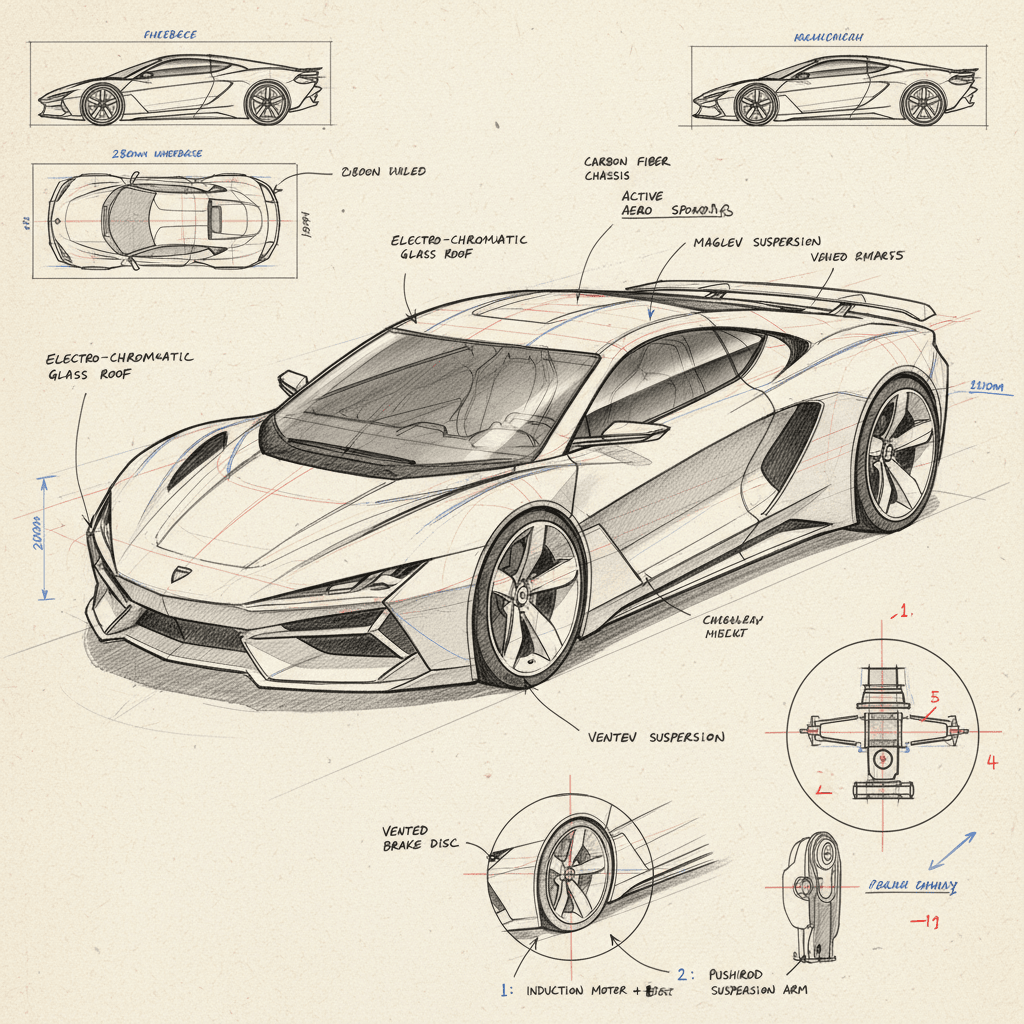
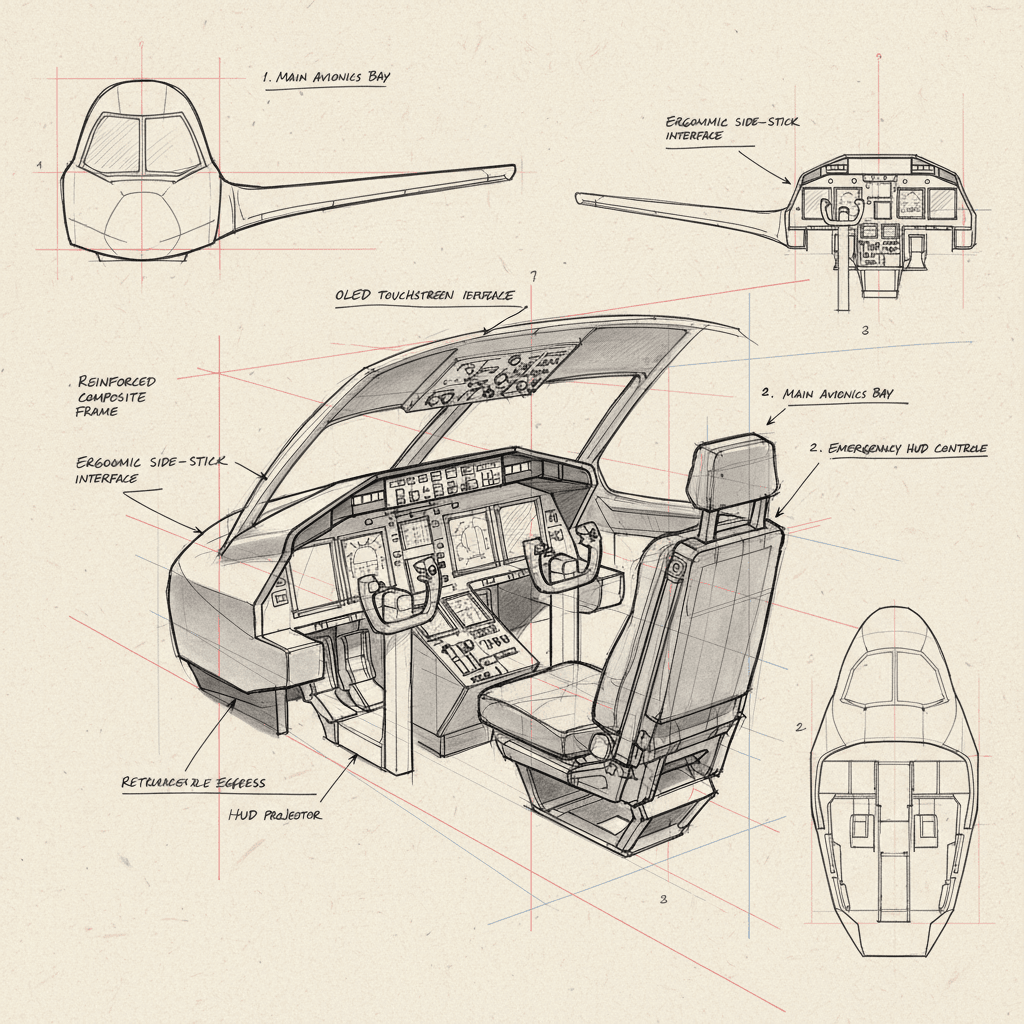
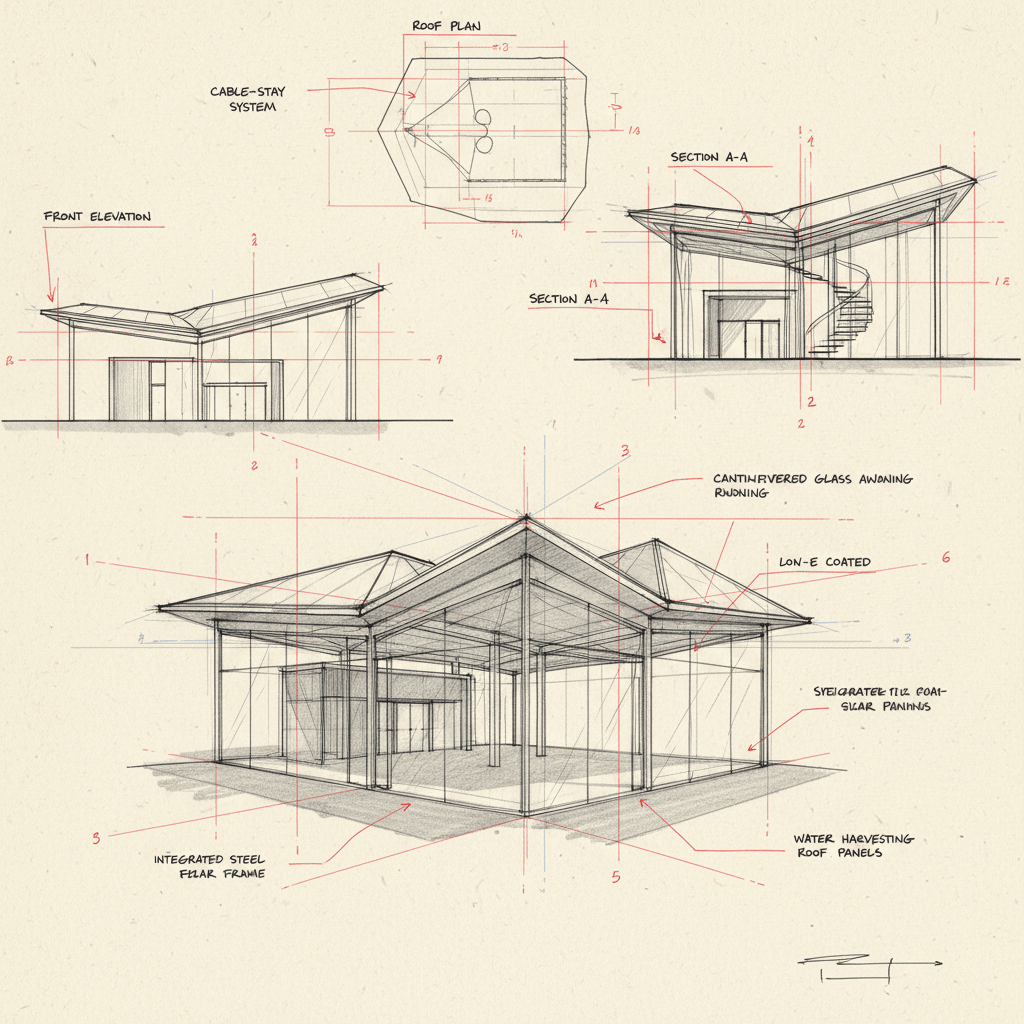
- 결과물은 수작업으로 그린 산업 디자인 도면 형태로 표시됩니다.
빨간색과 파란색 보조선, 세밀한 선묘, 사실적인 제도용 종이 질감이 포함되어 있습니다.
💾 4단계 — 저장 또는 공유
- 결과가 마음에 들면 Download (다운로드) 를 클릭해 PNG 또는 JPG 형식으로 저장합니다.
- 작품을 공유하고 싶다면 Upload to Gallery (갤러리에 업로드) 를 클릭해
Diffus 커뮤니티에 게시할 수 있습니다.
다른 사용자들이 당신의 디자인을 보고 영감을 얻거나 리믹스할 수 있습니다.
✅ 최고의 결과를 얻기 위한 팁
- 명확한 디자인 주제를 사용하세요 (예: “미래형 스포츠카”, “현대적인 유리 파빌리온”).
- “멋진 것”, “기계” 같은 모호한 단어는 피하고 구체적으로 작성하세요.
- 선이 너무 연하게 나오면 프롬프트에 “strong ink linework, visible sketch details” 를 추가하세요.
- Style 태그(‘hand-drawn technical concept sketch…’) 는 반드시 유지하세요.
이는 현실적인 손그림 질감을 정의하는 핵심 요소입니다.
이제 끝입니다! 🌟
Diffus.me의 Nano Banana를 사용해 전문적인 산업 콘셉트 디자인 스케치를 완성했습니다.
건축, 엔지니어링, 제품 디자인 아이디어를 수작업 감성으로 표현하기에 완벽한 방법입니다.
