AniMerge - V2.3
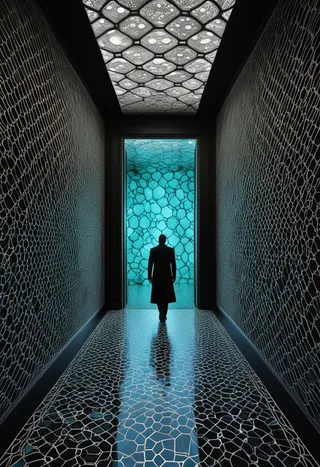
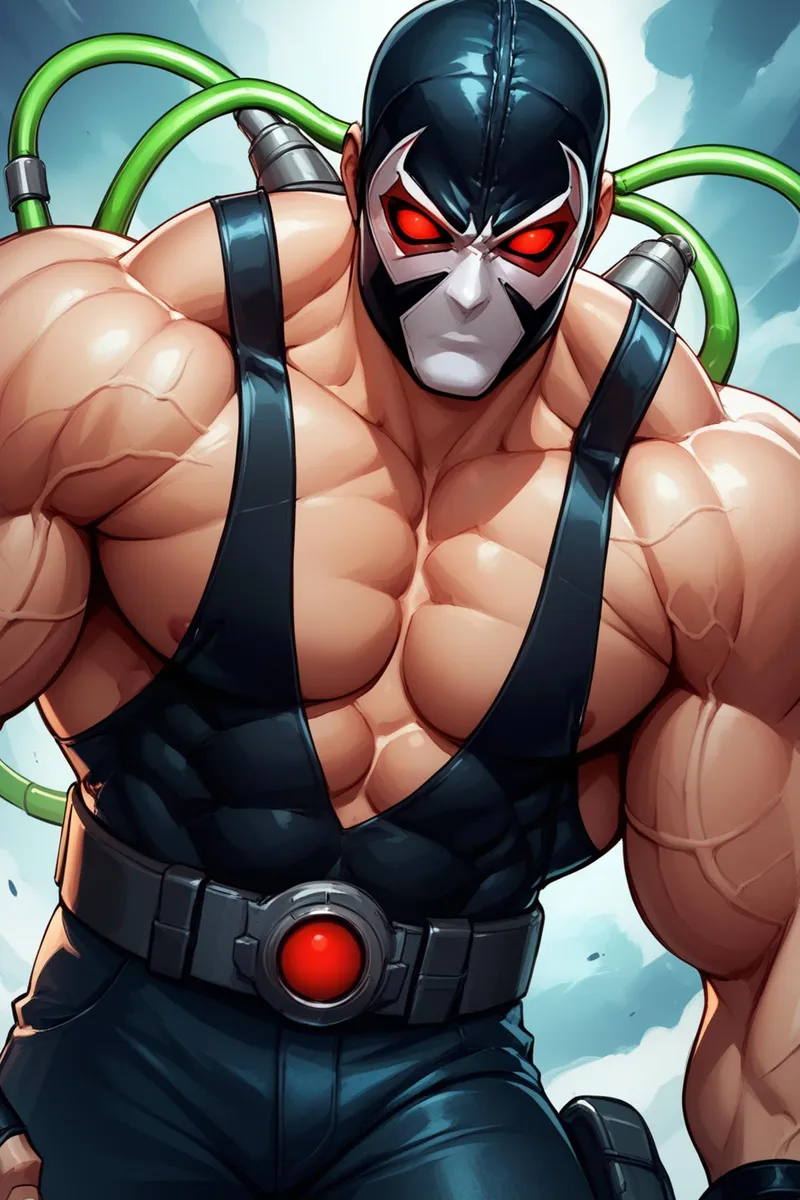
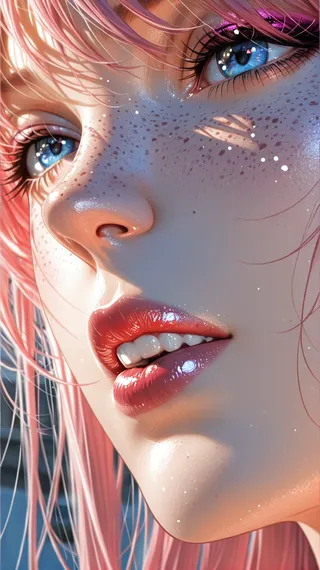
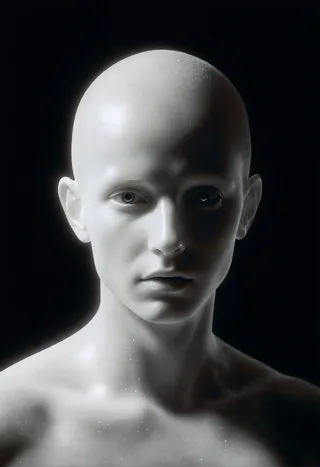
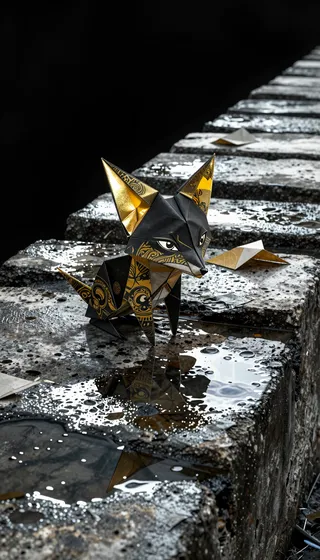
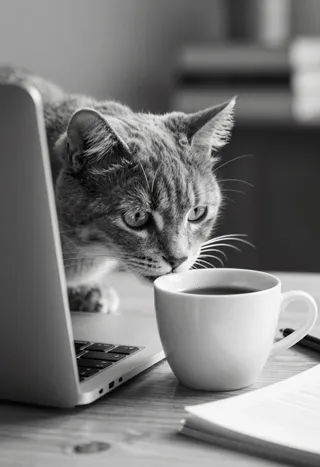
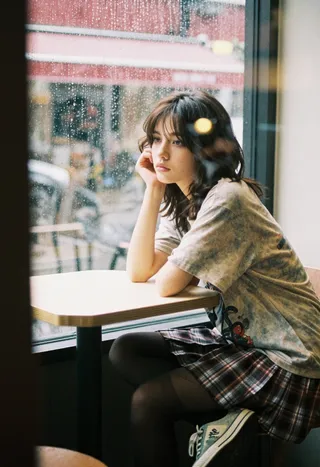
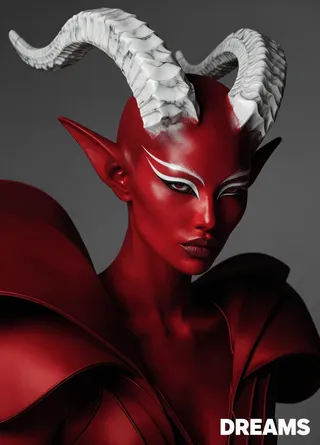
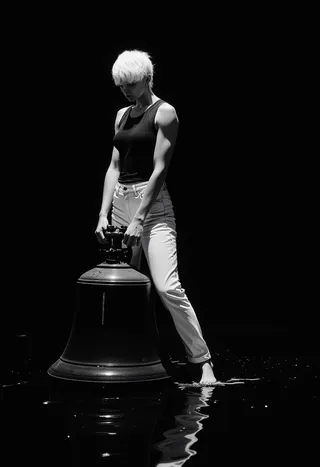
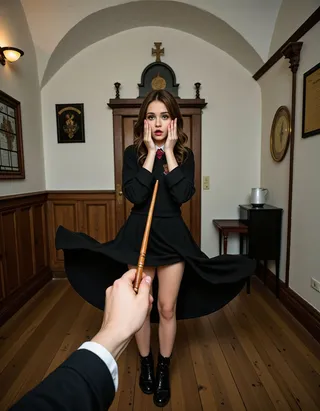
하이라이트된 이미지
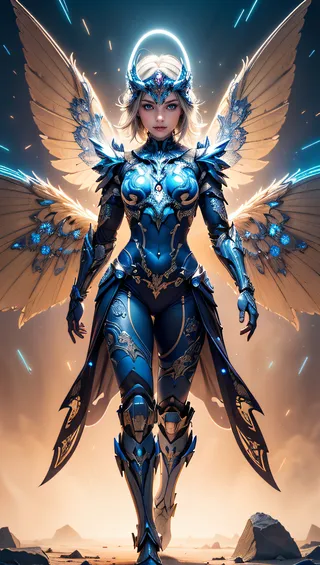
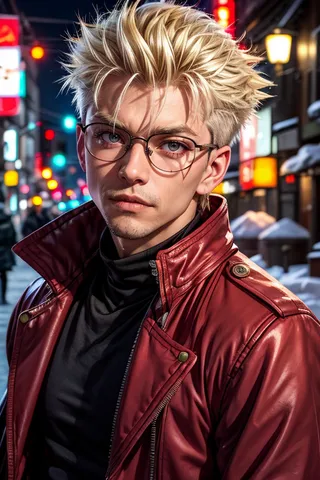
추천 프롬프트
(masterpiece, best quality, highres:1.2), (photorealistic:1.2), (intricate and beautiful:1.2), (detailed light:1.2), (soft lighting, side lighting, reflected light), (colorful, dynamic angle), upper body shot, fashion photography, YOUR PROMPT, dynamic pose, light passing through hair, (abstract background:1.3), (official art), (perfect skin), (sharp)
(best quality, masterpiece, colorful, dynamic angle, (intricate details, hyperdetailed:1.15), detailed, moonlight passing through hair, (official art, extreme detailed, highest detailed), HDR+
추천 네거티브 프롬프트
(worst quality:1.8, low quality:1.8), moles, mole, tears, piercing, freckles, skindentation, cutoffs, shiny skin, lucid skin, pendant, scars on face, interlocked fingers
Easy Negative, negative_hand-neg, moles, mole, piercing, tears, face skin imperfection, freckles, skindentation, cutoffs, shiny skin, scars on face, bad-hands-5
Bad-Images-39000, negative_hand-neg, moles, mole, piercing, tears, face skin imperfection, freckles, skindentation, cutoffs, shiny skin, scars on face, bad-hands-5
ng_deepnegative_v1_75t, (worst quality:1.4), (low quality:1.4), (normal quality:1.4), lowres, bad anatomy, bad hands, normal quality, ((monochrome)), ((grayscale)), ((watermark)), negative_hand-neg, moles, mole, piercing, tears, face skin imperfection, freckles, skindentation, cutoffs, shiny skin, scars on face, bad-hands-5
FastNegativeV2, negative_hand-neg, moles, mole, piercing, tears, face skin imperfection, freckles, skindentation, cutoffs, shiny skin, scars on face, bad-hands-5
For MEN images: girl, woman, female, tits, BadImage_v2-39000, negative_hand-neg, moles, mole, piercing, tears, face skin imperfection, freckles, skindentation, cutoffs, shiny skin, bad-hands-5, scars on face, bad-hands 5
EasyNegative
추천 매개변수
samplers
steps
cfg
clip skip
resolution
vae
추천 고해상도 매개변수
upscaler
upscale
steps
팁
과도한 네거티브 프롬프트는 결과물을 악화시킬 수 있으니 권장 사항을 주의 깊게 따르세요.
LoRA를 적용하기 전에 먼저 모델을 LoRA 없이 사용해 보아 모델의 능력을 확인하세요.
상세한 묘사를 위해 A1111에서 ADetailer 확장 기능을 설치 및 사용하세요 (https://github.com/Bing-su/adetailer).
Euler Smea Dyn 및 Euler Max 샘플러 설치는 https://github.com/licyk/advanced_euler_sampler_extension의 Advanced Euler Sampler Extension을 사용하세요.
난수 생성기 소스에서 'NV'를 선택하여 NVIDIA GPU 에뮬레이션을 설정하세요 (A1111 설정 내).
버전 하이라이트
이 버전은 Aniverse와 Photon의 병합입니다.
Epic 모델과 병합한 것만큼 좋지는 않지만, 경우에 따라 흥미로운 결과를 제공합니다.
EasyNegative를 FastNegativeV2 대신 사용할 것을 강력히 권장합니다.
크리에이터 스폰서
Mage.Space 독점 모델을 확인하세요: Mage.Space 프로필. 주요 모델로 AniMage PXL, AniReal PXL, Lucid Dream, AniVerse PXL 등이 있습니다.
Shakker.ai와도 협력 중입니다.
저자를 지원하고 싶으시면: 커피나 맥주를 사주세요. 하드웨어 위시리스트는 Amazon 위시리스트에서 확인할 수 있습니다.
!!! CIVITAI 외부에 내 모델 업로드/공유는 엄격히 금지됩니다* !!!
독점 모델을 Mage.Space에서 확인하세요: AniMage PXL • AniReal PXL • Lucid Dream • AniMage SD1.5 • Realistic Portrait
SDXL - Pony: AniVerse PXL • AniMerge PXL • AniToon PXL • AniMics PXL • AniVerse XL
SD1.5: AniVerse • AniThing • AniMerge • AniMesh • AniToon • AniMics
Shakker.ai와의 협업
이 모델은 개인적으로 무료이며, 개인적 병합(merge)(*주의)에도 무료입니다.
상업적 용도는 연락해 주세요 (Ko-fi) 또는 이메일: samuele[dot]bonzio[at]gmail[dot]com
⬇고품질 이미지를 얻으려면 아래 정보를 읽으세요 (더보기 클릭)⬇
Animerge - 실험 진행 중
새로운 Aniverse 모델을 훈련 중인 실험 프로젝트입니다.
기다리는 동안 Aniverse 또는 Animesh와 다른 모델들과의 병합 실험을 하고 있습니다.
-> 제 모델이 만족스러우시면 ❤️를 눌러 진행 상황을 팔로우하고, 모델 리뷰에 ⭐⭐⭐⭐⭐ 평가를 남겨주세요. 매우 중요합니다!
미리 감사드립니다 🙇
또한 꼭 이 모델로 만든 작품을 공유해 주세요! 여러분의 상상력이 어떻게 발휘되는지 보고 싶습니다!
추천 설정:
과도한 네거티브 프롬프트는 결과물을 악화시킬 수 있으니 아래 제안을 따라주세요!
좋아하는 캐릭터에 LoRA를 적용하기 전에 먼저 LoRA 없이 시도해 보세요. 모델의 능력에 놀랄 수 있습니다!
A1111 내 설정:
내 가정용 PC에서 A1111 설정:
COMMANDLINE_ARGS= --xformers 설정
xFormers 설치가 어려울 경우 (아래 참조), 내 Google Colab 설정을 사용하세요:
COMMANDLINE_ARGS= --disable-model-loading-ram-optimization --opt-sdp-no-mem-attention 설정
내 A1111 버전: v1.6.0-RC-28-ga0af2852 • python: 3.10.6 • torch: 2.0.1+cu118 • xformers: 0.0.20 • gradio: 3.41.2
내 가정용 PC처럼 xformers 최적화를 활성화하려면 (xFormers 설치 방법):
A1111에서 "설정 탭" 클릭
왼쪽 열에서 "최적화" 클릭
"크로스 어텐션 최적화" 항목에서 "xformers" 선택
"설정 적용" 클릭
Stable Diffusion 재시작
xFormers 설치가 불가능할 경우 내 Google Colab처럼 SDP-ATTENTION 사용:
A1111에서 "설정 탭" 클릭
왼쪽 열에서 "최적화" 클릭
"크로스 어텐션 최적화"에서 "sdp-no-mem - 메모리 효율적이지 않은 스케일 점곱 어텐션" 선택
"설정 적용" 클릭
Stable Diffusion 재시작
NVIDIA GPU 에뮬레이션을 위한 단계:
A1111에서 "설정 탭" 클릭
왼쪽 열에서 "모든 페이지 표시" 클릭
"난수 생성기 소스" 검색
"NV" 선택
"설정 적용" 클릭
Stable Diffusion 재시작
내 모델을 사용할 경우 ADetailer 확장 기능 설치 권장: ADetailer
Stable Diffusion 내 "확장 기능" 탭으로 이동하세요.
"URL에서 설치" 하위 섹션으로 이동
다음 URL 붙여넣기: https://github.com/Bing-su/adetailer
"설치" 버튼 클릭하여 확장 기능 설치
Stable Diffusion 재시작
Euler Smea Dyn 및 Euler Max 샘플러 설치법:
A1111에서 "확장 기능 탭" 클릭
"URL에서 설치" 클릭
"확장 기능 Git 저장소 URL"에 다음 링크 입력: https://github.com/licyk/advanced_euler_sampler_extension
설치 완료 후 "설치됨" 탭 클릭
"적용 및 종료" 클릭
Stable Diffusion 재시작
샘플러 목록 끝에 새 샘플러가 나타납니다.
Euler Smea Dyn 및 Euler Max 샘플러와 ADetailer 사용법:
A1111에서 "txt2img" 탭 클릭
"ADetailer 사용" 확장
아래로 스크롤하여 "인페인팅" 섹션 확장
"별도 샘플러 사용" 활성화
샘플러 선택: "DPM++ 2M Karras" (또는 선호하는 샘플러)
VAE: 기본 포함 (일반적으로는 840000 ema pruned) 사용
Clip skip: 2
업스케일러: 4x-Ultrasharp 또는 4X NMKD Superscale
샘플링 방법: DPM++ 2M SDE Karras
샘플링 단계: 50 이상 (최소값, 이 값 이하로 낮추지 마세요)
너비: 576 (또는 768)
높이: 1024
CFG 스케일: 6~7
나의 추천 프롬프트:
(masterpiece, best quality, highres:1.2), (photorealistic:1.2), (intricate and beautiful:1.2), (detailed light:1.2), (soft lighting, side lighting, reflected light), (colorful, dynamic angle), 상반신, 패션 사진, 여러분의 프롬프트, 역동적 포즈, 머리카락을 통한 빛, (추상적 배경:1.3), (공식 아트), (완벽한 피부), (선명함)
부정적 프롬프트:
(worst quality:1.8, low quality:1.8), 점, 검버섯, 눈물, 피어싱, 주근깨, 피부 움푹 패임, 부분 누락, 광택 피부, 맑은 피부, 펜던트, 얼굴 흉터, 껴안은 손가락들,
아래의 부정적 임베딩도 사용할 수 있습니다:
1) Easy Negative, negative_hand-neg, EasyNegative, negative_hand-neg, 점, 검버섯, 피어싱, 눈물, 얼굴 피부 결점, 주근깨, 피부 움푹 패임, 부분 누락, 광택 피부, 얼굴 흉터, bad-hands-5
2) Bad-Images-39000, negative_hand-neg, 점, 검버섯, 피어싱, 눈물, 얼굴 피부 결점, 주근깨, 피부 움푹 패임, 부분 누락, 광택 피부, 얼굴 흉터, bad-hands-5
3) ng_deepnegative_v1_75t, (worst quality:1.4), (low quality:1.4), (normal quality:1.4), 저해상도, 해부학 오류, 손 오류, 보통 품질, ((모노크롬)), ((그레이스케일)), ((워터마크)), negative_hand-neg, 점, 검버섯, 피어싱, 눈물, 얼굴 피부 결점, 주근깨, 피부 움푹 패임, 부분 누락, 광택 피부, 얼굴 흉터, bad-hands-5
4) FastNegativeV2, negative_hand-neg, 점, 검버섯, 피어싱, 눈물, 얼굴 피부 결점, 주근깨, 피부 움푹 패임, 부분 누락, 광택 피부, 얼굴 흉터 bad-hands-5
5) 남성 이미지용: 소녀, 여성, 여자, 가슴, BadImage_v2-39000, negative_hand-neg, 점, 검버섯, 피어싱, 눈물, 얼굴 피부 결점, 주근깨, 피부 움푹 패임, 부분 누락, 광택 피부, bad-hands-5, 얼굴 흉터, bad-hands 5
HiRes.Fix 설정:
HiRes fix는 사용하지 않습니다 이유는:
1) 제 컴퓨터에서는 작동하지 않습니다
2) 내 모델들은 필요하지 않습니다. txt2image, adetailer 그리고 리소스 탭의 권장 업스케일러를 사용하세요.
만약 사용하길 원한다면 MarkWar가 보낸 설정입니다 (그의 창작물을 팔로우 해 주세요 ❤️).
고해상도 업스케일: 1.5
고해상도 단계: 20~30
고해상도 업스케일러: R-ESRGAN 4x + Anime6B,
노이즈 제거 강도: 0.4
Adetailer: face_yolov8n
Adetailer 설치 및 사용법: 여기 클릭
인페인팅 설정:
내 이미지에 인페인팅을 사용한 경우, 얼굴만 수정합니다 (이전 PC에서 HiRes Fix는 작동하지 않고 멈췄습니다). 설정은 다음과 같습니다:
img2img 탭 클릭 후 인페인팅 선택 ->
얼굴만 (얼굴, 목, 귀 등) 칠하기
인페인팅 모드: 마스크된 부분만 인페인팅
오직 마스크된 부분 인페인팅
마스크 패딩 12픽셀 지정
샘플링 스텝: 50
인페인팅 모드: 오직 마스크된 부분
배치 크기: 8,
긍정 프롬프트에 (ultra realistic, best quality, masterpiece, perfect face) 입력생성 클릭
ControlNet 및 프롬프트 가이드 비디오 튜토리얼:
감사합니다: tejasbale01 - Spidey Ai Art Tutorial(유튜브 팔로우 권장)
Animesh Full V1.5 + Controlnet | Prompt Guide |
내 작품이 마음에 드시나요?
필요하다면 Stable Diffusion용 새 PC 구입에 도움을 주세요!
❤️ 에스프레소 한 잔 또는 맥주를 살 수 있습니다 ❤️
하드웨어 목록은 여기서 볼 수 있습니다: Amazon 위시리스트
또한 다음 분들에게 감사드립니다: Olivio Sarikas 와 SECourses의 튜토리얼 영상들! (내 모델 사용 영상도 기다립니다 ❤️ )
이 모델의 비윤리적 사용으로 인한 법적 책임은 전적으로 사용자에게 있습니다
(*) MarkWar는 내 모델을 자유롭게 사용할 권한을 가진 유일한 사람입니다.
(**) 엄격한 규칙을 설정한 이유는 Pixai 등 여러 사이트가 모델 제작자에게 아무 보상 없이 부당이익을 취하는 상황에 지쳐서입니다.
(***) 내가 제작한 LoRA와 체크포인트 모델들.
Creative ML OpenRAIL-M 라이선스 섹션 III에 따라 파생 콘텐츠(LoRA, 체크포인트, 혼합 및 기타 파생물)는 각 모델의 개별 라이선스에 따라 자유롭게 수정 및 배포 가능합니다. 그러나 내 명시적 승인 없이 내 모델을 호스팅, 재게시, 재업로드하거나 안정화 생성 서비스를 제공하는 다른 사이트에서 사용하는 것은 금지되어 있습니다.(****) 이탈리아 법에 따르면 (나는 이탈리아인입니다):
저작권법 (1941년 4월 22일 법 633호 및 이후 개정안, 최근 2017년 10월 16일 법령 148호) 은 문학, 음악, 시각 예술, 건축, 연극, 영화 등 다양한 표현 방식과 형태에 걸쳐 "창의적인 성격의 지적 저작물"을 보호합니다.
IT 신기술 발달에 따라 사진, 컴퓨터 프로그램, 데이터베이스, 산업 디자인 창작물 보호 범위도 확대되었습니다.
저작권은 작품이 지적 창작물로 정의되는 즉시 자동 취득됩니다.
미국에도 적용됩니다: https://ufficiobrevetti.it/copyright/copyright-usa/
Civitai에 있는 내 Stable Diffusion 모델들은 모두 내 승인 하에 저작권 보호를 받습니다.

모델 세부사항

토론
댓글을 남기려면 log in하세요.
모델 컬렉션 - AniMerge
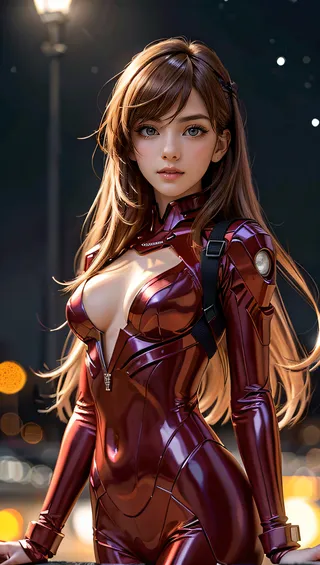
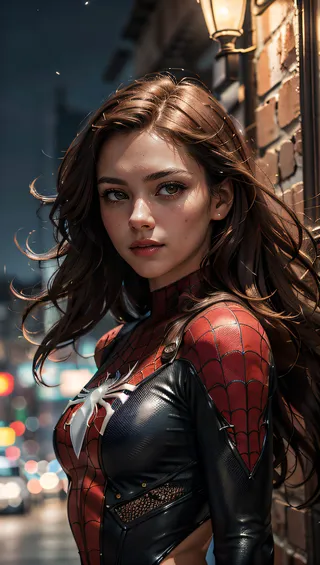
AniMerge - V2.3 제작 이미지
애니메 이미지
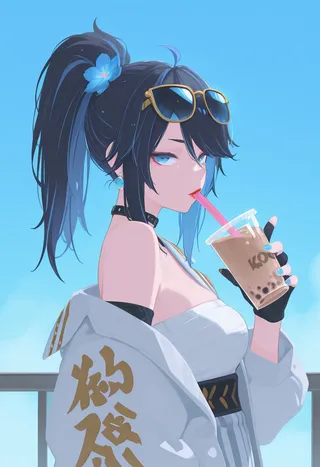
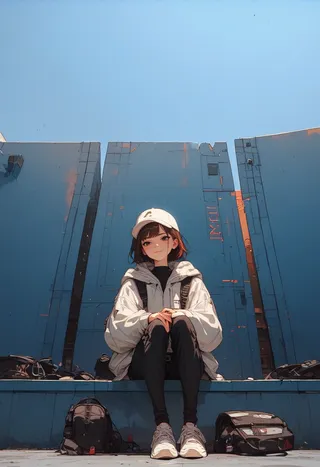
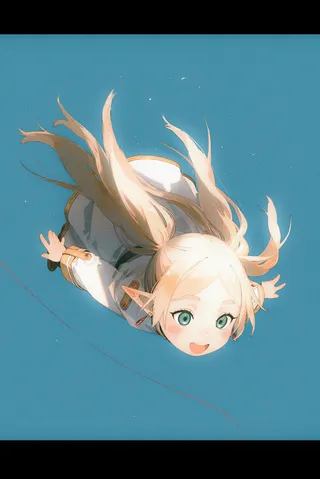

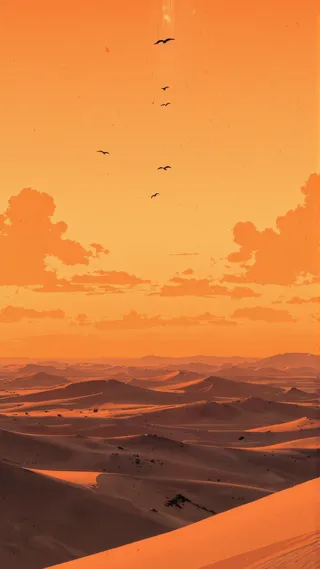
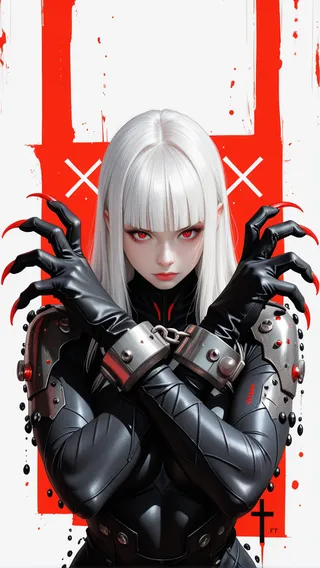
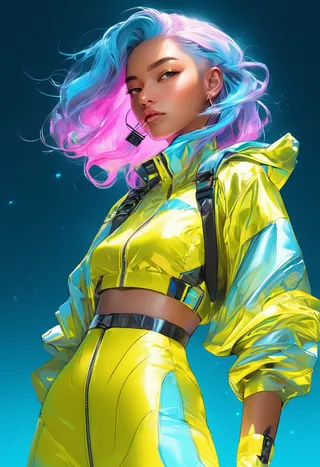


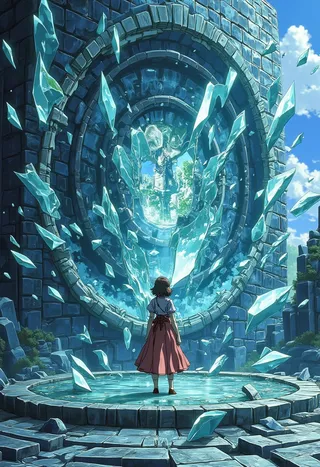
기본 모델 이미지
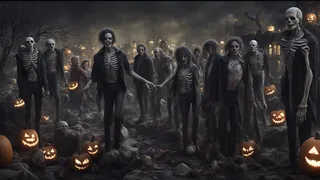
만화 이미지
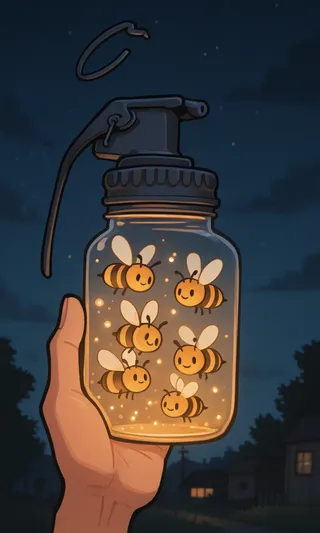
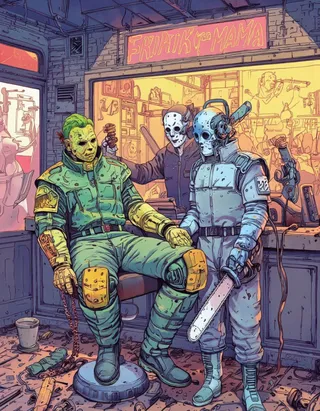
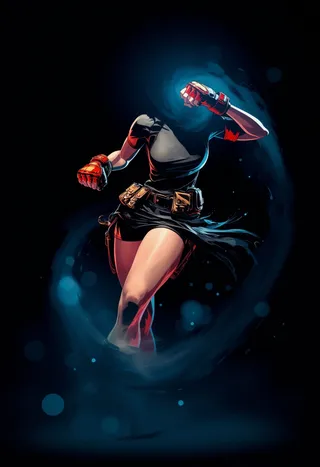

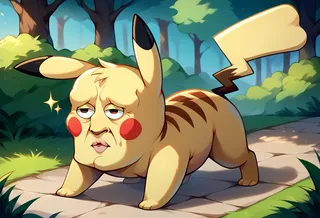
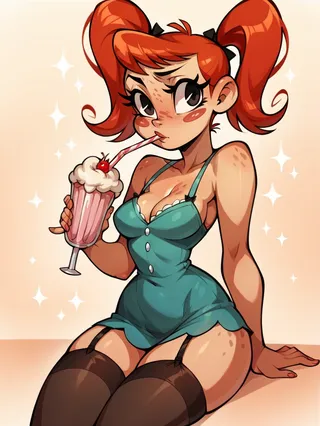
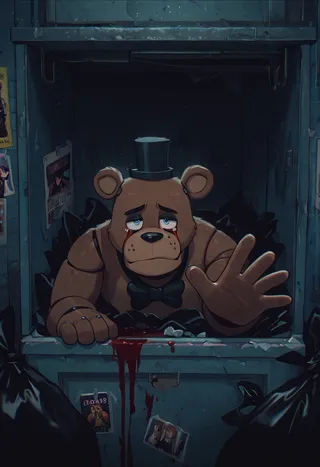
comics 이미지