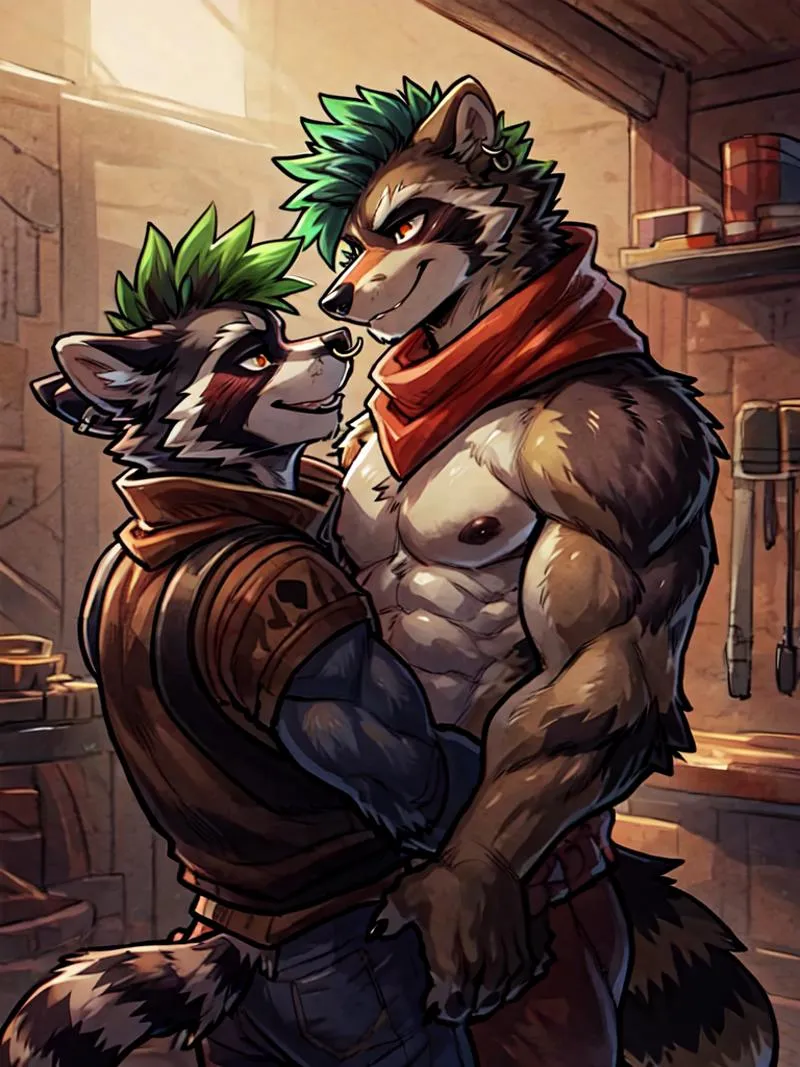
Split Screen | Concept LoRA - v1.0
하이라이트된 이미지

추천 프롬프트
SplitScreen,split screen,close-up
Highly detailed, High Quality, Masterpiece, beautiful, close-up, SplitScreen, split screen, <lora:SplitScreen:1>
추천 네거티브 프롬프트
FastNegativeEmbedding, (worst quality, low quality:1.4)
추천 매개변수
samplers
steps
cfg
clip skip
resolution
other models
추천 고해상도 매개변수
upscaler
upscale
steps
denoising strength
팁
가중치는 0.9에서 1까지 조절할 수 있으며, 권장 가중치는 1입니다.
정확한 캐릭터 생성을 위해 Regional Prompt 확장과 함께 사용하세요.
효과가 너무 강하면 Split Screen LoRA에 0.5-0.6 가중치를 적용하세요.
auto1111에서 LoRA를 사용하려면 LoRA를 다운로드하고 stable-diffusion-webui/models/lora에 넣은 뒤, LoRA를 선택하고 트리거 워드를 사용하며 필요시 가중치를 조정하세요.
Split Screen | Concept LoRA
사용 전 반드시 읽어주세요!!!
가중치는 0.9에서 1까지 조절할 수 있습니다. 1을 권장합니다. 거의 모든 스타일, 캐릭터 및 포토리얼리스틱 모델과 작동합니다.
정확한 캐릭터를 원한다면 이 모델은 Regional Prompt와 함께 사용해야 합니다. 프롬프트는 미리보기 이미지를 참고하세요. 이확장 프로그램 와 아래 설정이 필요합니다:
(효과가 너무 강하면 Split Screen LoRA에 0.5-0.6 가중치를 적용하세요. 일반 프롬프트는 이를 두 배로 합니다)
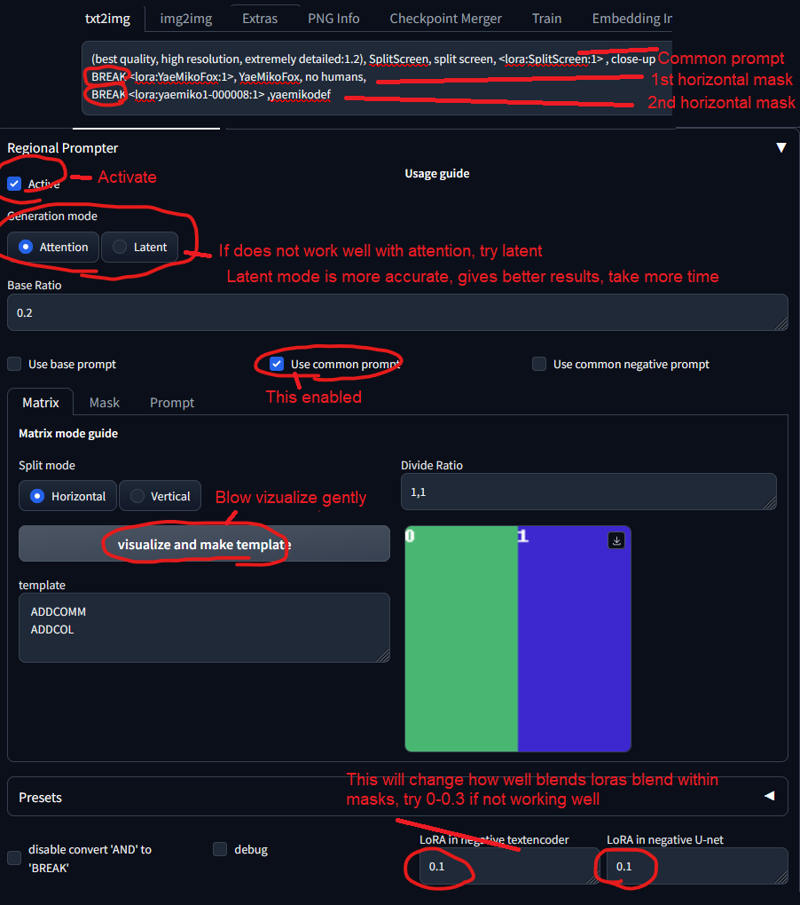
트리거 워드:
SplitScreen, split screen
도움 프롬프트:
close-up
auto1111에서 LoRA 사용 방법:
LoRA를 다운로드하세요
파일을
stable-diffusion-webui/models/lora폴더에 복사하세요LoRA를 선택하고 트리거 워드를 사용하세요
필요시 가중치를 변경하세요 (기본값은
:1입니다)즐기세요!

모델 세부사항
모델 유형
기본 모델
모델 버전
모델 해시
학습된 단어

토론
댓글을 남기려면 log in하세요.
모델 컬렉션 - Split Screen | Concept LoRA

Split Screen | Concept LoRA - v1.0 제작 이미지
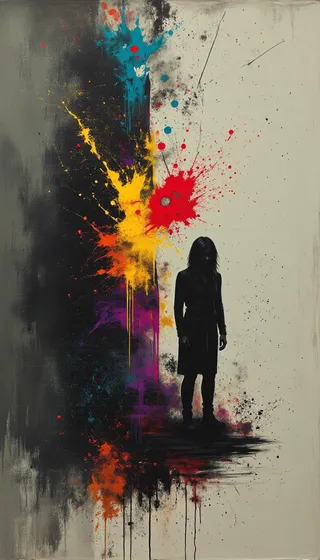
예술 이미지






캐릭터 이미지



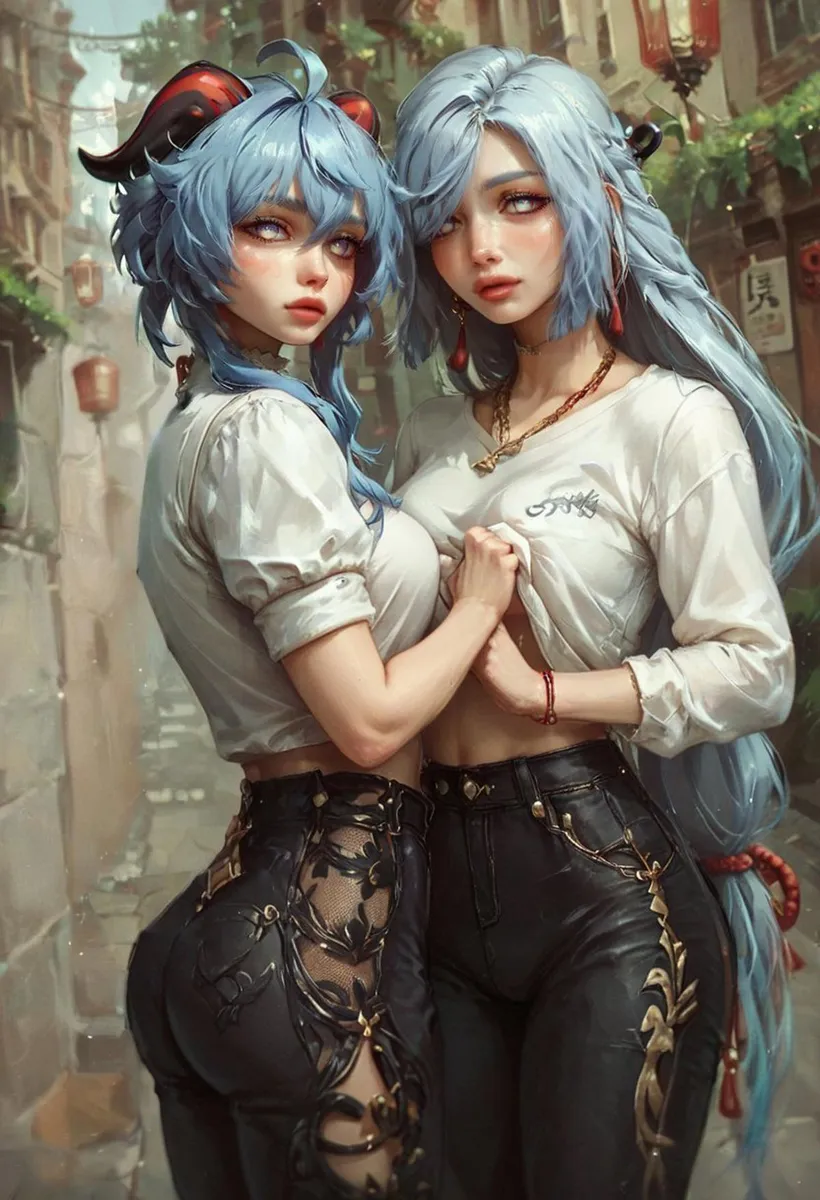
듀오 이미지