Add Dental Braces - v4.0
Highlighted images


Recommended Prompts
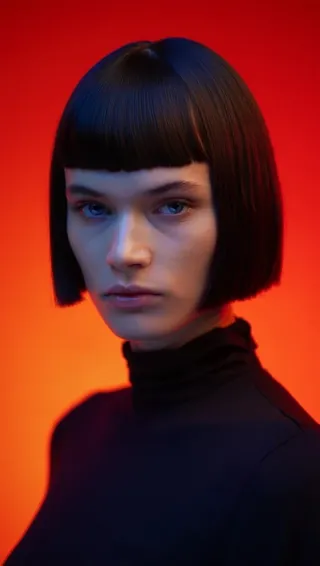
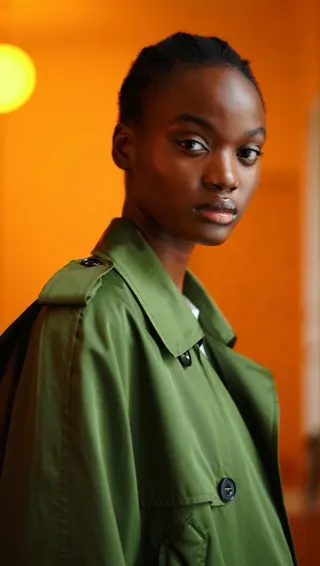
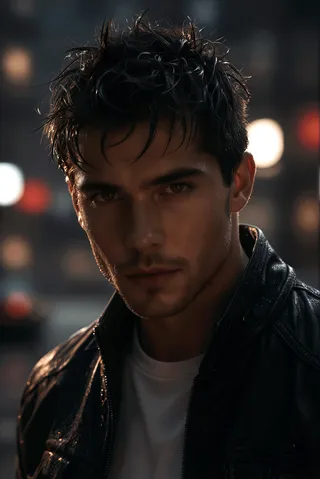
adddentalbraces, a 20-year-old man with braces on his teeth with red bands, silver brackets, and a silver wire.
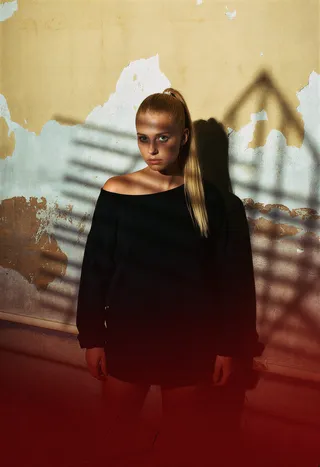
adddentalbraces, a 20-year-old woman with braces on her teeth with red bands, silver brackets, and a silver wire.
adddentalbraces, a [Person/Animal/Object] [Optional age] [If for a person, put man or woman] on [his/her/their/its] teeth with [color] bands, silver brackets, and a silver wire.
adddentalbraces
Recommended Parameters
samplers
steps
resolution
Tips
Use specific descriptors for age, gender, and brace materials to improve realism.
Follow the prompt style: adddentalbraces, a [Person/Animal/Object] [Optional age] [If for a person, put man or woman] on [his/her/their/its] teeth with [color] bands, silver brackets, and a silver wire.
Simple prompts like 'adddentalbraces, A 25-year-old woman with braces on her teeth.' consistently yield highly satisfactory results, creating headshot-style photographs.
More intricate prompts work but full-body or distance shots may reduce brace quality due to dataset limitations in those scenarios.
The model works well not only on human subjects but also on robots, animals, and in styles including drawings and cartoons.
Version Highlights
Addressed "airbrushed appearance" on facial skin. Version 4 addressed this issue by incorporating regularization images into the dataset to specifically rectify this problem. A/B testing conducted after training demonstrated substantial improvement in this area.
Version 4 also incorporates enhancements to its dataset to provide a more comprehensive representation of real braces. A/B testing revealed that Version 4 occasionally included additional features on the braces, such as hooks for rubber bands, which were absent in Version 3.
Version 4 also includes a greater number of examples featuring braces with alternating band colors. A/B testing demonstrated that Version 4 effectively handled prompts specifying alternating band colors (e.g., “with bands that alternate between blue and green”), outperforming Version 3..
Add Dental Braces
Note: All users are strongly encouraged to upgrade to version 3 or version 4. Version 1 is of poor quality.
Objective:
This model aims to add photo-realistic dental braces to subjects' teeth in generated images. The braces should be accurately sized and aligned to fit naturally, while responding to prompts specifying the color of the brackets (e.g., gold or silver) and the color of the bands.
Current Functionality:
It is not perfect but version 4 works, and works well most of the time. It works well for male and females. While it was trained to add photo realistic braces to photorealistic images in testing I have found that it can add braces to just about anything, robots, animals, etc. It have also found that it works well in other styles, not just as photos, such as drawings and cartoon styles.
Training Data:
Version 4 of this model was trained on a set of 128 high-resolution (1024 x 1024) photos of real dental braces, using 6912 training steps across 54 epochs. The dataset primarily consists of images showcasing different types of braces and various band colors.
Example Prompts
Because the plan is for the LORA to let you specify the color of the brackets and wire (e.g., gold or silver) and the material (plastic or metal), I have started adding specific information about the color of the brackets, wire, and bands into the labels for each prompt.
So far, only band color works. In part because it only has examples of braces with silver brackets and silver bands in the current dataset.
During testing of version 4, I noticed that I got better and more consistent results if I mirrored this information in the prompt.
Following something like:
adddentalbraces, a [Person/Animal/Object] [Optional age] [If for a person, put man or woman] on [his/her/their/its] teeth with [color] bands, silver brackets, and a silver wire.Examples:
adddentalbraces, a 20-year-old man with braces on his teeth with red bands, silver brackets, and a silver wire.adddentalbraces, a 20-year-old woman with braces on her teeth with red bands, silver brackets, and a silver wire.To be clear, you do NOT have to prompt this way, but in testing, I did get more consistently quality output by doing so since prompts in this style are more similar to many of the labels used in the dataset and because the labels have things like bracket color and wire color specified.
A/B Testing Results:
Version 3 vs. Version 4
Skin Texture Improvement:
Version 3 exhibited a tendency to render an airbrushed appearance on facial skin. In contrast, Version 4 incorporated regularization images into its dataset to specifically address this issue.
A/B testing conducted after training demonstrated substantial improvement in this area.
Enhanced Dataset Details:
Version 4 also incorporates enhancements to its dataset to provide more detailed representations of real braces.
A/B testing revealed that Version 4 occasionally introduced subtle features on braces, such as hooks for rubber bands, that were not present in Version 3.
Alternating Band Color Representation:
Version 4 also includes a wider range of examples of braces with alternating band colors in its dataset.
A/B testing demonstrated that Version 4 effectively handled prompts specifying alternating band colors (e.g., “with bands that alternate between blue and green”), outperforming Version 3 in this regard.
Overall Performance Summary:
In summary, Version 4 achieved slightly superior overall results and exhibited fewer anomalies, such as sections of the bracket that should not have been present. Conversely, Version 3 occasionally produced superior bands but at the expense of diminished overall image quality.
Tips for Best Results
Use specific descriptors for age, gender, and brace materials to improve realism.
Follow the prompt style of:
adddentalbraces, a [Person/Animal/Object] [Optional age] [If for a person, put man or woman] on [his/her/their/its] teeth with [color] bands, silver brackets, and a silver wire.Or at least specify a color for the bands and use the phrase "with silver brackets, and a silver wire."
Simple prompts, such as
adddentalbraces, A 25-year-old woman with braces on her teeth.consistently yield highly satisfactory results, consistently producing headshot-style photographs. The braces appear most aesthetically pleasing in this close-up style, and the LORA will generally create images in this manner unless the prompt explicitly requests otherwise.
The LORA can also handle more intricate prompts and reliably incorporate the braces, although if these prompts result in full-body shots or distance shots, the quality of the results of the braces added may decrease. The current dataset lacks sufficient examples of braces at a distance, leading to occasional inconsistencies or inaccurate representations. (I am planning to include additional examples of braces at a greater distance in the next version of the dataset to enhance this aspect, but this may require time to obtain or produce images of sufficient quality. I am meticulous about the images in the dataset and firmly believe that the quality of the data is the paramount factor in achieving quality results from the training.)
Stay tuned for updates! User feedback is always welcome, let me know what works and was need improvement.
Contributor

Model Details
Model type
Base model
Model version
Model hash
Trained words
Creator
Discussion
Please log in to leave a comment.
Model Collection - Add Dental Braces
Images by Add Dental Braces - v4.0
concept Images


photorealistic Images





tools Images

woman Images