Control LoRA Collection - NAI vpred fix
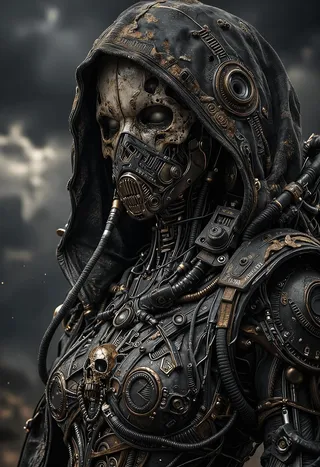
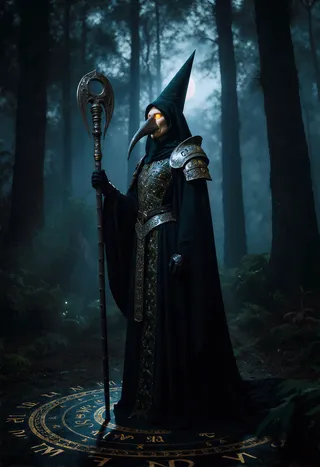
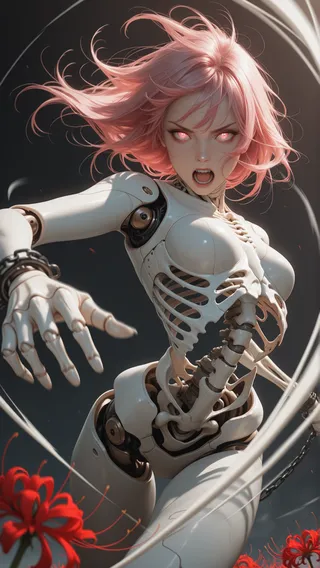
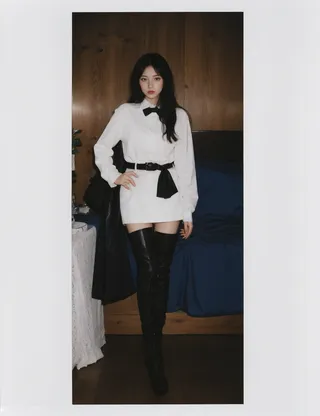
Highlighted images
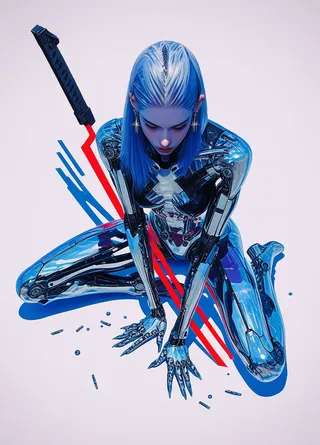
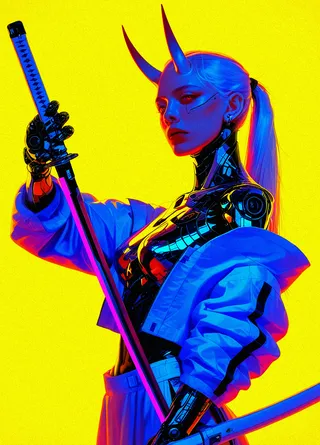

Recommended Prompts
masterpiece, very aesthetic, best quality, newest, absurdres, highres, very awa, 1girl, solo
Recommended Negative Prompts
lowres, worst quality, low quality, bad anatomy, bad hands, multiple views, abstract, signature, furry, anthro, 2koma, 4koma, comic, manga, text, watermark, username, artist signature, patreon logo, patreon username, twitter username, buttons, tunnel, loli, crowd
Recommended Parameters
samplers
steps
cfg
resolution
other models
Recommended Hires (High-Resolution) Parameters
upscaler
upscale
steps
denoising strength
Tips
If the LoRA effect is too strong, start with 0.5 LoRA strength to correct issues without altering original tonality significantly.
CFG ScaleBoost LoRA works with negative values to control composition and detail finely, unlike typical detail LoRAs.
Realism LoRA values: negative values strengthen 2D style, positive values strengthen photorealistic style; adjust based on model suitability.
Excited to release a new quality control LoRA for NoobAI XL v-pred!
It took a month to develop this LoRA and package it into an easy-to-use format.
NoobAI XL is an excellent model, but suffers from a variety of issues - wherein you have to use smoothing, quality and detail LoRAs or fine-tunes to get high quality results.
This LoRA significantly improves coherency of the output latents and prompt obedience using a variety of techniques while retaining all model knowledge.
If the effect is too strong, start with 0.5 LoRA strength, which will fix many issues without affecting the original tonality as much.
Effect:
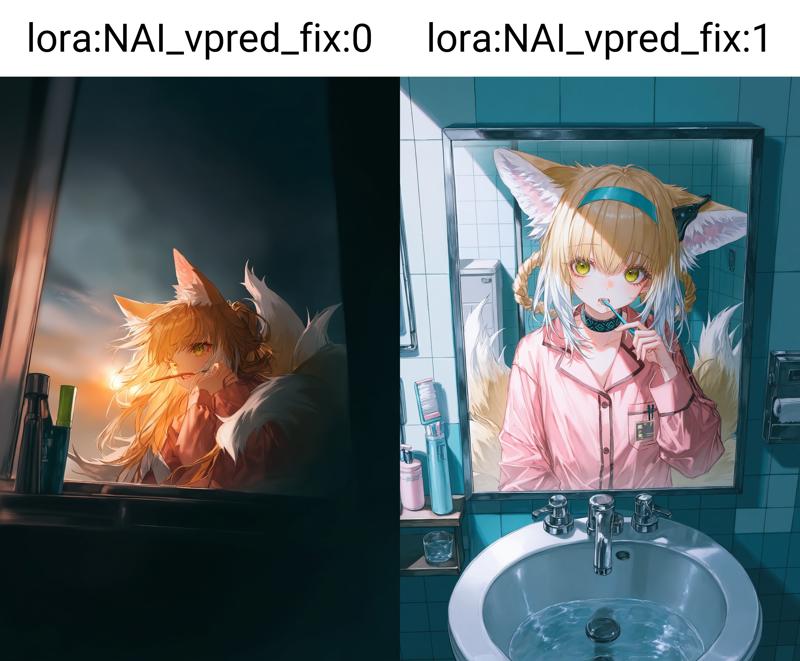 For reference this is the target image:
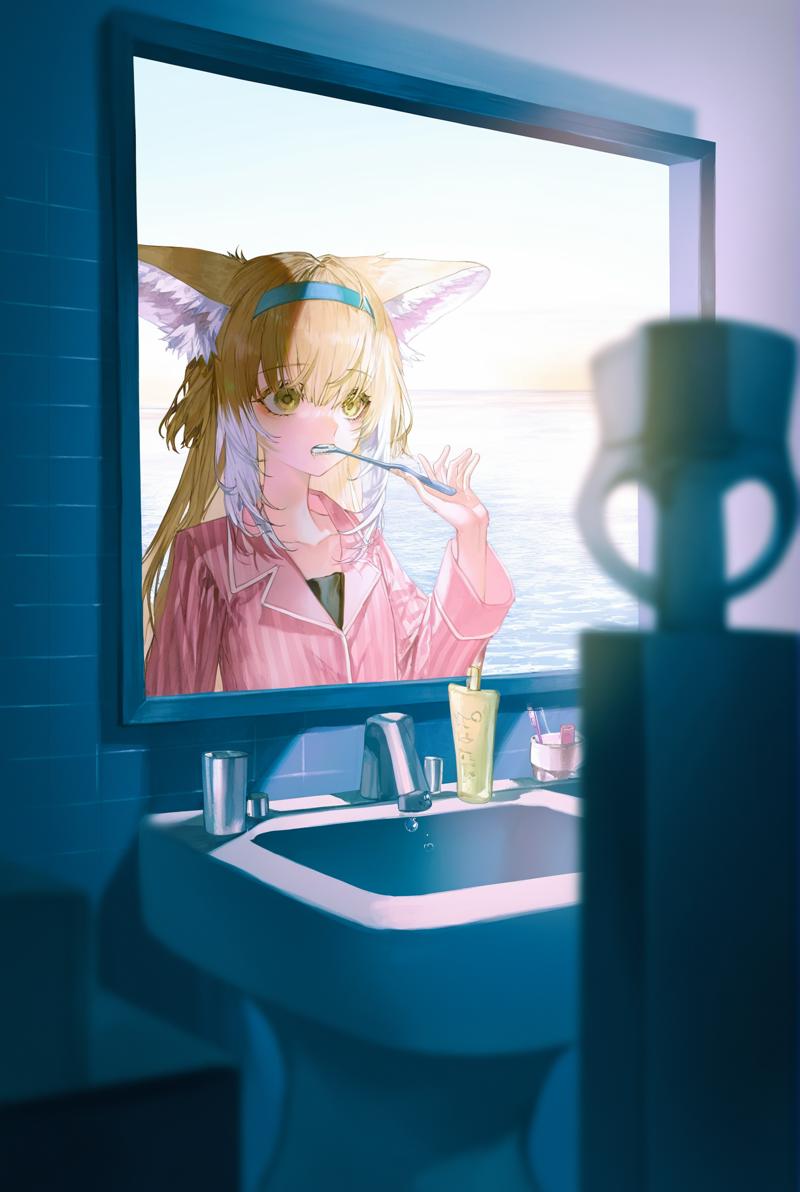 Source: https://civitai.com/images/46921580
You can see the LoRA brings out the prompting intention more clearly, and has significant details. The stength:0 image is very far from the intended result, unless you try many different seeds.
Control LoRA Collection
A collection of various control LoRAs for use in gens, merges and fine tunes.
Model Fix series
NAI v-pred fix: fixes issues with NoobAI XL v-pred models
Detail series
SDXL Enhance: controls the details and compositional elements of SDXL-base models.
CFG ScaleBoost: boost the CFG scale of your gens using a LORA without burning out your latents.
Original rainbow messageL
Announcing the release of the CFG Scale Boost LoRA! After much research I've discovered a method which allows you to pseudo-control the CFG scale of your gens using a special LoRA. It is listed under Pony but will work with every SDXL model (including Illustrious XL)! It has the biggest effect on the backgrounds, where it will fill them out and make the scenes feel more complete without frying your gens. Second, it has a detailer-like effect on the main subject, but not always! Experimentation is key. I recommend 0.3-0.7 strength. Released under EA as many sleepless nights were dedicated to this project, which I originally wasn't going to release publicly. Works with negative values as well, allowing you to control the composition and detail of your art to a fine degree, something not possible with typical detail LoRAs.
Realism series
Update: Finally added a Pony version!
Original description:
This LoRA will make your model either 2D/anime <-> 3D/photorealistic depending on how to use it.
For example <lora:realistic:-1.0> (negative values) will strengthen the 2D style and <lore:realistic:1.0> (positive values) will strengthen the photo style.
Potential uses:
Adjust the style of your model slightly to make it look more original
Make a realistic model more realistic (such as when the skin is too smooth/plastic)
Make a 2D/anime model more stylised by making it more 2D
Combined with the detail LoRA (linked in the resources) you can reduce details in your anime model and make it look more 2D to create a unique cell shaded style
This LoRA works well with blended models. It is neutral and won’t overwrite the style of your gens.
Tip: depending on what model you’re using will determine what range of values will be suitable. 1.0 might be too much for some models and not enough for others, for example. This is especially true of negative values.
Contributor

Model Details
Discussion
Please log in to leave a comment.
Model Collection - Control LoRA Collection
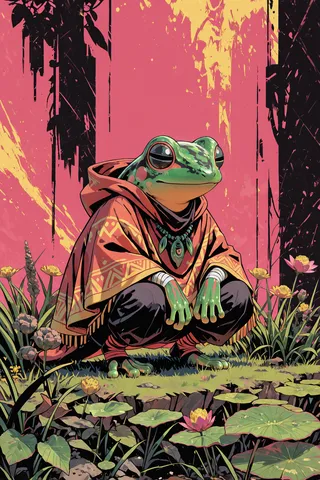
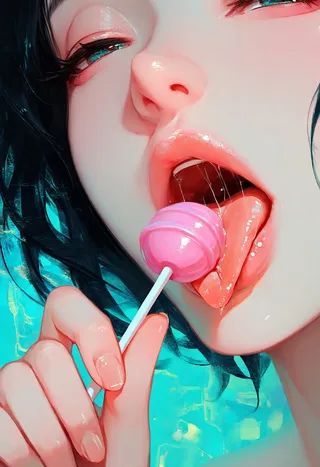

Images by Control LoRA Collection - NAI vpred fix
anime Images
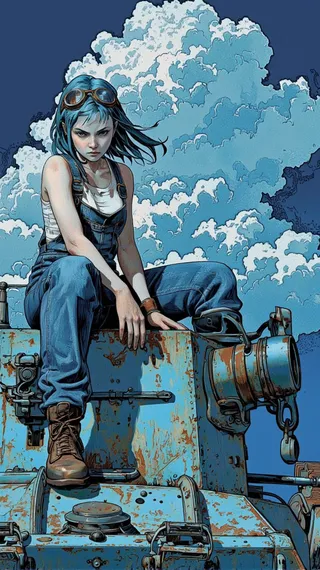
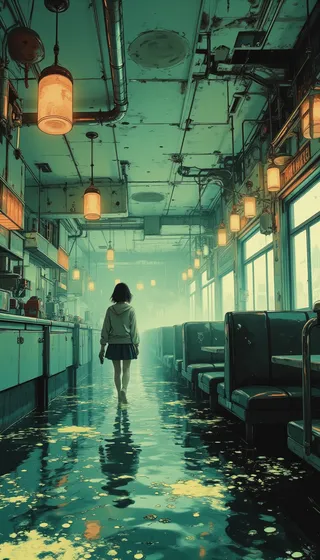

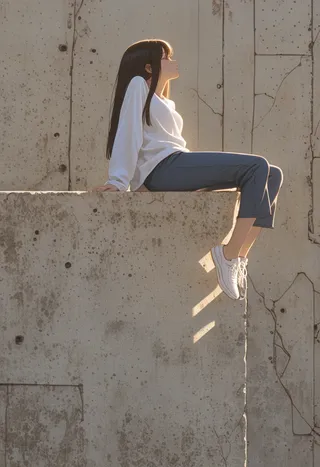

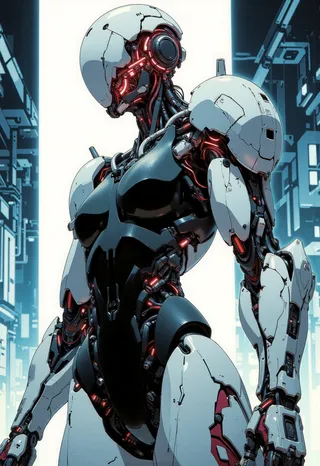

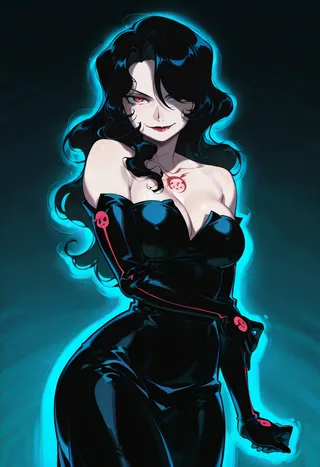


detailer Images
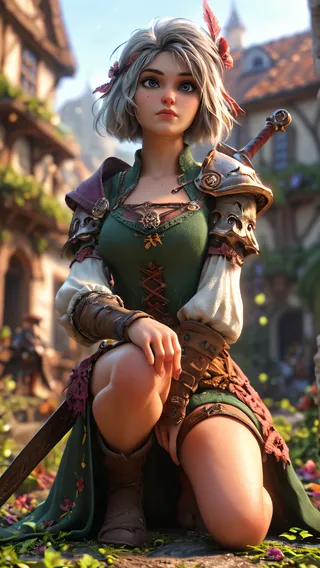
photorealistic Images



tool Images
