Incase style Illustrious, Flux, PDXL,1.5 - Incase New style Flux
Highlighted images



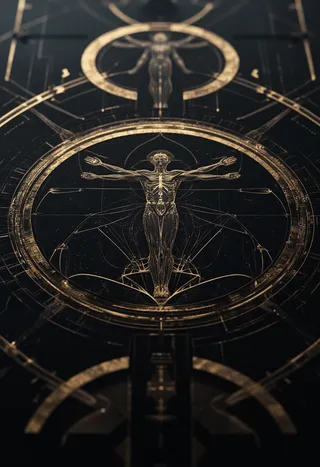

Recommended Prompts
Pony - use tag 'InCasestyle',stylized illustration by Incase
Recommended Parameters
samplers
steps
cfg
clip skip
resolution
Tips
Use Highresfix or Raw; Adetailer is helpful if character is far from the screen.
Rarely see borders or logos in the output.
For Pony model, always use the tag 'InCasestyle' because the model already knows Incase's style.
Keep denoising strength between 0.5 and 1 for better results.
High Res fix with upscaler is recommended for better results.
For Pony:
Highresfix or Raw. If character is far from screen Adetailer will help otherwise not needed. Will rarely see borders or logos. Pony: Must use tag because the model already knows Incase's style: InCasestyle
New style: ICJournals, blocky, painterly
For Illustrious: examples made using Noobai
New style: ICJournals, blocky, painterly
For Flux:
caption to use: stylized illustration by Incase
1.5
Incase style, 433 images, 8660 steps
Not perfect, I will have to manually edit some captions for V2
High Res fix recommended with upscaler for better results
Keep strength between 0.5 and 1
You don't have to put Incase in the prompt but it is a suggestion
Contributor

Model Details
Model type
Base model
Model version
Model hash
Trained words
Creator

Discussion
Please log in to leave a comment.






