Saturation Control for illustrious, NoobAI - v3.0
Related Keywords & Tags
Highlighted images

Recommended Prompts
masterpiece, best quality, amazing quality, newest, tracen school uniform, sitting, looking at viewer, safe, twilight, sky, smile, 1girl, satono diamond \(umamusume\), facing viewer, sun, train, closed eyes
Recommended Negative Prompts
bad quality, worst quality, worst detail, sketch, censor
Recommended Parameters
samplers
Euler SMEA
steps
28
cfg
5
resolution
1024x1536
other models
xl_saturation_slider (d9242e500f02), waiNSFWIllustrious_v120 (89cb4ec0a9)
Tips
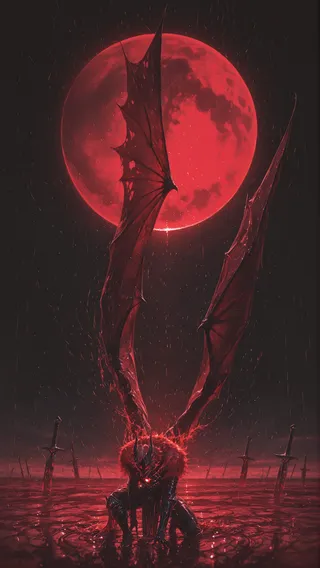
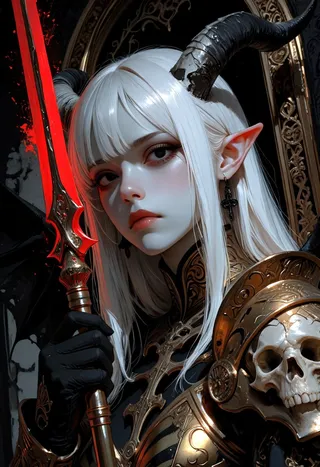
Adjust LoRA strength to control image saturation: increasing strength results in higher saturation, decreasing it lowers saturation.
Version Highlights
Improved stability. fixed Hires.fix also
The saturation changes depending on the strength of the LoRA. The higher the value, the more saturated it becomes, and the lower the value, the less saturated it becomes.Trained using Multi-ADDiFT.
LoRAの強度によって彩度を変更します。+にすればするほど高彩度になり、-にすればするほど低彩度になります。Multi-ADDiFTを用いてトレーニングしました。

Model Details

Discussion
Please log in to leave a comment.