Run Any Civitai Model in Your Browser
Paste a Civitai model link and generate. Civitai's own generator has a generate button on only a few hundred checkpoints; here every one of them runs. No download, no GPU, no setup.
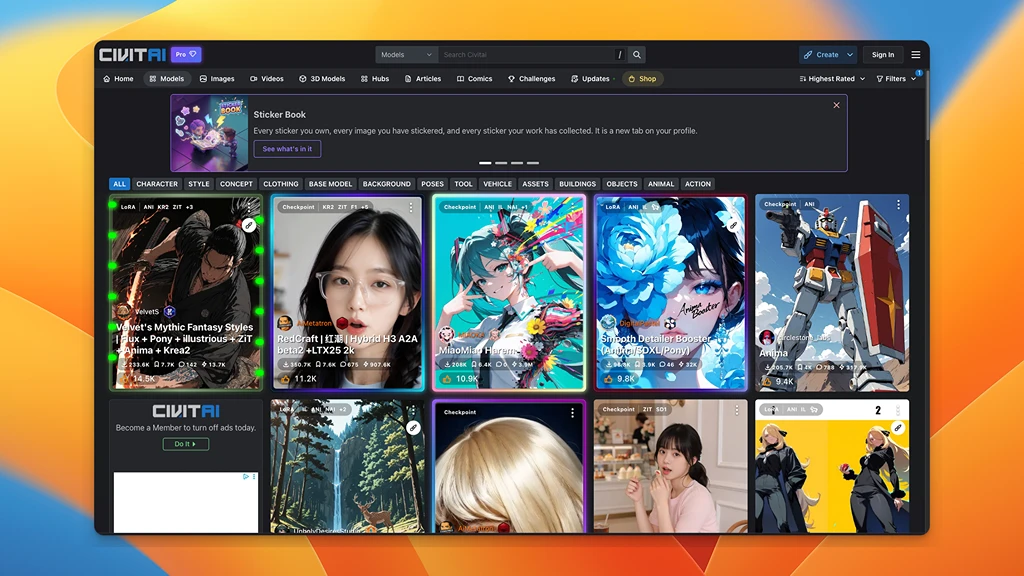


What Diffus Does That Civitai Doesn't
Civitai is where the models live. Diffus is where you run them — all of them, with the tools a browser form can't give you.
Only a few hundred checkpoints have a generate button on Civitai itself. Every other one needs a local download and a card with the VRAM to load it. Diffus keeps no such list — paste any model link and it runs.
55,000+ LoRAs, 10,000+ checkpoints, plus LyCORIS and embeddings are hosted and ready. Nothing to download, nothing to install.
Paste a Civitai model URL and Diffus imports it — weights, previews, trigger words and all — then puts it straight into the generator. Private uploads work too.
Full ComfyUI node graphs and the A1111 WebUI, plus inpainting, ControlNet, upscaling, face swap, video and LoRA training — on managed GPUs.
A checkpoint is several gigabytes and wants a card with plenty of VRAM. Here the weights are already on disk and the GPU is ours, so a laptop browser is enough.
Inpaint it, upscale it, swap a face, turn the still into a clip, or train a LoRA on your own images — against the same model library, without exporting anywhere.
Every Checkpoint Runs, Not Just the Famous Ones
70,000+ Models Already Online
Bring Your Own Model by Link
A Real Workbench, Not a Form
Nothing to Download, Nothing to Own
Take the Image Further
From a Civitai Link to a Finished Image
Everything between finding a model and shipping the result, in one place.
Import Straight from a Civitai URL
Copy the model page link, paste it into Diffus, and the checkpoint, LoRA or embedding is yours to generate with in minutes. No torrent, no 6 GB download, no local install.
ComfyUI and A1111, Preinstalled
Run the same node graphs and extensions you would run locally — ControlNet, ADetailer, regional prompting, custom nodes — without maintaining a Python environment.
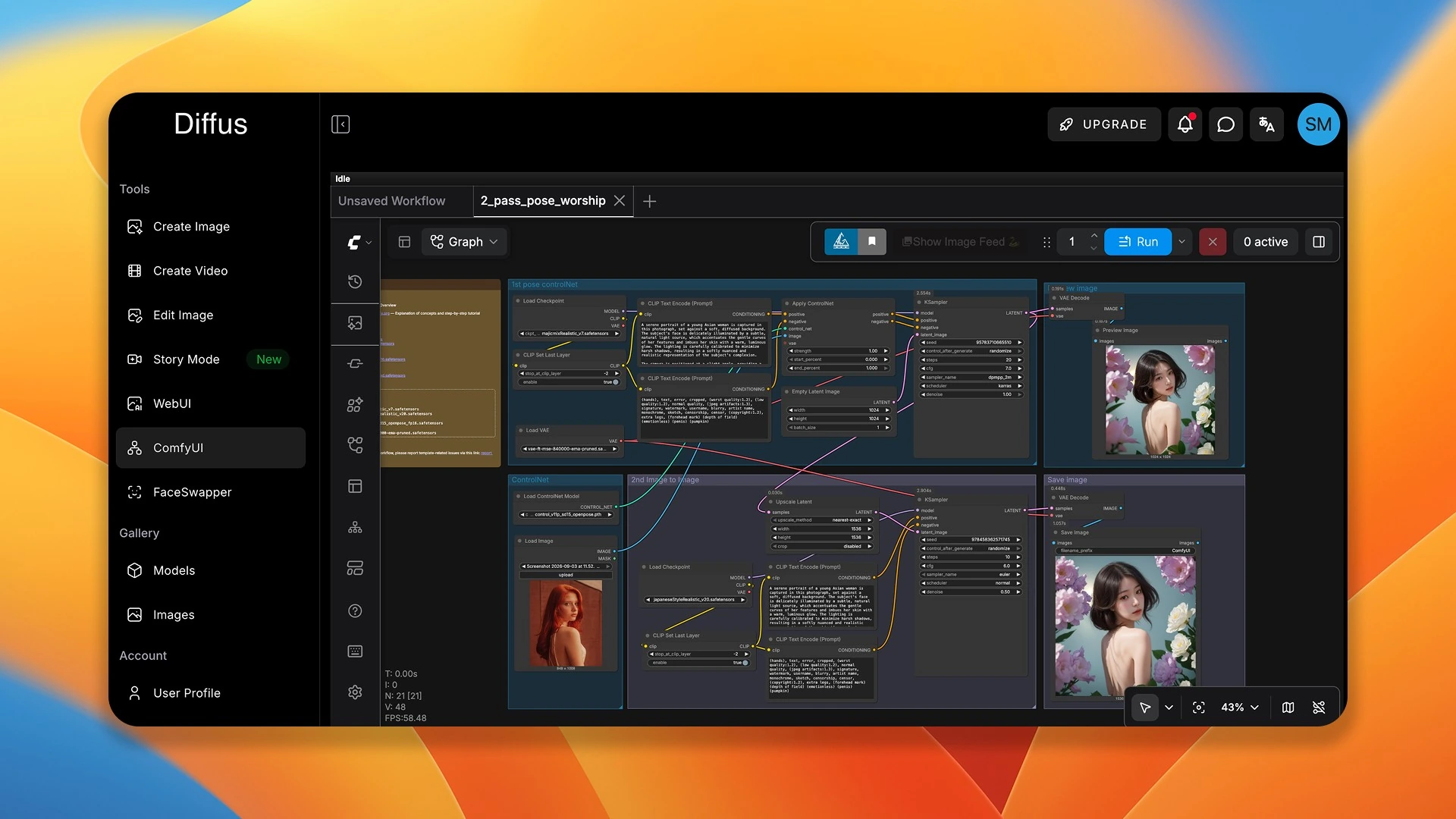
Edit, Upscale, Animate and Train
Inpaint and outpaint, drive composition with ControlNet, fix faces and hands, upscale, turn a still into video, or train your own LoRA — all against the same model library.
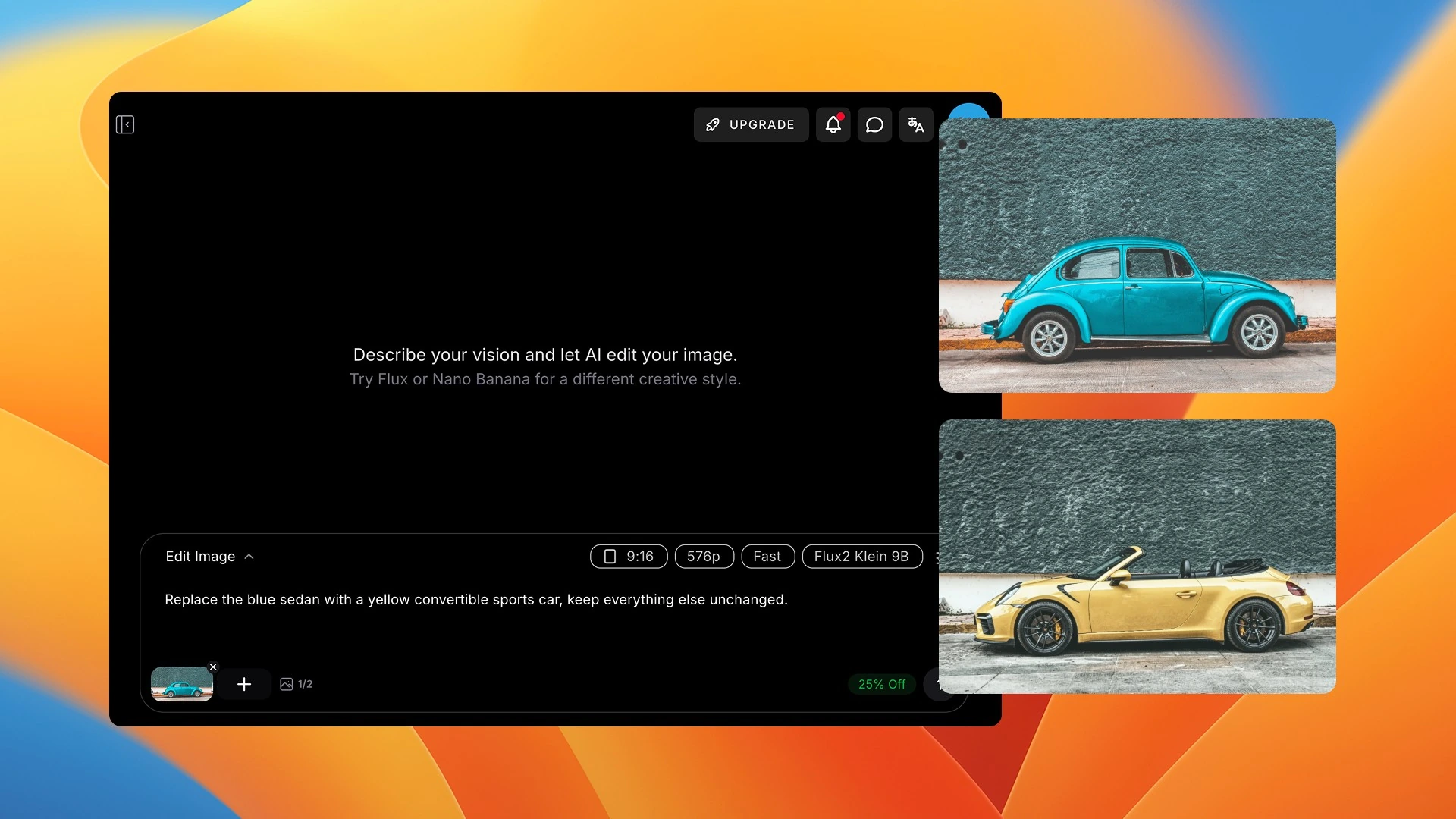
How it works
Three Steps From Civitai to Output
No environment to set up and no hardware to buy.
Drop in a Civitai model link, or choose from the 70,000+ models already hosted.
The simple generator, the A1111 WebUI, or a full ComfyUI node graph — same models in all three.
Iterate with ControlNet, inpainting and upscaling, then export — or send the frame to video.
Paste or Pick a Model
Choose Your Surface
Generate and Refine
More Free Tools to Try
Single-purpose tools that need no setup. Describe it, click, done.
Models You Already Know From Civitai
Checkpoints, LoRAs, LyCORIS and embeddings from the open community — browse them here, then run them without downloading anything.


![[Pony] Geekpower Artists Style Optionaltypo](https://diffus-public-us-west-2.s3.amazonaws.com/images/gallery/thumbnails/model_922496_a568a03d27c84b38868c5f5297941630.webp)


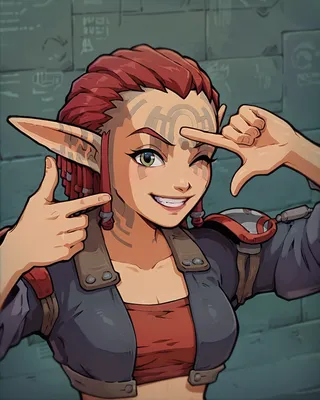









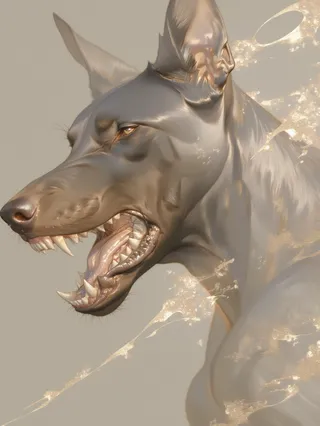



Made With These Models
Work from the community, with the prompt and the model behind every image.



































Civitai and Diffus — Common Questions
Bring Your Civitai Models to a Real GPU
Import a model, open ComfyUI, and generate in the next five minutes.
No Download
Cloud GPUs

