Run Stable Diffusion 3.5 in Your Browser
SD 3.5 Large, Large Turbo, Medium and 3.5-based community checkpoints, ready to prompt. No 16 GB download, no diffusers setup, no GPU.


Why Run SD 3.5 Here
The model is free to download. What is not free is the disk, the GPU and the hour of setup.
26 SD3 and SD3.5 checkpoints and 12 LoRAs are hosted and selectable — 3.5 Large, Large Turbo, Medium, and the community fine-tunes built on them.
SD 3.5 is one model among 70,000+. Run the same prompt through Flux, Qwen, SDXL or an Illustrious fine-tune in the same session and keep whichever wins.
Start in the one-box generator. When you need ControlNet, inpainting or a LoRA stack, the same model is already waiting in ComfyUI and the A1111 WebUI.
The Whole SD3 Family, Loaded
Compare It Against Flux and SDXL
Form, WebUI or Node Graph
What You Can Do With It
Generation is the first step, not the whole job.
Text to Image at Full Resolution
Prompt SD 3.5 Large for detail or Large Turbo for speed, at the aspect ratio you need. Its rectified-flow architecture was built for multi-subject prompts and legible text in image, the two places earlier Stable Diffusion versions struggled.

Edit What You Generated
Inpaint, outpaint, upscale, swap a background or fix a face — without exporting the image to another tool and losing the generation parameters.

Add LoRAs, or Train One
Stack SD3.5 LoRAs from the library, import one from Civitai by URL, or fine-tune your own on Diffus and use it the moment training finishes.

How it works
Three Steps, No Setup
Nothing to download and no hardware to buy.
Choose 3.5 Large, Large Turbo, Medium or a community fine-tune from the model list.
SD 3.5 follows long, specific prompts well — describe the scene rather than stacking keywords.
Iterate, then upscale or inpaint in place. Outputs land in your gallery.
Pick SD 3.5
Write the Prompt
Generate and Refine
More Free Tools
Single-purpose tools on the same models and the same GPUs.
SD3 and Everything Else
Checkpoints, LoRAs and embeddings across every open model family, ready without a download.







![Amber Style [LoRA 1.5+SDXL] SDXL](https://diffus-public-us-west-2.s3.amazonaws.com/images/gallery/thumbnails/model_265354_f9acd55b4d9041c190a050e667648d63.webp)


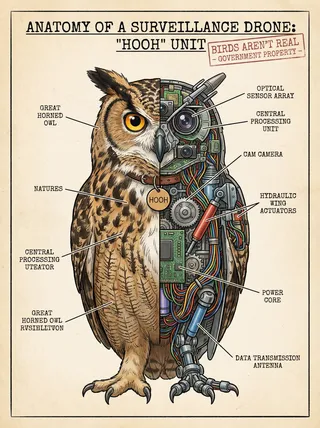
Made on Diffus
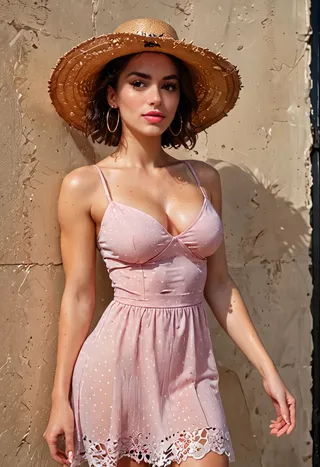
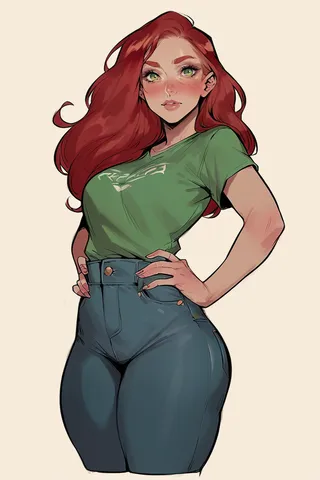
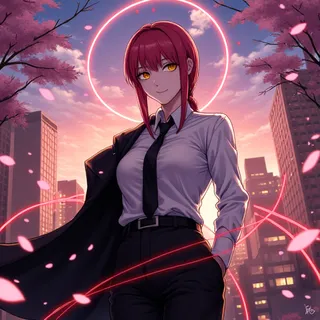
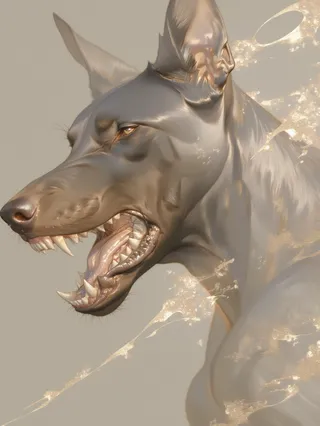
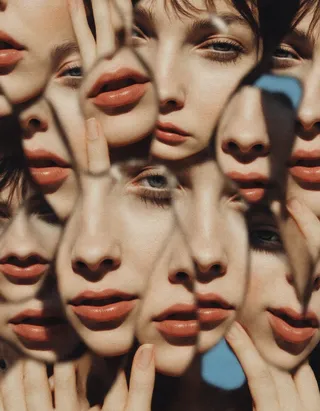
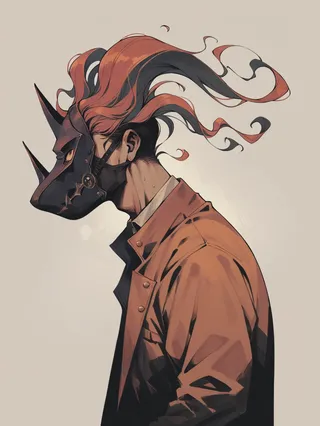
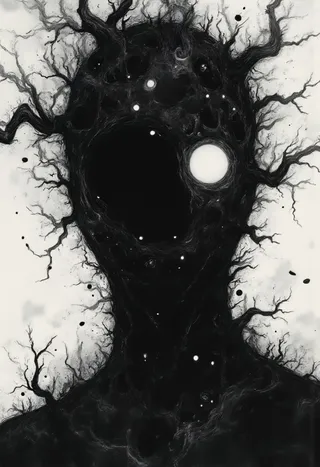
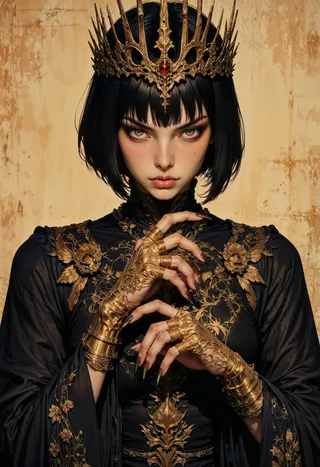
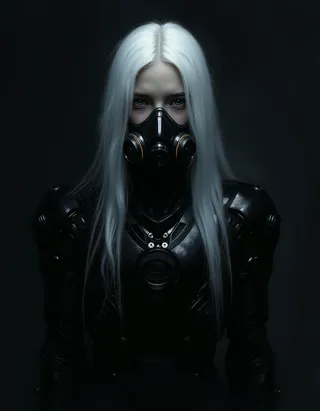
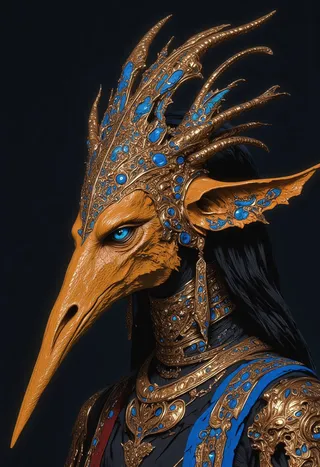
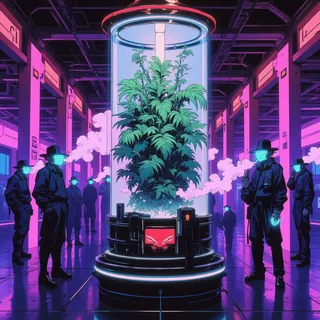
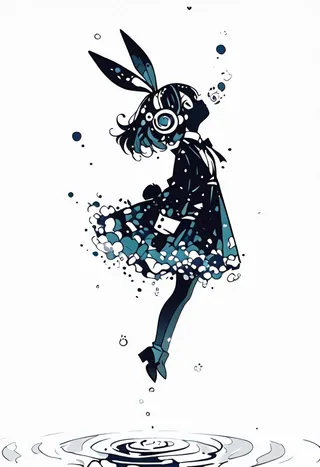
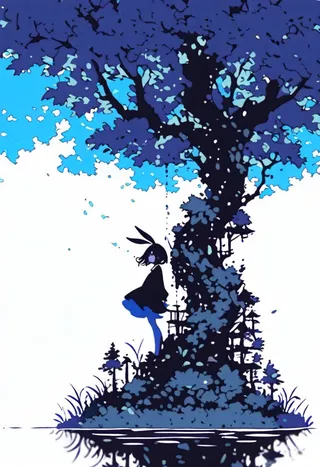
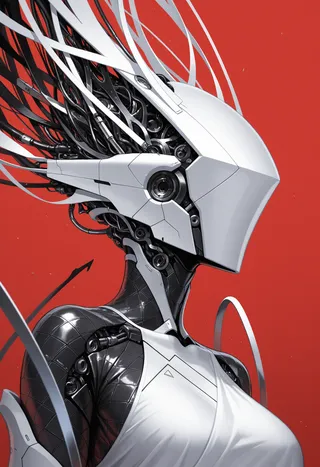
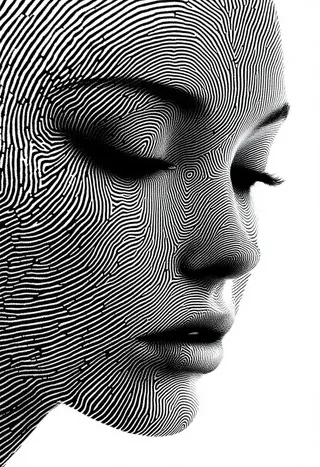
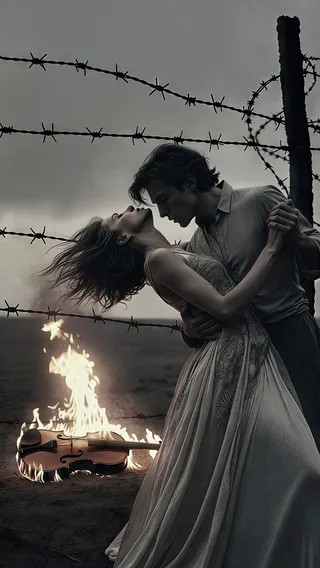
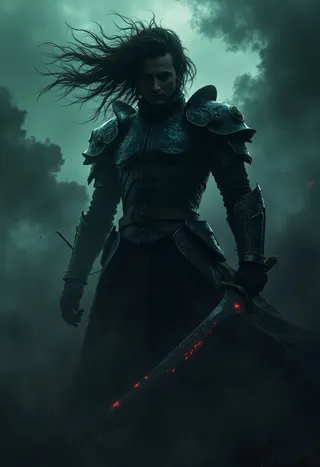
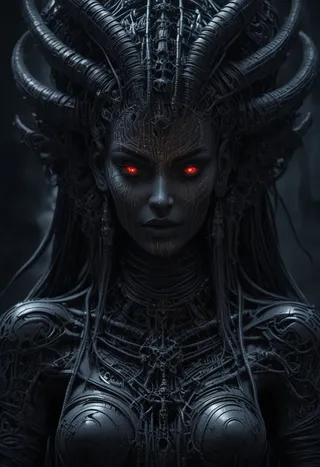
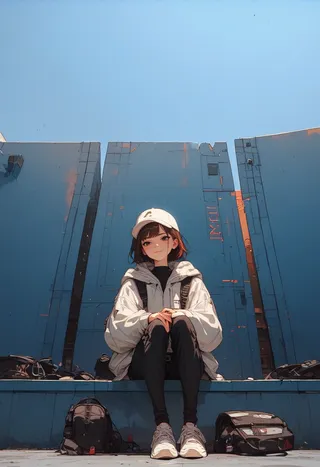
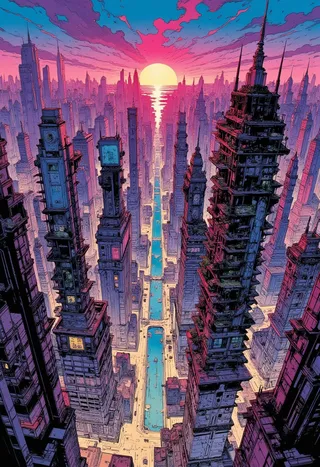
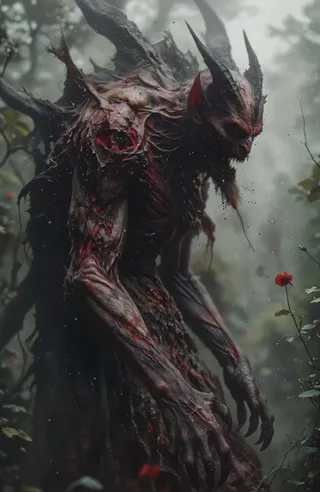
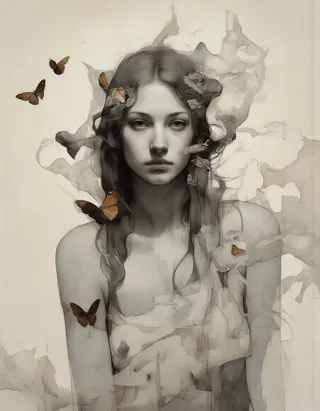
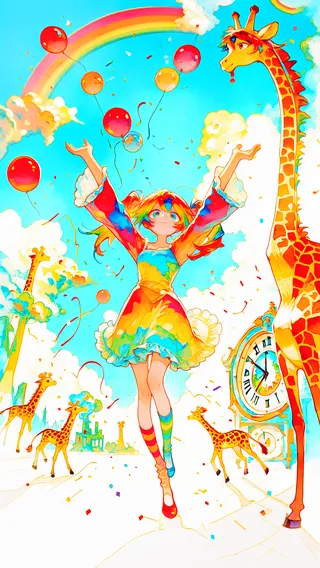
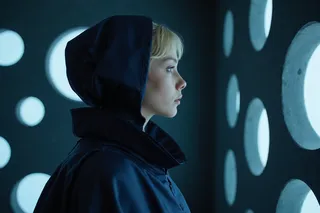
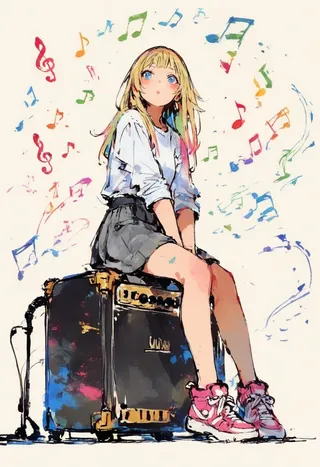
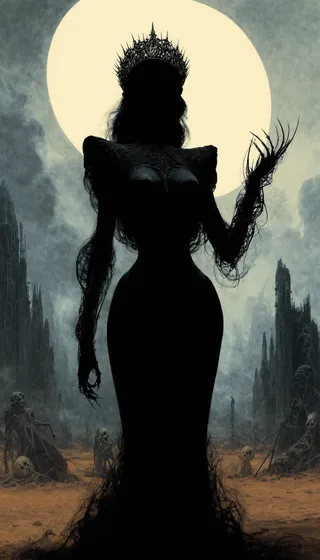
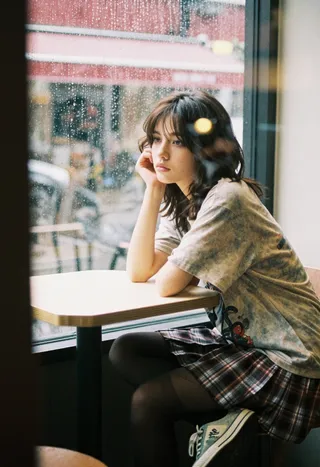
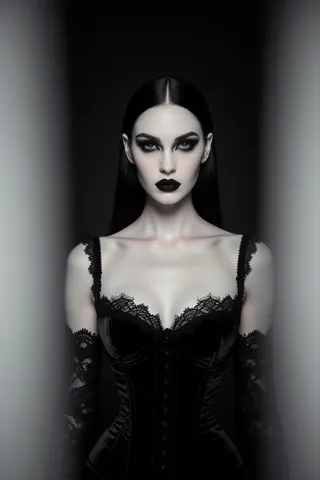
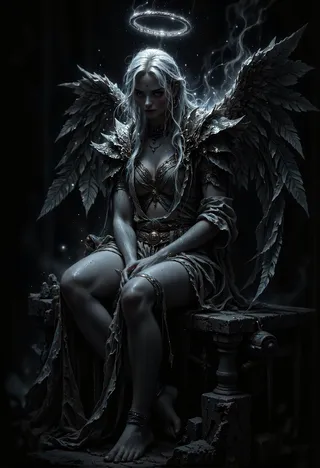
Community work, with the model and prompt behind every image.

















Stable Diffusion 3 and 3.5 — FAQs
Try SD 3.5 Without Downloading It
And compare it against Flux, Qwen and SDXL on the same prompt, in the same session.
No GPU
Free Trial

