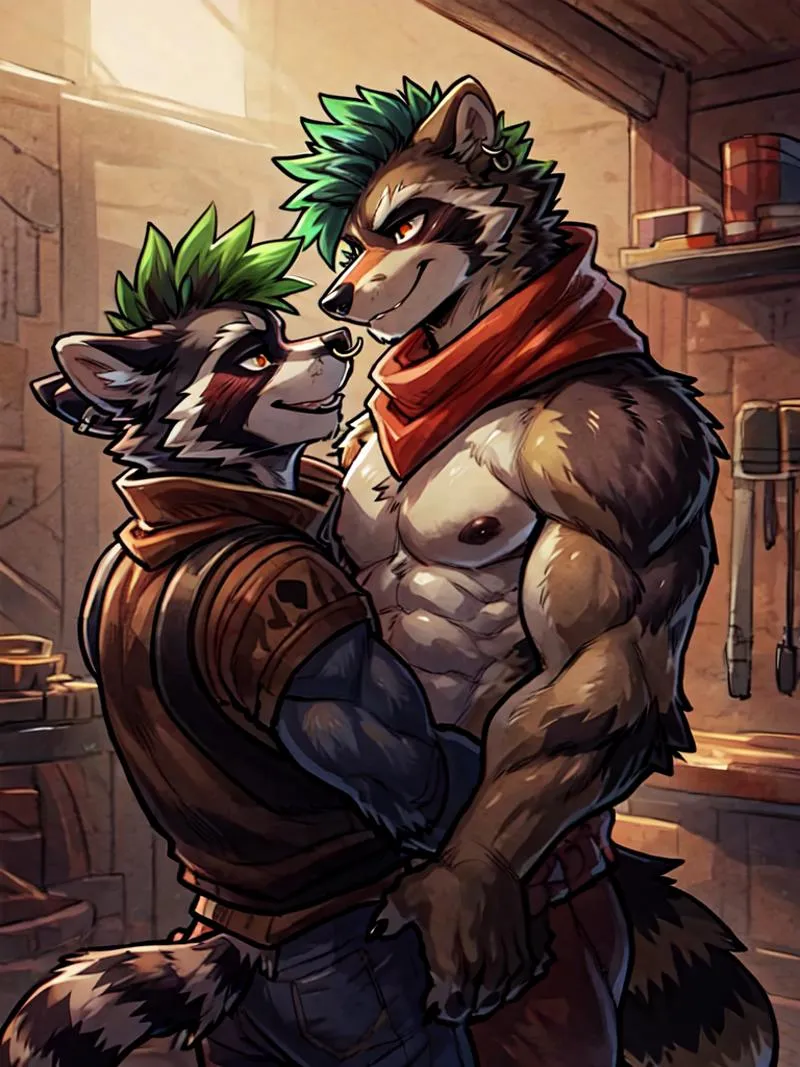
Split Screen | Concept LoRA - v1.0
Wyróżnione obrazy

Zalecane podpowiedzi
SplitScreen,split screen,close-up
Highly detailed, High Quality, Masterpiece, beautiful, close-up, SplitScreen, split screen, <lora:SplitScreen:1>
Zalecane negatywne podpowiedzi
FastNegativeEmbedding, (worst quality, low quality:1.4)
Zalecane parametry
samplers
steps
cfg
clip skip
resolution
other models
Zalecane parametry wysokiej rozdzielczości
upscaler
upscale
steps
denoising strength
Wskazówki
Waga może wynosić od 0,9 do 1; zalecana waga to 1.
Używaj z rozszerzeniem Regional Prompt, aby uzyskać dokładne postaci.
Ustaw wagę 0,5-0,6 dla Split Screen LoRA, jeśli efekt jest zbyt silny.
Aby używać LoRA w auto1111, pobierz LoRA, umieść ją w stable-diffusion-webui/models/lora, wybierz LoRA i użyj słowa wyzwalającego, dostosowując wagę w razie potrzeby.
Split Screen | Concept LoRA
PRZECZYTAJ PRZED UŻYCIEM!!!
Waga może wynosić od 0,9 do 1. Zalecam 1. Działa z prawie każdym stylem, każdą postacią i modelami fotorealistycznymi.
Ten model musi być używany z Regional Prompt, jeśli chcesz, aby Twoja postać była dokładna. Zobacz podgląd obrazów dla promptów. Potrzebujesz tego rozszerzenia oraz tych ustawień:
(ustaw wagę na 0,5-0,6 dla Splitscreen LoRA, jeśli efekt jest zbyt silny. Typowy prompt podwaja to)
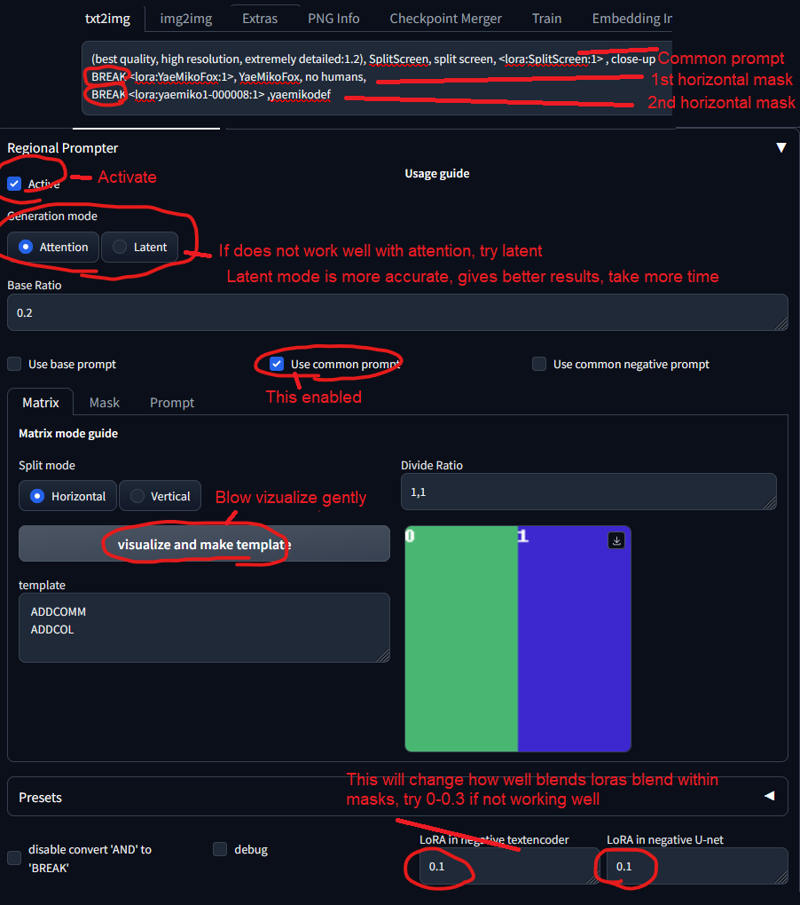
Słowo wyzwalające:
SplitScreen, split screen
Pomocny prompt:
close-up
Jak używać LoRA w auto1111:
Pobierz LoRA
Skopiuj plik do
stable-diffusion-webui/models/loraWybierz swoją LoRA i użyj słowa wyzwalającego
Upewnij się, że zmieniasz wagę, jeśli to konieczne (domyślnie jest
:1)Baw się dobrze!

Szczegóły modelu
Typ modelu
Model bazowy
Wersja modelu
Hash modelu
Wytrenowane słowa
Twórca

Dyskusja
Proszę się log in, aby dodać komentarz.
Kolekcja modeli - Split Screen | Concept LoRA

Obrazy autorstwa Split Screen | Concept LoRA - v1.0
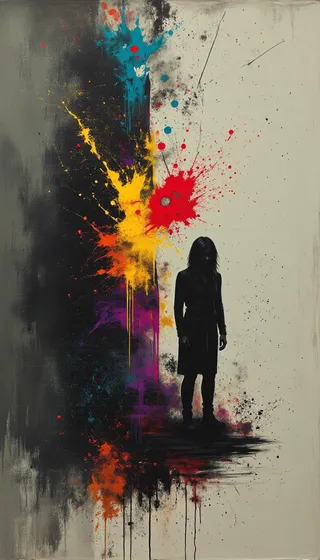
Obrazy z sztuka


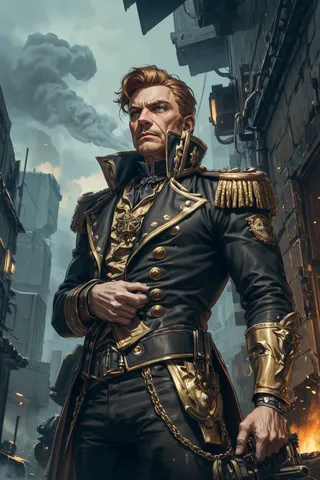
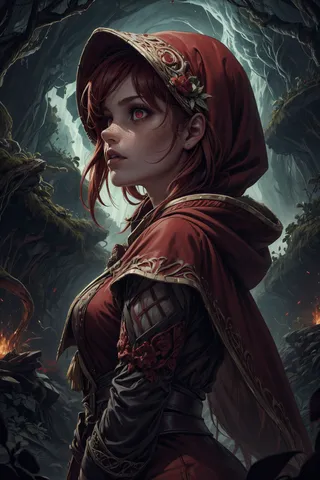


Obrazy z postacie



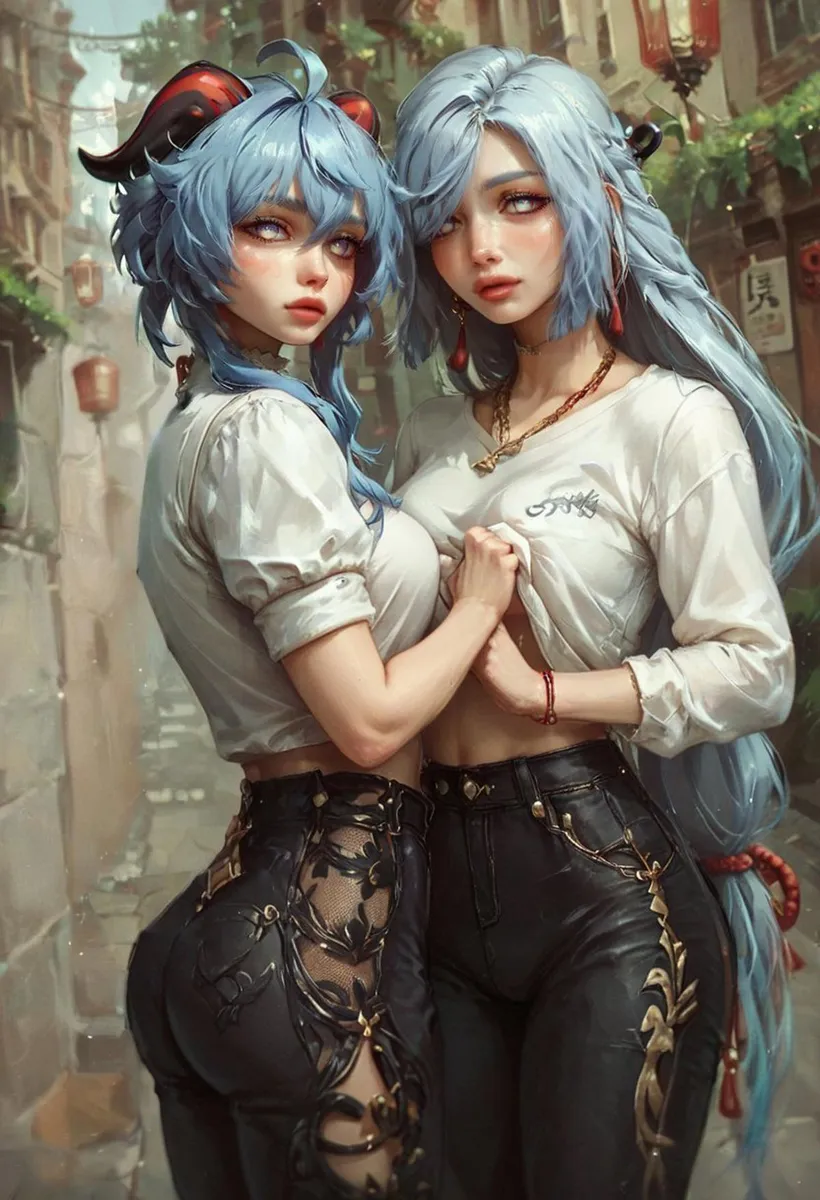
Obrazy z duet