Run Flux.2 Klein in Your Browser
Klein 9B and 4B, plus the 2,100+ community models built on them. No 9-billion-parameter download, no GPU, no environment to keep alive.
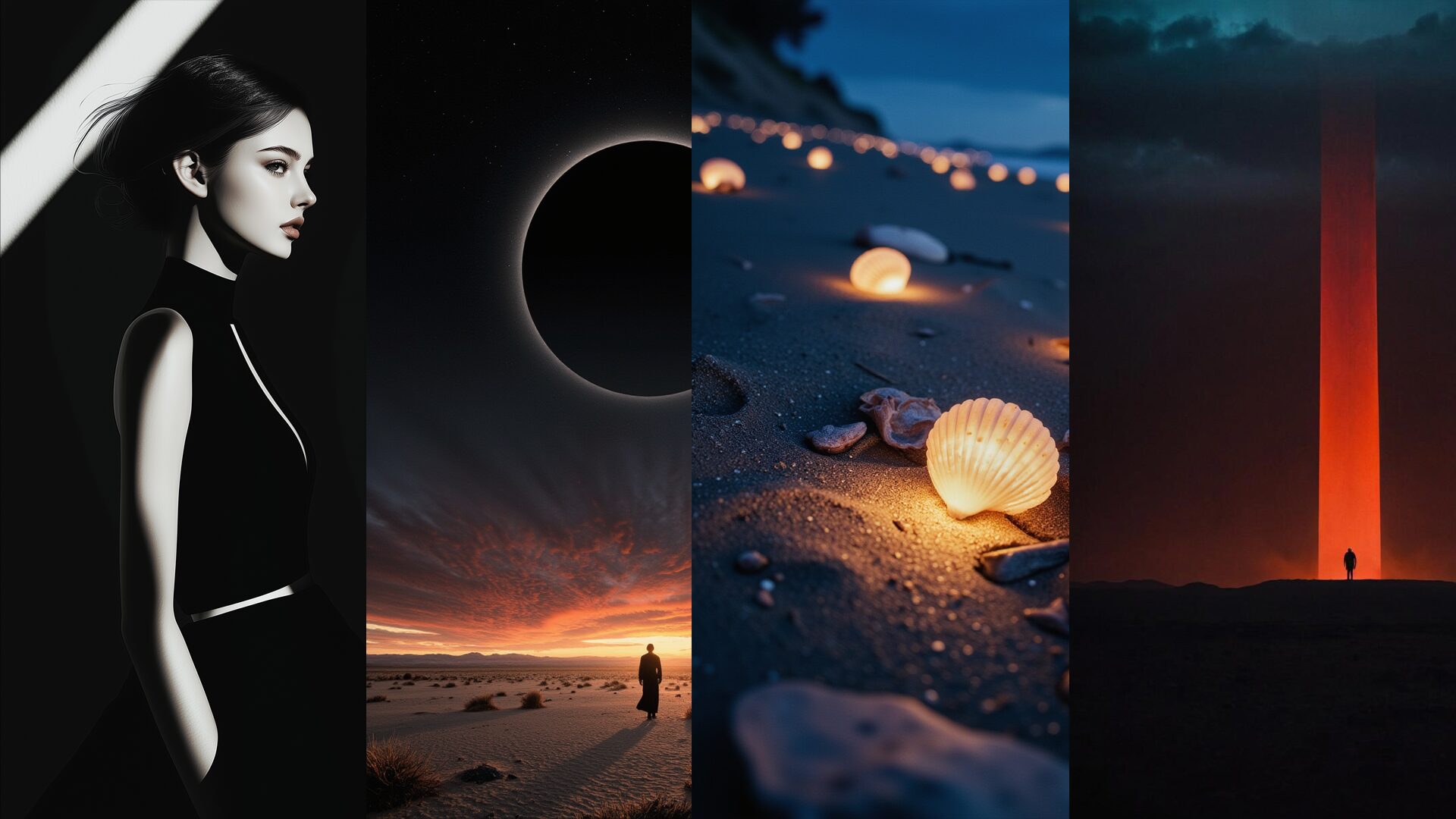


Why Run Klein Here
The weights are open. What is not free is the disk, the card and the afternoon of setup.
Community checkpoints and LoRAs built on Klein 9B and 4B are on disk and selectable. Paste a Civitai link to add one that isn't.
Generate, edit, inpaint, outpaint and face swap from a single self-contained Klein node in ComfyUI — no graph to assemble before the first image.
Flux.1, Flux Kontext, Qwen, SDXL and SD 3.5 are in the same session. Run one prompt through several and keep what wins.
2,100+ Klein Models, Already Hosted
One Node, the Whole Workflow
Compare It Against the Rest
What You Can Do With It
Generation is the first step, not the whole job.
Text to Image on Klein
Prompt Klein 9B for quality or 4B when you want the lighter model, at the aspect ratio you need, with the sampler and guidance already tuned for the Flux.2 line.

Edit, Inpaint and Outpaint
The Klein node covers editing in the same place you generate — repaint a region, extend the frame, swap a face — without exporting and losing the parameters.

Stack Community LoRAs
Klein has its own growing LoRA ecosystem on Civitai. Import one by URL and stack it, or fine-tune your own here and use it the moment training ends.
How it works
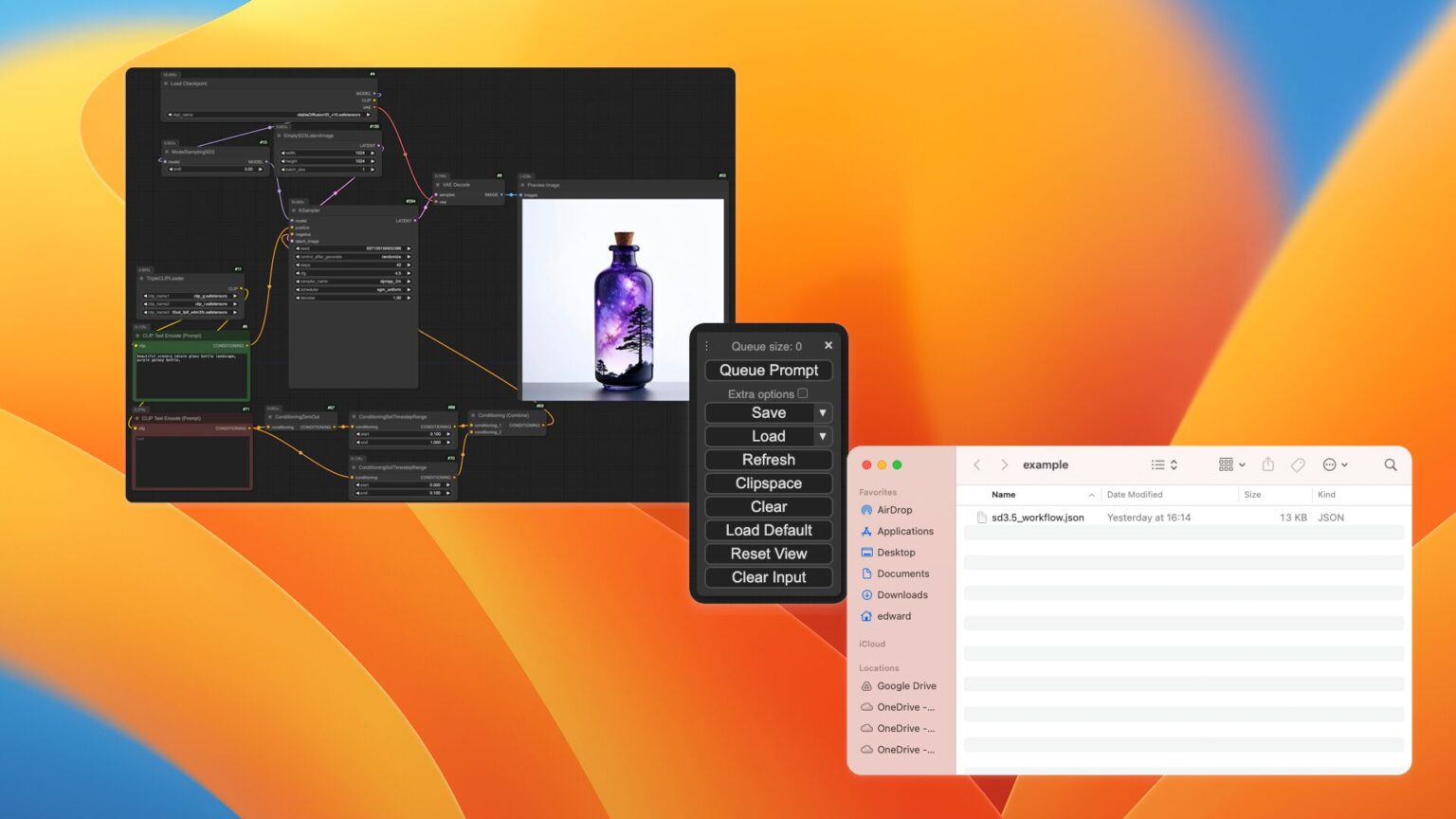
Three Steps, No Setup
Nothing to download and no hardware to buy.
Choose Klein 9B or 4B, or a community fine-tune built on either.
Or bring an image to edit — the same node handles both.
Inpaint, outpaint or upscale in place. Outputs land in your gallery.
Pick Klein
Write the Prompt
Generate and Refine
More Free Tools to Try
Single-purpose tools that need no setup. Describe it, click, done.
Models Built on Flux
Checkpoints and LoRAs across the Flux line, ready without a download.
![Okami Style [FLUX] v1](https://diffus-public-us-west-2.s3.amazonaws.com/images/gallery/thumbnails/model_784410_f7f60f52438f4514b4eb7e3e2ded7e38.webp)



![[Pony] Geekpower Artists Style Optionaltypo](https://diffus-public-us-west-2.s3.amazonaws.com/images/gallery/thumbnails/model_922496_a568a03d27c84b38868c5f5297941630.webp)
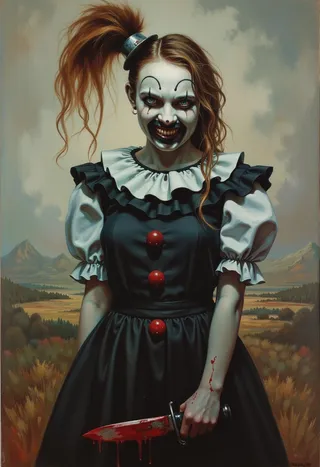

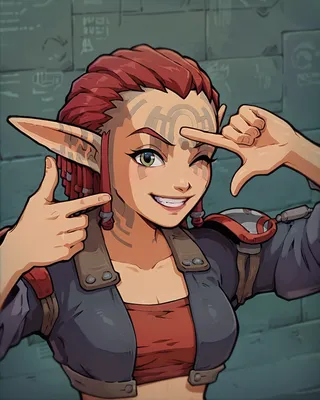

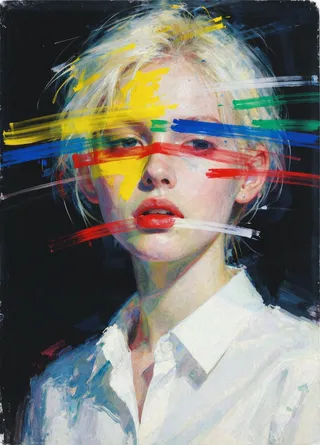

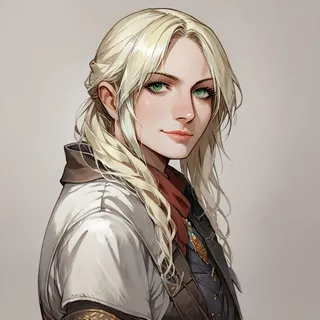
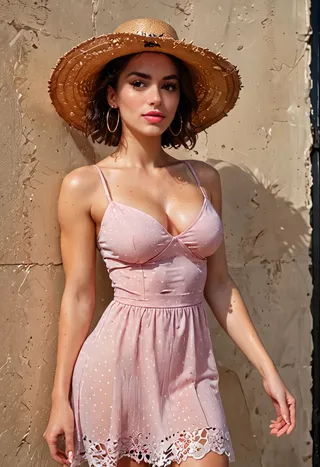
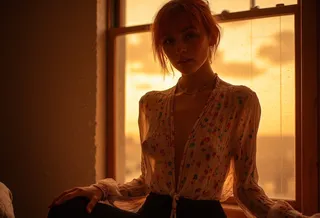
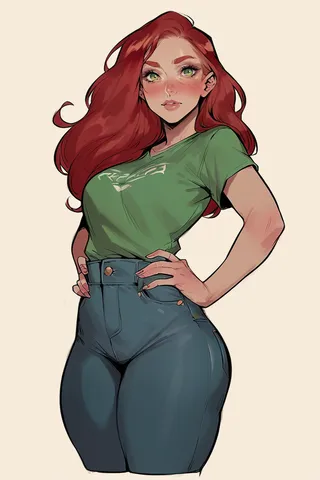
Made on Diffus
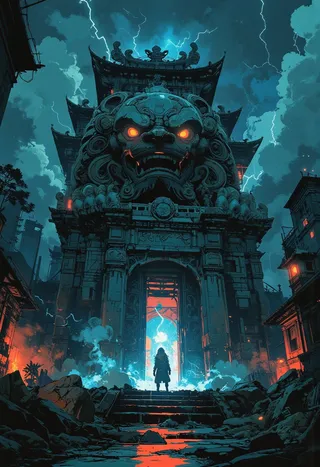
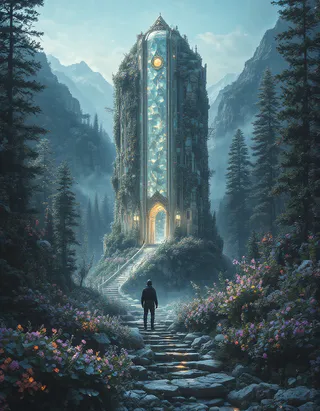
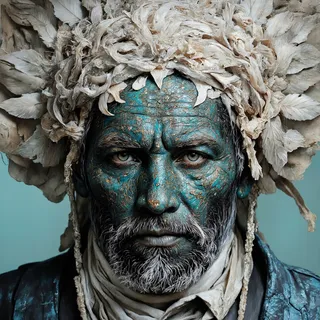
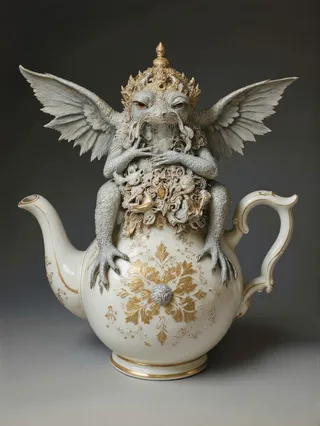
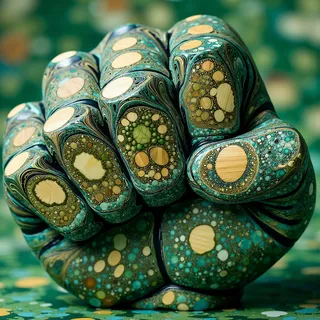
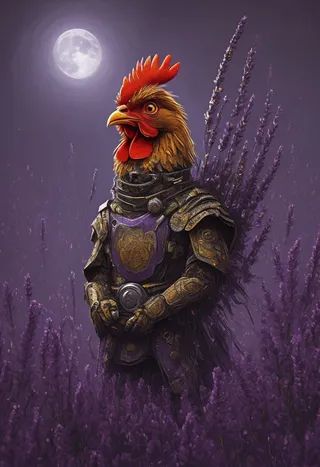
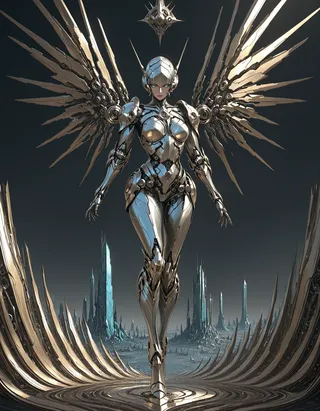
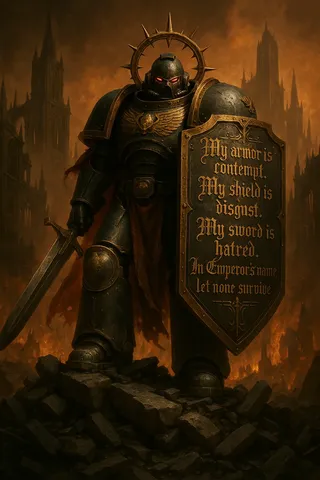
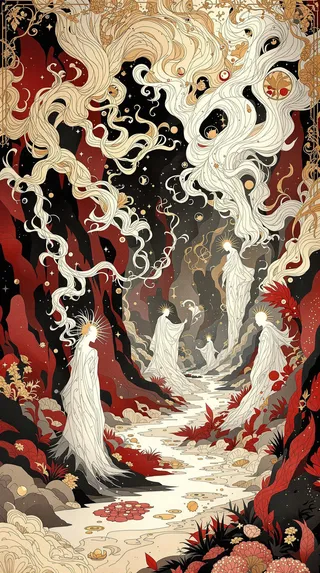
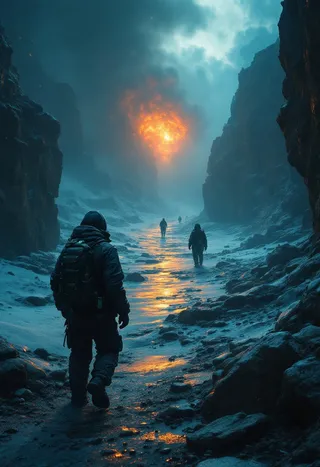
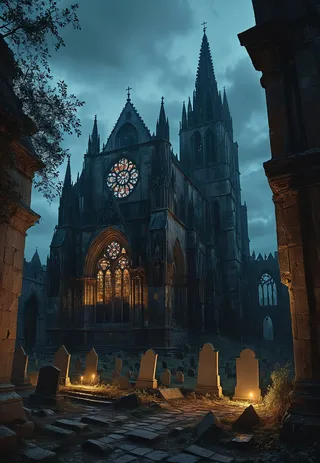
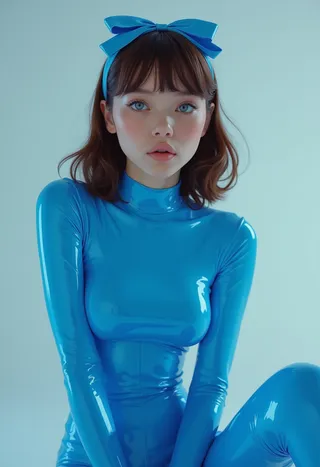
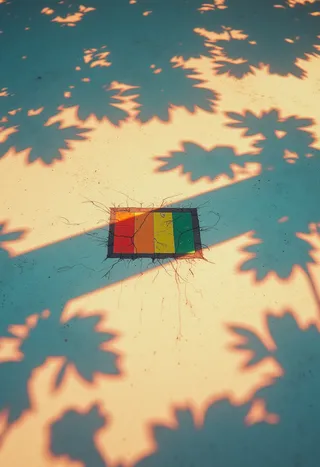
Work from the community, with the model and prompt behind every image.


















Flux.2 Klein — FAQs
Try Klein Without Downloading It
And put it next to Flux.1, Qwen and SDXL on the same prompt.
2,100+ Models
No GPU

