Happy Horse, at 1080p and From Three Seconds Up
1080p output with a three-second floor and one-second steps, at any of five aspect ratios — sized for a loop, a sting, or a clip that sits next to filmed footage.
Happy Horse, and the Five Models You'd Compare It To
We ran the same prompt through all six. Every one of them is in the box above.
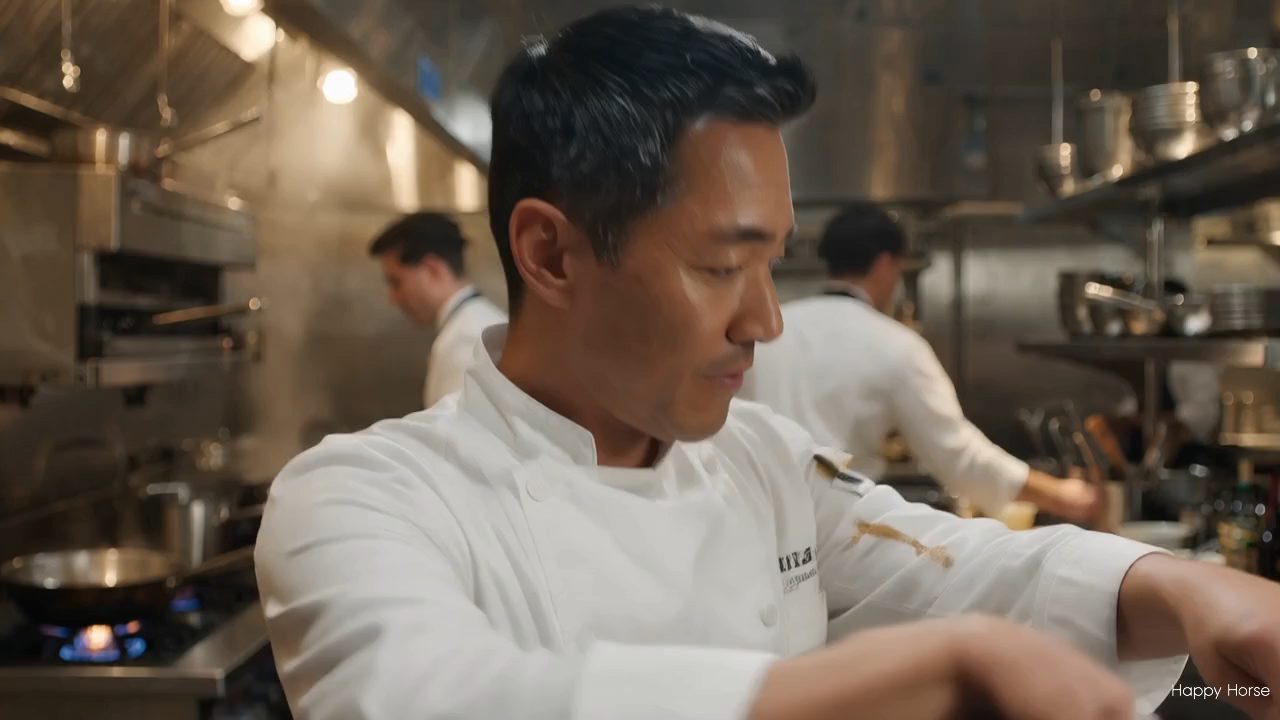
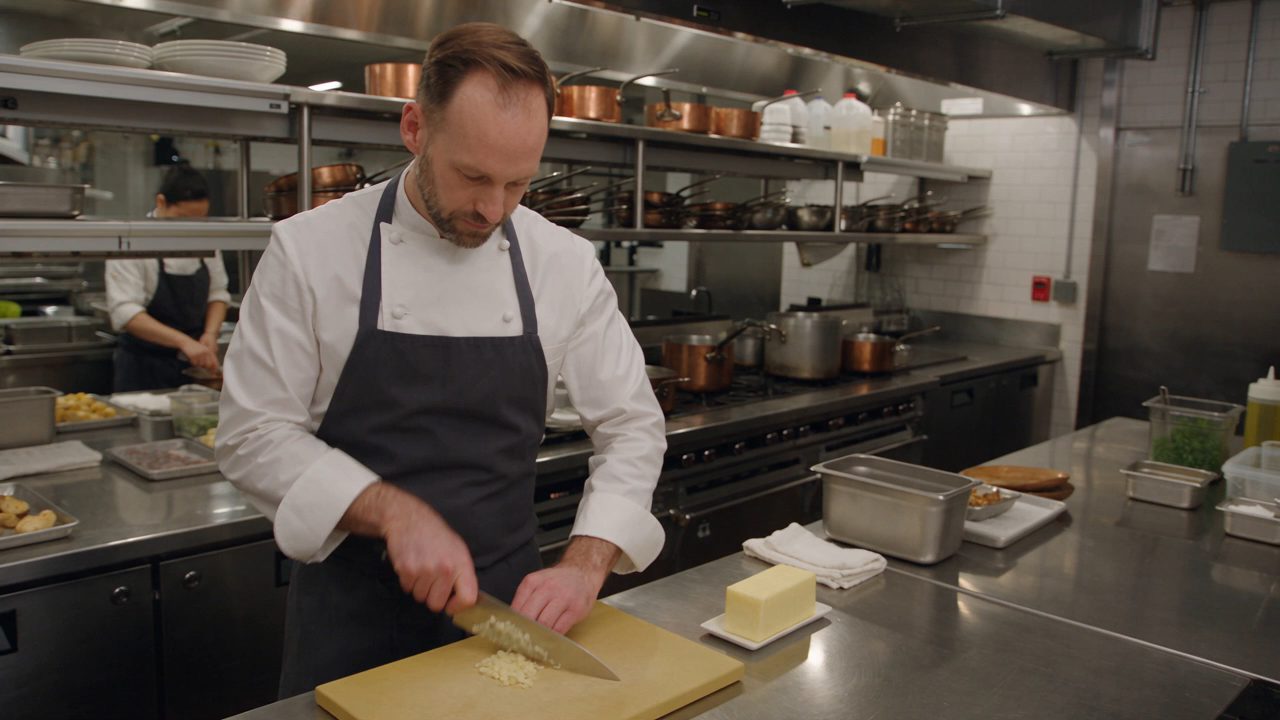
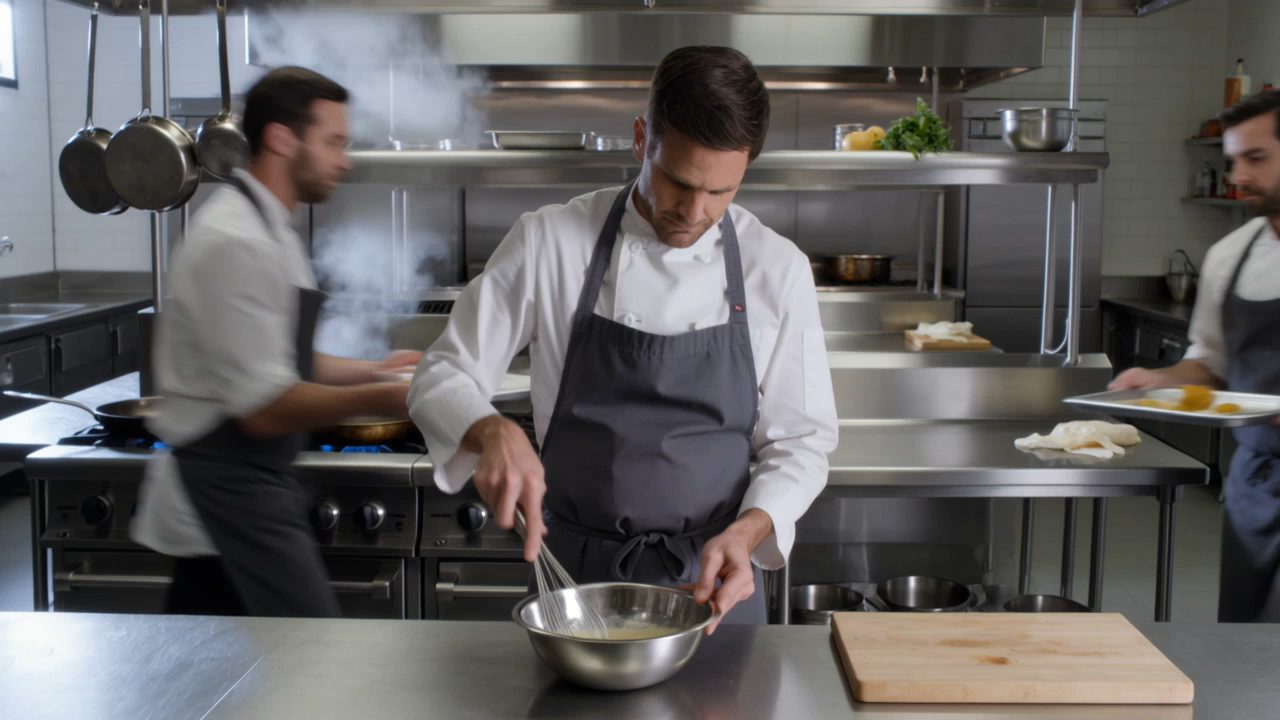
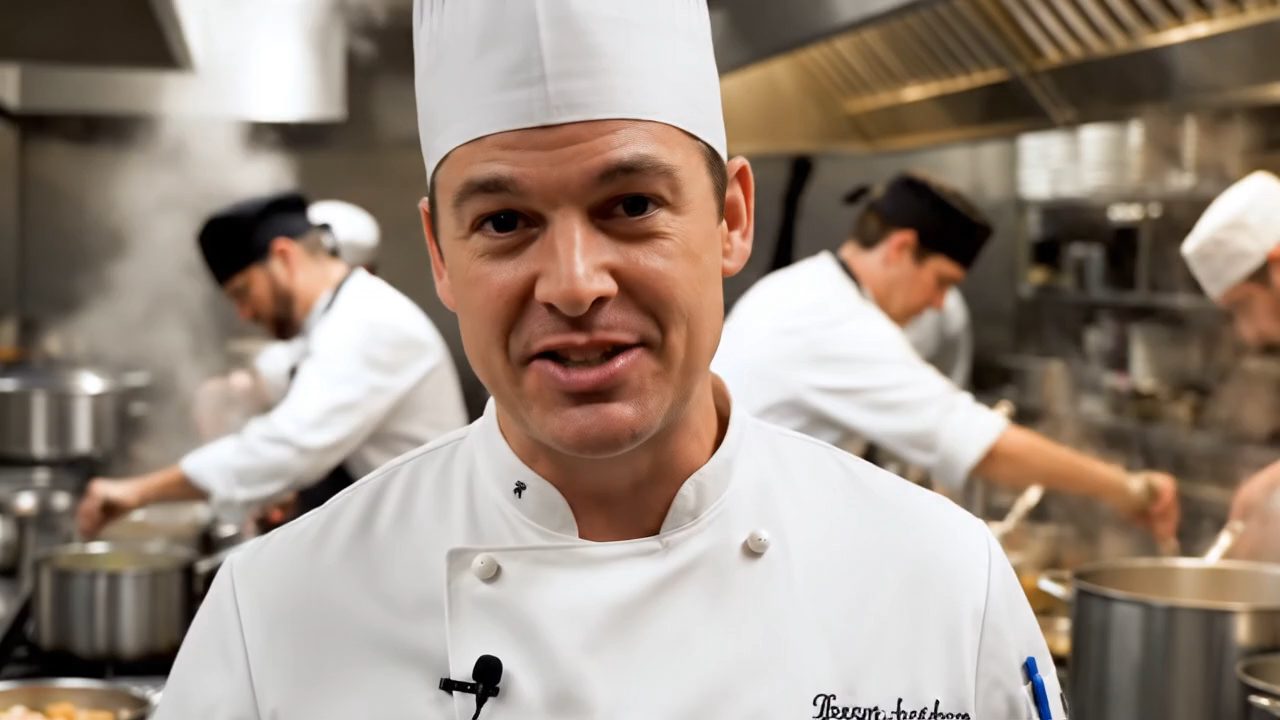
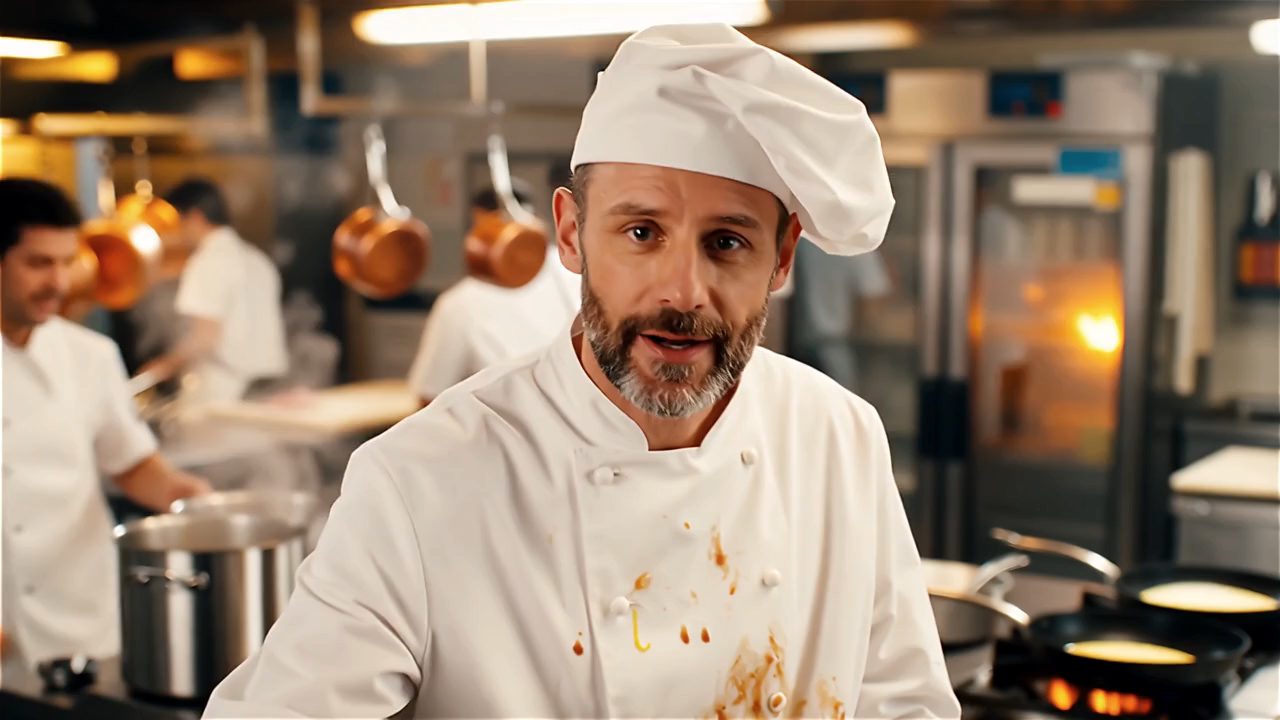
“A chef in a busy kitchen looks straight at camera and says, "the secret is butter."”
 On this page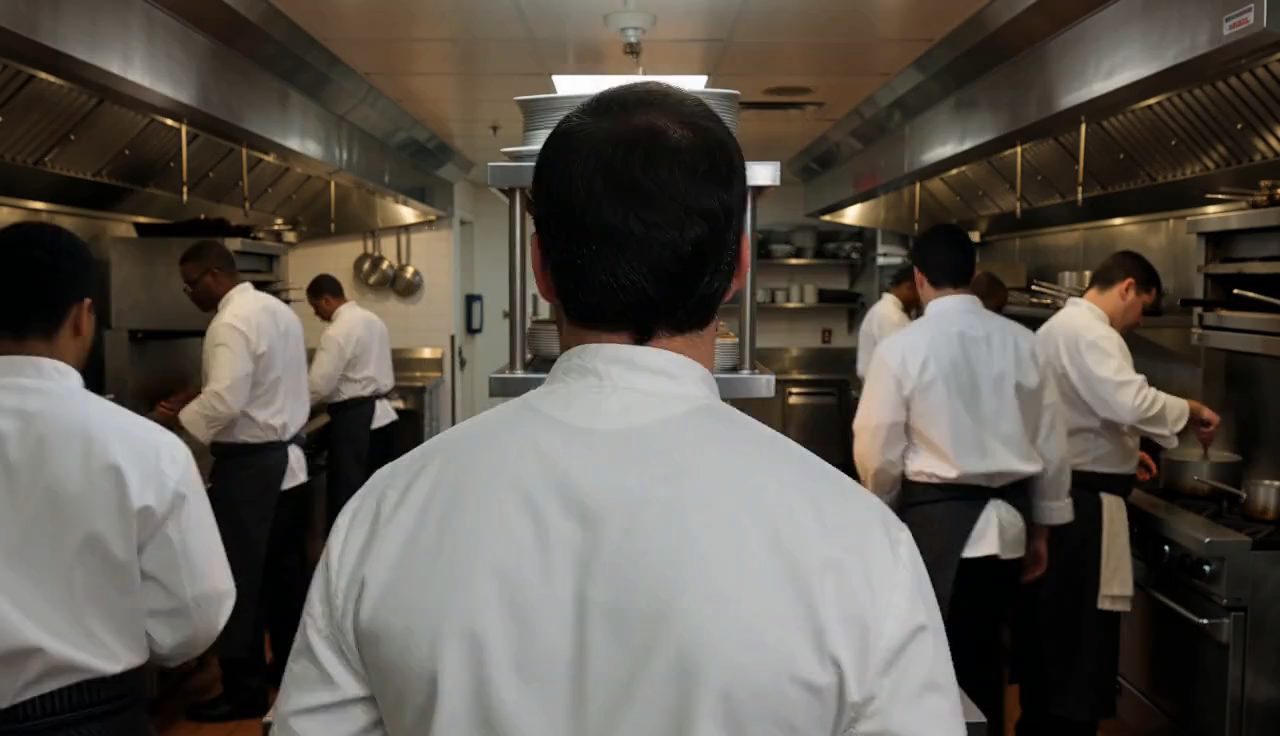
MiniMax H3
Mouth shapes against the audio track.
Seedance 2.5
Native audio, generated with the picture.
Kling 3 Omni
Skin and hair detail as the camera settles.
Veo 3.1
Whether the gaze holds the lens.
Wan 2.5
How skin and cloth read up close.
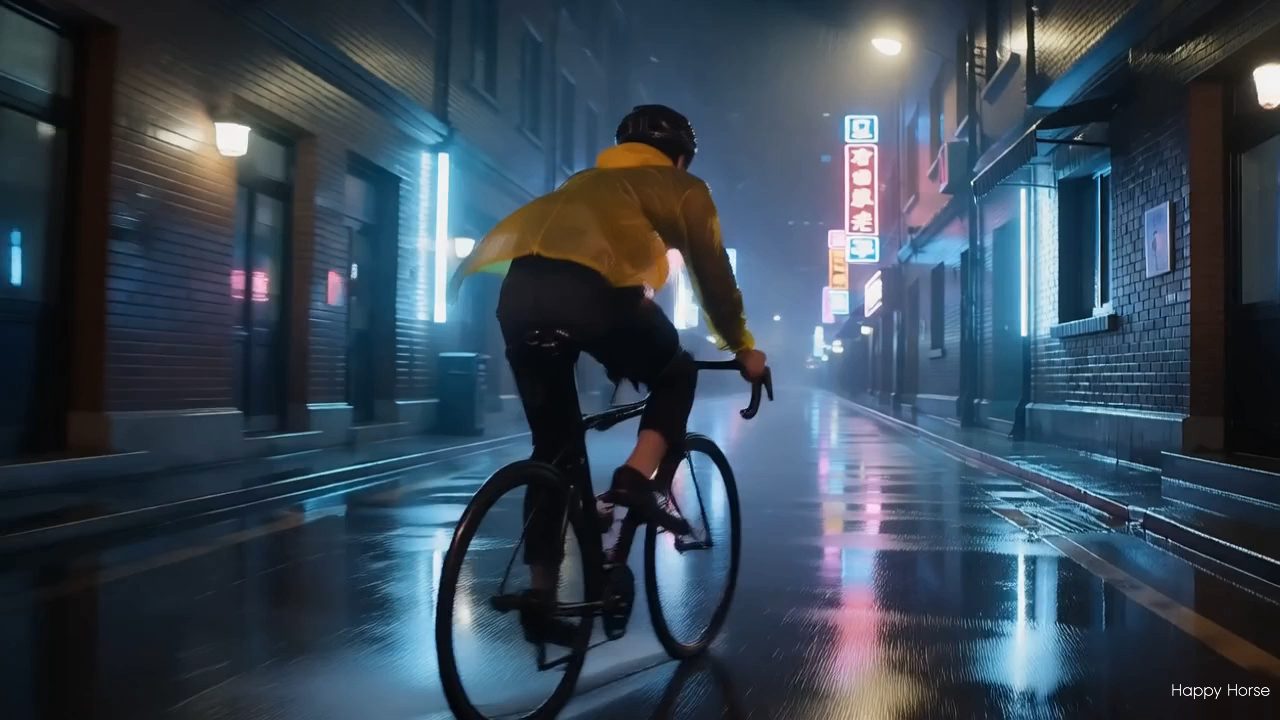
“Handheld shot following a cyclist through a rainy neon alley, water spraying from the tyres.”
 On this page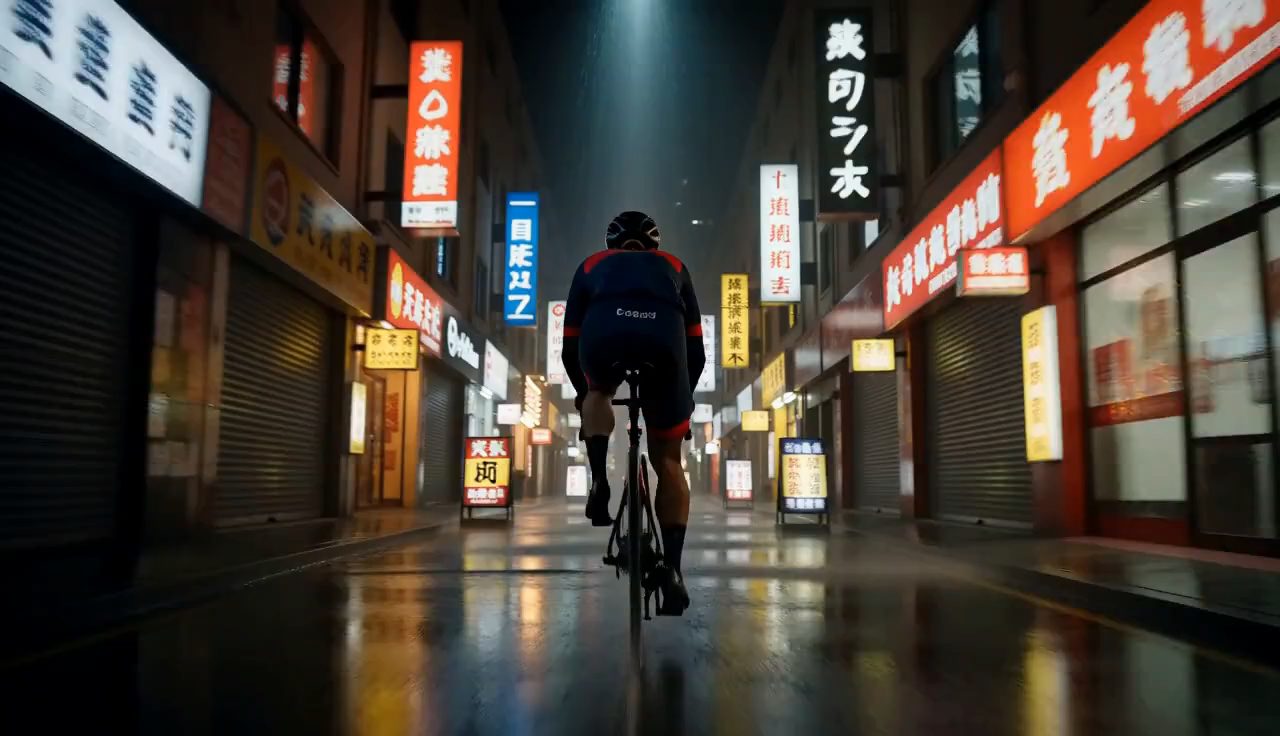
MiniMax H3
Motion blur through the fastest part of the pan.
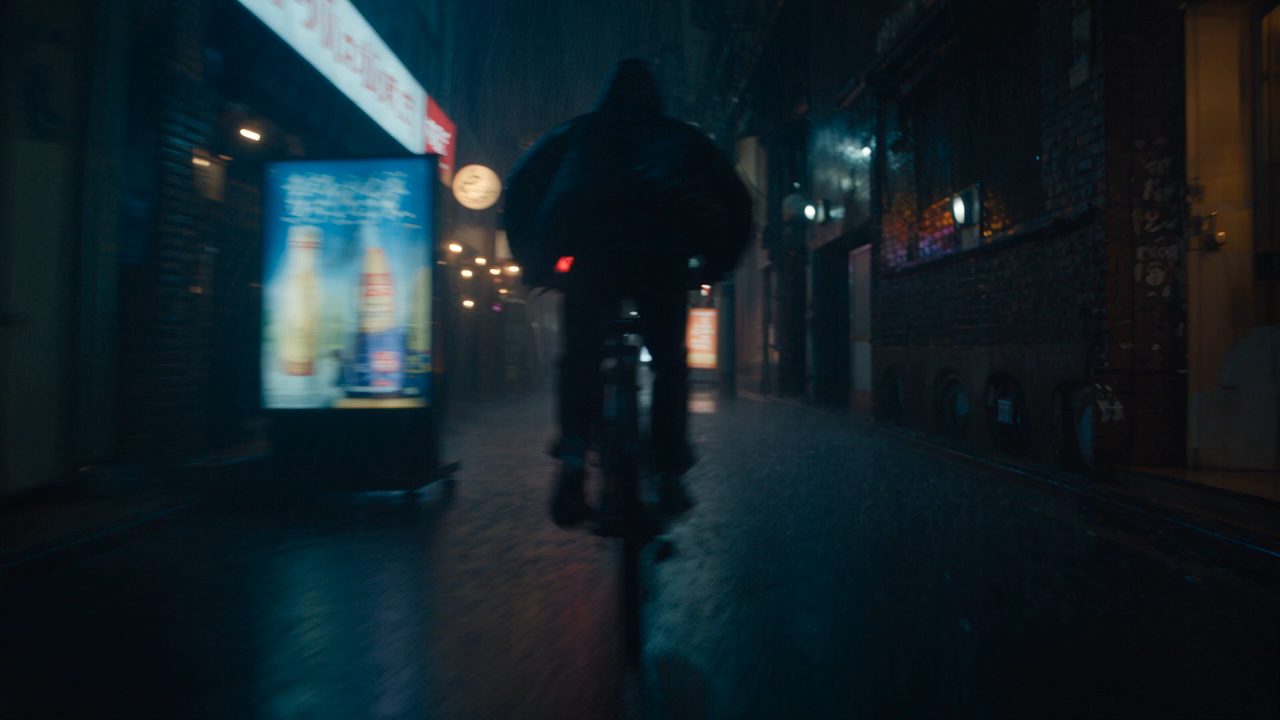
Seedance 2.5
Whether the spray keeps its direction.
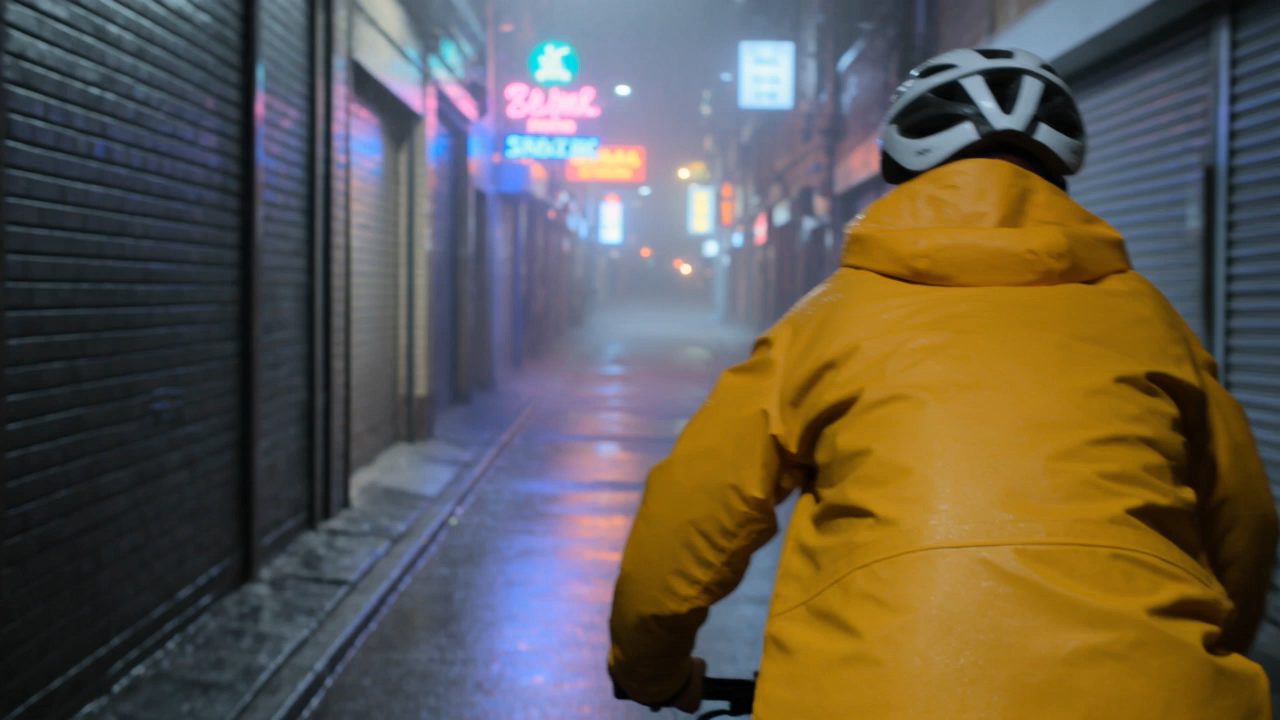
Kling 3 Omni
Limbs at the moment of the turn.
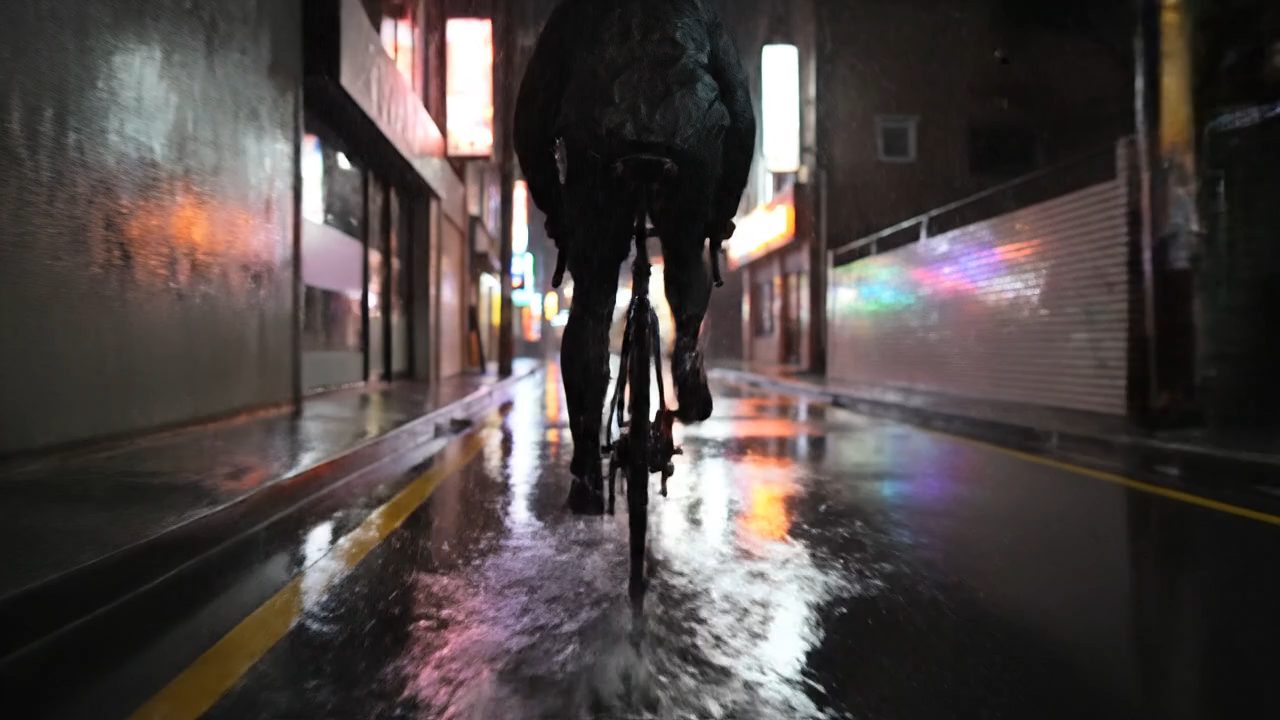
Veo 3.1
Reflections tracking the light source.
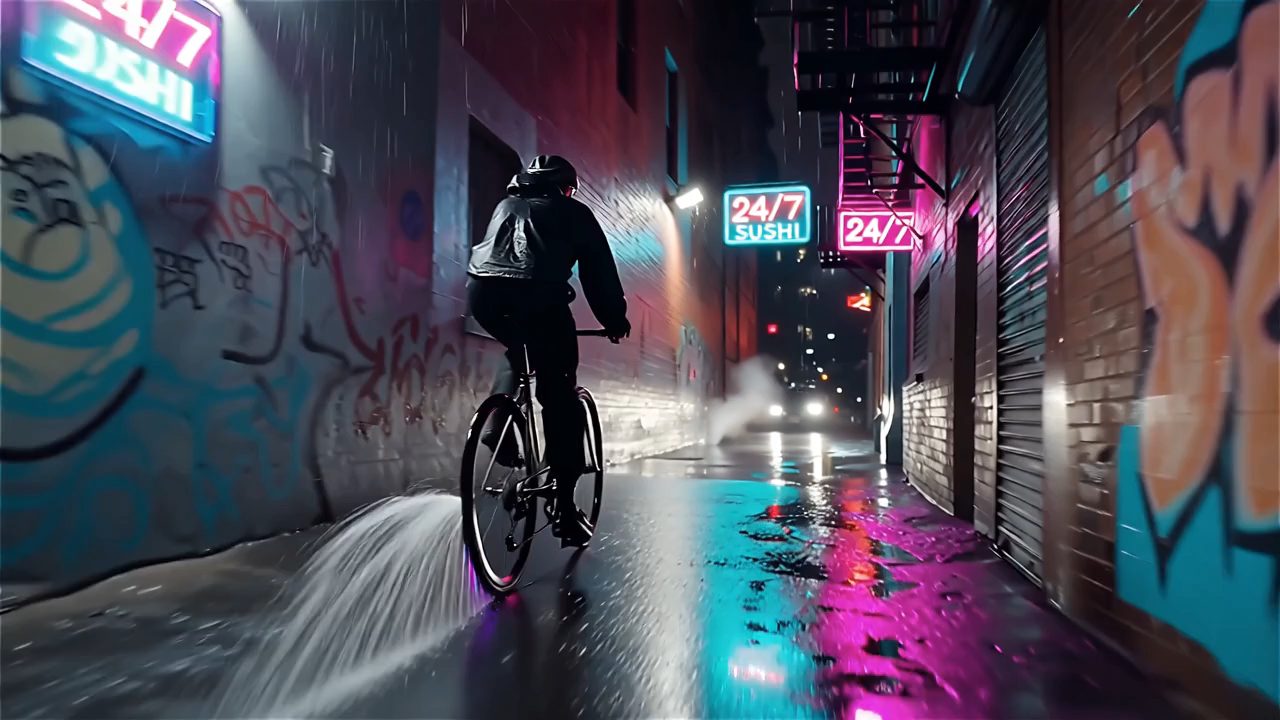
Wan 2.5
How the background holds together.
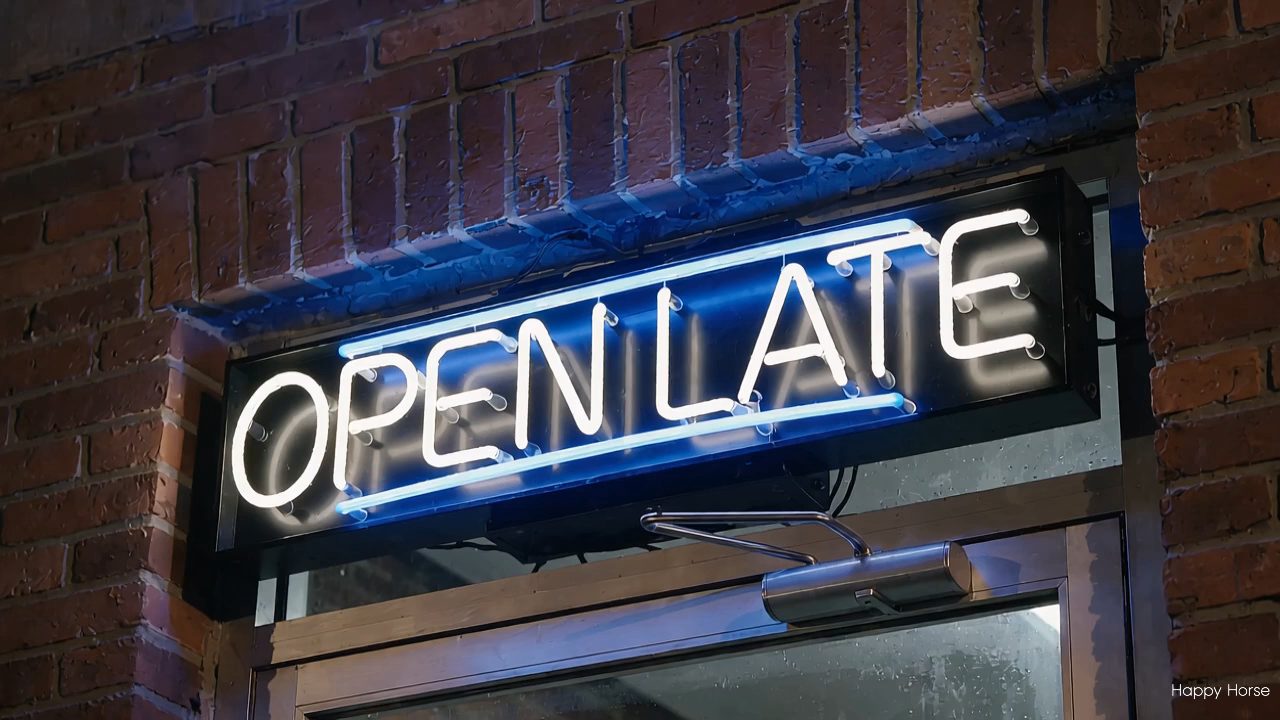
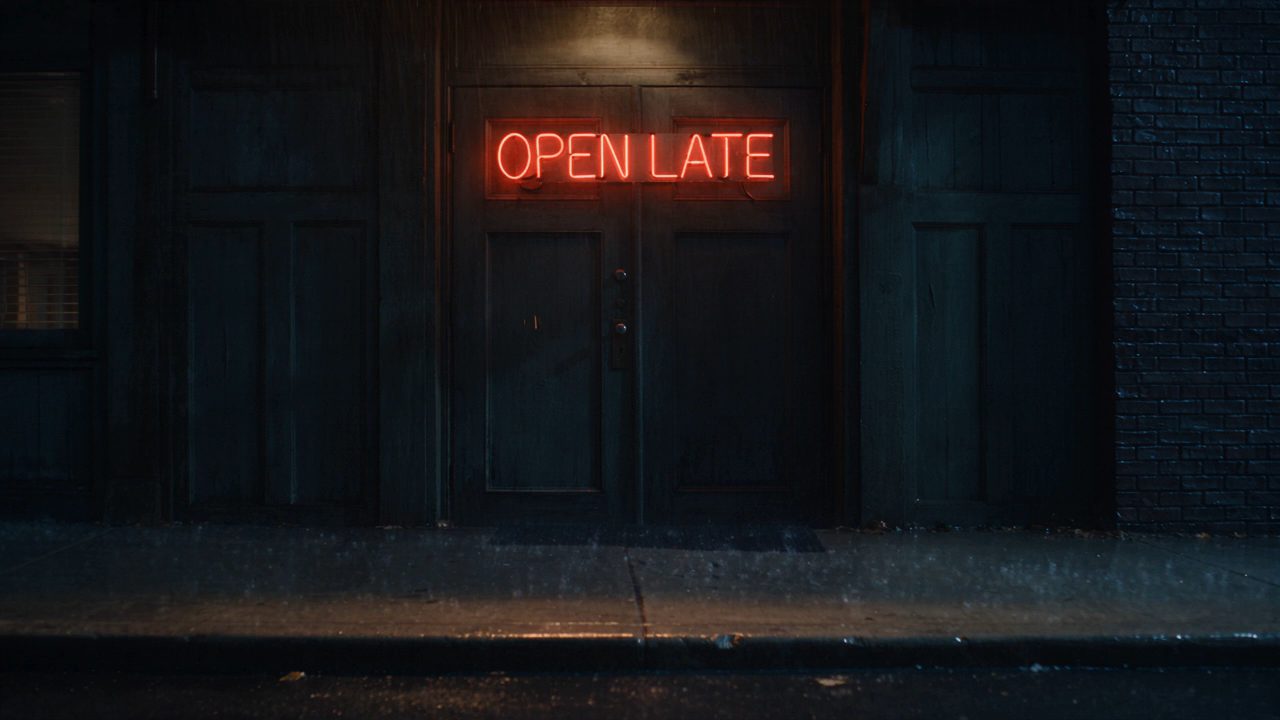
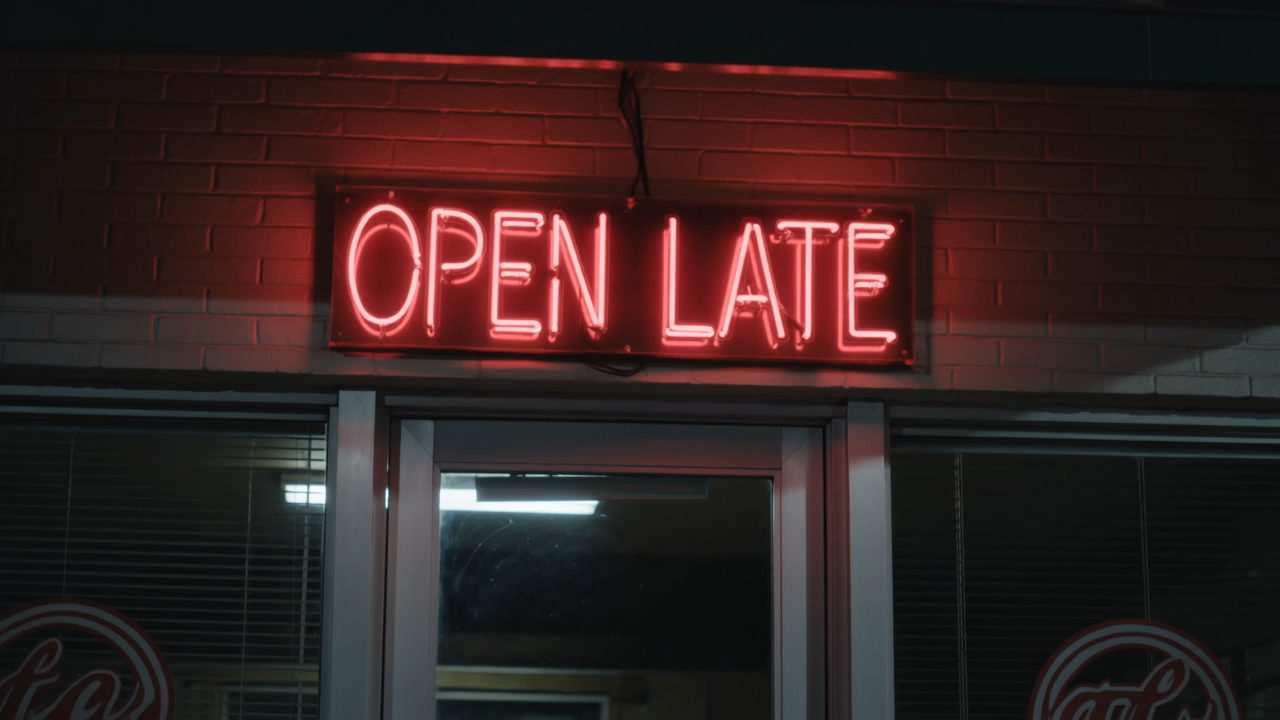
“A neon sign reading OPEN LATE flickers above a diner door at night.”
 On this page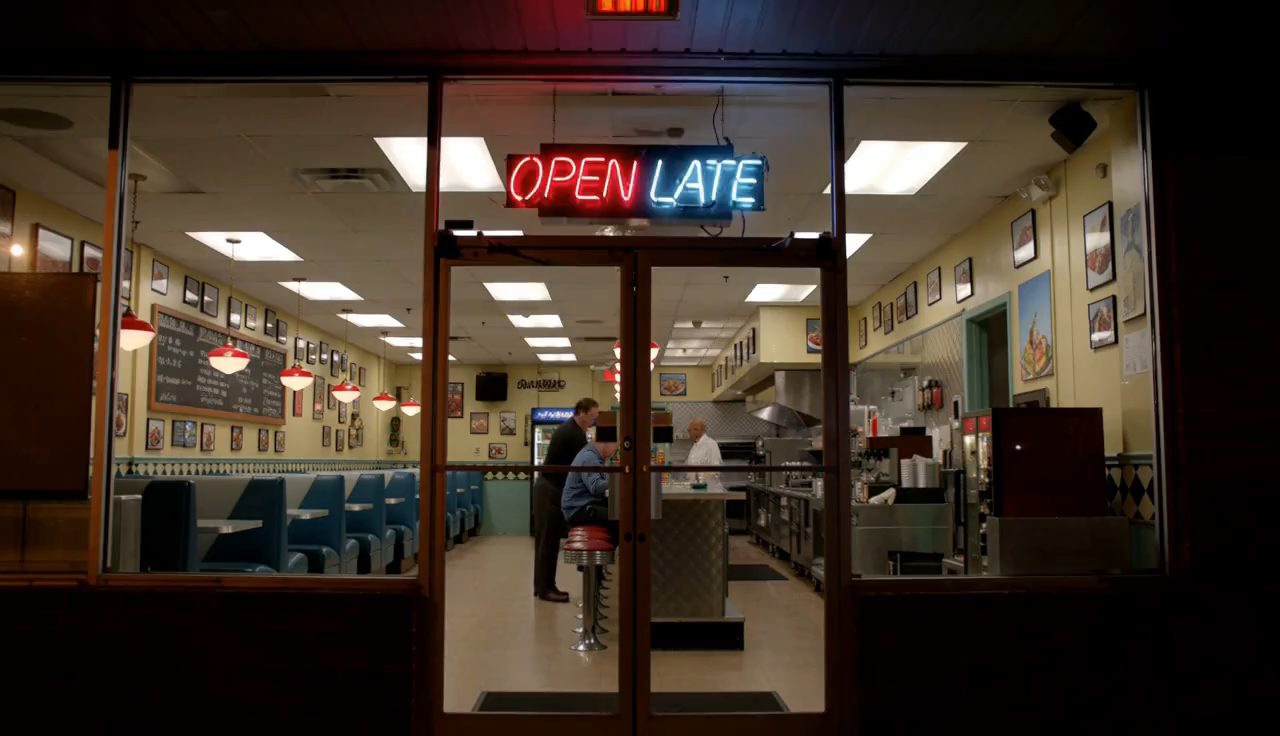
MiniMax H3
Letterforms once the sign is in focus.
Seedance 2.5
Whether the text survives the flicker.
Kling 3 Omni
Spelling, not just the shape of letters.
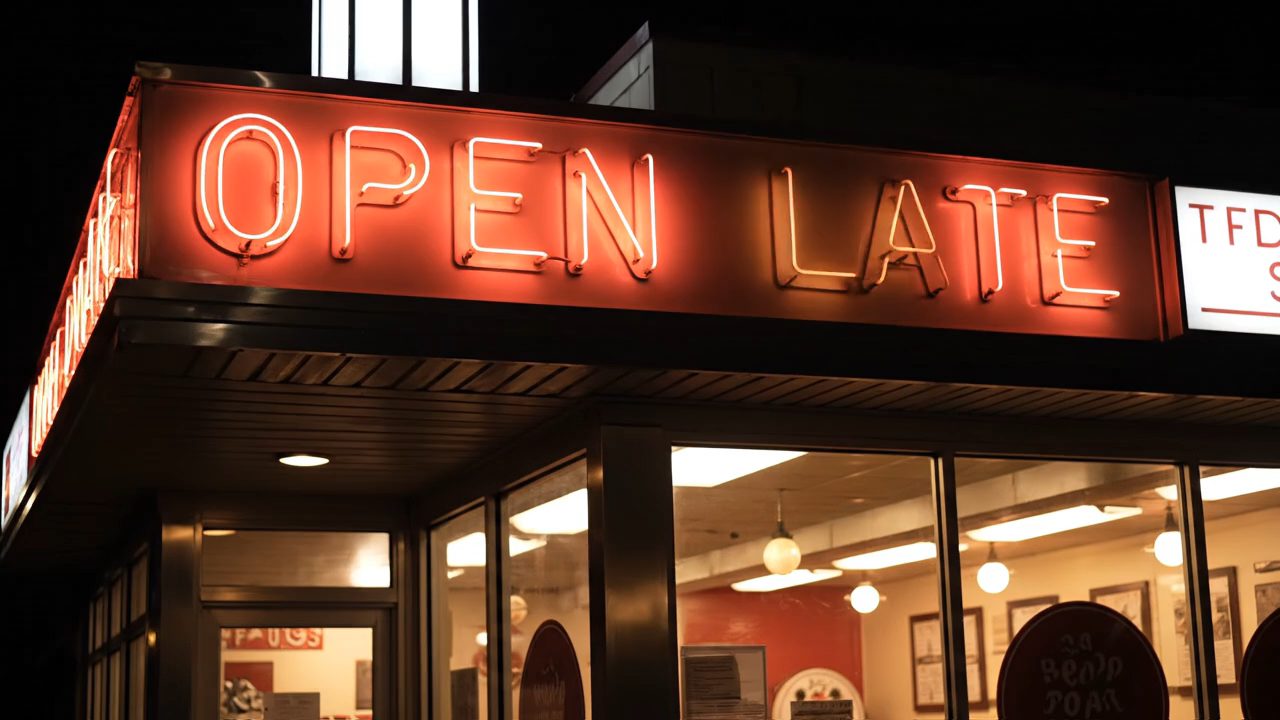
Veo 3.1
Kerning against the neon glow.
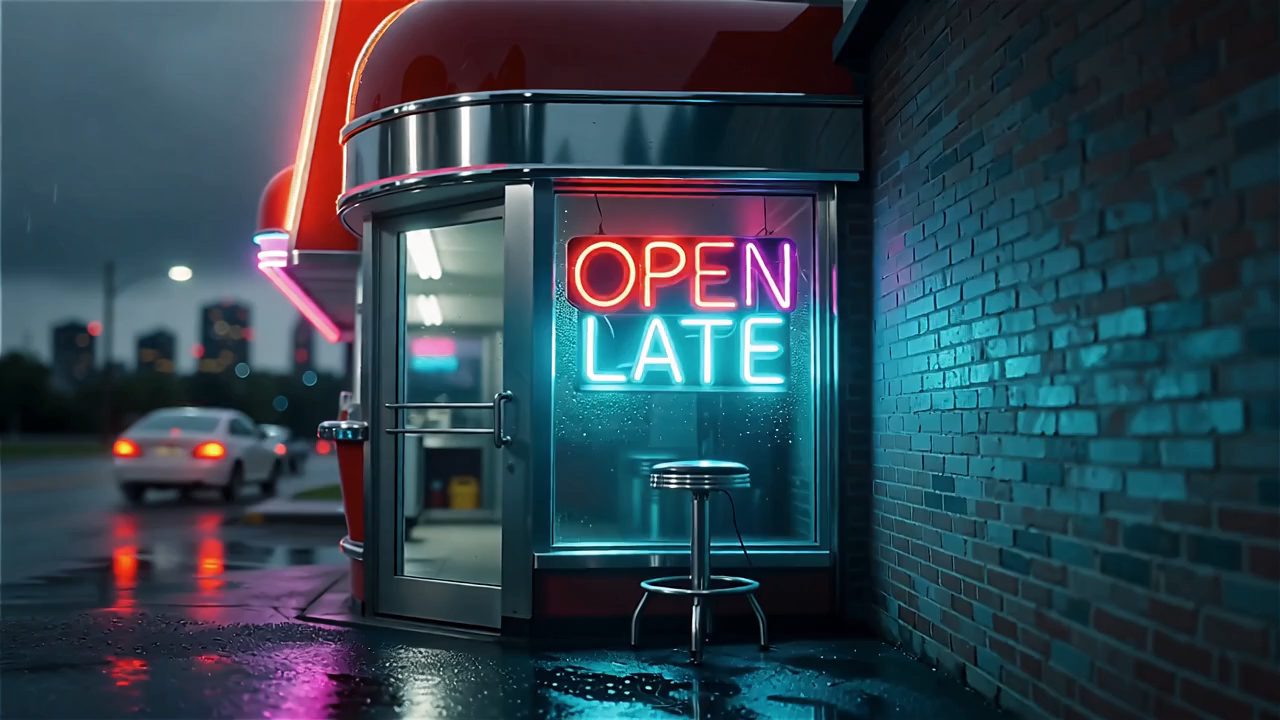
Wan 2.5
How the letters hold at the edge of the glow.


Why Happy Horse Stands Out
Every figure below is the model's actual envelope in our generator.
Render at 720p or 1080p, chosen per clip — which matters the moment one has to sit next to filmed footage.
Three to fifteen seconds, a second at a time. For a loop, a transition or a sting, you are not paying for length you will cut.
Multi-image mode takes up to nine references to hold a subject across the shot, at 16:9, 4:3, 1:1, 3:4 or 9:16.
1080p, Not Just 720p
Three Seconds Is Enough
Nine References, Five Aspects
What Happy Horse Gives You
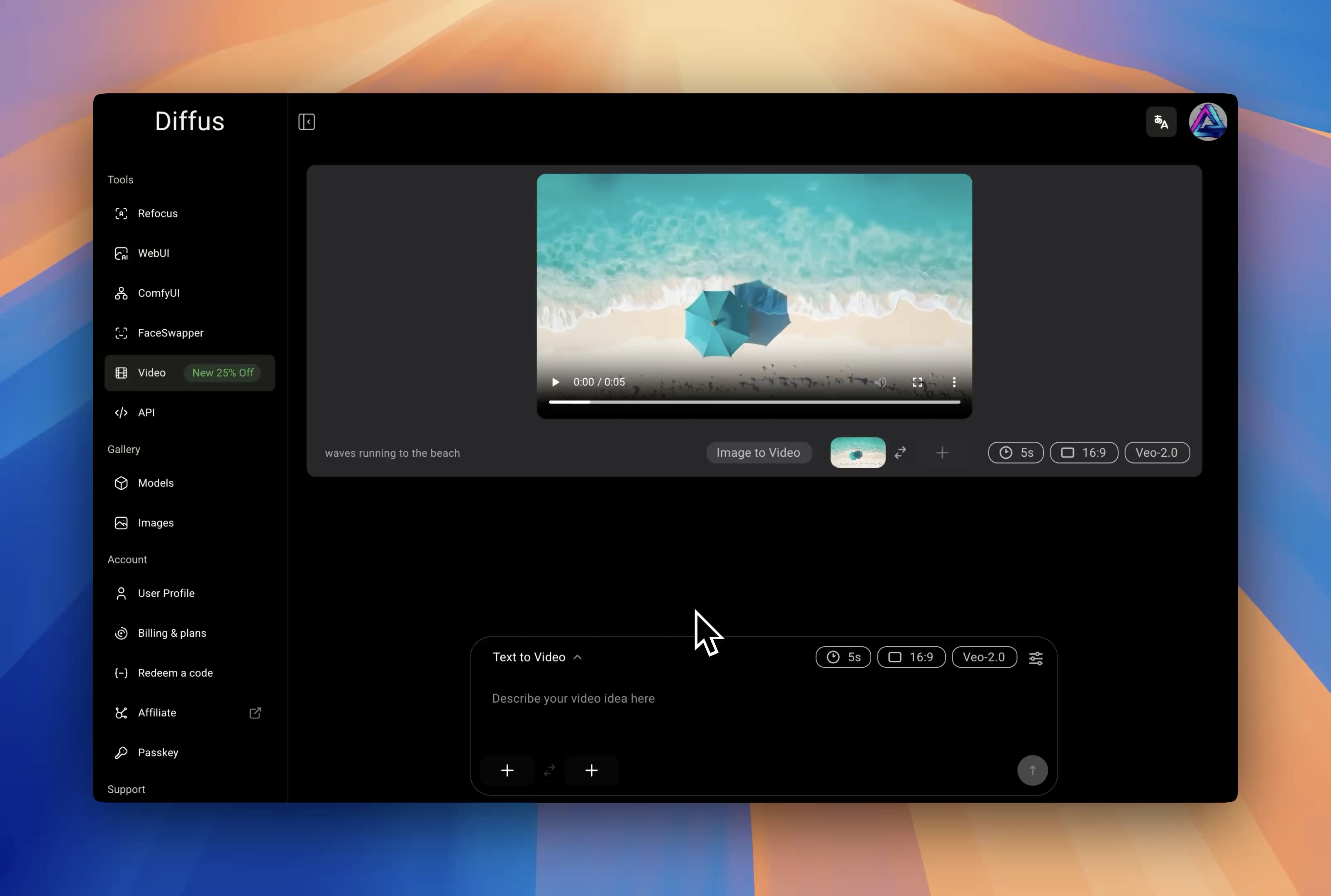
The controls the generator exposes for this model.
Full HD Out of the Box
Render at 1080p rather than upscaling a 720p clip afterwards, at whichever of the five aspect ratios the edit needs.
Short Clips Without Waste
A three-second floor and one-second steps mean a loop or a transition is generated at its real length instead of trimmed down from a longer take.
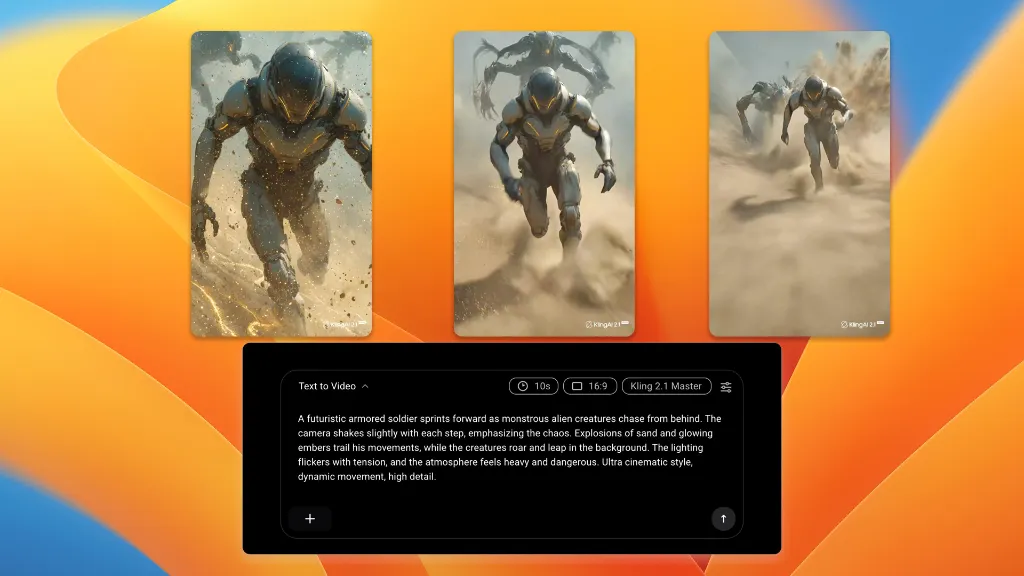
Keep a Subject Across the Shot
Hand it up to nine reference images, or a single still to animate, and the character and look carry through the clip.
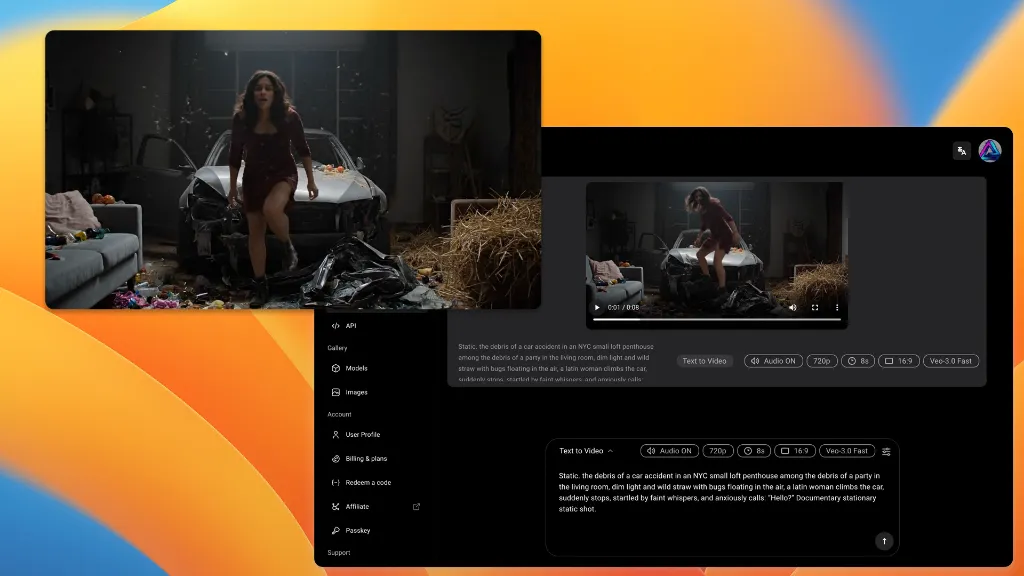
How it works
Three Steps to a Clip
No install, no GPU, no per-vendor signup.
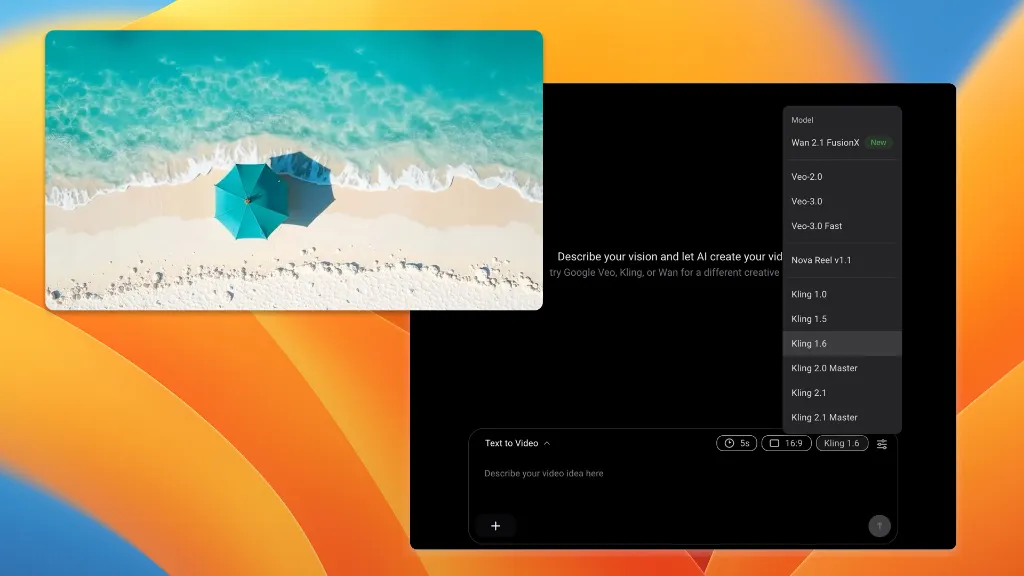
One entry in the model dropdown, beside seventeen others.
Or drop in a still, or up to nine references for subject consistency.
Anything from 3 to 15 seconds, at 720p or 1080p.
Pick Happy Horse
Describe the Shot
Set Length and Generate
More Free Tools to Try
Single-purpose tools that need no setup. Describe it, click, done.
Happy Horse on Diffus — FAQs
Generate at 1080p, From Three Seconds Up
One subscription, eighteen video models, no hardware.
18 Models
One Subscription

