MiniMax H3, and 17 Other Video Models
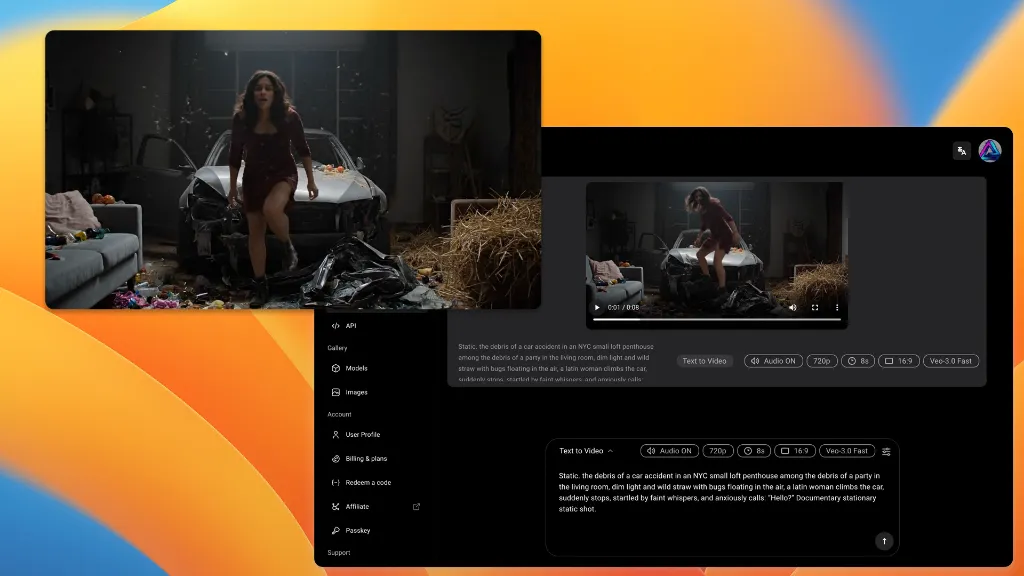
H3 is the model the generator opens on. Kling, Veo, Seedance and Wan are one dropdown away, on the same subscription and the same credits — $1 for the first 3 days.


Why Run H3 Here
MiniMax runs H3 on its own site too. What it cannot give you is the model next to it.
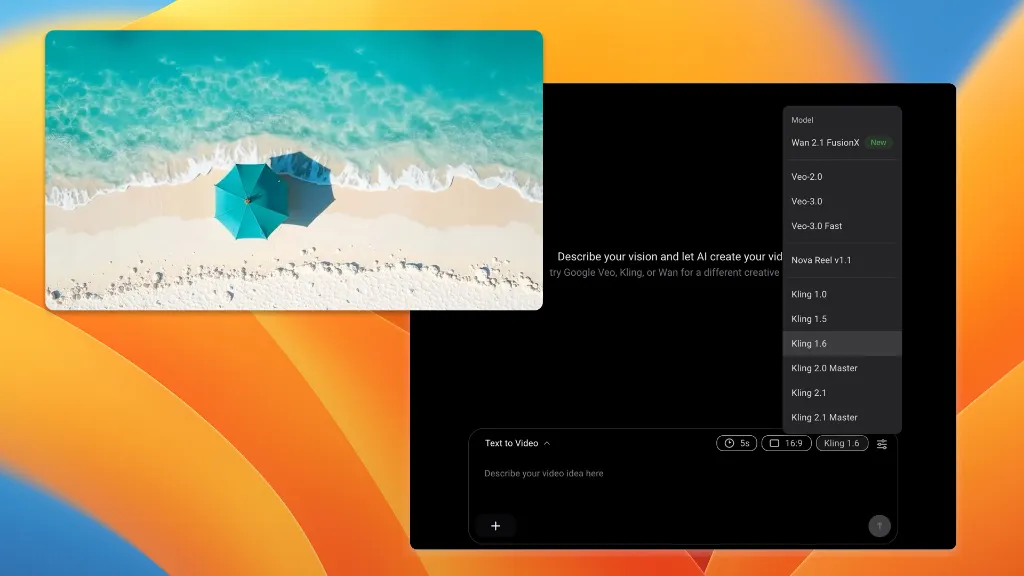
MiniMax, Kling, Veo, Seedance, Wan and Happy Horse — six vendors in one dropdown. Every other route means a separate account and a separate bill per vendor.
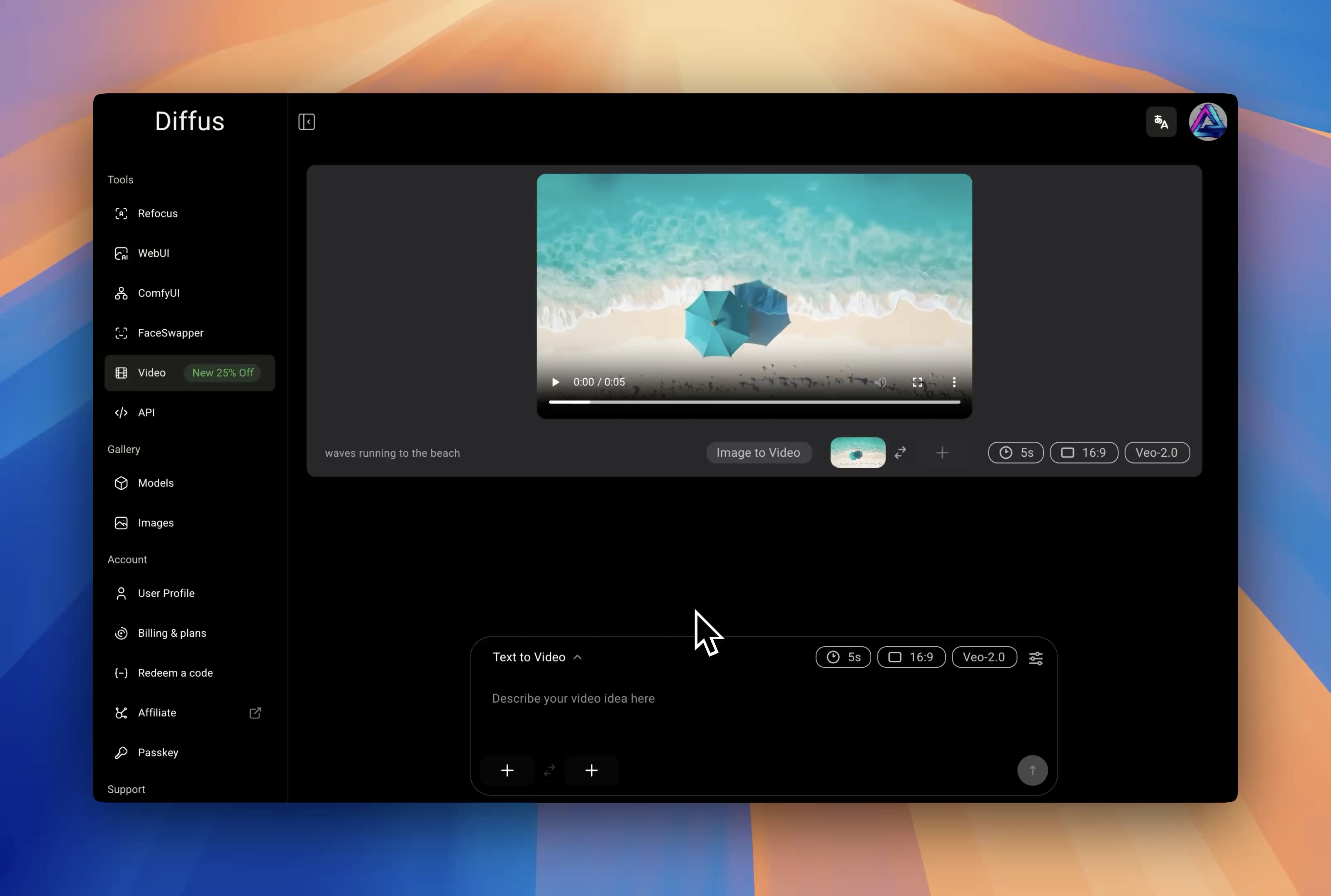
Open the video generator and H3 is already selected at 720p, 16:9, five seconds. Nothing to configure before the first clip.
Run a prompt through H3, then Kling 3 and Seedance 2.5 without retyping it or leaving the tab, and keep whichever wins.
18 Models, One Subscription
H3 Is the Default
Same Prompt, Every Model
What H3 Gives You
The controls the generator exposes for this model.
Text, Image or Four References
Start from a prompt, animate a single still, or hand H3 up to four reference images and let it carry subject and style across the shot.
Five to Fifteen Seconds, One Second at a Time
Length is a slider, not a menu of presets — every whole second from 5 to 15. Cut to the beat instead of trimming afterwards.
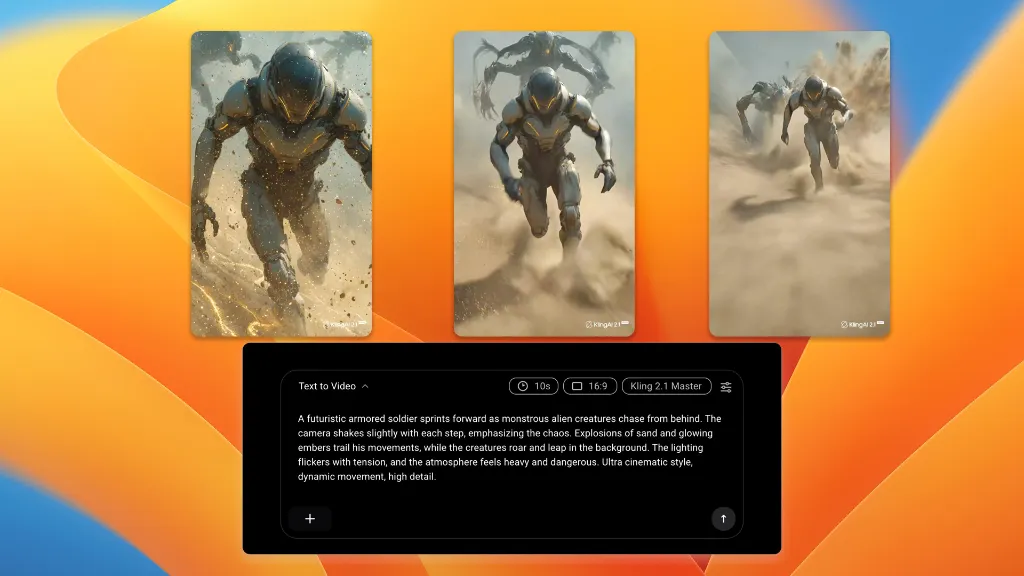
Landscape, Square and Vertical
16:9, 1:1 and 9:16 at 480p or 720p, so the same idea ships to YouTube, a feed post and Shorts without a re-crop.