Seedance 2.5, Up to Thirty Seconds
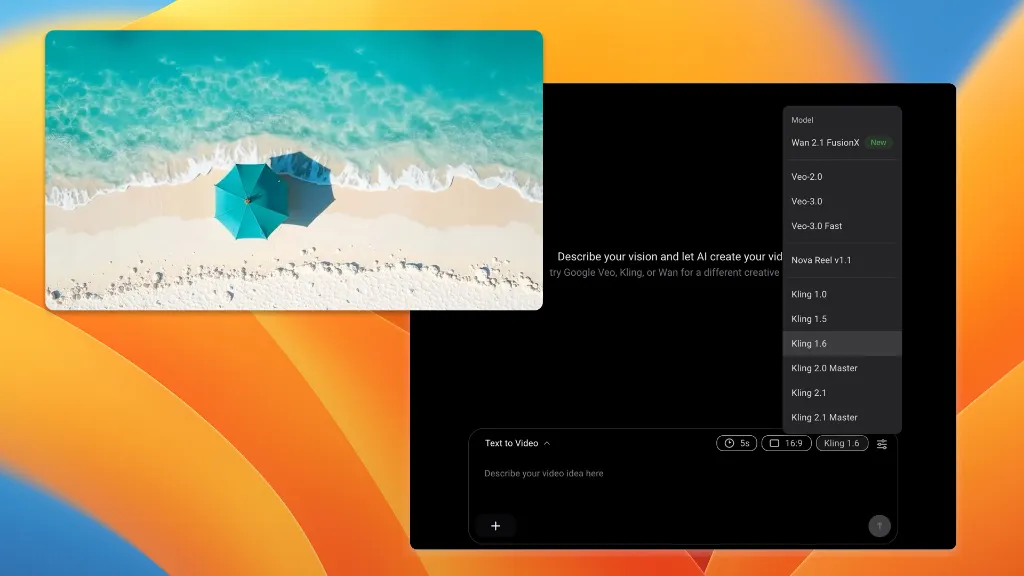
The longest single generation in our lineup, with up to 30 reference inputs and native audio. Seventeen other video models sit in the same dropdown.
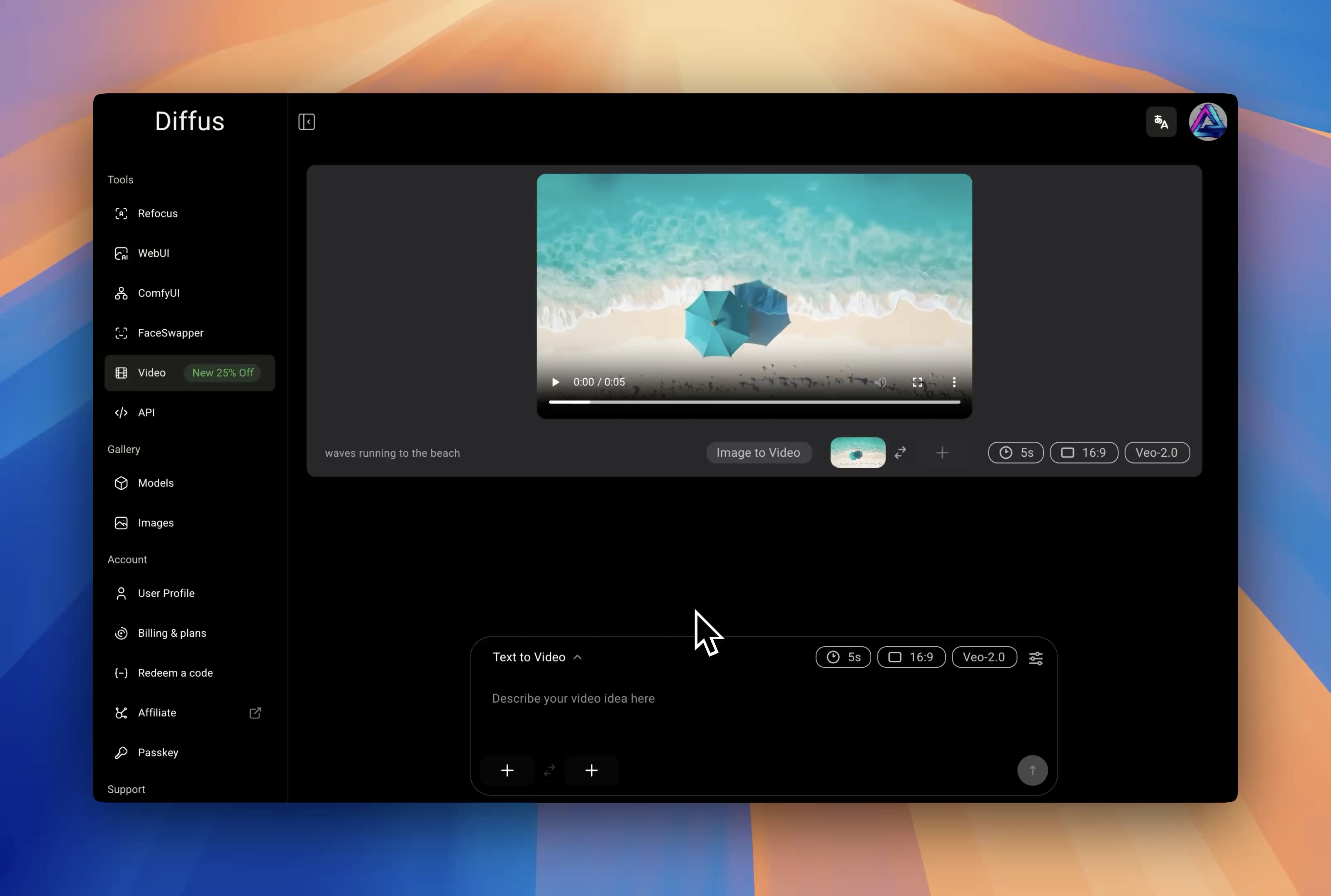


Why Seedance 2.5 Stands Out
Every figure below is the model's actual envelope in our generator, compared with the seventeen models beside it.
Twice the ceiling of the 2.0 series and the longest of any model we run. Anything from 4 to 30 seconds, a second at a time, instead of stitching short clips together.
Multi-reference mode takes up to 30 images, 10 audio tracks and 10 videos in one shot — where Seedance 2.0 caps at 9, 3 and 3. Enough to hold a cast and a look across a scene.
Six aspect ratios from 21:9 down to 9:16, with the audio track generated alongside the picture rather than added after.
Thirty Seconds in One Generation
Thirty References, Ten Audio, Ten Video
Cinematic 21:9, and Audio Included
What You Can Build With It
The controls the generator exposes for this model.
A Whole Scene, Not a Fragment
Thirty seconds is long enough for a shot to breathe — an establishing move, a beat, a resolution — without cutting between separate generations that never quite match.
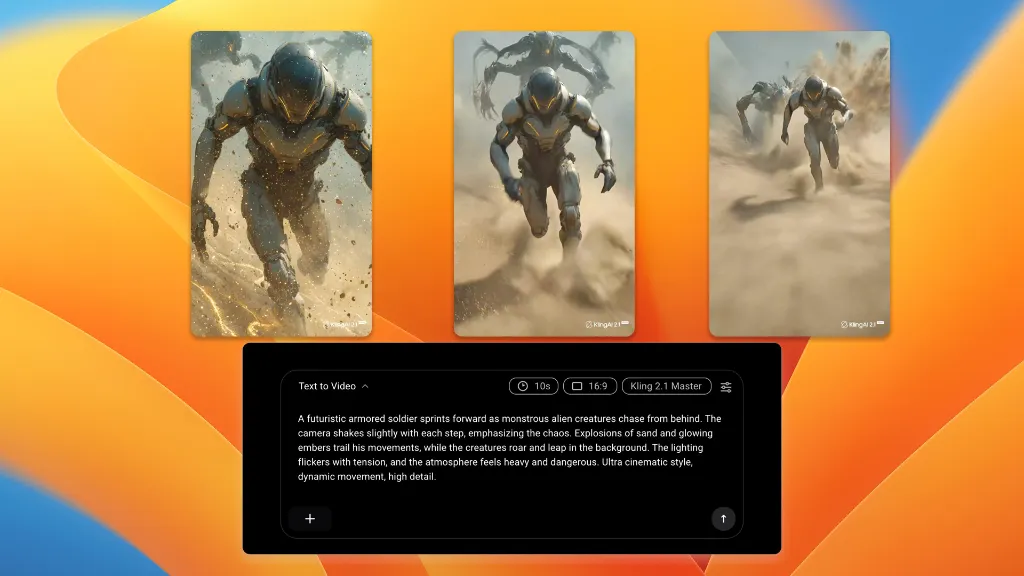
Bring Your Cast and Your Look
Feed in up to 30 reference images plus audio and video references, and keep characters, wardrobe and grade consistent across the whole clip.
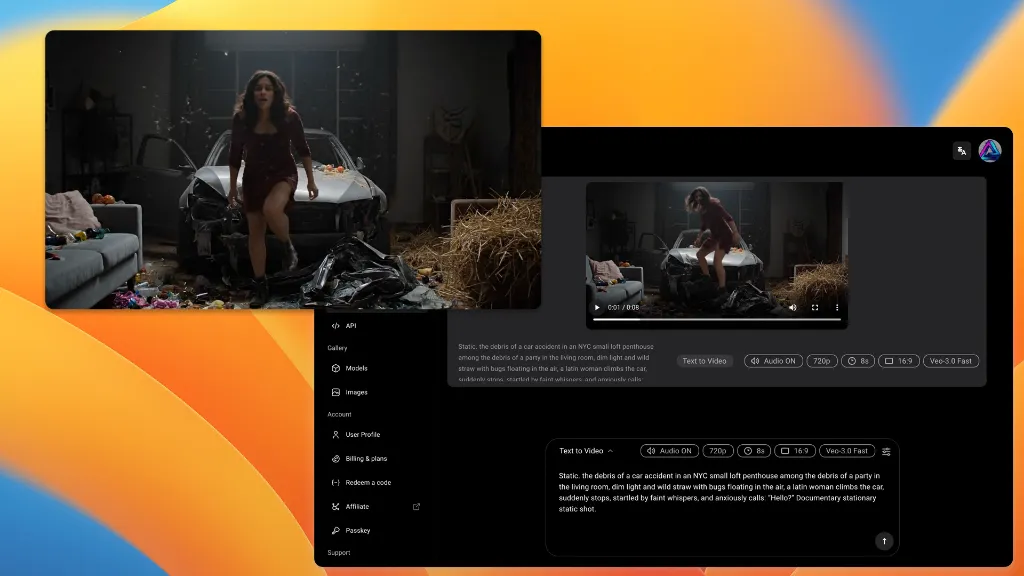
Sound That Ships With the Picture
Audio is generated with the video rather than laid over it afterwards, so the clip is usable the moment it finishes.
How it works
Three Steps to a Clip
No install, no GPU, no per-vendor signup.
One entry in the model dropdown, beside seventeen others.
A prompt, a still, or up to 30 references for a scene that has to stay consistent.
Anything from 4 to 30 seconds, with audio, at the aspect you need.
Pick Seedance 2.5
Describe It, or Show It
Set Length and Generate
More Free Tools to Try
Single-purpose tools that need no setup. Describe it, click, done.
Seedance 2.5 on Diffus — FAQs
Give a Shot Thirty Seconds
One subscription, eighteen video models, no hardware.
$1 Trial
18 Models

