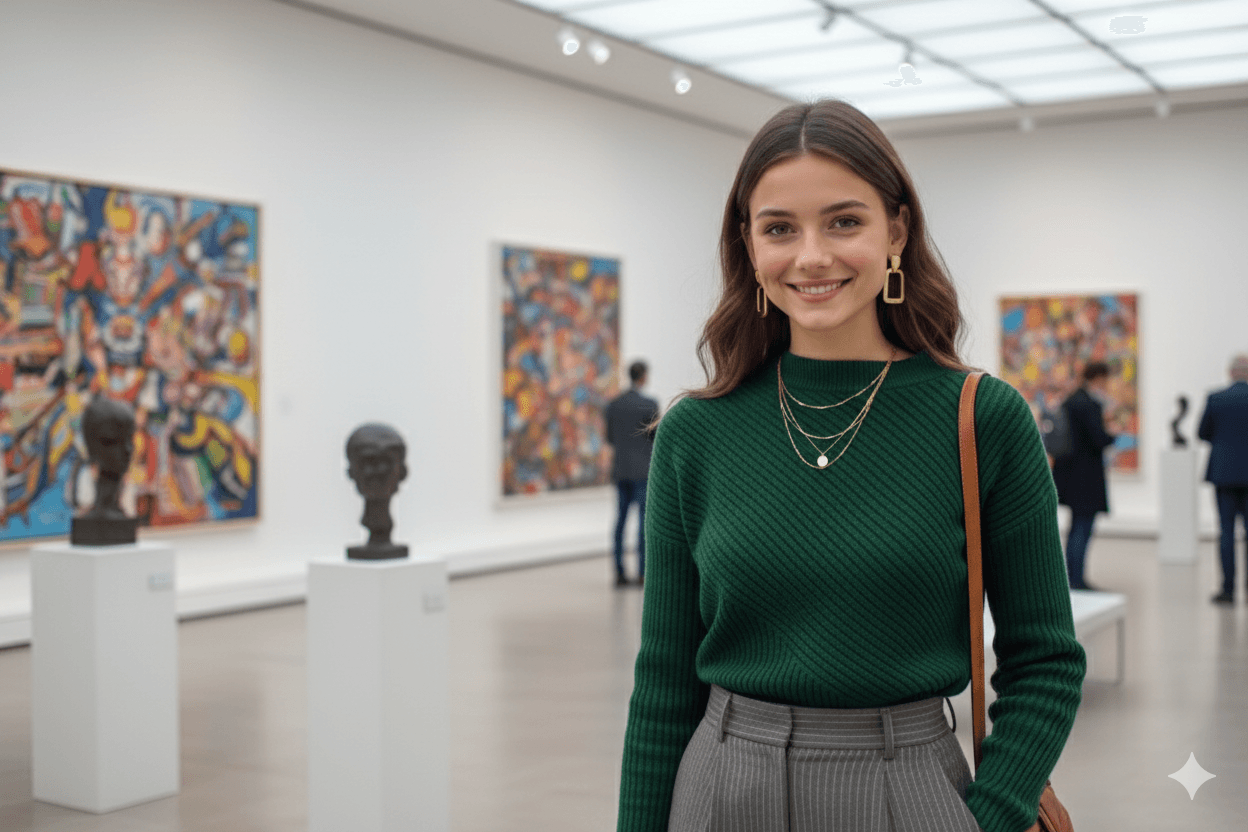
使用 Nano Banana編輯「穿越時光的擁抱」照片
作者:Kelly
Nano Banana 是 Diffus.me 內建的 AI 圖像編輯功能 —— 使用簡單、無需安裝或設定。
只需幾分鐘,你就能把舊家庭照片變成柔和、真實的寶麗來風格回憶。
🧡 步驟一 — 準備你的照片
請準備:
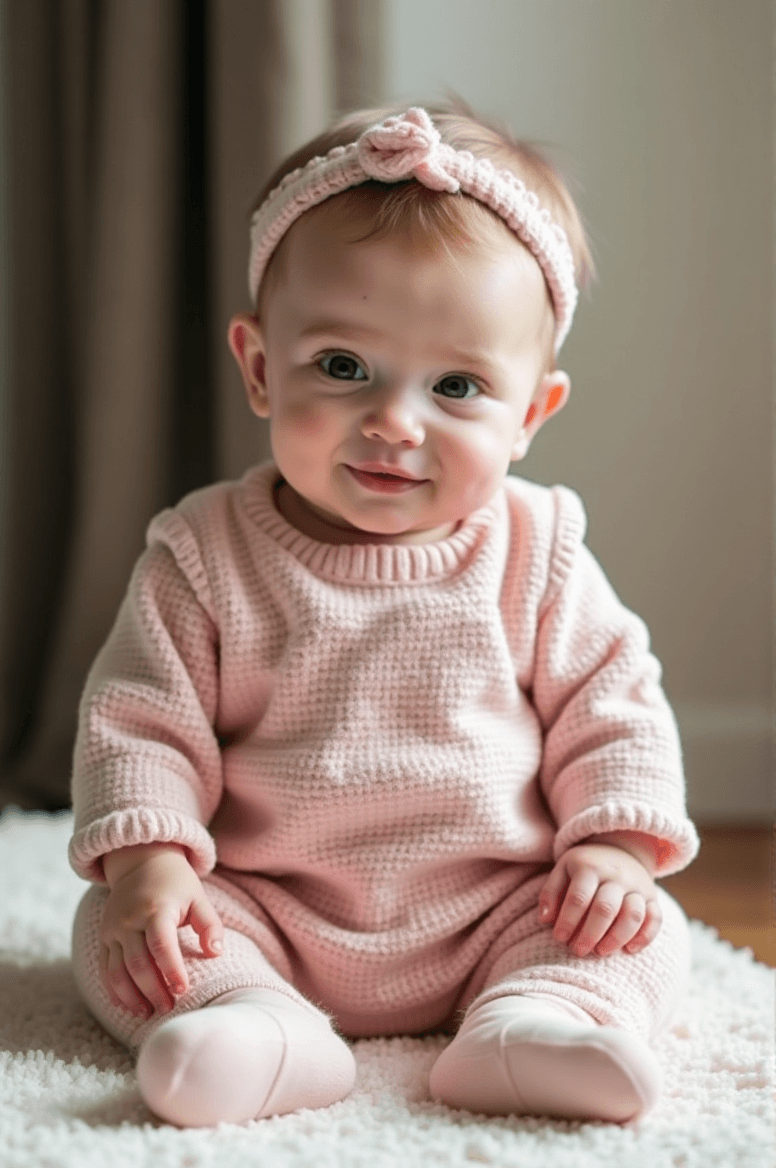
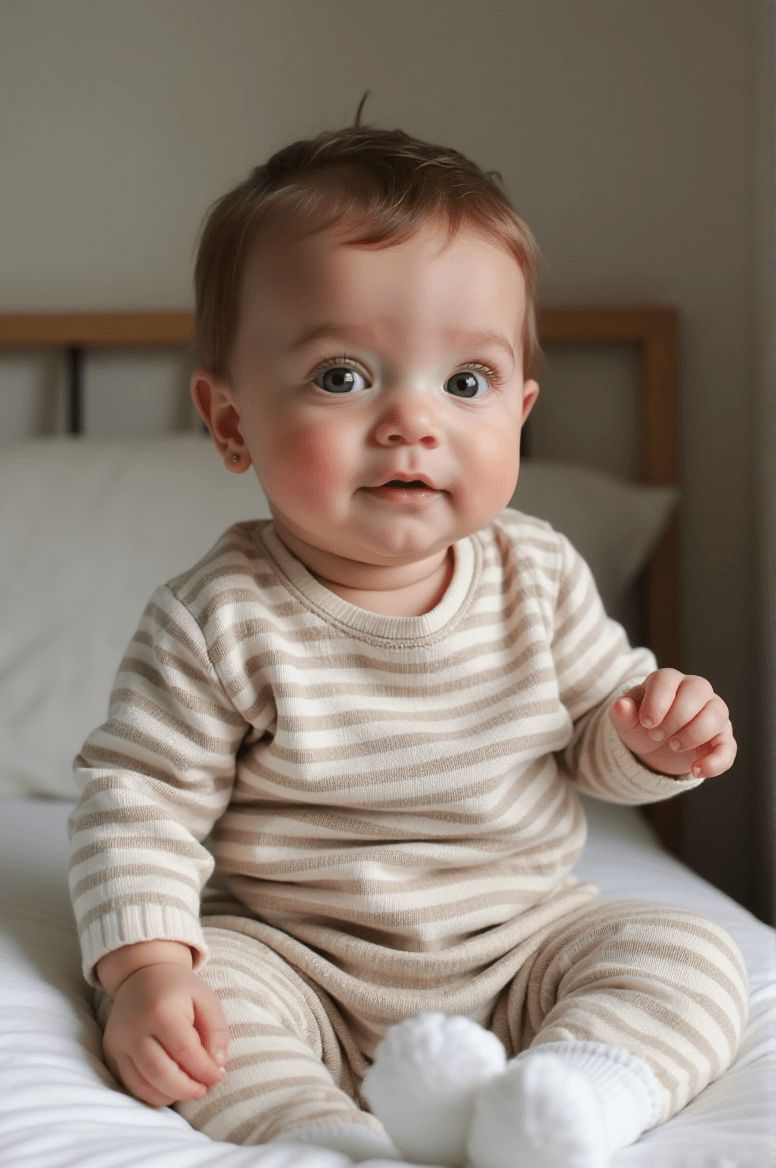
- 一張你小時候的照片
- 一張你寶寶的清晰照片
若可以的話,請將人物剪裁出來(PNG 透明背景)——臉部越清晰,效果越好。
🪄 步驟二 — 開啟 Nano Banana
- 前往 https://diffus.me 並登入帳號。
- 在主頁點選 Tools(工具) → Nano Banana Image Editor(影像編輯器)。
- 選擇 Image to Image(以圖生圖) 模式,然後上傳你的照片。
✨ 步驟三 — 貼上提示詞(Prompt)
請將以下提示詞完整貼入文字框:
Take a photo taken with a polaroid camera. The photo should look like an ordinary photograph, without an explicit subject or property. The photo should have a slight blur and a consistent light source, like a flash from a dark room, scattered throughout the photo. Don't change the faces. Change the background behind the two people to white curtains. With the two kids hugging.
🌙 步驟四 — 生成圖片
- 保持 Image to Image(以圖生圖) 模式選中。
- 點選 Generate(生成),等待約 30–60 秒。
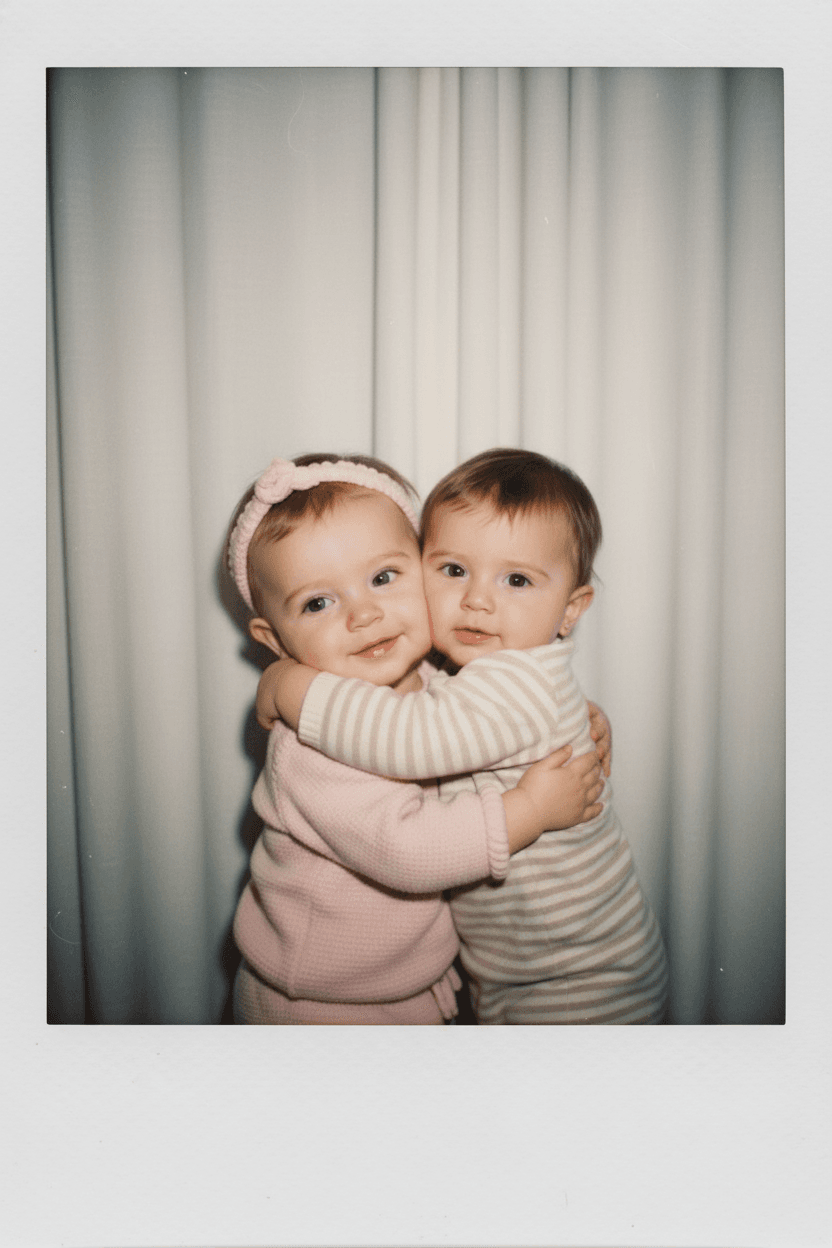
- 結果應會顯示兩個孩子在柔和的白色窗簾前相擁,帶有柔光閃爍的寶麗來風格。
🖼️ 步驟五 — 儲存或分享
若你喜歡成果,點擊 Download(下載) 將圖片保存,
或點擊 Upload to Gallery(上傳到畫廊) 在 Diffus 上與其他創作者分享。
✅ 成果檢查清單
- 臉部保持自然、未被改變
- 背景為白色窗簾
- 略帶模糊與溫暖閃光效果
- 呈現真實、懷舊的寶麗來氛圍
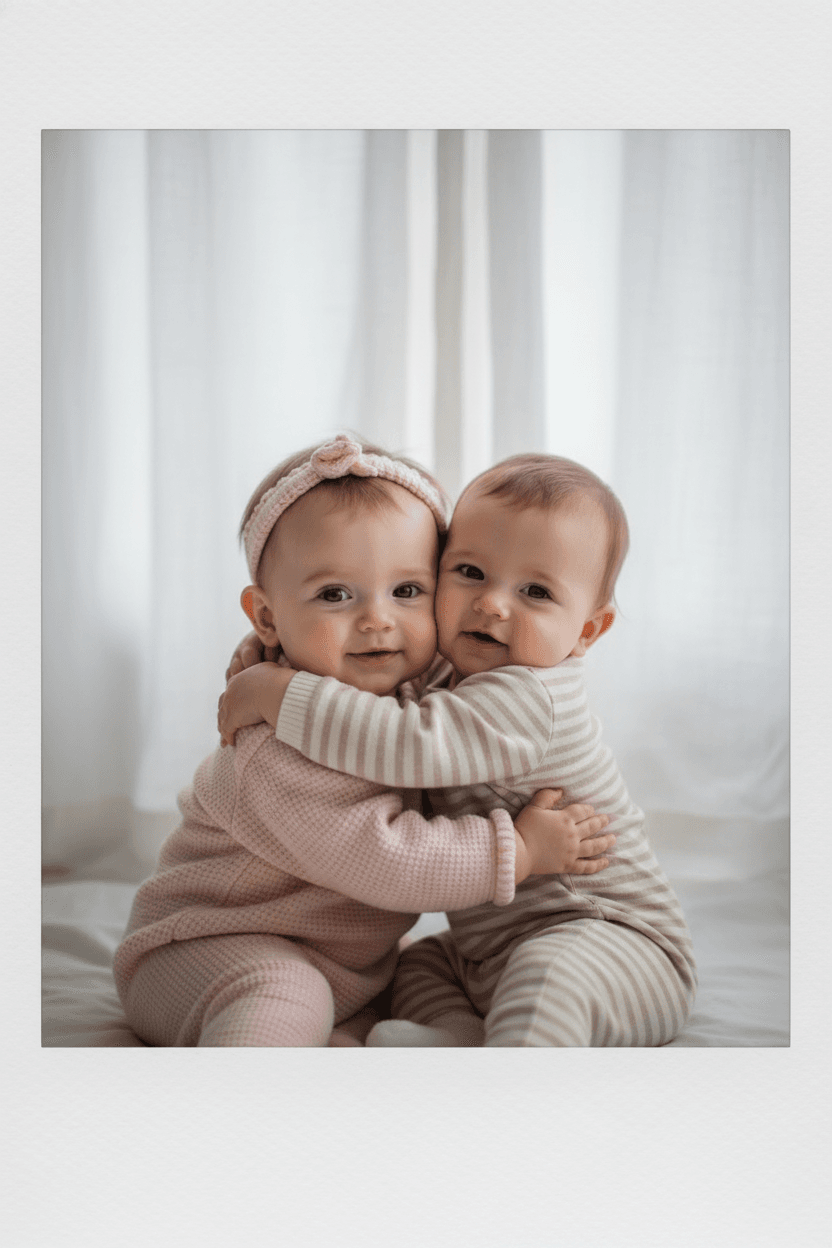
就這樣!你的懷舊「穿越時光的家庭合影」已經完成!