如何使用 Diffus 圖像生成器 創造奢華時尚人像
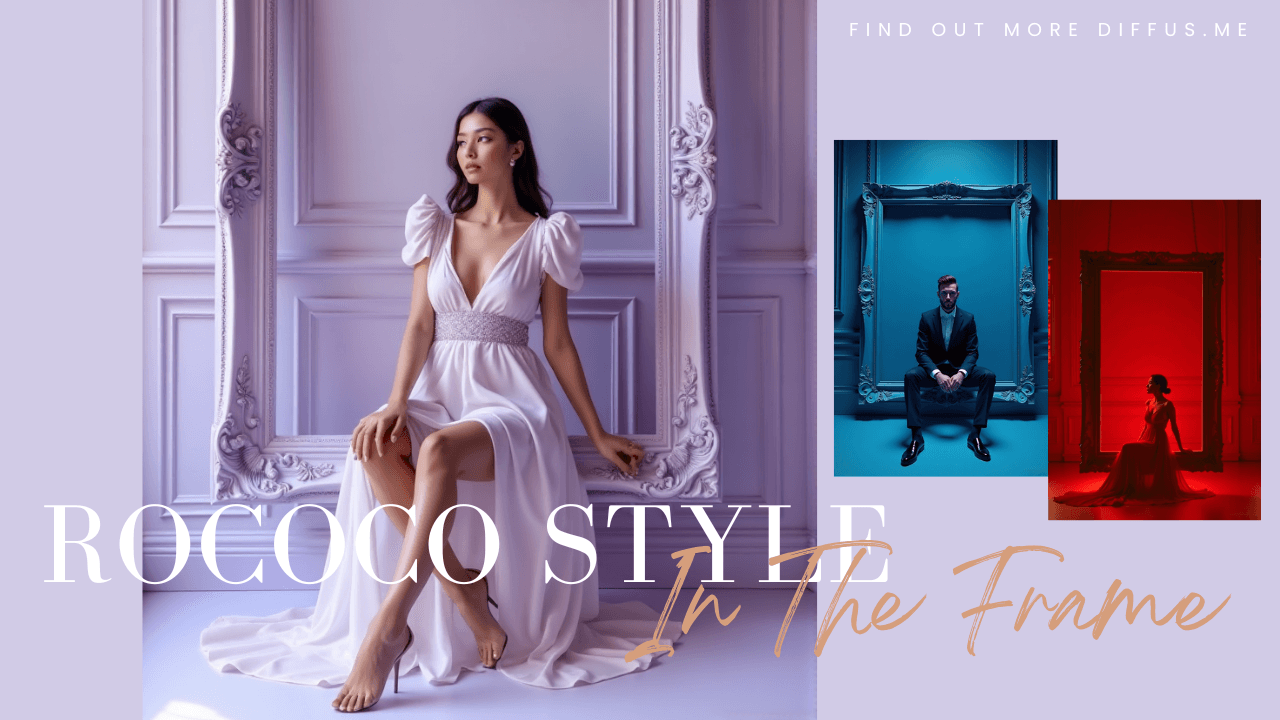
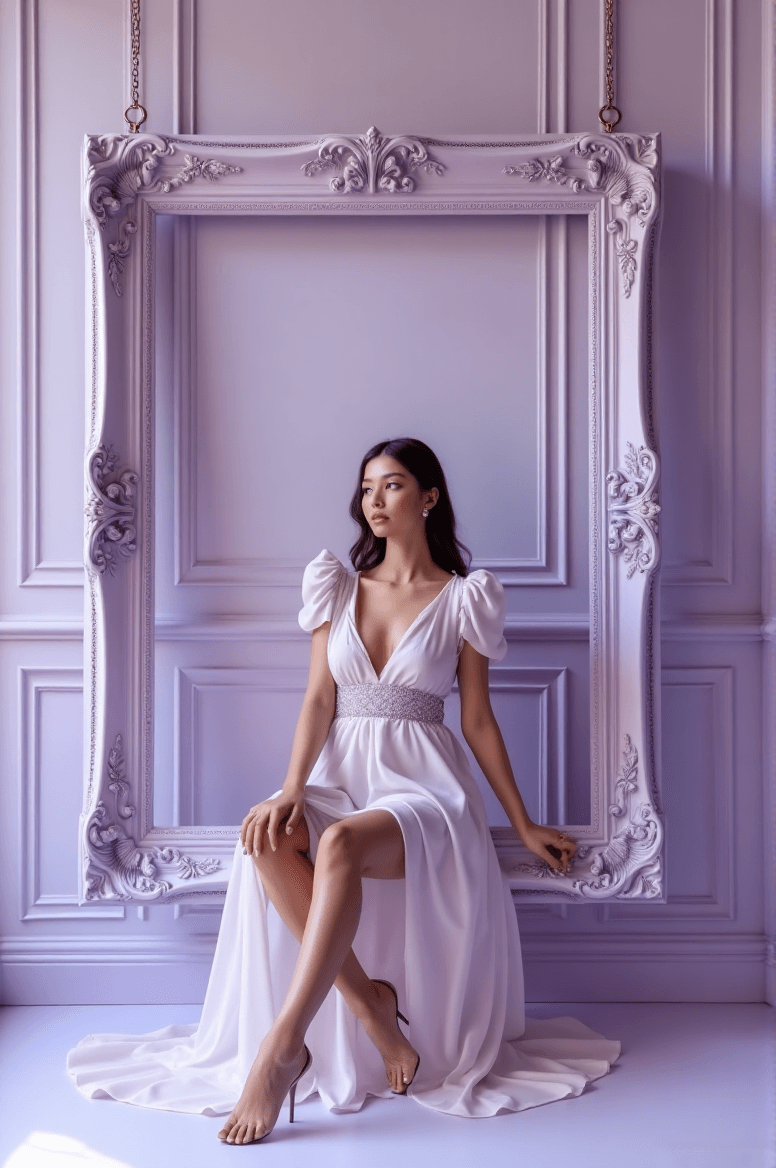
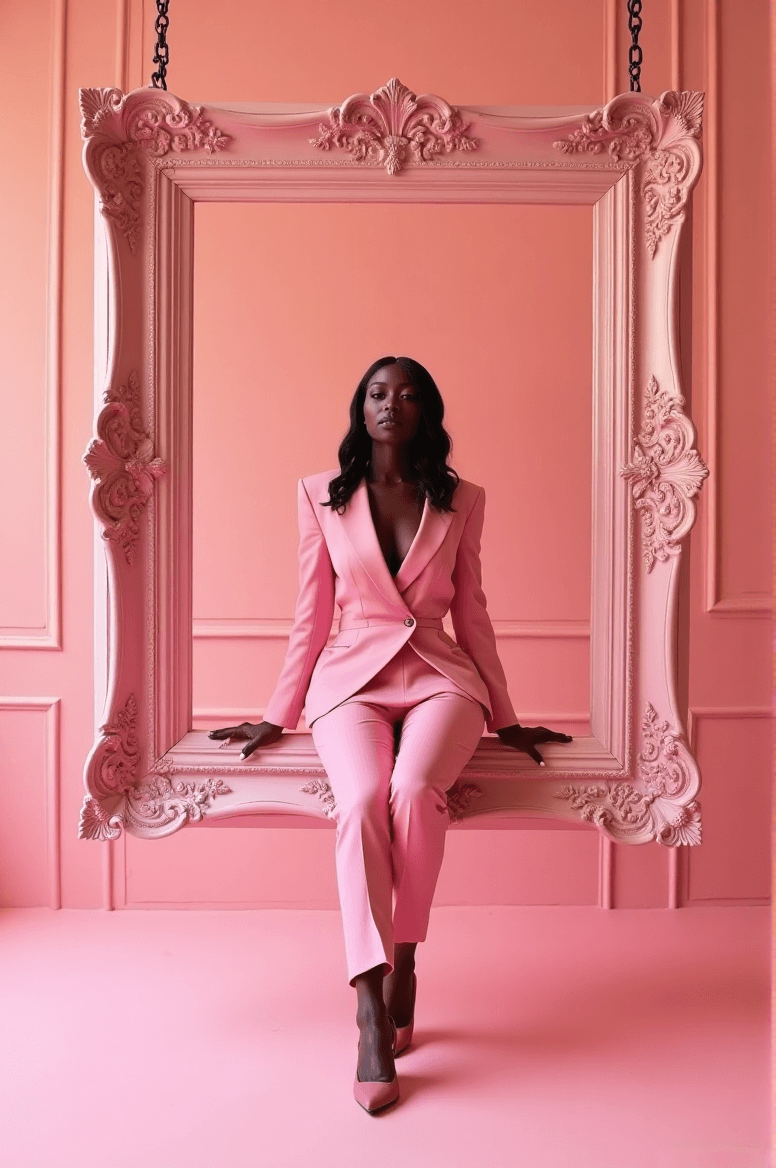
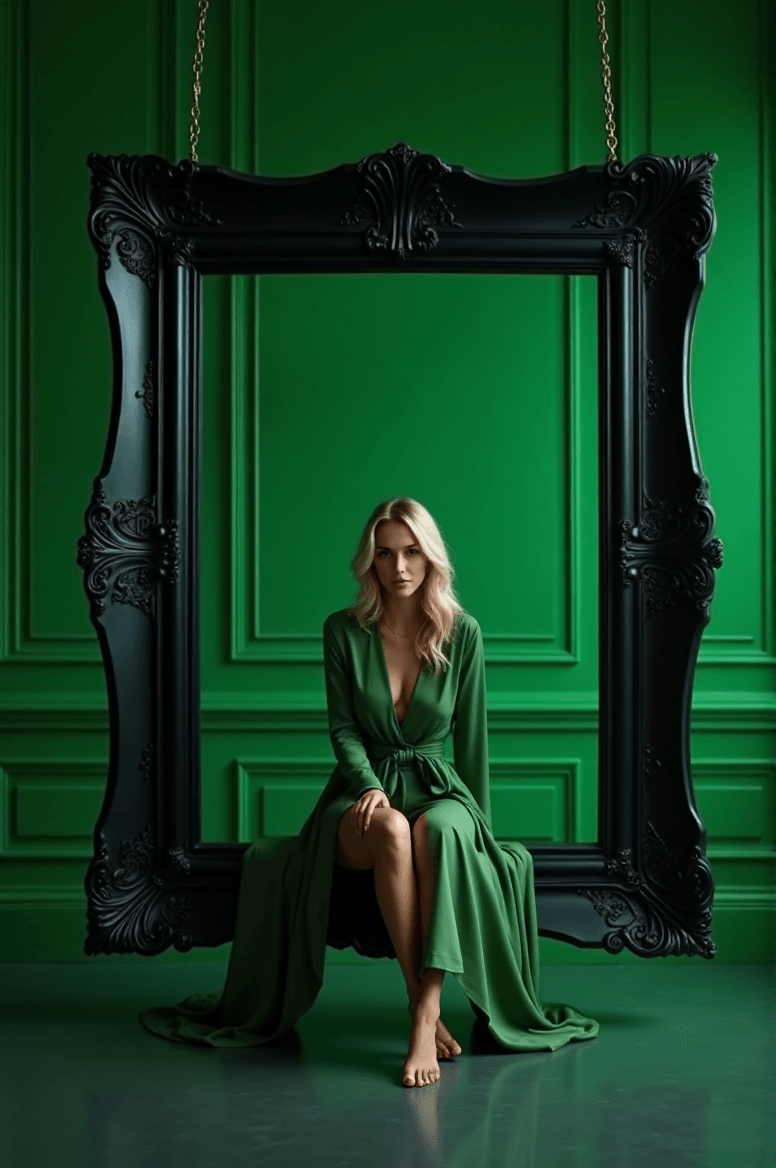
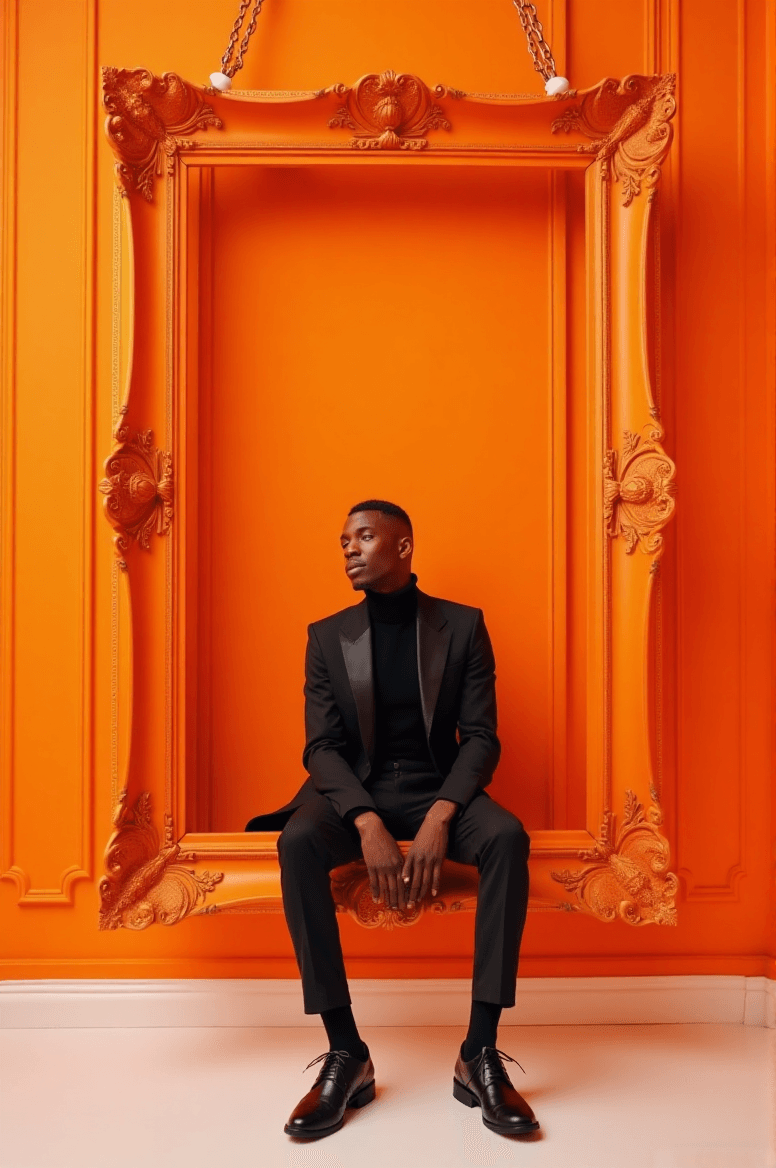
本教學將帶你一步步學會如何使用 Diffus 圖像生成器(Diffus Image Generator) 創作出一幅優雅的高級時尚人像。
你將學到如何使用給定的提示詞(prompt)、如何根據自己的角色與配色主題進行調整,以及如何撰寫類似的電影感時尚人像提示詞,保持一致的編輯美學。
🌟 重要提示:為獲得最精準的生成效果,請務必使用英文提示詞。
步驟 1:開啟 Diffus 圖像生成器
- 前往 https://diffus.me。
- 登入你的帳號(若是新用戶可先註冊)。
- 在主控制台中,點擊 Image Generator(圖像生成器)。
- 你將看到一個輸入提示詞的文字框,並可設定圖像風格、比例與解析度。
步驟 2:貼上提示詞
將以下完整的提示詞複製並貼入文字輸入框中:
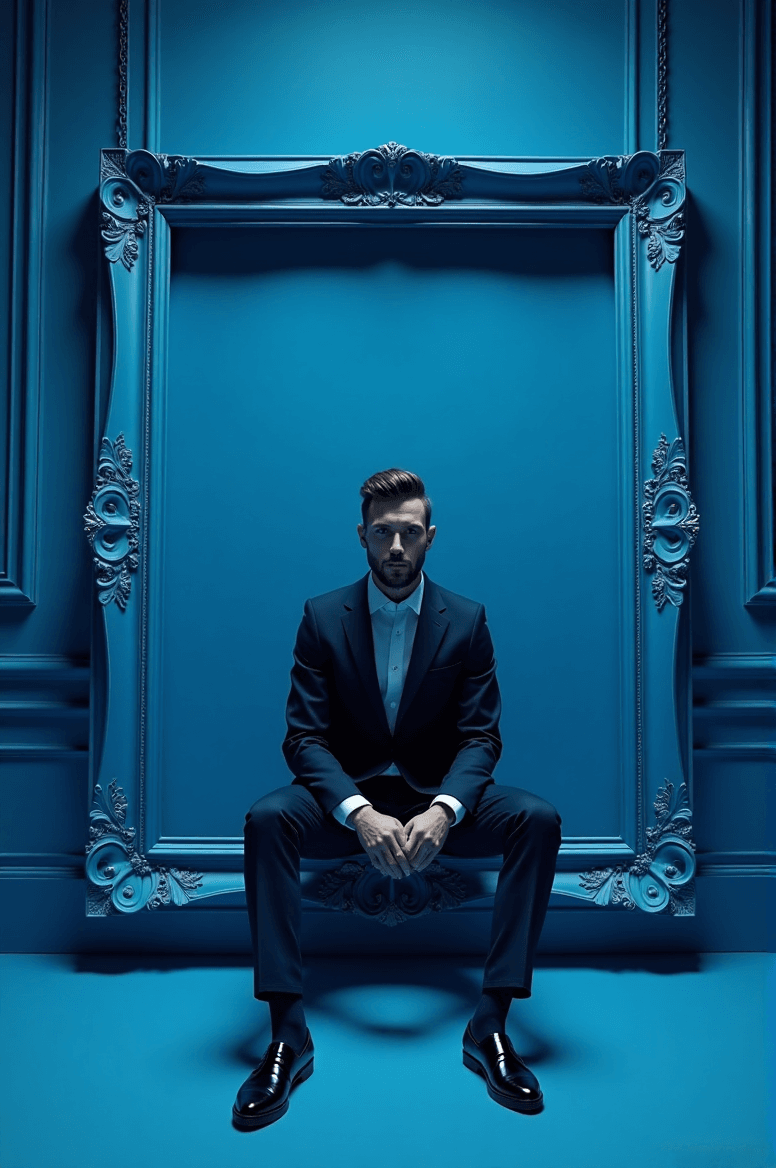
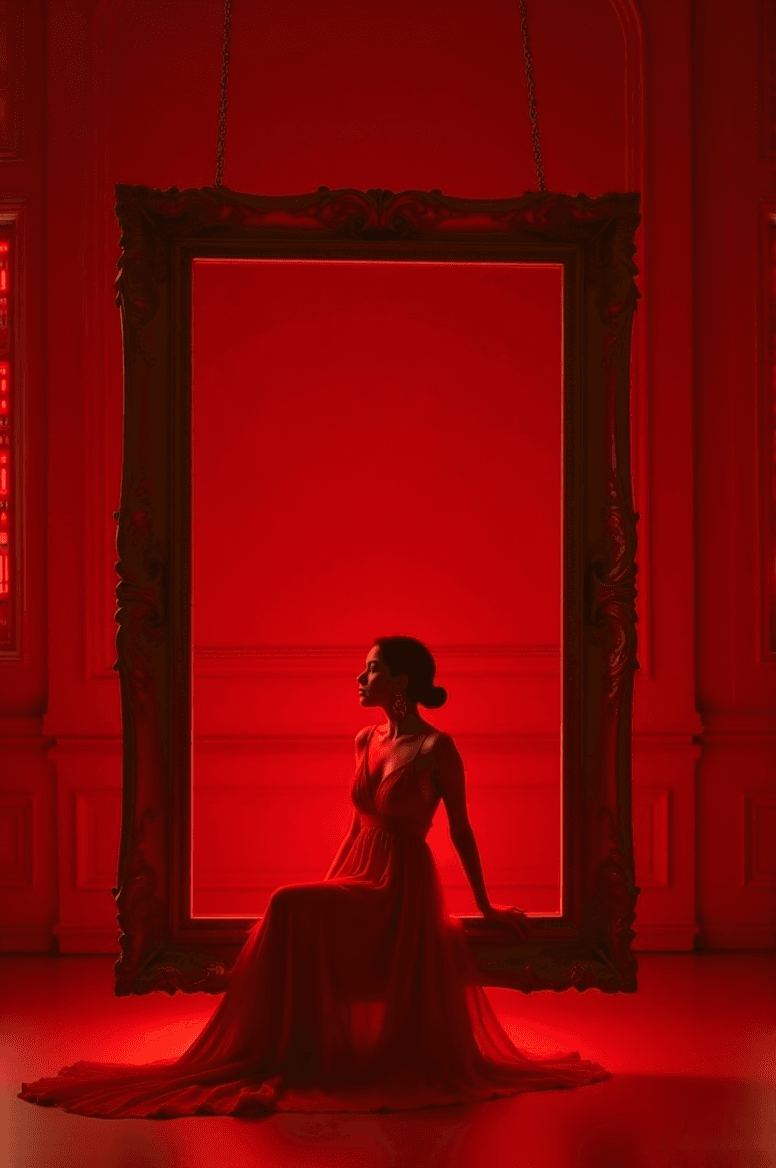
A luxurious high-fashion portrait of [CHARACTER DESCRIPTION] sitting gracefully on the inner lower edge of a large ornate rectangular picture frame, subtly suspended slightly above the floor by short hooks/chains at the top edge. The frame is perfectly level and floating with a visible gap from the floor. The entire scene follows a refined [COLOR THEME] monochromatic palette.
Frame:
• Ornate Baroque / Rococo rectangular frame
• Painted in [FRAME COLOR & FINISH] to match or tastefully contrast the paletteEnvironment:
• Background: elegant studio wall with classic molded paneling in [COLOR], harmonized with the chromatic theme
• Floor: slightly reflective surface in [FLOOR COLOR], same tone family for cohesive luxury aestheticsLighting:
• High-key cinematic fashion lighting
• Soft diffused glow on the subject and frame
• Gentle rim-light for clean silhouette separationCamera:
• Symmetrical centered full-body portrait
• Clean editorial fashion composition
• 8K ultra-detailed premium campaign qualityStyle tags:
monochromatic | ornate suspended frame | cinematic studio fashion | luxury editorial aesthetic
步驟 3:自訂變數並生成
將方括號中的變數改為你自己的設定,例如:
- [CHARACTER DESCRIPTION] → 「一位身穿黑色絲質禮服的自信女子」
- [COLOR THEME] → 「祖母綠」
- [FRAME COLOR & FINISH] → 「古銅金,絲絨霧面質感」
- [COLOR] → 「淺綠色牆面」
- [FLOOR COLOR] → 「拋光大理石綠」
點擊 Generate(生成),等待約 30–60 秒。
🟢 範例:
A luxurious high-fashion portrait of a confident woman in a black silk gown sitting gracefully on the inner lower edge of a large ornate rectangular picture frame, subtly suspended slightly above the floor by short hooks/chains at the top edge. The frame is perfectly level and floating with a visible gap from the floor. The entire scene follows a refined emerald green monochromatic palette.
Frame:
• Ornate Baroque / Rococo rectangular frame
• Painted in antique gold with satin finish to match or tastefully contrast the palette
Environment:
• Background: elegant studio wall with classic molded paneling in pale green panel wall, harmonized with the chromatic theme
• Floor: slightly reflective surface in polished marble green, same tone family for cohesive luxury aesthetics
Lighting:
• High-key cinematic fashion lighting
• Soft diffused glow on the subject and frame
• Gentle rim-light for clean silhouette separation
Camera:
• Symmetrical centered full-body portrait
• Clean editorial fashion composition
• 8K ultra-detailed premium campaign quality
Style tags:
monochromatic | ornate suspended frame | cinematic studio fashion | luxury editorial aesthetic
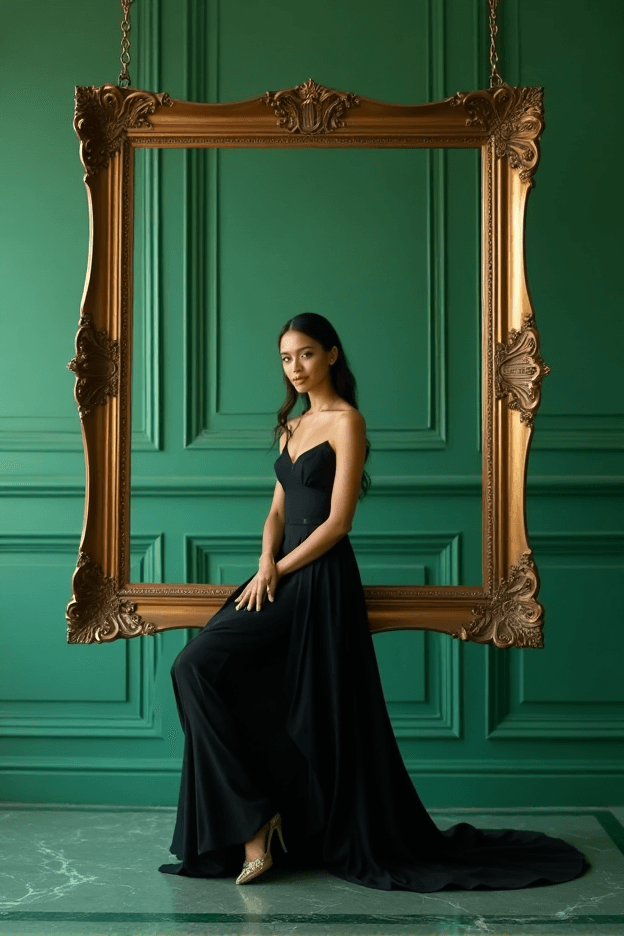
越精準地描述布料、色調與光線,生成的畫面就越豐富、越具電影感。
步驟 4:檢視與調整
你的圖像此時應呈現:
- 主體坐於懸浮於地面的華麗畫框中
- 優雅的單色調色彩協調
- 均衡的光影層次與電影質感
- 編輯級的時尚成品效果
若結果不盡理想,可嘗試:
- 變換 配色主題(例如「珍珠白」、「緋紅」、「午夜藍」)
- 調整光線描述(如「柔和棚燈光」、「戲劇性高亮打光」)
- 修改風格標籤(例如加入「Vogue editorial aesthetic」或「fine art photography」)
步驟 5:儲存與分享
當你滿意結果後:
- 點擊 Download(下載),選擇 PNG 或 JPG 格式。
- 若你非常喜歡生成的作品,可點擊 Upload to Gallery(上傳至畫廊),與 Diffus 社群分享——其他創作者可以瀏覽、留言或以你的提示詞作為靈感進行再創作。
分享你的創作能幫助社群發現更多提示詞靈感與視覺風格。
✨ 立即在 Diffus 圖像生成器中試試看吧!
若想查看更多範例與進階技巧,可至 Diffus 官方網站閱讀完整版本教學。