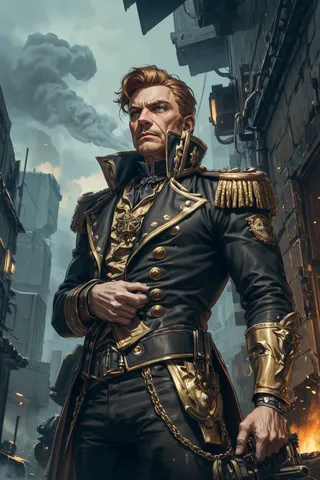
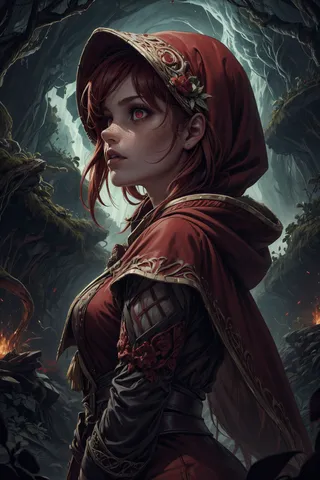
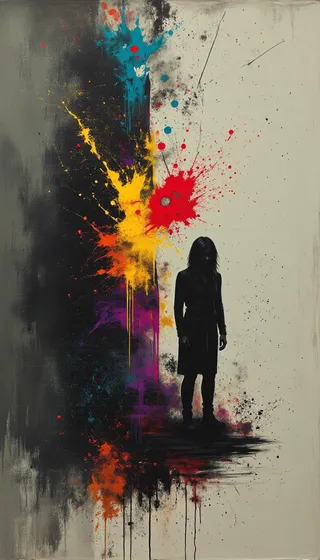
Jib Mix Artful - v1.0
Verwandte Schlüsselwörter & Tags
Hervorgehobene Bilder

Empfohlene Prompts
deep impasto brush strokes,painterly style,looking at the camera
painterly style
Empfohlene Negative Prompts
((bokeh)), Deviantart, jpeg, (worst quality, low quality, normal quality, lowres, low details, oversaturated, undersaturated, overexposed, underexposed, grayscale, bw, bad photo, bad photography, bad art:1.4), (watermark, signature, text font, username, error, logo, words, letters, digits, autograph, trademark, ugly, name:1.2), (blur, blurry, grainy), morbid, asymmetrical, mutated malformed, mutilated, poorly lit, bad shadow, glitch, draft, cropped, cartoon, anime, out of frame, cut off, ((bokeh)) Deviantart, censored, jpeg artifacts, out of focus, duplicate, (airbrushed, semi-realistic, cgi, render, blender, digital art, manga, amateur:1.3), (3D, 3D Game, 3D Game Scene, 3D Character:1.1), (bad hands, bad anatomy, bad body, bad face, bad teeth, bad arms, bad legs, deformities:1.3)
Empfohlene Parameter
samplers
steps
cfg
resolution
Tipps
Füge 'deep impasto brush strokes' und 'painterly style' in die Prompts ein, um tiefe sichtbare Farb- und Pinselstriche zu erhalten.
Füge 'looking at the camera' bei Porträt-Prompts hinzu, damit das Motiv direkt in die Kamera schaut.
Versions-Highlights
Erste Version
Ich habe eine Version meines Jib Mix Realistic 11 Modells genommen, von der ich bemerkt habe, dass sie sehr gut gemalte und gezeichnete Kunststile umsetzt, und sie weiter gemischt und künstlerische Loras hinzugefügt, um sie noch künstlerischer zu machen.
Wenn du wirklich tiefe sichtbare Farb-/Pinselstriche möchtest, dann setze "deep impasto brush strokes" und "painterly style" in den Prompt.
Mir ist aufgefallen, dass das Porträtmotiv standardmäßig nicht in die „Kamera“ schaut, wie es bei den meisten stable diffusion Modellen oft der Fall ist. Wenn du das möchtest, ist es gut, „looking at the camera“ im Prompt zu verwenden.

Modell-Details

Diskussion
Bitte log in um einen Kommentar zu hinterlassen.