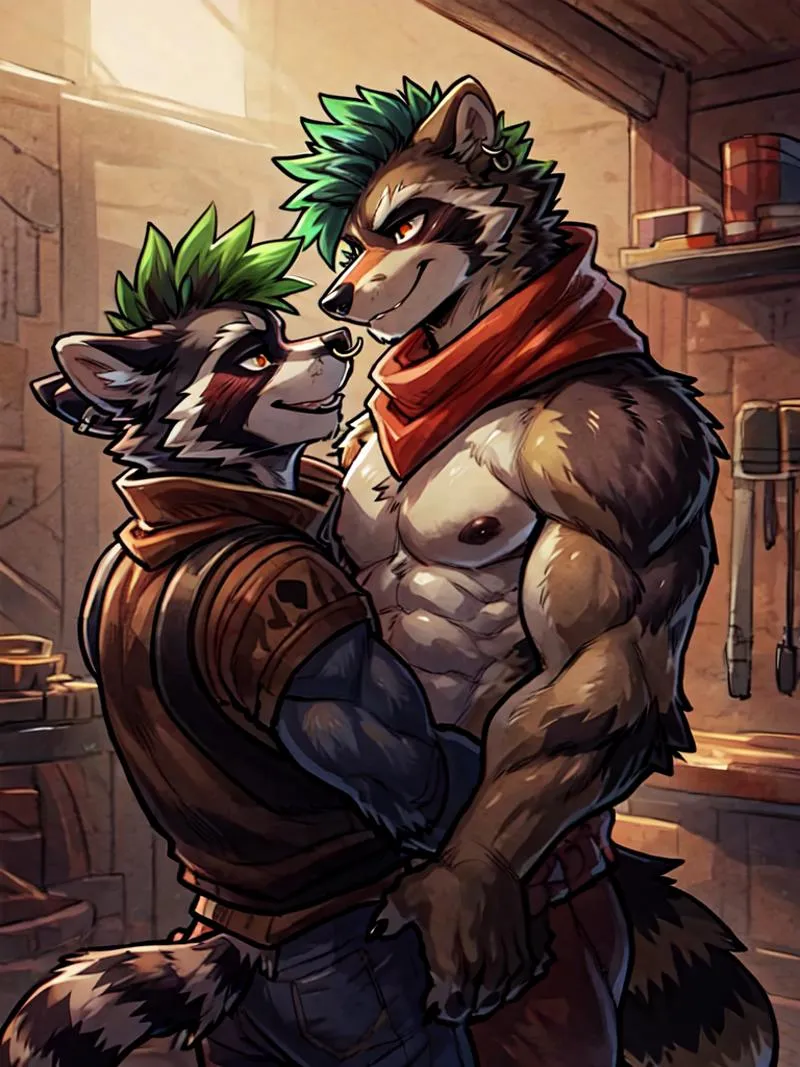
Split Screen | Concept LoRA - v1.0
Palabras Clave y Etiquetas Relacionadas
Imágenes destacadas

Prompts Recomendados
SplitScreen,split screen,close-up
Highly detailed, High Quality, Masterpiece, beautiful, close-up, SplitScreen, split screen, <lora:SplitScreen:1>
Prompts Negativos Recomendados
FastNegativeEmbedding, (worst quality, low quality:1.4)
Parámetros Recomendados
samplers
steps
cfg
clip skip
resolution
other models
Parámetros Recomendados de Alta Resolución
upscaler
upscale
steps
denoising strength
Consejos
El peso puede ir de 0.9 hasta 1; el peso recomendado es 1.
Usa la extensión Regional Prompt para obtener personajes precisos.
Pon peso de 0.5-0.6 al Split Screen LoRA si el efecto es demasiado fuerte.
Para usar LoRA en auto1111, descarga el LoRA, colócalo en stable-diffusion-webui/models/lora, selecciona el LoRA y usa la palabra clave, ajustando el peso si es necesario.
Split Screen | Concept LoRA
¡LEA ANTES DE USAR!
El peso puede ir de 0.9 hasta 1. Recomiendo 1. Funciona con casi todos los estilos, personajes y modelos fotorrealistas.
Este modelo debe usarse con Regional Prompt, si quieres que tu personaje sea preciso. Consulta las imágenes de vista previa para los prompts. Necesitas esta Extensión y estas configuraciones:
(pon peso de 0.5-0.6 al Split Screen LoRA, si es demasiado. El prompt común lo duplica)
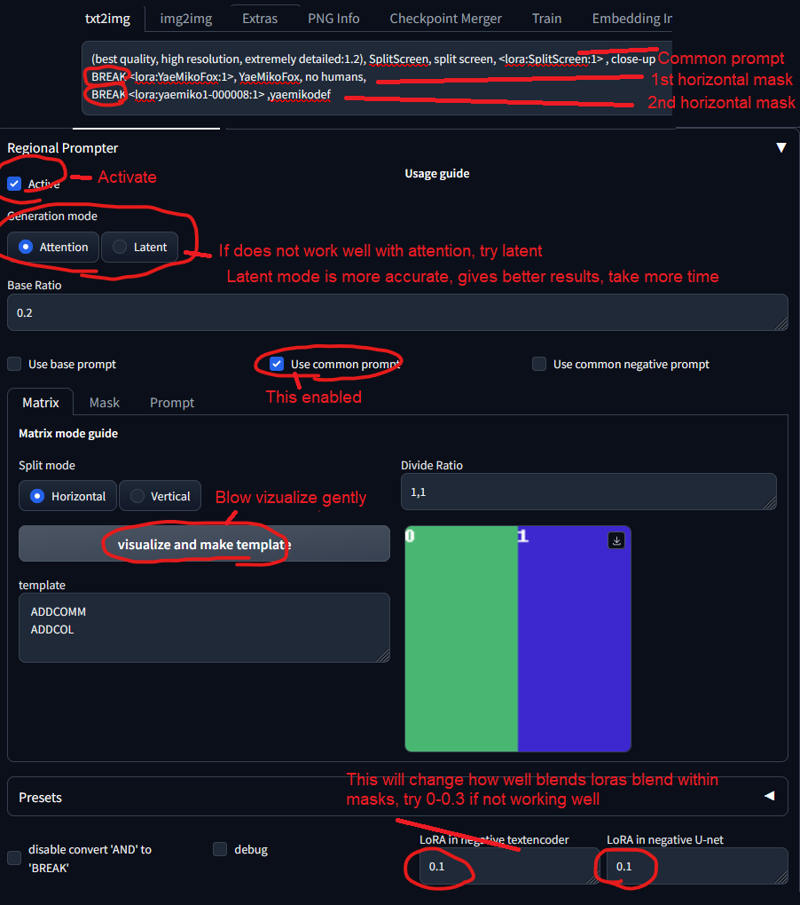
Palabra clave:
SplitScreen, split screen
Prompt auxiliar:
close-up
Cómo usar LoRAs en auto1111:
Descarga el LoRA
Copia el archivo a
stable-diffusion-webui/models/loraSelecciona tu LoRA y usa la palabra clave
Asegúrate de cambiar el peso si es necesario (por defecto es
:1)¡Diviértete!

Detalles del Modelo
Tipo de modelo
Modelo base
Versión del modelo
Hash del modelo
Palabras entrenadas
Creador

Discusión
Por favor log in para dejar un comentario.
Colección de Modelos - Split Screen | Concept LoRA

Imágenes por Split Screen | Concept LoRA - v1.0
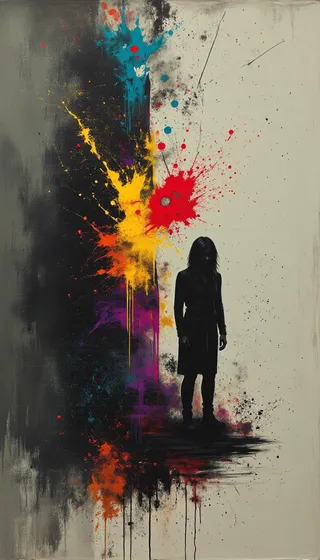
Imágenes con arte




Imágenes con personajes



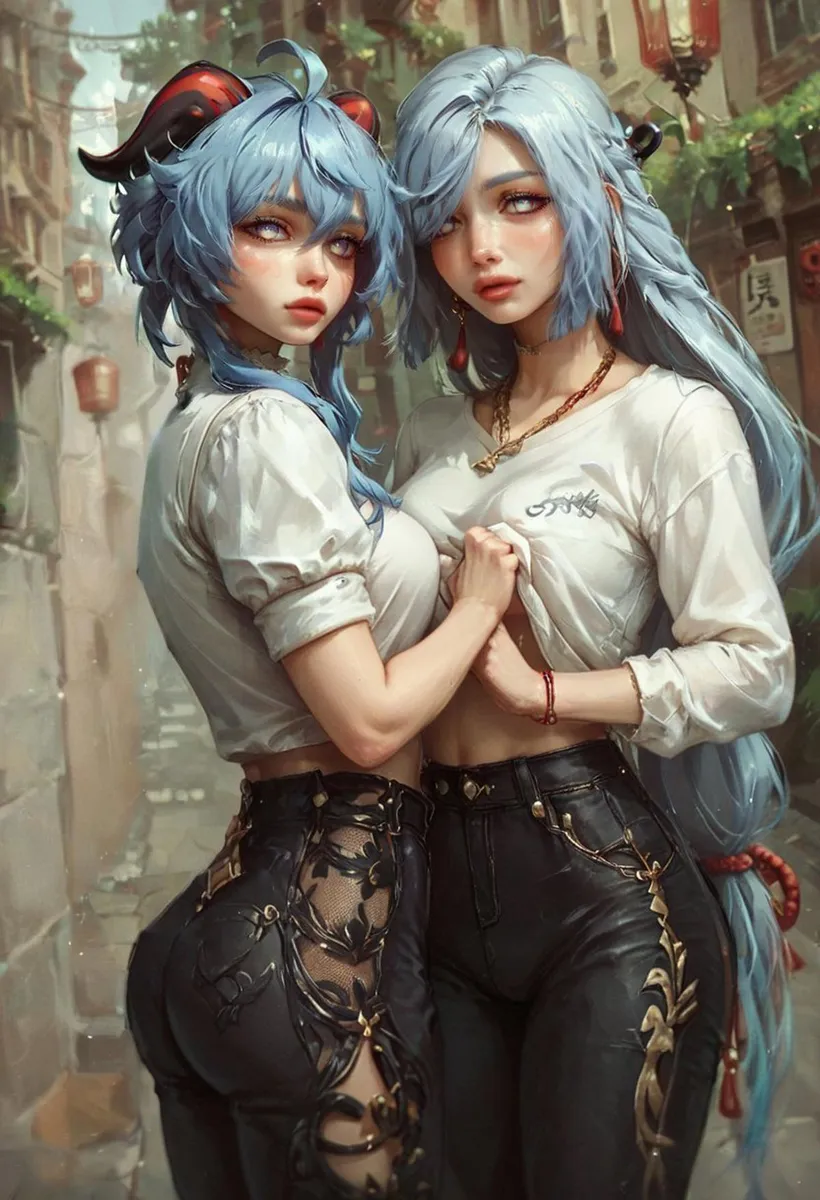
Imágenes con dueto