Split Screen | Concept LoRA - v1.0
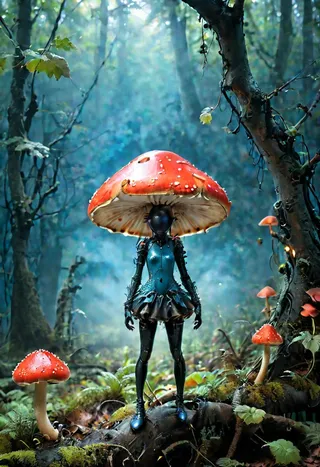
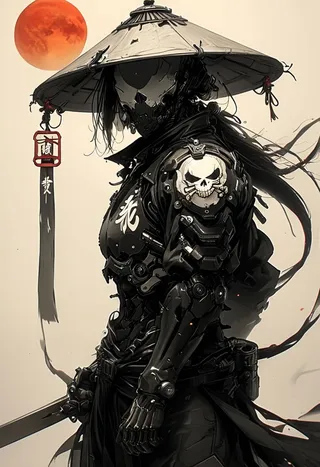
Images en vedette

Prompts recommandés
SplitScreen,split screen,close-up
Highly detailed, High Quality, Masterpiece, beautiful, close-up, SplitScreen, split screen, <lora:SplitScreen:1>
Prompts négatifs recommandés
FastNegativeEmbedding, (worst quality, low quality:1.4)
Paramètres recommandés
samplers
steps
cfg
clip skip
resolution
other models
Paramètres haute résolution recommandés
upscaler
upscale
steps
denoising strength
Conseils
Weight can go from 0.9 up to 1; recommended weight is 1.
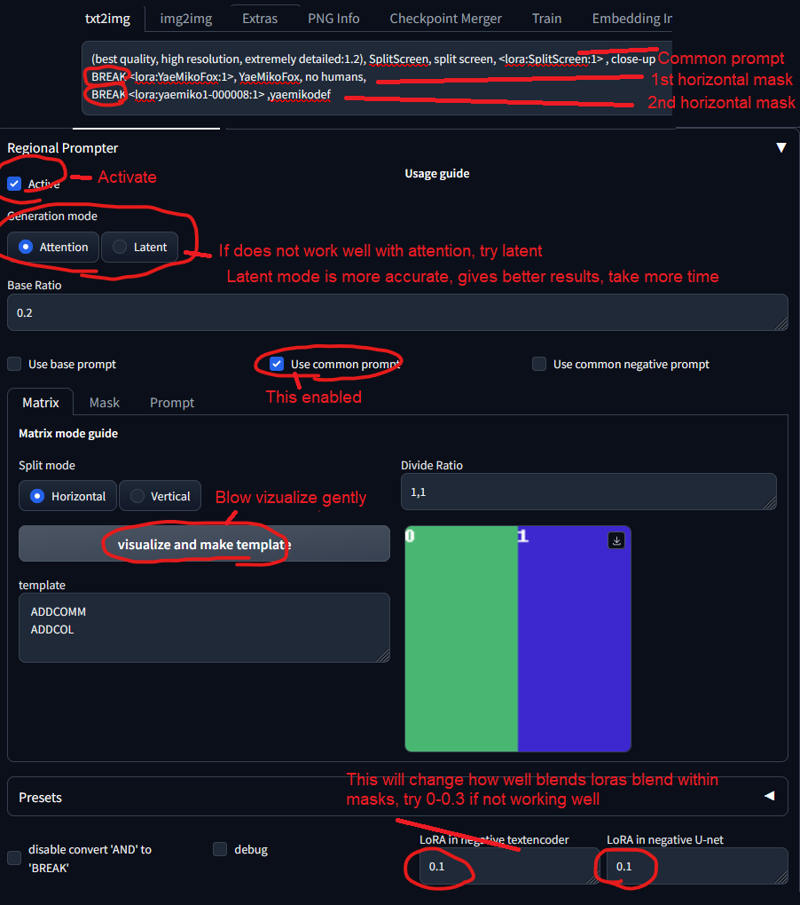
Use with Regional Prompt extension to get accurate characters.
Put 0.5-0.6 weight to Split Screen LoRA if the effect is too strong.
To use LoRA in auto1111, download the LoRA, place it in stable-diffusion-webui/models/lora, select the LoRA and use the trigger word, adjusting weight if needed.
Split Screen | Concept LoRA
READ BEFORE USE!!!
Weight can go from 0.9 up to 1. I recommend 1. Works with almost every Style, every Character and Photorealistic Models.
This Model has to be used with Regional Prompt, If you want your Character accurate. See Preview Images for Prompts. You need this Extension and these Settings:
(put 0.5-0.6 weight to Splitscreen Lora, if its too much. Common prompt doubles it)
Trigger Word:
SplitScreen, split screen
Helping Prompt:
close-up
How to use LoRA's in auto1111:
Download LoRA
Copy the file to
stable-diffusion-webui/models/loraSelect your LoRA and use the triggerword
Make sure to change the weight if needed (by default it's
:1)Have Fun!

Détails du modèle
Type de modèle
Modèle de base
Version du modèle
Hash du modèle
Mots entraînés
Créateur

Discussion
Veuillez vous log in pour laisser un commentaire.
Collection de modèles - Split Screen | Concept LoRA

Images par Split Screen | Concept LoRA - v1.0
Images avec art


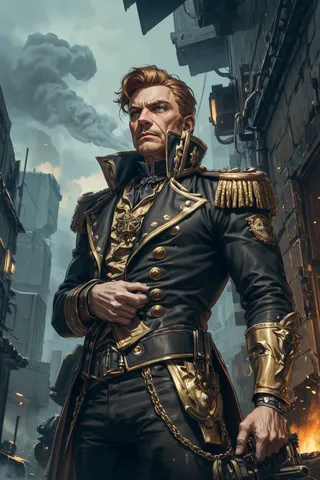


Images avec personnages




Images avec duo




Images avec fente