Split Screen | Concept LoRA - v1.0
Parole Chiave e Tag Correlati
Immagini in evidenza
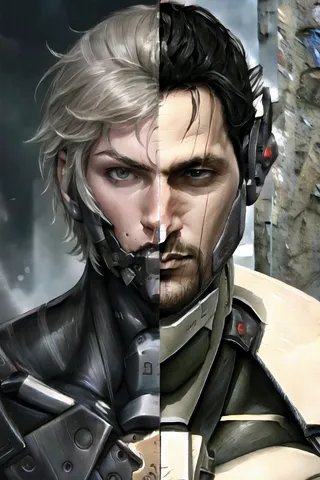
Prompt Consigliati
SplitScreen,split screen,close-up
Highly detailed, High Quality, Masterpiece, beautiful, close-up, SplitScreen, split screen, <lora:SplitScreen:1>
Prompt Negativi Consigliati
FastNegativeEmbedding, (worst quality, low quality:1.4)
Parametri Consigliati
samplers
steps
cfg
clip skip
resolution
other models
Parametri Consigliati per Alta Risoluzione
upscaler
upscale
steps
denoising strength
Suggerimenti
Il peso può variare da 0.9 fino a 1; il peso consigliato è 1.
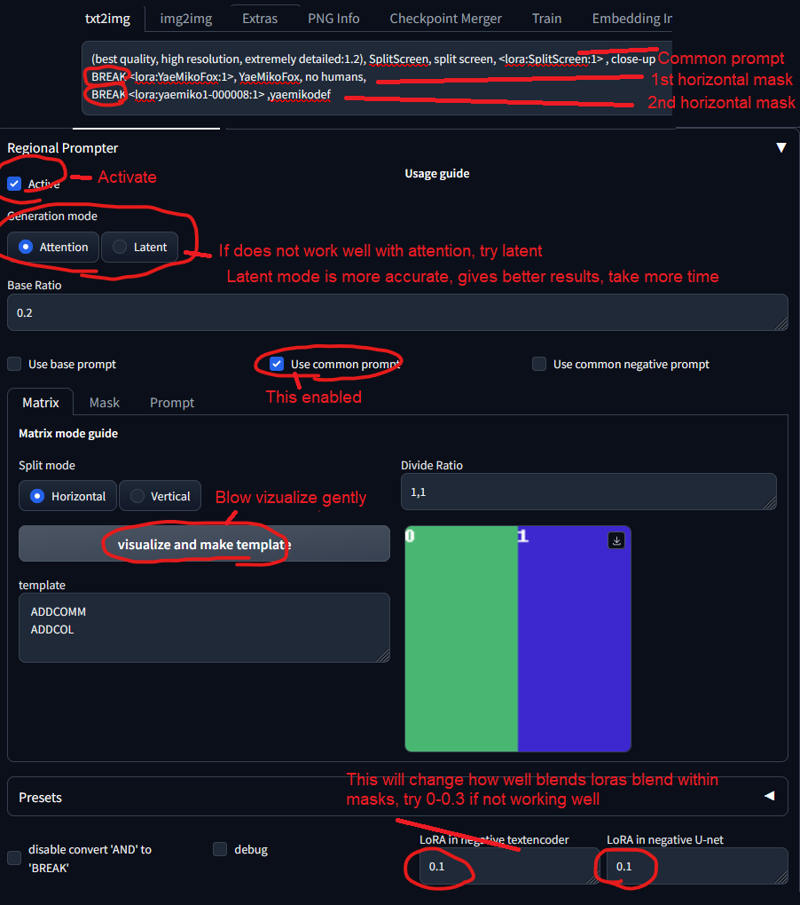
Usa l'estensione Regional Prompt per ottenere personaggi accurati.
Imposta un peso da 0.5 a 0.6 per il LoRA Split Screen se l'effetto è troppo forte.
Per usare LoRA in auto1111, scarica la LoRA, posizionala in stable-diffusion-webui/models/lora, seleziona la LoRA e usa la parola trigger, modificando il peso se necessario.
Split Screen | Concept LoRA
LEGGERE PRIMA DELL'USO!!!
Il peso può variare da 0.9 fino a 1. Consiglio 1. Funziona con quasi ogni stile, ogni personaggio e modelli fotorealistici.
Questo modello deve essere usato con Regional Prompt, se vuoi che il tuo personaggio sia accurato. Guarda le immagini di anteprima per i prompt. Ti serve questa Estensione e queste impostazioni:
(metti un peso da 0.5 a 0.6 al LoRA Split Screen, se è troppo forte. Il prompt comune lo raddoppia)
Parola Trigger:
SplitScreen, split screen
Prompt di supporto:
close-up
Come usare le LoRA in auto1111:
Scarica la LoRA
Copia il file in
stable-diffusion-webui/models/loraSeleziona la tua LoRA e usa la parola trigger
Assicurati di modificare il peso se necessario (di default è
:1)Divertiti!

Dettagli del Modello
Tipo di modello
Modello base
Versione del modello
Hash del modello
Parole addestrate
Creatore

Discussione
Per favore log in per lasciare un commento.
Collezione di Modelli - Split Screen | Concept LoRA
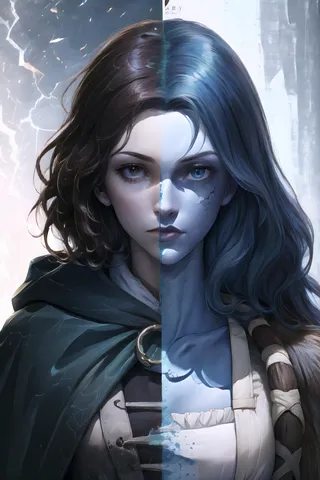
Immagini di Split Screen | Concept LoRA - v1.0
Immagini con arte

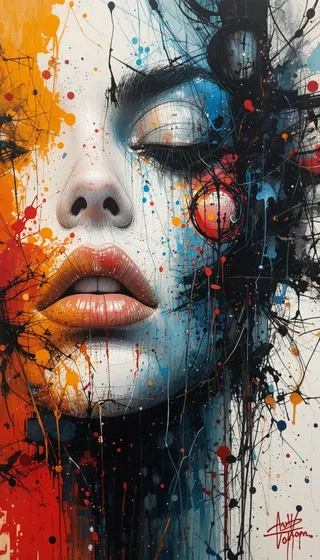
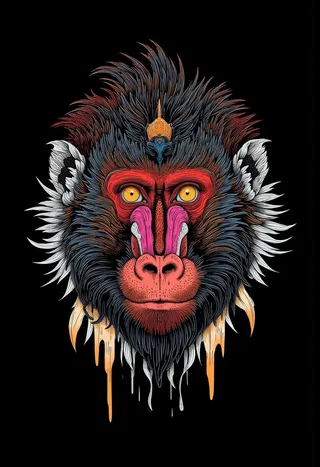
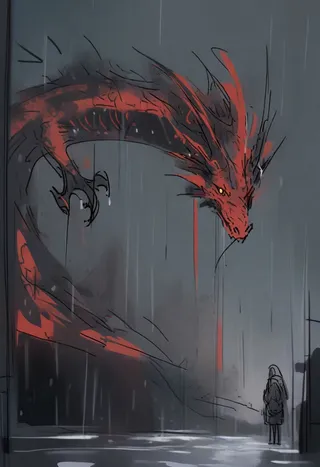
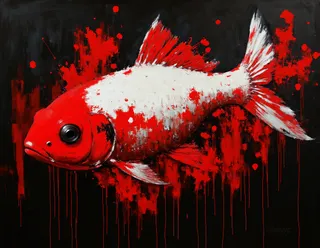
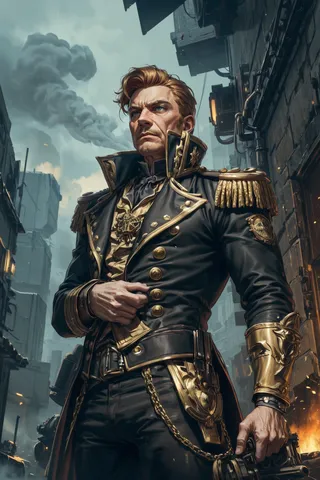
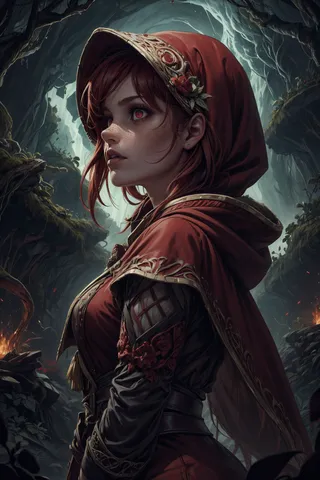
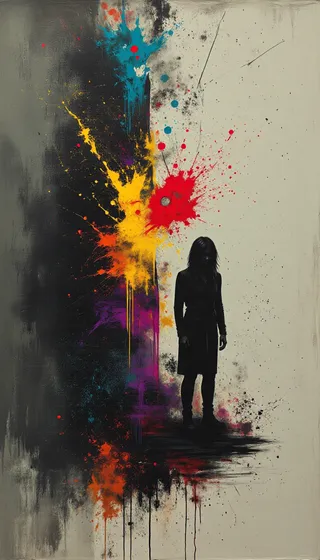
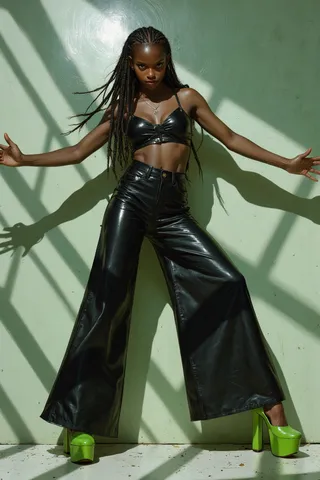

Immagini con personaggi

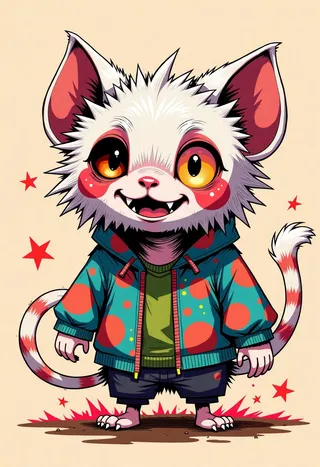


Immagini con duo