AniVerse - V1.1 - Pruned
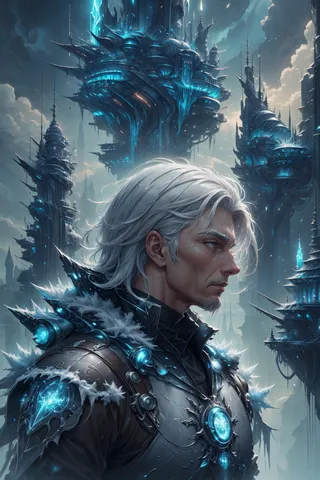
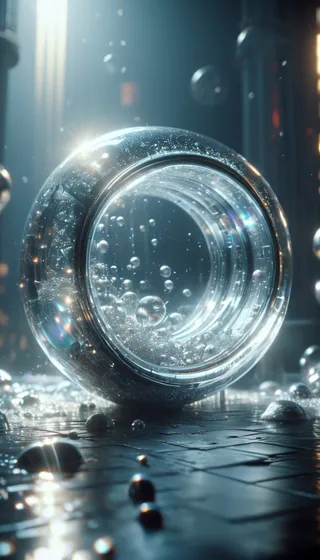
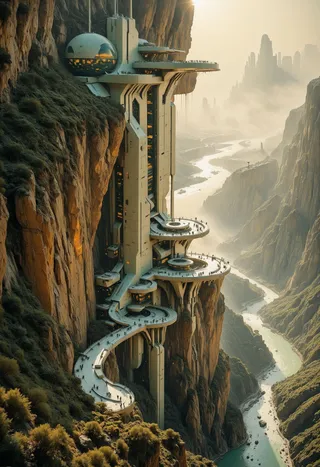
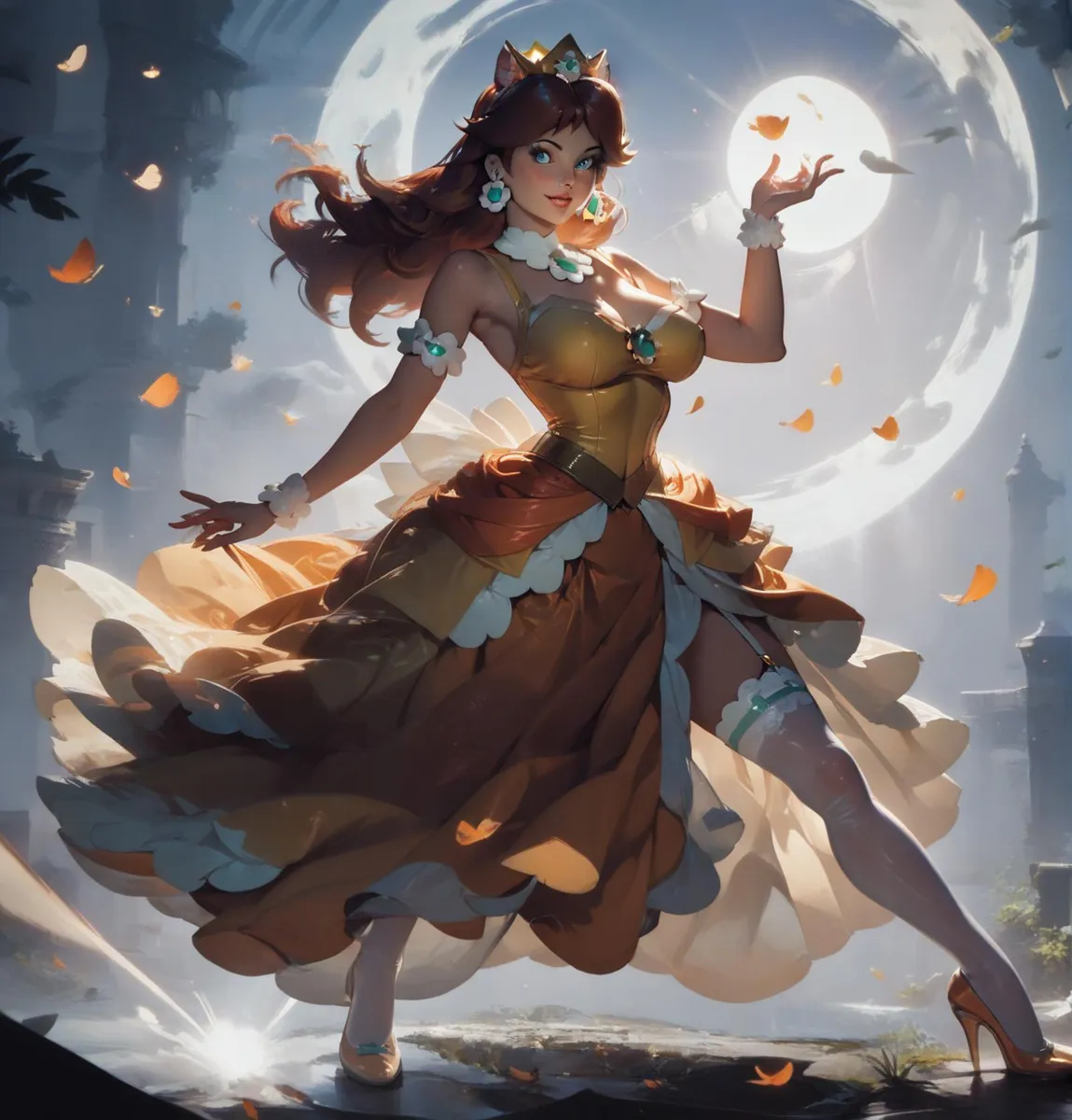
ハイライトされた画像

推奨プロンプト
(masterpiece, best quality, highres:1.2), (photorealistic:1.2), (intricate and beautiful:1.2), (detailed light:1.2), (colorful, dynamic angle), RAW photo, upper body shot, fashion photography, YOUR PROMPT, (highres textures), dynamic pose, bokeh, soft light passing through hair, (abstract background:1.3), (sharp), exposure blend, bokeh, (hdr:1.4), high contrast, (cinematic), (muted colors, dim colors, soothing tones:1.3), morbid
(best quality
推奨ネガティブプロンプト
(worst quality, low quality), negative_hand-neg, bad-hands-5, naked, nude, braless, cross, sepia, black&white, B&W, painting, drawing, illustration
FastNegativeV2
推奨パラメータ
samplers
steps
cfg
clip skip
resolution
vae
推奨ハイレゾパラメータ
upscaler
upscale
steps
denoising strength
ヒント
Excessive negative prompts can harm your images; follow the recommended negative prompts carefully.
Try using the model without applying LoRA first to see its natural strengths.
Install the ADetailer extension for A1111 for enhanced detail control.
For best performance, activate xFormers optimization in A1111 settings if possible.
If xFormers cannot be installed, use SDP-no-mem scaled dot product attention as an alternative.
Emulate NVIDIA GPU Random Number Generator source by selecting 'NV' in A1111 settings for reproducibility.
Use inpainting for face corrections with specified settings: masked only, sampling steps 50, batch size 8, and positive prompt focused on ultra realistics and perfect faces.
バージョンのハイライト
Pruned Version - the change note are the same of not pruned one:
About this version
The suggested setting is a little bit changed, so if you want have good images, go to read it in "Model Description (click on "show more")
1) Better head proportion in close/mid range portraits
2) Improved (a little... you know... it's impossibile) the hands
3) Better following the prompt
4) Better men (I know... probabily you are not interested, I'm cisgender ethero, but I'm also LGBTQ+ friendly)
5) Better mecha & glowing
Next Release (not soon): I will try to implement "furry things" because with this version need to much try to have good one.
Specially thanks to MarkWar that have spent his time to test, try and choose the new best version with me!
PS: Let me know if you like this new version or ifyou prefere the old one in the comment
PPS: If you have a request to implement something, write a comment, I will try!
クリエイタースポンサー
Check my EXCLUSIVE models on Mage.Space: AniMage PXL, AniReal PXL, Lucid Dream, AniMage SD1.5, Realistic Portrait
Also check SDXL - Pony models on Mage.Space: AniVerse PXL, AniMerge PXL, AniToon PXL, AniMics PXL, AniVerse XL
In collaboration with Shakker.ai
Support me on Ko-fi for commercial licensing and to help buy a new PC for Stable Diffusion!
!!! UPLOADING/SHARING MY MODELS OUTSIDE CIVITAI IS STRICLY PROHIBITED* !!!
Check my EXCLUSIVE models on Mage.Space: AniMage PXL • AniReal PXL • Lucid Dream • AniMage SD1.5 • Realistic Portrait
SDXL - Pony: AniVerse PXL • AniMerge PXL • AniToon PXL • AniMics PXL • AniVerse XL
SD1.5: AniVerse • AniThing • AniMerge • AniMesh • AniToon • AniMics
Also in Collaboration with Shakker.ai
This model is free for personal use and free for personal merging(*).
For commercial use, please be sure to contact me (Ko-fi) or by email: samuele[dot]bonzio[at]gmail[dot]com
⬇Read the info below to get the high quality images (click on show more)⬇
Aniverse - is just the beginning!
This is a long shot project, I’d like to implement something new at every update!
The name is a merge of the two words: Animation and Universe (and a word pun: Any+Universe -> Anyverse -> Aniverse)
-> If you are satisfied using my model, press on ❤️ to follow the progress and consider leaving me ⭐⭐⭐⭐⭐ on model review, it's really important to me!
Thank you in advance 🙇
And remember to publish your creations using this model! I’d really love to see what your imagination can do!
Recommended Settings:
Excessive negative prompt can makes your creations worse, so follow my suggestions below!
Before applying a LoRA to produce your favorite character, try it without first. You might be surprised what this model can do!
A1111 my settings:
I run my Home PC A1111 with this setting:
set COMMANDLINE_ARGS= --xformers
if you can't install xFormers (read below) use my Google Colab Setting:
set COMMANDLINE_ARGS= --disable-model-loading-ram-optimization --opt-sdp-no-mem-attention
My A1111 Version: v1.6.0-RC-28-ga0af2852 • python: 3.10.6 • torch: 2.0.1+cu118 • xformers: 0.0.20 • gradio: 3.41.2
If you want activate xformers optimization like my Home PC (How to install xFormers):
In A1111 click in "Setting Tab"
In the left coloumn, click in "Optimization"
in: "Cross attention optimization" select: "xformers"
Press in "Apply Settings"
Reboot your Stable Diffusion
If you can't install xFormers use SDP-ATTENTION, like my Google Colab:
In A1111 click in "Setting Tab"
In the left coloumn, click in "Optimization"
in: "Cross attention optimization" select: "sdp-no-mem - scaled dot product without memory efficient attention"
Press in "Apply Settings"
Reboot your Stable Diffusion
How to emulate the nvidia GPU follow this steps:
In A1111 click in "Setting Tab"
In the left coloumn, click in "Show all pages"
Search "Random number generator source"
Select the voice: "NV"
Press in "Apply Settings"
Reboot your Stable Diffusion
If you use my models, install the ADetailer extension for your A1111.
Navigate to the "Extensions" tab within Stable Diffusion.
Go to the "Install from URL" subsection.
Paste the following URL: https://github.com/Bing-su/adetailer
Click on the "Install" button to install the extension
Reboot your Stable Diffusion
How to install Euler Smea Dyn and Euler Max Sampler:
In A1111 click in "Extensions Tab"
click in "Install from URL"
Under "URL for extension's git repository" put this link: https://github.com/licyk/advanced_euler_sampler_extension
Once installed click in: "Installed" Tab
Click in "Apply and quit"
Reboot your Stable Diffusion
Now at the end of the list of the sampler, you have the new sampler.
How to use ADetailer with Euler Smea Dyn and Euler Max Sampler:
In A1111 click in "txt2img" tab
Expand and click in "enable ADetailer"
Scroll down and expand "inpaint" section
Click and turn on "Use separate Sampler"
Now select: "DPM++ 2M Karras" (or your favourite sampler)
VAE: VAE is included (but usually I still use the 840000 ema pruned)
Clip skip: 2
Upscaler: 4x-Ultrasharp or 4X NMKD Superscale
Sampling method: DPM++ 2M SDE Karras
Width: 576 (o 768)
Height: 1024
CFG Scale: 3 -> Steps: 15
CFG Scale: 4 -> Steps: 20
CFG Scale: 5 -> Steps: 25
CFG Scale: 6 -> Steps: 30...and so on...
MY FAVORITE PROMPT:
(masterpiece, best quality, highres:1.2), (photorealistic:1.2), (intricate and beautiful:1.2), (detailed light:1.2), (colorful, dynamic angle), RAW photo, upper body shot, fashion photography, YOUR PROMPT, (highres textures), dynamic pose, bokeh, soft light passing through hair, (abstract background:1.3), (sharp), exposure blend, bokeh, (hdr:1.4), high contrast, (cinematic), (muted colors, dim colors, soothing tones:1.3), morbid
NEGATIVE PROMPT:
(worst quality, low quality), negative_hand-neg, bad-hands-5, naked, nude, braless, cross, sepia, black&white, B&W, painting, drawing, illustration
YOU CAN ALSO USE THESE NEGATIVE EMBEDDINGS:
5) For MEN images: girl, woman, female, tits, BadImage_v2-39000, negative_hand-neg, bad-hands 5
HiRes.Fix Setting:
I don't use Hi.Res fix because:
1) in my computer don't work
2) my models don't need it. Use txt2image, aderailer and the suggested upscaler in the resources tab.
If you still want use it, this is the setting sent me by MarkWar (follow him to see his creations ❤️).
Hires upscale: 1.5
Hires steps: 20~30
Hires upscaler: R-ESRGAN 4x + Anime6B,
Denoising strength: 0.4
Adetailer: face_yolov8n
How to install and use adetailer: Click Here
Inpainting Setting:
When you see that I used Inpainting on my images, I only modify the face (Hires Fix on my old PC doesn't work and got stuck). This is my setting:
Click in the tab img2img, than click on inpaint ->
Paint the face (only the face, neck, ears...) and after that set:
Inpaint masked
Only masked
Only masked padding, pixels: 12
Sampling steps: 50
Set: Only masked
Batch Size: 8
in the Positive Prompt write: (ultra realistic, best quality, masterpiece, perfect face)Than click on GENERATE
ControlNet & Prompt guide video tutorial:
Thanx to: tejasbale01 - Spidey Ai Art Tutorial (follow him in youtube)
Animesh Full V1.5 + Controlnet | Prompt Guide |
Do you like my work?
If you want you can help me to buy a new PC for Stable Diffusion!
❤️ You can buy me a (Espresso... I'm italian) coffee or a beer ❤️
This is the list of hardware if you are courius: Amazon Wishlist
I must thank you Olivio Sarikas and SECourses for their video tutorials! (I'd really love to see a your video using my model ❤️ )
You are solely responsible for any legal liability resulting from unethical use of this model
(*) MarkWar is authorized by me to do anything with my models.
(**) Why did I set such stringent rules? Because I'm tired of seeing sites like Pixai (and many others) that get rich on the backs of the model creators without giving anything in return.
(***) Low Rank Adaptation models (LoRAs) and Checkpoints created by me.
As per Creative ML OpenRAIL-M license section III, derivative content(i.e. LoRA, Checkpoints, mixes and other derivative content) is free to modify license for further distribution. In that case such is provided by licensing on each single model on Civitai.com. All models produced by me are prohibiting hosting, reposting, reuploading or otherwise utilisation of my models on other sites that provide generation service without a my explicit authorization.
(****)According to Italian law (I'm Italian):
The law on copyright (law 22 April 1941, n. 633, and subsequent amendments, most recently that provided for by the legislative decree of 16 October 2017 n.148) provides for the protection of "intellectual works of a creative nature", which belong to literature, music, figurative arts, architecture, theater and cinema, whatever their mode or form of expression.
Subsequent changes, linked to the evolution of new information technologies, have extended the scope of protection to photographic works, computer programs, databases and industrial design creations.
Copyright is acquired automatically when a work is defined as an intellectual creation.
Also valid for the US: https:// ufficiobrevetti.it/copyright/copyright-usa/
All my Stable Diffusion models in Civitai (as per my approval) are covered by copyright.

モデル詳細

ディスカッション
コメントを残すには log in してください。
モデルコレクション - AniVerse


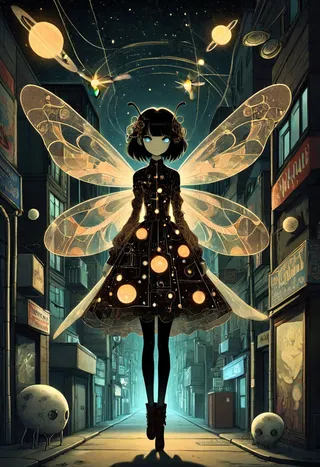
「AniVerse - V1.1 - Pruned」による画像
天文学画像

基本モデル画像

コミック画像




SF画像