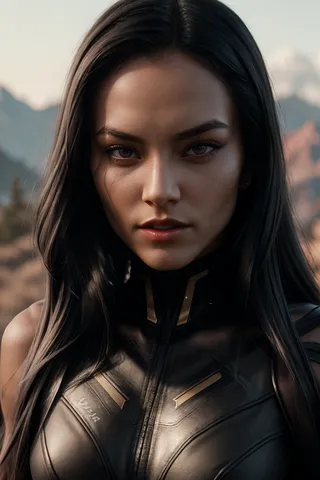
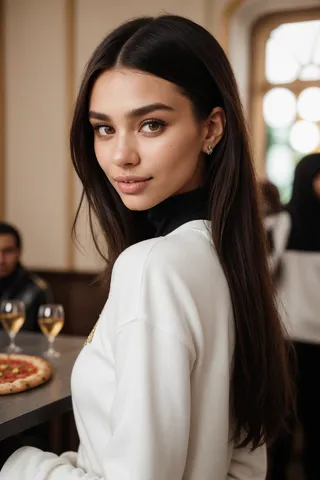
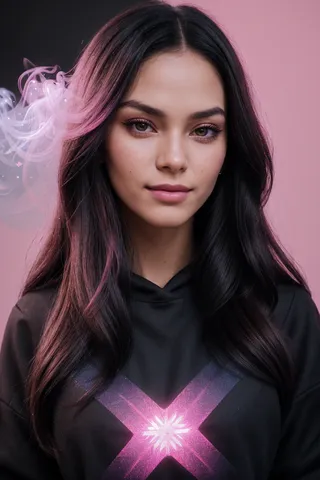
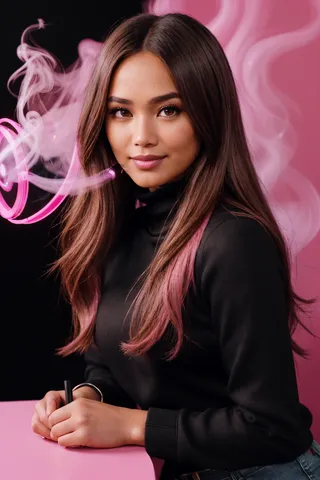
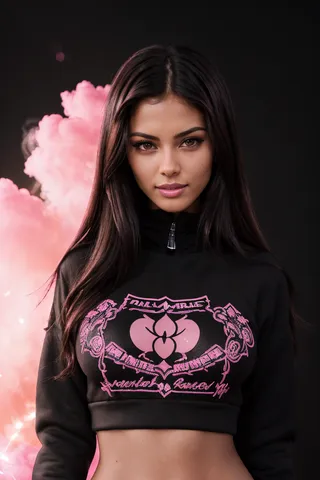
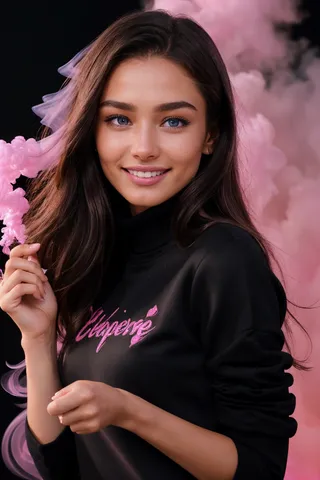
MengX girl_Mix - v30
関連キーワード&タグ
ハイライトされた画像

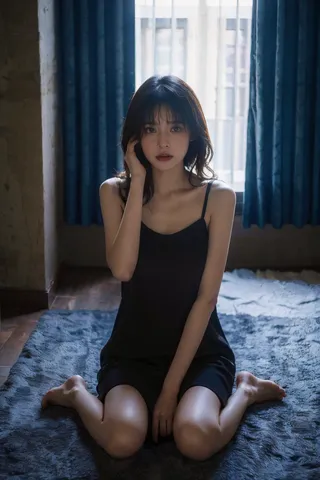
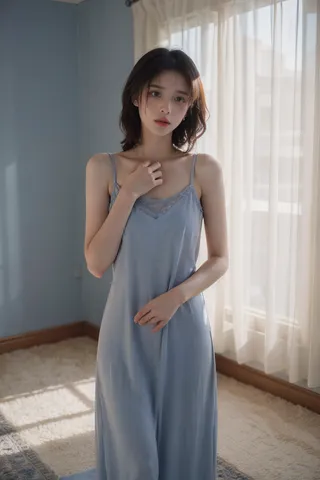
推奨プロンプト
blush
Best quality, masterpiece, ultra high res, photorealistic, raw photo, unity 8k wallpaper, 1girl, <lora:MengX girl_Mix_v30:1>
推奨ネガティブプロンプト
(ng_deepnegative_v1_75t), (badhandv4), (worst quality:2), (low quality:2), (normal quality:2), lowres, bad anatomy, bad hands, normal quality, ((monochrome)), ((grayscale)), mural
推奨パラメータ
samplers
steps
cfg
clip skip
resolution
other models
推奨ハイレゾパラメータ
upscaler
upscale
steps
denoising strength
ヒント
0.7から1.0の範囲でウェイトを使用し、0.9がより良い見た目です。
最適な顔の形状復元のためにADetailerプラグインを開き、プロンプトに「lora」を追加してください。
シーンやキャラクターの大きさに応じて再描画の範囲(ノイズ除去強度)を0.2~0.4で調整してください。
プロンプトに「blush」を加えると、顔がより可愛く、少女らしく見えるかもしれません。
生成品質向上のため、ローカルにダウンロードして使用することを推奨します。
これはアジア系女性の顔モデルで、レイヤー分け使用は不要です。このloraは多くの場合、キャラクターの肌をより白く柔らかくし、画像の黄ばみ問題をある程度改善しますが、その代償として肌の質感が多少犠牲になります。
--このモデルは欧米風が強いモデルにはあまり適していません。アジア系モデルの使用を推奨します。
--ローカルにダウンロードして使用することをお勧めします。多くのオンライン生成結果は満足できるものではありませんでした。
--This is an Asian women's face model that does not need to be layered. This lora can make the character's skin whiter and tenderer in most cases, and improve the yellowing problem of the picture to a certain extent, at the cost of sacrificing a certain skin texture.
--This model is not suitable for models with distinctive European and American styles. It is recommended to use Asian models.
--I still recommend that you download it locally and use it. I found that many online generation results are not good.
V40--
V30の柔光効果を下げ、顔の形をわずかに変更しました。個人的にはV40の方がより可愛いと感じます。
ウェイト0.9がより見栄えが良いようです。推奨ウェイトは0.7から1.0。
ADetailerプラグインを必ず有効にし、プロンプトにloraを加えて顔の形を完璧に復元してください。
私は普段face_yolov8mモデルを使用しています。リドロー(再描画)の強さは、シーンやキャラクターの大きさに応じて0.2から0.4の範囲で調整することを推奨します。
プロンプトにblushを加えてみると、顔がより可愛く、少女らしくなるかもしれません。
他のモデルで画像をアップロードしても私のloraにリンクできないようなので、このページで画像を返していただけると幸いです〜
The soft light effect of the V30 has been reduced, and the face shape has changed slightly compared to the V30. I personally think the V40 is cuter.
A weight of 0.9 seems to look better. Recommended weight 0.7-1.0.
Please be sure to open the ADetailer plug-in to use, and add lora to the plug-in prompt word, so as to perfectly restore the face shape.
I usually use the face_yolov8m model. It is recommended to adjust the redrawing range according to the scene and the size of the characters. The range is about 0.2-0.4
You can try to add blush to the prompt word, maybe it can make the face more cute, girly.
It seems that uploading pictures on other models cannot be linked to my lora, so I hope to return pictures on this page~
これはアジア系女性の顔モデルで、レイヤー分け使用は不要です。このloraは多くの場合、キャラクターの肌をより白く柔らかくし、画像の黄ばみ問題をある程度改善しますが、その代償として肌の質感が多少犠牲になります。特定の条件下では柔らかい光の効果を備えています。
ウェイトは1.0以下であれば問題ありません。それ以上はテストしていません。
このloraで表情の豊かなアジア系女性の顔を簡単に得られます。
ADetailerプラグインの使用を推奨します。
良いと思ったら、ここで良いと思った画像を共有してください、ありがとうございます。
This is an Asian women's face model that does not need to be layered. This lora can make the character's skin whiter and tenderer in most cases, and improve the yellowing problem of the picture to a certain extent, at the cost of sacrificing a certain skin texture. In certain cases, it has a soft light effect.
Weights at or below 1.0 are fine, I haven't tested anything higher than that.
This lora allows you to easily obtain an Asian woman with good facial expressions.
It is recommended to use the ADetailer plug-in.
If you think it is good, please share the pictures you think are good here, thank you.