Jib Mix Artful - v1.0
관련 키워드 및 태그
하이라이트된 이미지

추천 프롬프트
deep impasto brush strokes,painterly style,looking at the camera
painterly style
추천 네거티브 프롬프트
((bokeh)), Deviantart, jpeg, (worst quality, low quality, normal quality, lowres, low details, oversaturated, undersaturated, overexposed, underexposed, grayscale, bw, bad photo, bad photography, bad art:1.4), (watermark, signature, text font, username, error, logo, words, letters, digits, autograph, trademark, ugly, name:1.2), (blur, blurry, grainy), morbid, asymmetrical, mutated malformed, mutilated, poorly lit, bad shadow, glitch, draft, cropped, cartoon, anime, out of frame, cut off, ((bokeh)) Deviantart, censored, jpeg artifacts, out of focus, duplicate, (airbrushed, semi-realistic, cgi, render, blender, digital art, manga, amateur:1.3), (3D, 3D Game, 3D Game Scene, 3D Character:1.1), (bad hands, bad anatomy, bad body, bad face, bad teeth, bad arms, bad legs, deformities:1.3)
추천 매개변수
samplers
steps
cfg
resolution
팁
깊고 선명한 페인트와 붓터치를 위해 프롬프트에 'deep impasto brush strokes'와 'painterly style'을 포함하세요.
인물화 프롬프트에 'looking at the camera'를 추가하면 피사체가 카메라를 직접 응시하게 됩니다.
버전 하이라이트
초기 버전
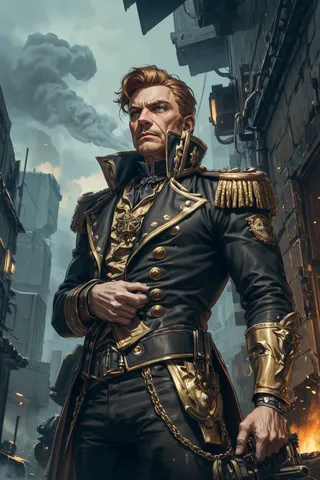
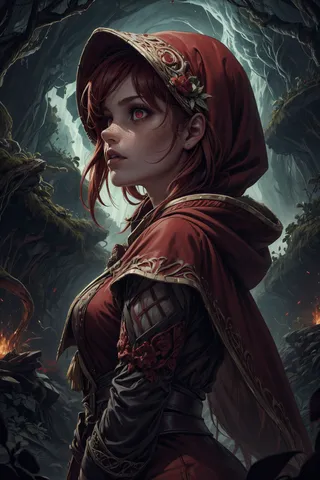
페인팅 및 드로잉 아트 스타일에 매우 뛰어난 Jib Mix Realistic 11 모델 버전을 가져와서 예술적 Loras를 추가해 더욱 예술적으로 혼합했습니다.
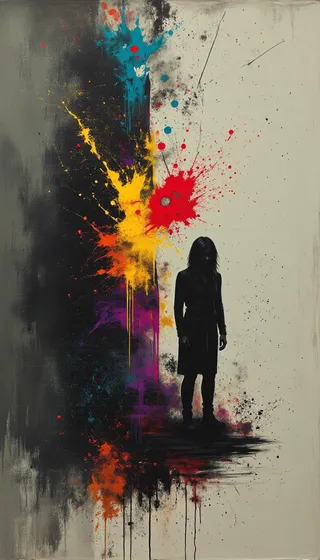
정말 깊고 선명한 페인트/붓터치를 원한다면 프롬프트에 "deep impasto brush strokes"와 "painterly style"을 넣어보세요.
인물화에서 피사체가 기본적으로 대부분의 stable diffusion 모델과 달리 '카메라'를 응시하지 않는 경우가 있다는 점을 발견했으므로, 원한다면 프롬프트에 "looking at the camera"를 포함하는 것이 좋습니다.