MengX girl_Mix - v30
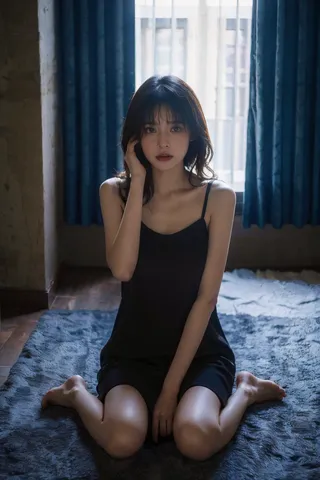
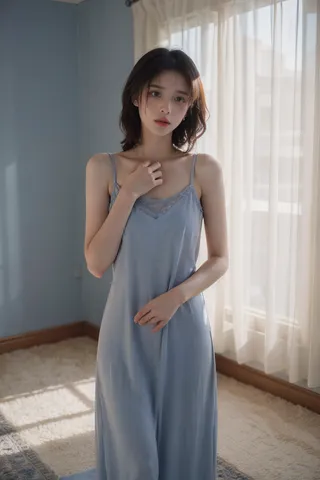
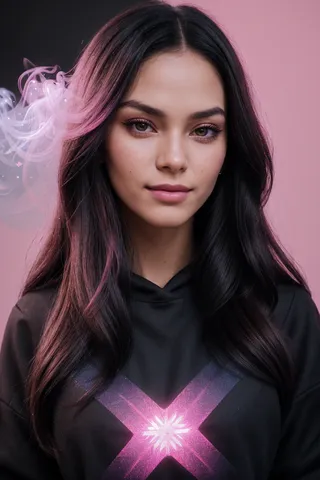
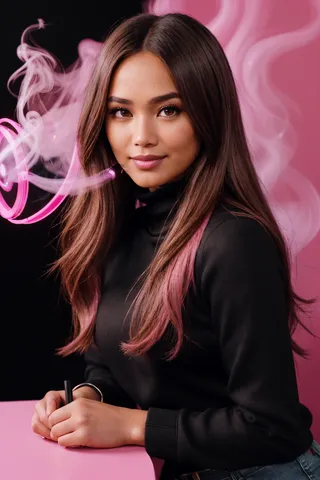
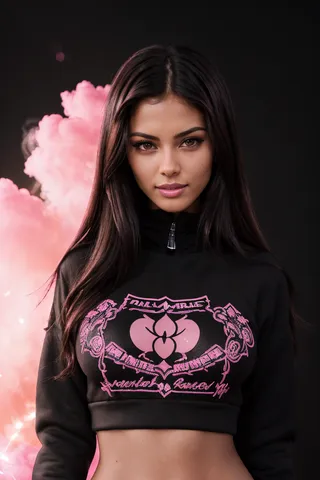
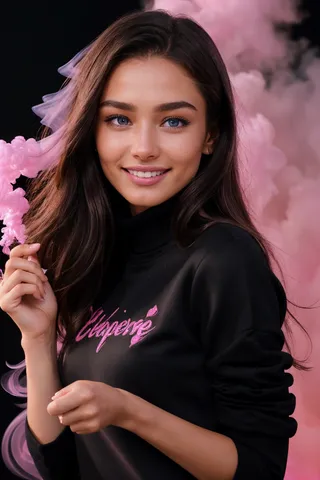
하이라이트된 이미지

추천 프롬프트
blush
Best quality, masterpiece, ultra high res, photorealistic, raw photo, unity 8k wallpaper, 1girl, <lora:MengX girl_Mix_v30:1>
추천 네거티브 프롬프트
(ng_deepnegative_v1_75t), (badhandv4), (worst quality:2), (low quality:2), (normal quality:2), lowres, bad anatomy, bad hands, normal quality, ((monochrome)), ((grayscale)), mural
추천 매개변수
samplers
steps
cfg
clip skip
resolution
other models
추천 고해상도 매개변수
upscaler
upscale
steps
denoising strength
팁
가중치는 0.7에서 1.0 사이로 사용하며, 0.9가 더 좋아 보입니다.
최고의 얼굴형 복원을 위해 ADetailer 플러그인을 켜고 프롬프트에 'lora'를 추가하세요.
장면과 인물 크기에 따라 재그리기 범위(노이즈 제거 강도)를 0.2-0.4 사이로 조절하세요.
프롬프트에 'blush'를 추가하면 얼굴이 더 귀엽고 소녀 같이 보일 수 있습니다.
더 나은 생성 품질을 위해 로컬에 다운로드하여 사용하는 것이 권장됩니다.
이것은 아시아 여성 얼굴 모델로, 레이어 사용이 필요 없습니다. 이 lora는 대부분의 경우 인물의 피부를 더 하얗고 부드럽게 만들어주며, 이미지의 황변 문제를 어느 정도 개선하지만, 일부 피부 질감이 희생됩니다.
--이 모델은 뚜렷한 유럽 및 미국 스타일 모델에는 적합하지 않으니 아시아 모델 사용을 권장합니다.
--로컬에 다운로드하여 사용하는 것을 추천합니다. 온라인 생성 결과가 만족스럽지 않은 경우가 많음을 발견했습니다.
--This is an Asian women's face model that does not need to be layered. This lora can make the character's skin whiter and tenderer in most cases, and improve the yellowing problem of the picture to a certain extent, at the cost of sacrificing a certain skin texture.
--This model is not suitable for models with distinctive European and American styles. It is recommended to use Asian models.
--I still recommend that you download it locally and use it. I found that many online generation results are not good.
V40--
V30의 부드러운 광효과를 줄였으며 얼굴형이 V30과 비교해 약간 변경되었습니다. 개인적으로 V40이 더 귀엽다고 생각합니다.
가중치 0.9가 더 좋아 보입니다. 권장 가중치는 0.7-1.0입니다.
반드시 ADetailer 플러그인을 켜고 사용하며, 플러그인 프롬프트에 lora를 추가해야 얼굴형을 완벽히 복원할 수 있습니다.
저는 주로 face_yolov8m 모델을 사용하며 재그리기 강도는 장면 및 인물 크기에 따라 0.2-0.4 사이로 조절하는 것을 권장합니다.
프롬프트에 blush를 추가하면 얼굴이 더 귀엽고 소녀처럼 될 수 있습니다.
다른 모델에서는 제 lora에 이미지 업로드가 연결되지 않는 것 같아, 이 페이지에서 이미지 반환을 희망합니다~
The soft light effect of the V30 has been reduced, and the face shape has changed slightly compared to the V30. I personally think the V40 is cuter.
A weight of 0.9 seems to look better. Recommended weight 0.7-1.0.
Please be sure to open the ADetailer plug-in to use, and add lora to the plug-in prompt word, so as to perfectly restore the face shape.
I usually use the face_yolov8m model. It is recommended to adjust the redrawing range according to the scene and the size of the characters. The range is about 0.2-0.4
You can try to add blush to the prompt word, maybe it can make the face more cute, girly.
It seems that uploading pictures on other models cannot be linked to my lora, so I hope to return pictures on this page~
이것은 아시아 여성 얼굴 모델로, 레이어 사용이 필요 없습니다. 이 lora는 대부분의 경우 인물의 피부를 더 하얗고 부드럽게 만들어주며, 이미지의 황변 문제를 어느 정도 개선하지만, 일부 피부 질감이 희생됩니다. 특정 경우에는 부드러운 광효과가 있습니다.
가중치는 1.0 이하면 괜찮으며, 그 이상은 테스트하지 않았습니다.
이 lora를 사용하면 표정 표현력이 좋은 아시아 여성을 쉽게 얻을 수 있습니다.
ADetailer 플러그인 사용을 권장합니다.
괜찮다고 생각되면 여기에서 좋은 결과의 이미지를 공유해 주세요, 감사합니다.
This is an Asian women's face model that does not need to be layered. This lora can make the character's skin whiter and tenderer in most cases, and improve the yellowing problem of the picture to a certain extent, at the cost of sacrificing a certain skin texture. In certain cases, it has a soft light effect.
Weights at or below 1.0 are fine, I haven't tested anything higher than that.
This lora allows you to easily obtain an Asian woman with good facial expressions.
It is recommended to use the ADetailer plug-in.
If you think it is good, please share the pictures you think are good here, thank you.


모델 컬렉션 - MengX girl_Mix


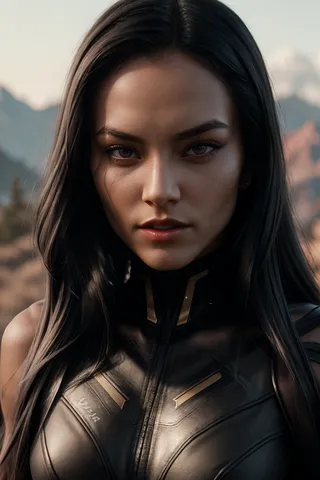
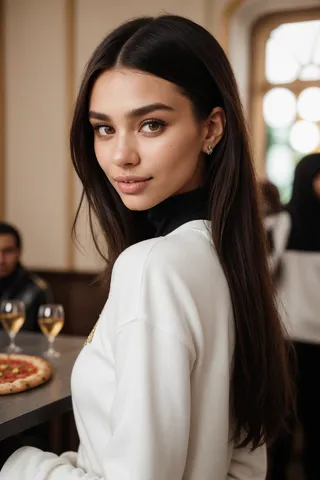
MengX girl_Mix - v30 제작 이미지
character 이미지




여성 이미지


person 이미지


여성 이미지


