Aesthetic LoRA for FLUX - 10R 3E CDO-0.5
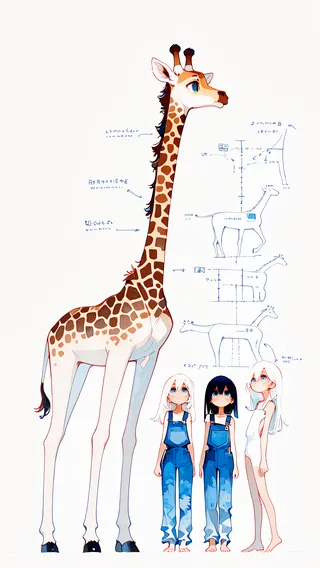
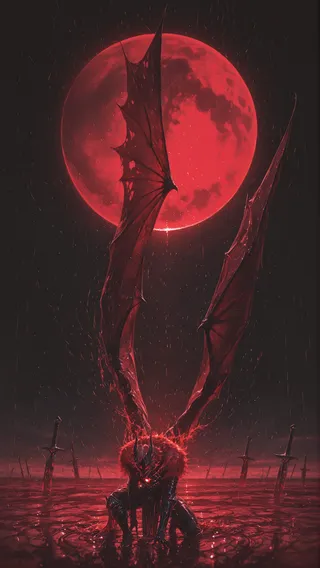
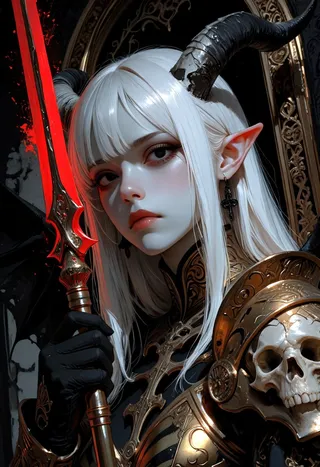
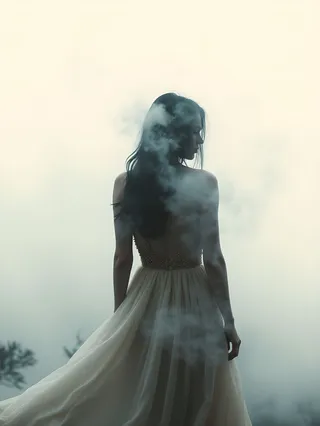
Highlighted images





Recommended Parameters
samplers
steps
Tips
Recommended LoRA strength depends heavily on your workflow.
The model may have dramatic effect on some prompts and none on others.
For best results use with the [Simple+Advanced] FLUX.1 ComfyUI Workflows - LoRA Support v2 (No CLIP).
The preview images use the Impressionist Landscape LoRA for enhanced effect.
Version Highlights
Another attempt at this LoRA using a different training tragedy.
Creator Sponsors
Aesthetic
Lora for FLUX
Update 2: Tried using the kohya trainer. The result is the 10R 2E CDO-0.5 version. Previews use my impressionism LoRA. It isn't needed but I liked the results so I stuck with it. Workflow and prompts attached to previews. Just open them in ComfyUI.
Update 1: Added the stronger 10k step trained LoRA model with direct comparison images (left is LoRA strength 0, right is LoRA strength 1.2). Removed misleading (anime) from name, since the LoRA doesn't really make images more anime-like.
Recommended strength to use really depends on your workflow!
Purpose: Imparts a more painterly and wild look at the cost of some coherency. It was trained on painterly vibrant anime art that didn't concern itself with fine details.
This is a proof-of-concept style LoRA for Flux. And only a proof of concept!
NOTE: For some prompts it will have a dramatic effect, for others… nothing, probably needs a bigger and a more diverse dataset then the one I used.
Using the following workflow: [Simple+Advanced] FLUX.1 ComfyUI Workflows - LoRA Support v2 (No CLIP) for ComfyUI
Contributor

Model Details

Discussion
Please log in to leave a comment.