Age Slider - Adult
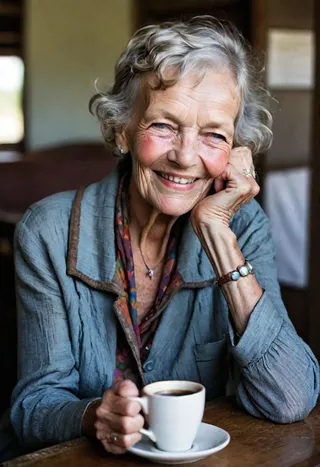
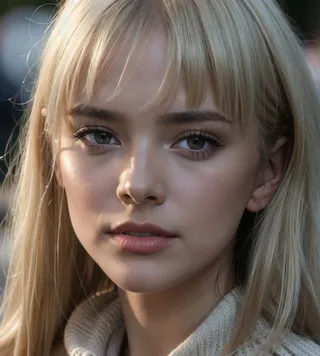
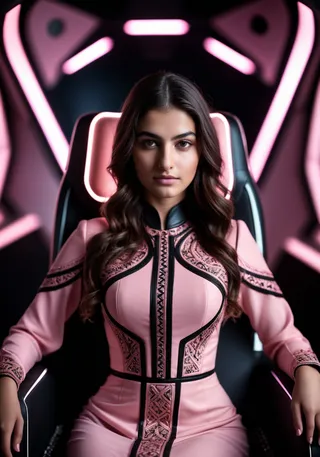
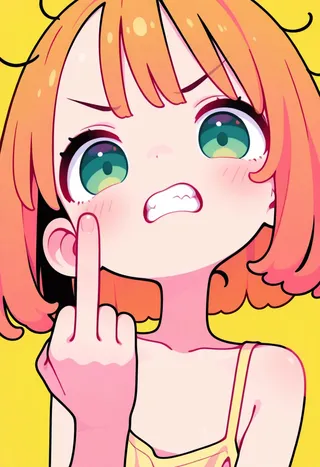
Highlighted images





Recommended Prompts
(AS-YoungV2:1.0),(AS-YoungerV2:1.0),(AS-YoungestV2:1.0),(AS-Adult:1.0),(AS-MidAged:1.0),(AS-Elderly:1.0)
Recommended Negative Prompts
(AS-YoungV2-Neg:1.0),(AS-Adult-Neg:1.0)
Tips
Use embedding prompts at strength 1.0 to 1.3 by placing them at the beginning of your positive or negative prompts with parentheses.
Stack multiple embeddings together if models or LoRAs are too rigid to get the desired age transformation.
Additional positive prompts may help enhance the age-related output quality.
Creator Sponsors
Do you have requests? I've been putting in many more hours lately with this. That's my problem, not yours. But if you'd like to tip me, buy me a beer. Beer encourages me to ignore work and make AI models instead. Tip and make a request. I'll give it a shot if I can. Here at Ko-Fi
Update June 13th adding updated Young Versions... V2
I developed this age slider to work with my Children's Stories model. Some Stable Diffusion models have difficulty generating younger people. This embedding will fix that for you. It can make anyone, in any Lora, on any model, younger. Even animals and fantasy creatures.
Follow me to make sure you see new styles, poses and Nobodys when I post them. Things move fast on this site, it's easy to miss.
How to use:
Just use one of the positive prompts listed to get the desired results. Use them at strength of 1. That means to put them at the beginning of your prompt or make sure they have the appropriate modifier brackets. Example, for automatic1111 it would be (AS-YoungerV2) or (AS-YoungerV2:1.0), the parenthesis are required. They are stackable, so you can combine them together to help with stubborn models. A negative embedding is also included for extra brute force if needed. There are 4 files to download for younger, and 4 for older, check the version tabs at the top.
These embeddings make people/creatures/characters younger.
AS-YoungV2-Neg: Place in your negative prompt at strength of 1.0 to 1.3, generally removes adults from the scene.
AS-YoungV2: Place at the beginning of your positive prompt at strength of 1.0 to 1.3. Conceptually teenager, may vary by model, lora, or prompts.
AS-YoungerV2: Place at the beginning of your positive prompt at strength of 1.0 to 1.3. Conceptually child, may vary by model, lora, or prompts.
AS-YoungestV2: Place at the beginning of your positive prompt at strength of 1.0 to 1.3. Conceptually toddler/baby, may vary by model, lora, or prompts
These embeddings make people/creatures/characters adult or older.
AS-Adult-Neg: Place in your negative prompt at strength of 1.0 to 1.3. This will remove any young people and/or youth from the scene.
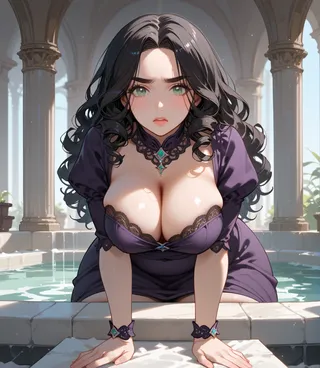
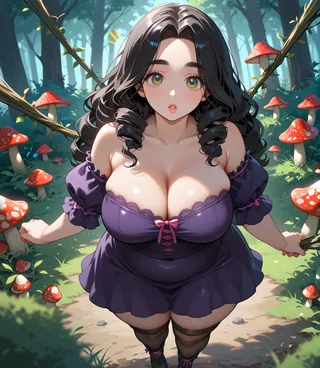
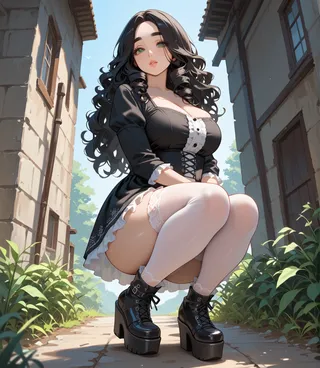
AS-Adult: Place at the beginning of your positive prompt at strength of 1.0 to 1.3. Conceptually fully matured adult 20s to 30s, may vary by model, lora, or prompts.
AS-MidAged: Place at the beginning of your positive prompt at strength of 1.0 to 1.3. Conceptually middle-aged adult 40s to 60s, may vary by model, lora, or prompts.
AS-Elderly: Place at the beginning of your positive prompt at strength of 1.0 to 1.3. Conceptually elderly adult 70s +, may vary by model, lora, or prompts.
These are the concepts for the embeddings. Some models, character LoRAs, or embeddings might be too rigid, so increase strength or stack on multiple to get the desired result. Additional prompts may help as well.
Do you have requests? I've been putting in many more hours lately with this. That's my problem, not yours. But if you'd like to tip me, buy me a beer. Beer encourages me to ignore work and make AI models instead. Tip and make a request. I'll give it a shot if I can. Here at Ko-Fi
Contributor

Model Details
Model type
Base model
Model version
Model hash
Trained words
Creator

Discussion
Please log in to leave a comment.