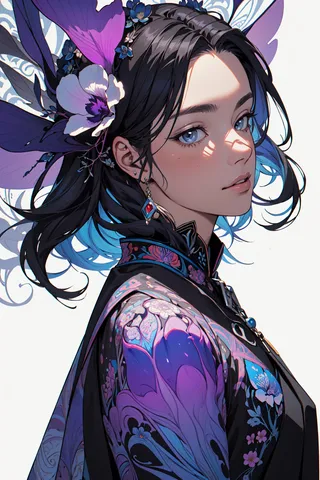
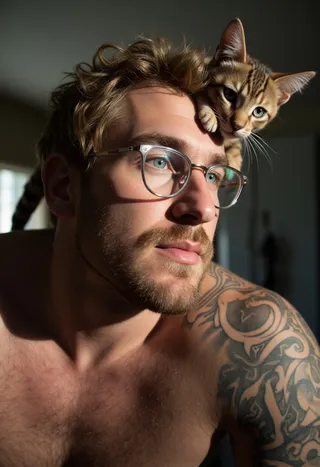
AniMerge - v2.2 (Yoru)
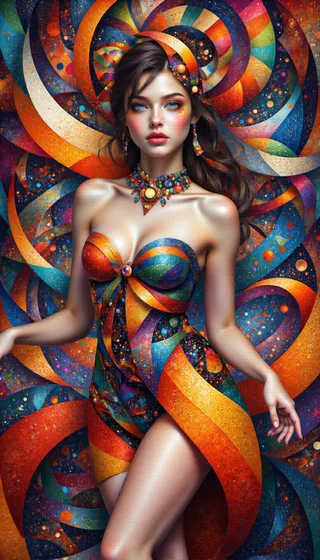
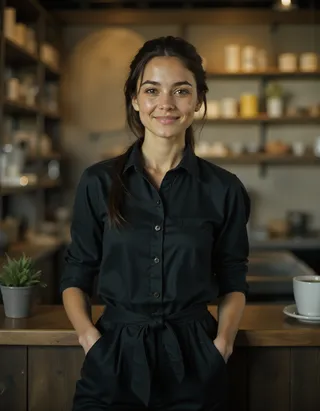
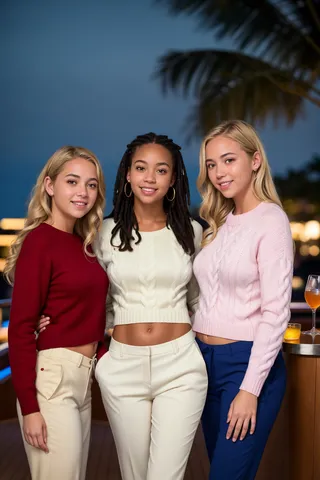
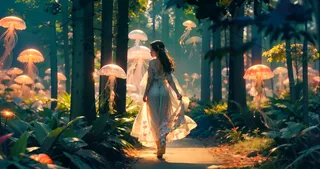
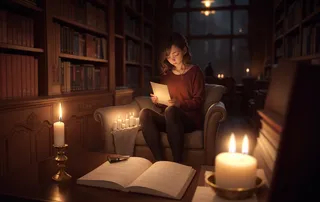
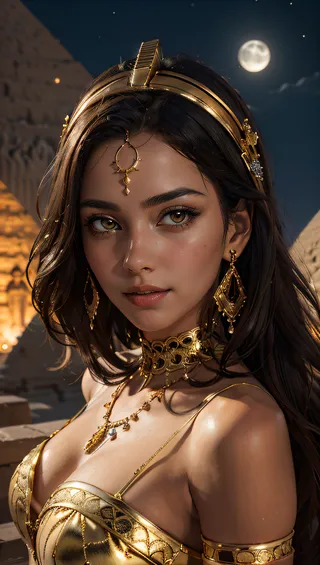
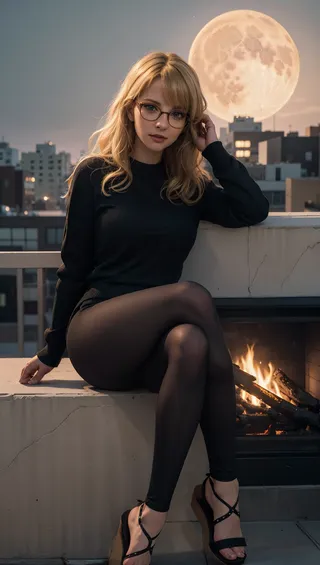
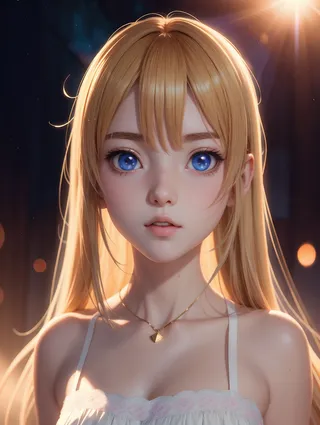
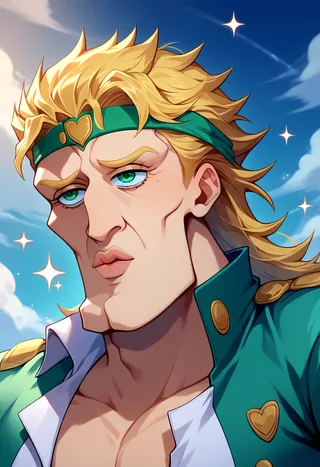
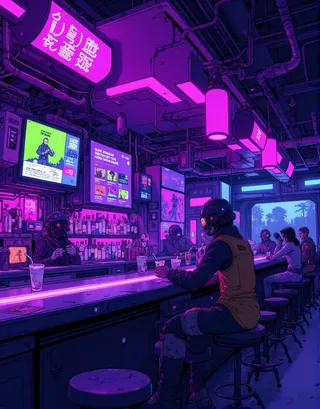
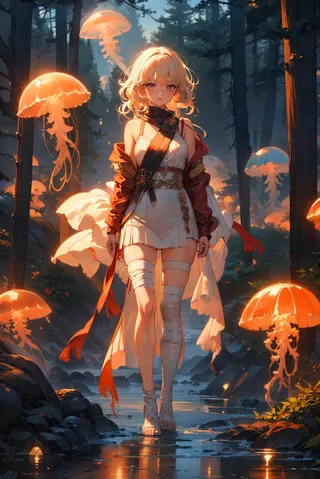
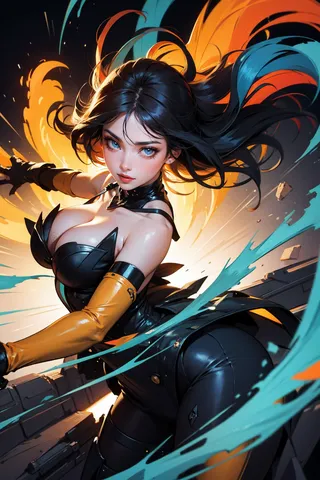
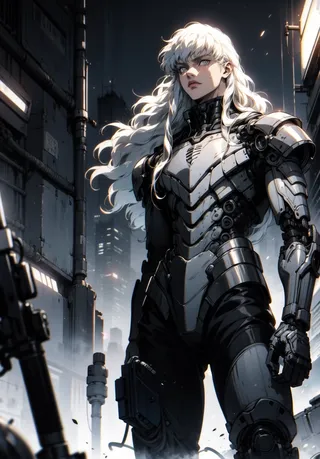
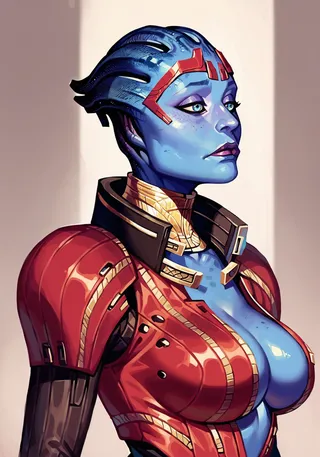
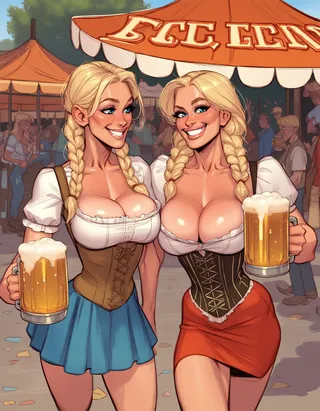
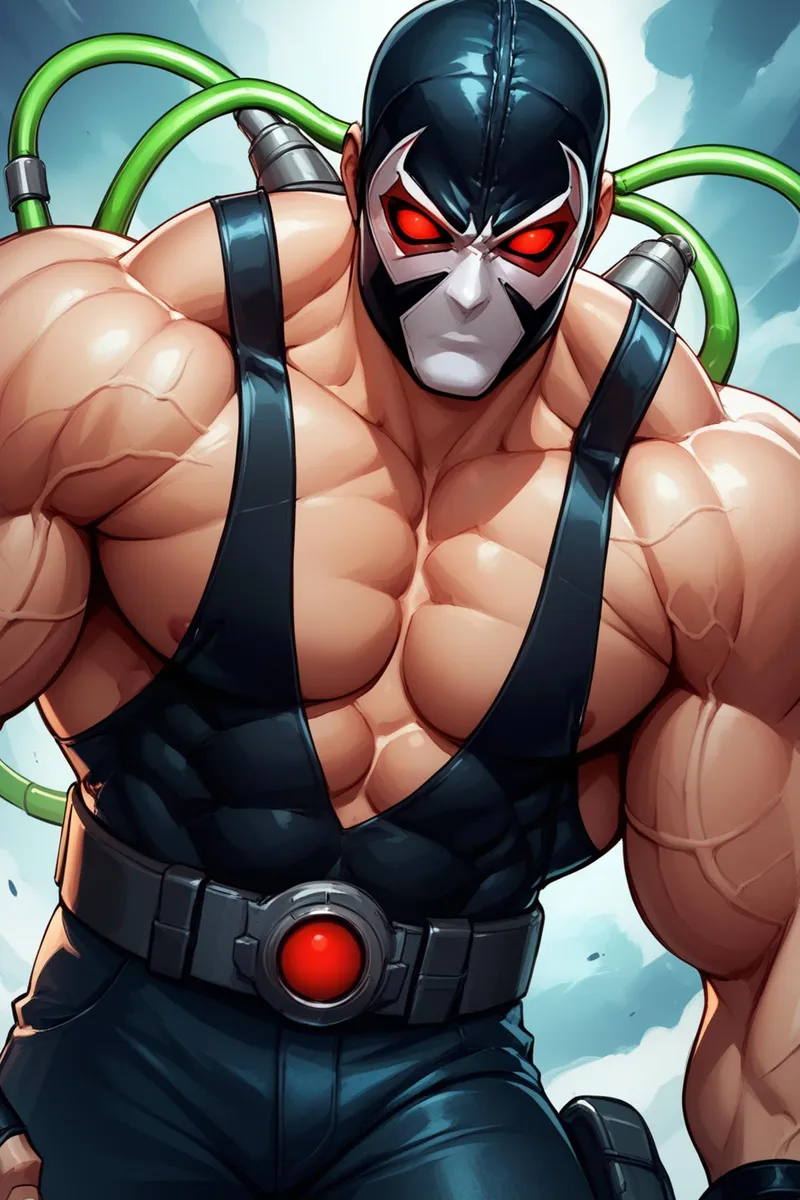
Highlighted images
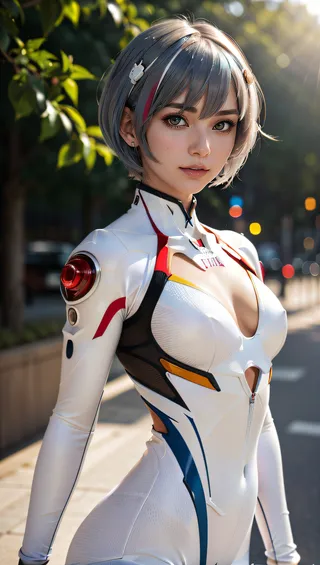
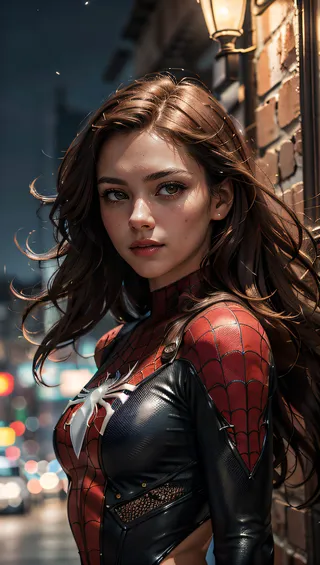
Recommended Prompts
(masterpiece, best quality, highres:1.2), (photorealistic:1.2), (intricate and beautiful:1.2), (detailed light:1.2), (soft lighting, side lighting, reflected light), (colorful, dynamic angle), upper body shot, fashion photography, YOUR PROMPT, dynamic pose, light passing through hair, (abstract background:1.3), (official art), (perfect skin), (sharp)
(best quality, masterpiece, colorful, dynamic angle, (intricate details, hyperdetailed:1.15), detailed, extreme detailed, highest detailed)
Recommended Negative Prompts
(worst quality:1.8, low quality:1.8), moles, mole, tears, piercing, freckles, skindentation, cutoffs, shiny skin, lucid skin, pendant, scars on face, interlocked fingers
Easy Negative, negative_hand-neg, moles, mole, piercing, tears, face skin imperfection, freckles, skindentation, cutoffs, shiny skin, scars on face, bad-hands-5
Bad-Images-39000, negative_hand-neg, moles, mole, piercing, tears, face skin imperfection, freckles, skindentation, cutoffs, shiny skin, scars on face, bad-hands-5
ng_deepnegative_v1_75t, (worst quality:1.4), (low quality:1.4), (normal quality:1.4), lowres, bad anatomy, bad hands, normal quality, (monochrome), (grayscale), (watermark), negative_hand-neg, moles, mole, piercing, tears, face skin imperfection, freckles, skindentation, cutoffs, shiny skin, scars on face, bad-hands-5
FastNegativeV2, negative_hand-neg, moles, mole, piercing, tears, face skin imperfection, freckles, skindentation, cutoffs, shiny skin, scars on face, bad-hands-5
girl, woman, female, tits, BadImage_v2-39000, negative_hand-neg, moles, mole, piercing, tears, face skin imperfection, freckles, skindentation, cutoffs, shiny skin, bad-hands-5, scars on face, bad-hands 5
bad-hands-5
Recommended Parameters
samplers
steps
cfg
clip skip
resolution
vae
Recommended Hires (High-Resolution) Parameters
upscaler
upscale
steps
Tips
Avoid excessive negative prompts as it can worsen the quality.
Try using the model without LoRA for surprising results.
Install and use the ADetailer extension for better detail control.
To activate xformers in AUTOMATIC1111, enable 'Cross attention optimization' to xformers in settings, then reboot.
If xformers cannot be installed, use 'sdp-no-mem' scaled dot product attention as an alternative.
How to emulate NVIDIA GPU RNG: set 'Random number generator source' to NV in AUTOMATIC1111 settings.
For inpainting, paint only face/neck/ears and use these settings: Inpaint masked, Only masked padding 12 pixels, 50 sampling steps, batch size 8, positive prompt '(ultra realistic, best quality, masterpiece, perfect face)'.
Version Highlights
A quick news before talking about this version.
The next versions will be in "early preview", for ONE week ONLY on my personal page on Ko-fi.
After that they will be downloadable for FREE (as always) here on Civitai too. I'm sorry I ended up doing this, but I really can't get over the costs between electricity bills (My home PC running Aniverse) and the use of Google colab to do Animerge and the various image galleries.
Having said that, in the hope that you can understand, I wish you a good day.
Hello girls and boys!
What's new? and why does this version have the word "Yoru" in brackets?
The reason is very simple.
This version of Animerge was born from a day of chatting/advice on Discord with Yoru, a user here on civitai (follow him to see his wonderful creations, because for me he is a prompt master).
In trying to fix version 2.0 (the buggy one), Yoru created this fantastic Animerge model (again based on Aniverse and epiCRealism) which he gave me as a gift.
At first I was a little hesitant about making it available to everyone, since I didn't actually create it myself, but by doing various tests and trials of creations, I was enchanted by it.
So (after obviously asking permission from Yoru himself, who told me he was happy about it) I thought it would be a real shame not to make it available to you too.
Personally I think it borders on perfection, but the judgment is up to you.
So, download it, enjoy it, try it and let us know what you think!
(Aniverse V1.5 is in training, but I'm testing a new "method", in the hope that I haven't wasted over 300 hours of training, it will arrive soon)
PS: I remind everyone that for anyone who wants to support me and offer me a beer or a coffee, the Ko-fi page is available.
PPS: I translate these lines into Portuguese, because Yoru is Brazilian :) (Brazil always in my heart, Senna foreverer)
---------------------------------------------------------------------
Uma rápida notícia antes de falar sobre esta versão.
As próximas versões estarão em “early preview”, por APENAS UMA semana na minha página pessoal no Ko-fi.
Depois disso, eles poderão ser baixados GRATUITAMENTE (como sempre), também aqui no Civitai.
Lamento ter acabado fazendo isso, mas realmente não consigo superar os custos entre as contas de luz (meu PC doméstico rodando Aniverse) e o uso do Google colab para fazer o Animerge e as diversas galerias de imagens.
Dito isto, na esperança de que você possa entender, desejo-lhe um bom dia.
Olá meninas e meninos!
O que há de novo? e por que esta versão tem a palavra "Yoru" entre colchetes?
O motivo é muito simples.
Essa versão do Animerge nasceu de um dia de bate-papo/assessoria no Discord com o Yoru, usuário aqui do civitai (siga ele para ver suas criações maravilhosas, pois para mim ele é um mestre do prompt).
Na tentativa de consertar a versão 2.0 (aquela com bugs), Yoru criou este fantástico modelo do Animerge (novamente baseado em Aniverse e epiCRealism) que ele me deu de presente.
No começo fiquei um pouco hesitante em disponibilizá-lo para todos, já que na verdade não fui eu quem o criou, mas ao fazer vários testes e experimentações de criações, me encantei.
Então (depois, obviamente, de pedir permissão ao próprio Yoru, que me disse que estava feliz com isso) achei que seria uma pena não disponibilizá-lo para você também.
Pessoalmente acho que beira a perfeição, mas o julgamento cabe a você.
Então, descarga, aproveite, experimente e diga-nos o que achou!
(Aniverse V1.5 está em treinamento, mas estou testando um novo "método", na esperança de não ter perdido mais de 300 horas de treinamento, ele chegará em breve)
PS: Lembro a todos que para quem quiser me apoiar e me oferecer uma cerveja ou um café, a página Ko-fi está disponível.
PPS: Traduzo essas falas para o português, porque Yoru é brasileiro :) (Brasil sempre no meu coração, Senna para sempre)
---------------------------------------------------------------------
Una breve news, prima di parlare di questa versione.
Le prossime versioni, saranno in "early preview", per UNA settimana SOLO sulla mia pagina personale su Ko-fi.
Dopodiché saranno scaricabili GRATUITAMENTE, (come sempre), anche qui su Civitai.
Mi dispiace di essere arrivato a fare questo, ma veramente non ne vado fuori con i costi tra bollette elettriche (Il mio PC di casa che allena Aniverse) e l'uso di Google colab per fare Animerge e le varie gallerie di immagini.
Detto questo, nella speranza che possiate comprendere, vi auguro una buona giornata.
Ciao a ragazze e ragazzi!
Che c'è di nuovo? e perchè questa versione ha la parola "Yoru" tra parentesi?
Il motivo è semplicissimo.
Questa versione di Animerge nasce da una giornata di chiacchiere/consigli su Discord con Yoru, un utente qui su civitai (seguitelo per vedere le sue meraviglose creazioni, perchè lui per me è un prompt master).
Nel cercare sistemare la versione 2.0 (quella buggata), Yoru ha creato questo fantastico modello di Animerge (sempre basandosi su Aniverse e epiCRealism) che mi ha regalato.
All'inizio ero un po' titubante se metterlo a disposizione di tutti, visto che in realtà non l'ho creato io stesso, ma facendo vari test e prove di creazioni, ne sono rimasto incantato.
Così (dopo aver chiesto ovviamente il permesso a Yoru stesso, che mi ha detto di essere felice al riguardo) ho pensato che sarebbe stato veramente un peccato non metterlo a disposione anche per voi.
Personalmente penso che rasenti la perfezione, ma a voi sta il giudizio.
Perciò, scaricatelo, gustatelo, provate e fateci sapere cosa ne pensate!
(Aniverse V1.5 è in training, ma sto testando un nuovo "metodo", nella speranza che di non aver buttato via oltre 300 ore di trainig, arriverà a breve)
PS: ricordo a tutti che per chi volesse supportarmi e offrirmi una birra o un caffè, c'è la pagina di Ko-fi a disposizione.
PPS: Traduco queste righe in portoghese, perchè Yoru è Brasiliano :) (Brasile sempre nel mio cuore, Senna foreverer)
Creator Sponsors
Check my EXCLUSIVE models on Mage.Space including AniMage PXL, AniReal PXL, Lucid Dream, AniMage SD1.5, and Realistic Portrait. Also available SDXL - Pony series models like AniVerse PXL and others. For commercial use, please contact the author.
Collaborated with Shakker.ai.
Support the creator on Ko-fi: Buy a coffee or beer (Espresso is preferred!).
Hardware wishlist: Amazon Wishlist.
!!! UPLOADING/SHARING MY MODELS OUTSIDE CIVITAI IS STRICLY PROHIBITED* !!!
Check my EXCLUSIVE models on Mage.Space: AniMage PXL • AniReal PXL • Lucid Dream • AniMage SD1.5 • Realistic Portrait
SDXL - Pony: AniVerse PXL • AniMerge PXL • AniToon PXL • AniMics PXL • AniVerse XL
SD1.5: AniVerse • AniThing • AniMerge • AniMesh • AniToon • AniMics
Also in Collaboration with Shakker.ai
This model is free for personal use and free for personal merging(*).
For commercial use, please be sure to contact me (Ko-fi) or by email: samuele[dot]bonzio[at]gmail[dot]com
⬇Read the info below to get the high quality images (click on show more)⬇
Animerge - is experimenting
This is a experimental project, while I'm training the new Aniverse model
So while I'm waiting, I like to experiment with some merges of Aniverse or Animesh with other models.
-> If you are satisfied using my model, press on ❤️ to follow the progress and consider leaving me ⭐⭐⭐⭐⭐ on model review, it's really important to me!
Thank you in advance 🙇
And remember to publish your creations using this model! I’d really love to see what your imagination can do!
Recommended Settings:
Excessive negative prompt can makes your creations worse, so follow my suggestions below!
Before applying a LoRA to produce your favorite character, try it without first. You might be surprised what this model can do!
A1111 my settings:
I run my Home PC A1111 with this setting:
set COMMANDLINE_ARGS= --xformers
if you can't install xFormers (read below) use my Google Colab Setting:
set COMMANDLINE_ARGS= --disable-model-loading-ram-optimization --opt-sdp-no-mem-attention
My A1111 Version: v1.6.0-RC-28-ga0af2852 • python: 3.10.6 • torch: 2.0.1+cu118 • xformers: 0.0.20 • gradio: 3.41.2
If you want activate xformers optimization like my Home PC (How to install xFormers):
In A1111 click in "Setting Tab"
In the left coloumn, click in "Optimization"
in: "Cross attention optimization" select: "xformers"
Press in "Apply Settings"
Reboot your Stable Diffusion
If you can't install xFormers use SDP-ATTENTION, like my Google Colab:
In A1111 click in "Setting Tab"
In the left coloumn, click in "Optimization"
in: "Cross attention optimization" select: "sdp-no-mem - scaled dot product without memory efficient attention"
Press in "Apply Settings"
Reboot your Stable Diffusion
How to emulate the nvidia GPU follow this steps:
In A1111 click in "Setting Tab"
In the left coloumn, click in "Show all pages"
Search "Random number generator source"
Select the voice: "NV"
Press in "Apply Settings"
Reboot your Stable Diffusion
If you use my models, install the ADetailer extension for your A1111.
Navigate to the "Extensions" tab within Stable Diffusion.
Go to the "Install from URL" subsection.
Paste the following URL: https://github.com/Bing-su/adetailer
Click on the "Install" button to install the extension
Reboot your Stable Diffusion
How to install Euler Smea Dyn and Euler Max Sampler:
In A1111 click in "Extensions Tab"
click in "Install from URL"
Under "URL for extension's git repository" put this link: https://github.com/licyk/advanced_euler_sampler_extension
Once installed click in: "Installed" Tab
Click in "Apply and quit"
Reboot your Stable Diffusion
Now at the end of the list of the sampler, you have the new sampler.
How to use ADetailer with Euler Smea Dyn and Euler Max Sampler:
In A1111 click in "txt2img" tab
Expand and click in "enable ADetailer"
Scroll down and expand "inpaint" section
Click and turn on "Use separate Sampler"
Now select: "DPM++ 2M Karras" (or your favourite sampler)
VAE: VAE is included (but usually I still use the 840000 ema pruned)
Clip skip: 2
Upscaler: 4x-Ultrasharp or 4X NMKD Superscale
Sampling method: DPM++ 2M SDE Karras
Sampling steps: 50+ (minimum, it is very important not to go below this value)
Width: 576 (o 768)
Height: 1024
CFG Scale: 6~7
MY FAVORITE PROMPT:
(masterpiece, best quality, highres:1.2), (photorealistic:1.2), (intricate and beautiful:1.2), (detailed light:1.2), (soft lighting, side lighting, reflected light), (colorful, dynamic angle), upper body shot, fashion photography, YOUR PROMPT, dynamic pose, light passing through hair, (abstract background:1.3), (official art), (perfect skin), (sharp)
NEGATIVE PROMPT:
(worst quality:1.8, low quality:1.8), moles, mole, tears, piercing, freckles, skindentation, cutoffs, shiny skin, lucid skin, pendant, scars on face, interlocked fingers,
YOU CAN ALSO USE THESE NEGATIVE EMBEDDINGS:
1) Easy Negative, negative_hand-neg, EasyNegative, negative_hand-neg, moles, mole, piercing, tears, face skin imperfection, freckles, skindentation, cutoffs, shiny skin, scars on face, bad-hands-5
2) Bad-Images-39000, negative_hand-neg, moles, mole, piercing, tears, face skin imperfection, freckles, skindentation, cutoffs, shiny skin, scars on face, bad-hands-5
3) ng_deepnegative_v1_75t, (worst quality:1.4), (low quality:1.4), (normal quality:1.4), lowres, bad anatomy, bad hands, normal quality, ((monochrome)), ((grayscale)), ((watermark)), negative_hand-neg, moles, mole, piercing, tears, face skin imperfection, freckles, skindentation, cutoffs, shiny skin, scars on face,bad-hands-5
4) FastNegativeV2, negative_hand-neg, moles, mole, piercing, tears, face skin imperfection, freckles, skindentation, cutoffs, shiny skin, scars on face bad-hands-5
5) For MEN images: girl, woman, female, tits, BadImage_v2-39000, negative_hand-neg, moles, mole, piercing, tears, face skin imperfection, freckles, skindentation, cutoffs, shiny skin, bad-hands-5, scars on face, bad-hands 5
HiRes.Fix Setting:
I don't use Hi.Res fix because:
1) in my computer don't work
2) my models don't need it. Use txt2image, aderailer and the suggested upscaler in the resources tab.
If you still want use it, this is the setting sent me by MarkWar (follow him to see his creations ❤️).
Hires upscale: 1.5
Hires steps: 20~30
Hires upscaler: R-ESRGAN 4x + Anime6B,
Denoising strength: 0.4
Adetailer: face_yolov8n
How to install and use adetailer: Click Here
Inpainting Setting:
When you see that I used Inpainting on my images, I only modify the face (Hires Fix on my old PC doesn't work and got stuck). This is my setting:
Click in the tab img2img, than click on inpaint ->
Paint the face (only the face, neck, ears...) and after that set:
Inpaint masked
Only masked
Only masked padding, pixels: 12
Sampling steps: 50
Set: Only masked
Batch Size: 8
in the Positive Prompt write: (ultra realistic, best quality, masterpiece, perfect face)Than click on GENERATE
ControlNet & Prompt guide video tutorial:
Thanx to: tejasbale01 - Spidey Ai Art Tutorial (follow him in youtube)
Animesh Full V1.5 + Controlnet | Prompt Guide |
Do you like my work?
If you want you can help me to buy a new PC for Stable Diffusion!
❤️ You can buy me a (Espresso... I'm italian) coffee or a beer ❤️
This is the list of hardware if you are courius: Amazon Wishlist
I must thank you Olivio Sarikas and SECourses for their video tutorials! (I'd really love to see a your video using my model ❤️ )
You are solely responsible for any legal liability resulting from unethical use of this model
(*) MarkWar is authorized by me to do anything with my models.
(**) Why did I set such stringent rules? Because I'm tired of seeing sites like Pixai (and many others) that get rich on the backs of the model creators without giving anything in return.
(***) Low Rank Adaptation models (LoRAs) and Checkpoints created by me.
As per Creative ML OpenRAIL-M license section III, derivative content(i.e. LoRA, Checkpoints, mixes and other derivative content) is free to modify license for further distribution. In that case such is provided by licensing on each single model on Civitai.com. All models produced by me are prohibiting hosting, reposting, reuploading or otherwise utilisation of my models on other sites that provide generation service without a my explicit authorization.
(****)According to Italian law (I'm Italian):
The law on copyright (law 22 April 1941, n. 633, and subsequent amendments, most recently that provided for by the legislative decree of 16 October 2017 n.148) provides for the protection of "intellectual works of a creative nature", which belong to literature, music, figurative arts, architecture, theater and cinema, whatever their mode or form of expression.
Subsequent changes, linked to the evolution of new information technologies, have extended the scope of protection to photographic works, computer programs, databases and industrial design creations.
Copyright is acquired automatically when a work is defined as an intellectual creation.
Also valid for the US: https:// ufficiobrevetti.it/copyright/copyright-usa/
All my Stable Diffusion models in Civitai (as per my approval) are covered by copyright.
Contributor

Model Details
Discussion
Please log in to leave a comment.
Model Collection - AniMerge
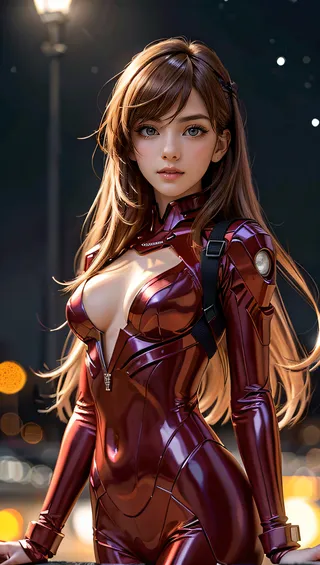
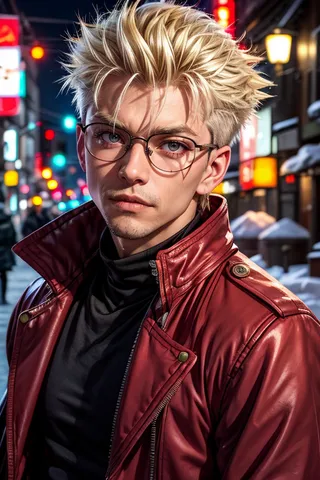
Images by AniMerge - v2.2 (Yoru)
anime Images
base model Images
comics Images



photorealistic Images