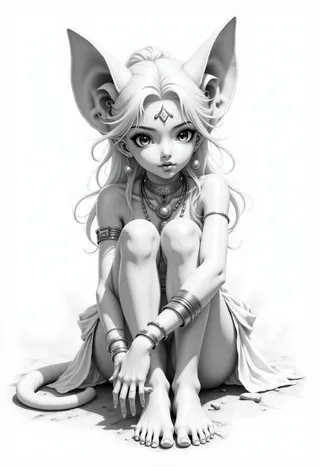
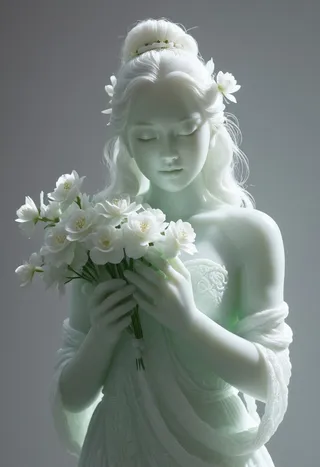
Art Nouveau - Flux
Related Keywords & Tags
Highlighted images


Recommended Prompts
ArsMJStyle,Art Nouveau
ArsMJStyle, art nouveau
Recommended Parameters
samplers
steps
Tips
Try both versions V1 and V2 to decide which color and composition you prefer.
Version Highlights
Recommended range is 0.2 - 1 strength .
The LoRA give REALLY strong effect. I would recommend starting low ~0.6 and adjusting according to your preferences. If you don't use other LoRA you will have significat difference in the composition and colors compared to stock Flux even as low as 0.2 .
I would not recommend using it above 1.3 strength.
All images in the Showcase Gallery were created using this workflow and the Flux Q4 Dev model on a machine with 8GB VRAM:
https://civitai.com/models/658639/super-simple-gguf-quantized-flux-lora-workflow
The Lora is trained on 140 MidJourney Images that use my "Personalised Style" + Art Nouveau
The dataset is diverse and tries to capture the true spirit of Art Nouveau seen through my lens, not just portraits in Alphonse Mucha style.
Works without the trigger words ArsMJStyle, Art Nouveau, but gives stronger results with them.
MJ7 VERSION:
The dataset was rebuilt entirely from scratch using MidJourney V7, once again mixed with my personalized style.
While the overall composition is similar to V2, this version expands the range by including everyday objects, architectural details, and jewelry.
Expect improved structure and more natural colors.
V2 Changes:
I've completely rebuilt the dataset, to better reflect the evolution of my MidJourney style and LoRA structuring/labeling I use.
This new version (v2) is based on a curated dataset of 250 images:
100 Portraits
150 Landscapes, Buildings, Animals, and Abstract Paintings
The colors and composition in v2 offer a distinct experience compared to v1, so I encourage you to try both versions and see which one you like the most.
Recommended settings remain the same as v1.
Contributor

Model Details
Model type
Base model
Model version
Model hash
Trained words
Creator

Discussion
Please log in to leave a comment.