Better Picture, More Details LoRA - 5.6
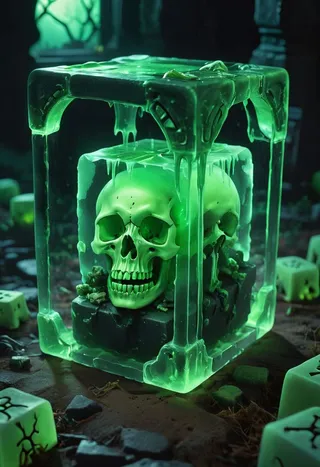
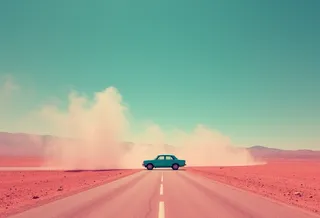
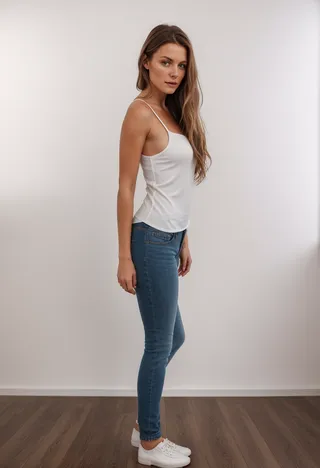
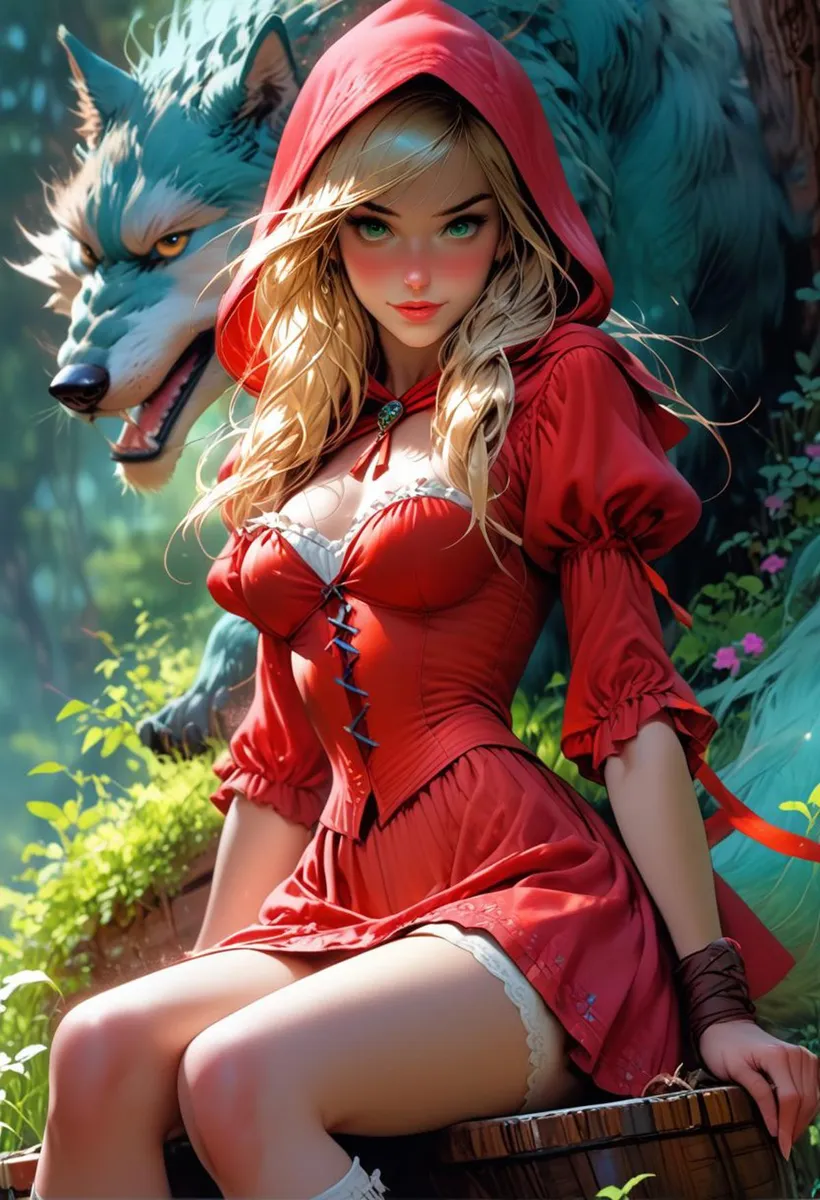
Highlighted images


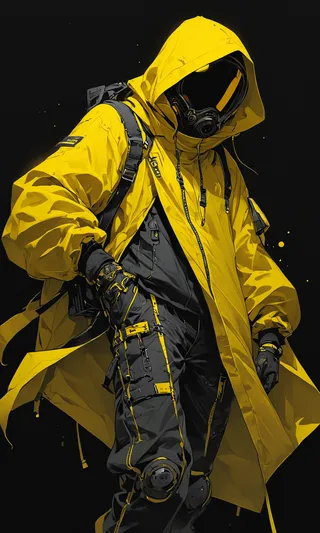
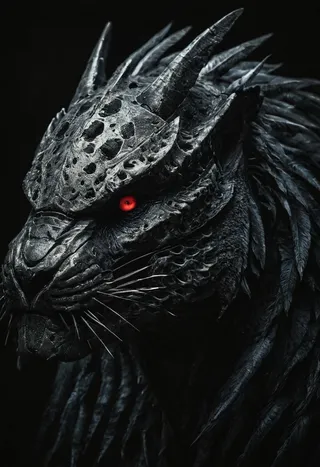


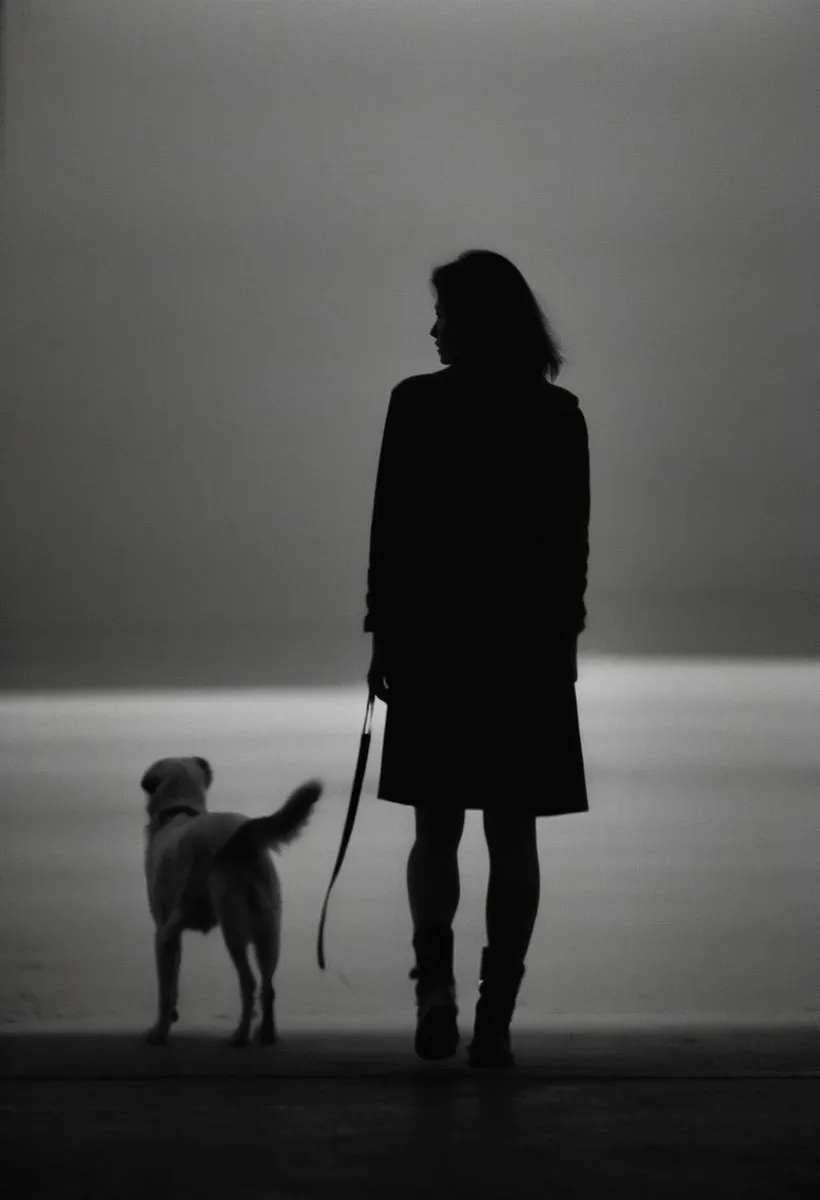

Recommended Prompts
skin, 8k, highly detailed, nikon, dslr, hdr, 100-400mm lens, composition, best composition, classic, (blurry:1.2)
Recommended Negative Prompts
watermark, (bad, ugly, amateur, sloppy, bad hands, mediocre:1.1), unorganized, simple, trivial, fingernail, crappy, grainy, grotesque, hobbyist, boring, childish, imbalance, disproportional, crossed, mutated, discord, unevenness, unnatural, haphazard, chaotic, art, digital art, oil painting, comicbook style, fantasy art, watercolour, pencil, Kamala Harris
Recommended Parameters
samplers
steps
cfg
Tips
Use high detail and sharp images for better LoRA performance.
Image composition can be improved by cropping to remove extra objects.
Caption images using BLIP and WD14 models and merge them to enhance training data quality.
Use KohyaSS GUI for training LoRA models effectively even on moderate hardware like RTX 3060.
Test LoRA models using ComfyUI to validate results before deployment.
Version Highlights
This is the Oversharp version of the LoRA. It might be a little overcooked, so use with caution. However, the realism and sharpness in the images generated is outstanding.
Make a better picture!
This LoRA will enhance your image in the following ways:
More details. You will notice that eyes, skin and hair have more details.
Sharpening. The image will have a sharper, crisper feel.
Better Composition! This LoRA was trained on professional photographs, which were cropped to improve composition. That helps in improving the composition.
This LoRA was trained in the following way:
Images were downloaded from Pexels website. The images were carefully selected to be sharp and have high details.
These images were cropped to improve composition and remove extra objects.
The images were processed. This meant image sharpening and enhancing image saturation wherever needed.
The images captions were generated using the KohyaSS Gui. I captioned the images two times, once using the BLIP model and the WD14 model. Then I merged the captions using a python script.
I used KohyaSS GUI to train the LoRA. Since I have a RTX 3060, I was barely able to train a LoRA by following the excellent tutorial by https://civitai.com/user/SECourses
I tested the LoRA with ComfyUI.
Contributor

Model Details

Discussion
Please log in to leave a comment.