DMD2 Speed LoRA [SDXL, Pony, Illustrious] - dmd2_sdxl_4step_lora_fp16
Related Keywords & Tags
Highlighted images



Recommended Negative Prompts
NSFW, naked, nude, watermark, text, simple background
Recommended Parameters
samplers
steps
cfg
other models
Tips
Try combining both the fp32 and fp16 LoRAs at 0.5 weight each for better performance.
Use the LoRA weight setting of around 0.7, though weights of 1.0 also show good results.
If images appear washed out or desaturated, increase the CFG value.
The LoRA enables generating with fewer steps without speed improvement on its own.
You can merge the LoRA into a checkpoint to use results directly without loading the LoRA.
Version Highlights
dmd2_sdxl_4step_lora_fp16
This is the official DMD2 implementation LoRA from the Improved Distribution Matching Distillation for Fast Image Synthesis paper.
dmd2_sdxl_4step_lora
Original model at Huggingface tianweiy/DMD2.
Recommended Settings
Steps: 8
LoRA weight: 0.7
Sampler: LCM
Scheduler: Normal, Simple
CFG: 1.4 - 1.8
I use similar settings on both a low resolution base image, and the upscaled refinement pass (hires fix). The settings above are my personal recommendations, but I suggest you play around with the settings to find what works for you and the model you are using.
Combining Both LoRAs
It's also been reported to perform better to use both the fp32 and fp16 at the same time at 0.5 weight each.
Recommended LoRA weight
Load the LoRA like any other. I personally recommend a weight of 0.7, but others swear it's better at 1.0 in weight.
Usage
You should be able to use it with any SDXL or similar checkpoint. Use the settings above.
You can also merge this into a checkpoint and save that, to include the result of the LoRA into the checkpoint directly. This means you no longer need to load this as a LoRA, and you can still use it with LCM and low steps for good result.
The LoRA itself doesn't add any speed improvement, it just allows you to generate at fewer steps, with better result.
If the results are washed out, desaturated or bland, try increasing the CFG.
Licence
Creative Commons Attribution Non Commercial 4.0
I am not the creator of the model, just uploading the model here to make it easier to download and reference in creations. Full credit goes to Tianwei Yin.
Contributor
Model Details
Model type
Base model
Model version
Model hash
Creator
Discussion
Please log in to leave a comment.
Model Collection - DMD2 Speed LoRA [SDXL, Pony, Illustrious]


Images by DMD2 Speed LoRA [SDXL, Pony, Illustrious] - dmd2_sdxl_4step_lora_fp16
lora Images

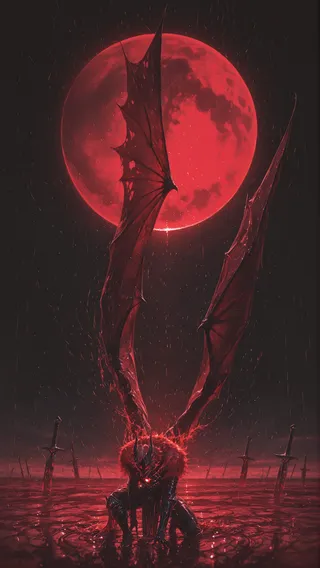
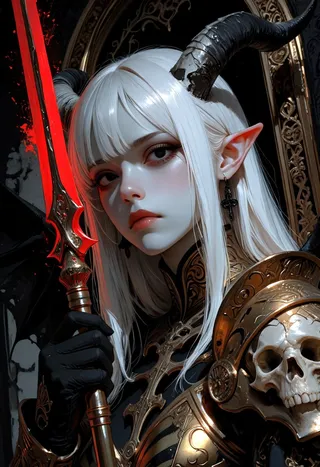


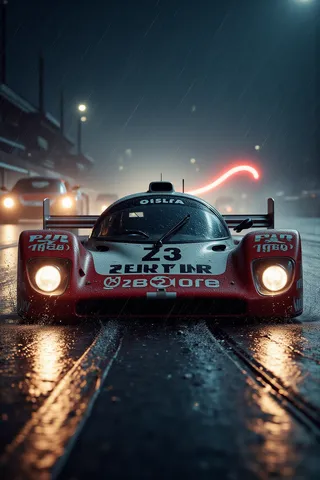

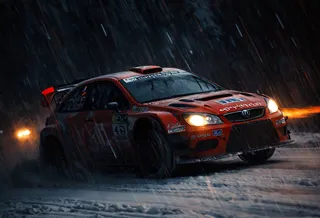


tool Images
