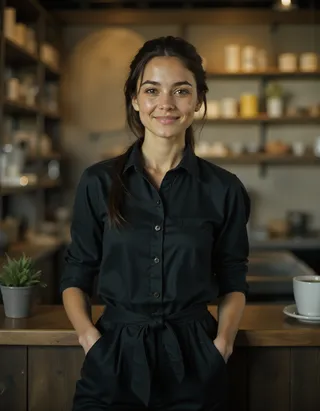
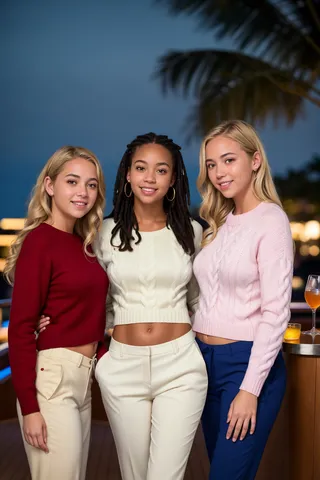
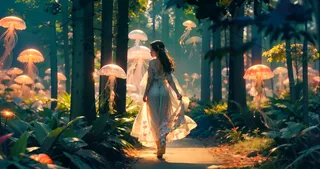
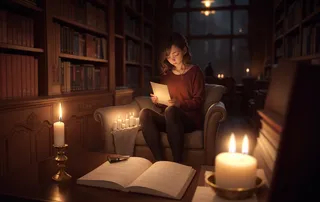
epiCRealism - pure Evolution V3
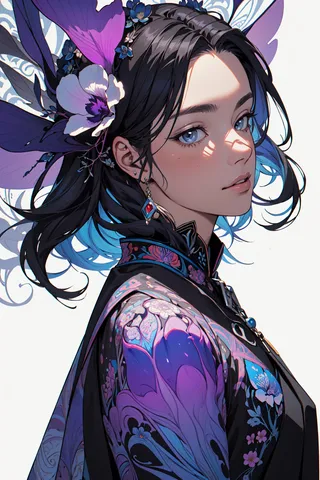
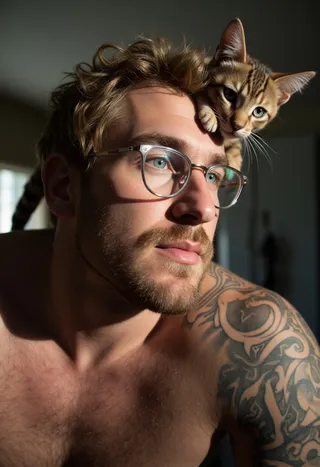
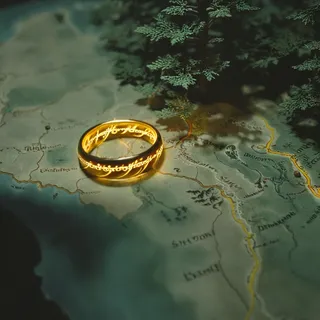
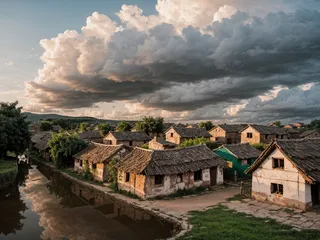
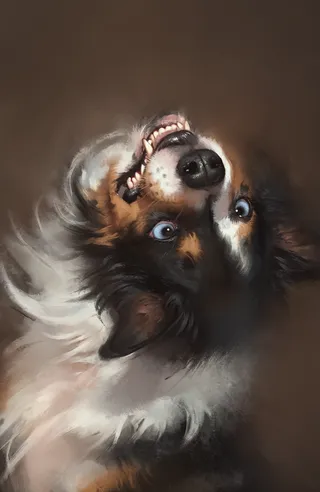
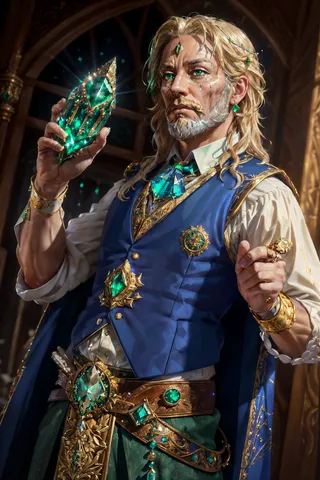
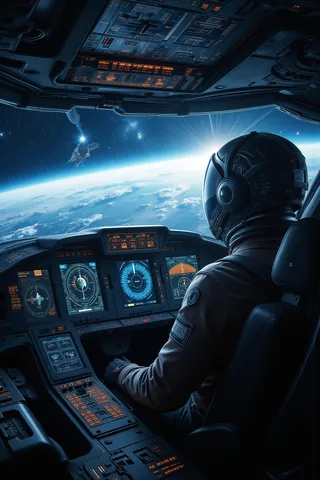
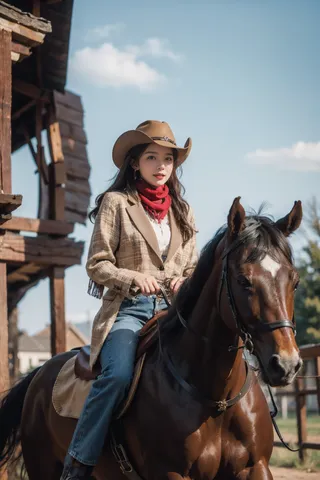
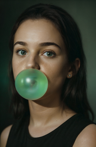
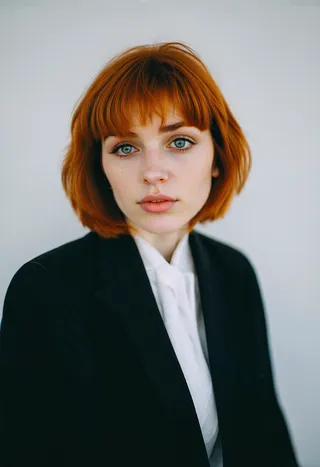
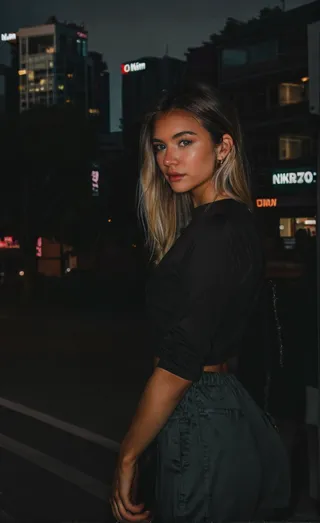
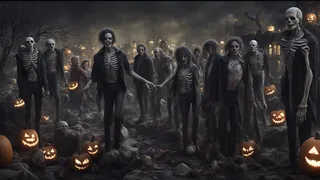
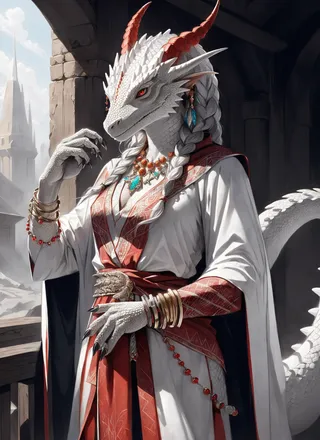
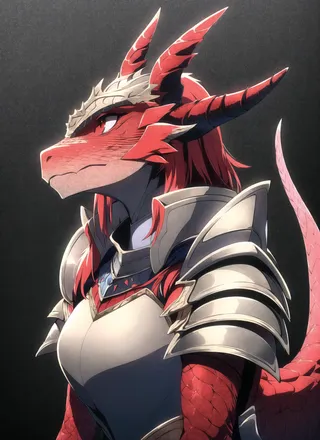
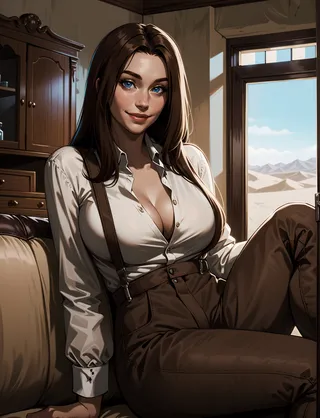
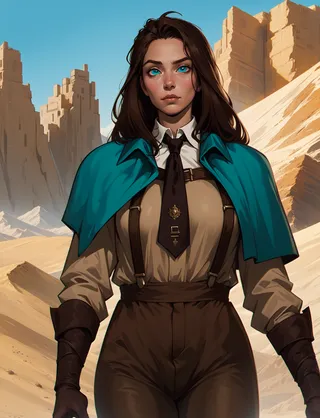
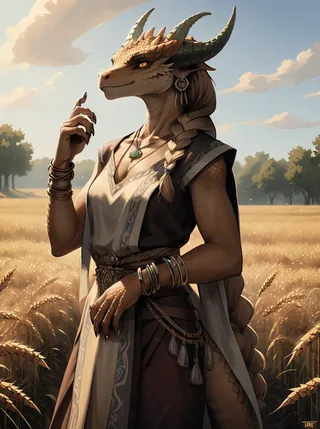
Highlighted images
Recommended Prompts
simple explanation of the image
Recommended Negative Prompts
cartoon,painting,illustration,(worst quality, low quality, normal quality:2),asian,chinese
Recommended Parameters
samplers
steps
cfg
resolution
Recommended Hires (High-Resolution) Parameters
upscaler
upscale
denoising strength
Tips
Use simple prompts.
Avoid keywords like masterpiece, best quality, 8k, intricate, high detail as they do not produce appreciable change.
Use simple negatives or small negative embeddings for more realistic looks.
Add 'asian, chinese' to negative prompts if looking for ethnicities other than Asian.
Light, shadows, and details are excellent without extra keywords.
Avoid 'cinematic' for a natural effect.
Avoid using '1girl' as it tends to push an anime style.
Too much description of the face often results in worse images.
For fantasy-like output, use 2M Karras Sampler.
No extra noise-offset needed, but you can use it if desired.
No VAE needed but using one can help with more vibrant colors.
Version Highlights
Lets say we reached the final Version, tried to improve male understanding, hands and of course photorealism
Creator Sponsors
Useful Extensions: !After Detailer | ControlNet | Agent Scheduler | Ultimate SD Upscale
Natural Sin Final and last of epiCRealism
Since SDXL is right around the corner, let's say it is the final version for now since I put a lot effort into it and probably cannot do much more.
I tried to refine the understanding of the Prompts, Hands and of course the Realism.
Let's see what you guys can do with it.
Thanks to @drawaline for the in-depth review, so i'd like to give some advices to use this model.
[expand to see Advices]
Advices
use simple prompts
no need to use keywords like "masterpiece, best quality, 8k, intricate, high detail" or "(extremely detailed face), (extremely detailed hands), (extremely detailed hair)" since it doesn't produce appreciable change
use simple negatives or small negative embeddings. gives most realistic look (check samples to get an idea of negatives i used)
add "asian, chinese" to negative if you're looking for ethnicities other than Asian
Light, shadows, and details are excellent without extra keywords
If you're looking for a natural effect, avoid "cinematic"
avoid using "1girl" since it pushes things to render/anime style
to much description of the face will turn out bad mostly
for a more fantasy like output use 2M Karras Sampler
no extra noise-offset needed, but u can if you like to 😉
How to use?
Prompt: simple explanation of the image (try first without extra keywords)
Negative: "cartoon, painting, illustration, (worst quality, low quality, normal quality:2)"
Steps: >20 (if image has errors or artefacts use higher Steps)
CFG Scale: 5 (higher config scale can lose realism, depends on prompt, sampler and Steps)
Sampler: Any Sampler (SDE, DPM-Sampler will result in more realism)
Size: 512x768 or 768x512
Hires upscaler: 4x_NMKD-Superscale-SP_178000_G (Denoising: 0.35, Upscale: 2x)
Useful Extensions
!After Detailer | ControlNet | Agent Scheduler | Ultimate SD Upscale
⁉ No VAE needed but it is better to use one for more vibrant colors
⭐ Feel free to leave Reviews and Samples - and always have fun creating ❤
Contributor
Model Details
Model type
Base model
Model version
Model hash
Creator
Discussion
Please log in to leave a comment.
Model Collection - epiCRealism

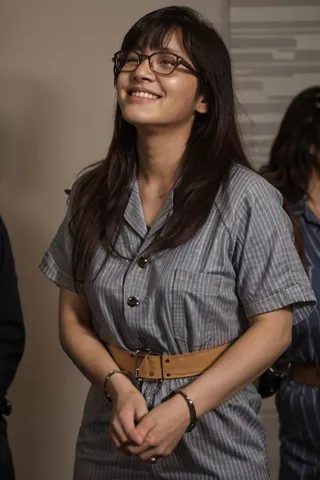
Images by epiCRealism - pure Evolution V3
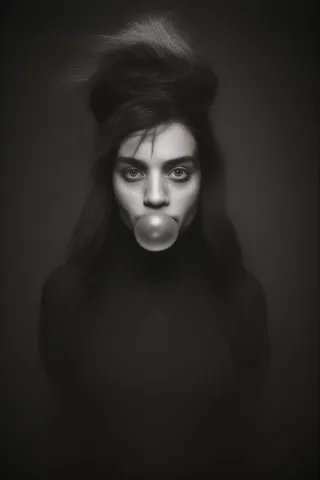
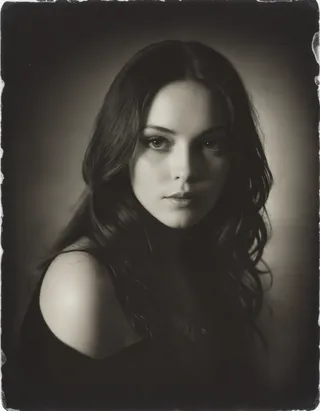
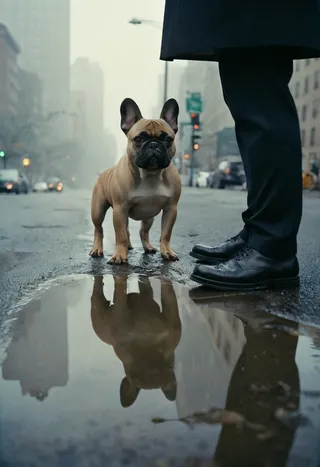
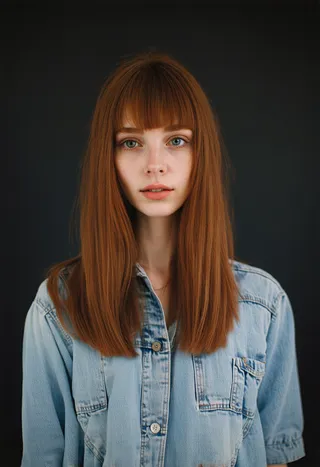
analog Images
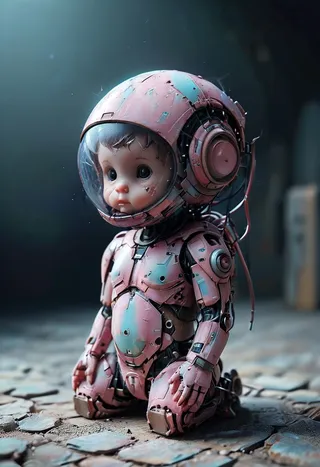
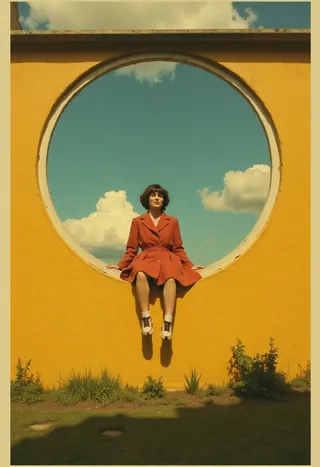


base model Images
female Images
photorealistic Images