Flux ArtFusion 4-steps - v1.2
Highlighted images


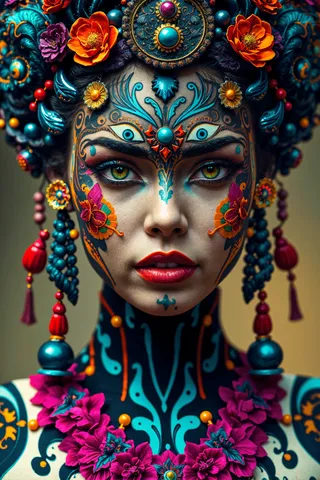

Recommended Parameters
samplers
steps
cfg
resolution
vae
Recommended Hires (High-Resolution) Parameters
upscaler
Tips
For detailed portraits, use the Flux.1 S Workflow with Lightning upscale and detailing.
For refining skin, use the Flux Refiner workflow based on SDXL Lightning.
Best use is CFG 1 and around 4-6 steps, but feel free to experiment.
Version Highlights
Realism, contrast, details and vibrance added
Creator Sponsors
Welcome to version 1.2 it is just as fast, but the colors are better, the details are finer and the contrast is better, the overall image is just better.
For detailed portraits as seen in the gallery, use the Flux.1 S Workflow with Lightning upscale and detailing.
!!! There is a better workflow for refining skin, it's called the Flux Refiner workflow and it is also based on SDXL Lightning and works best with the model found in the description !!!
I have a 4070 12GB and with CFG 1 and 4 Steps a batch of 4 images takes less than a minute. It's based on Flux.1 S, also called Schnell, so it's free, easy to use and fast!
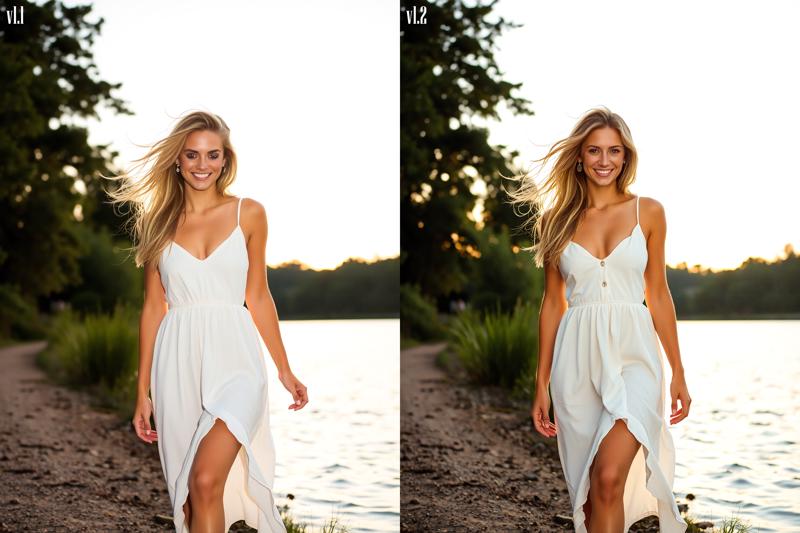 Best use is CFG 1 and around 4-6 steps, but feel free to experiment.
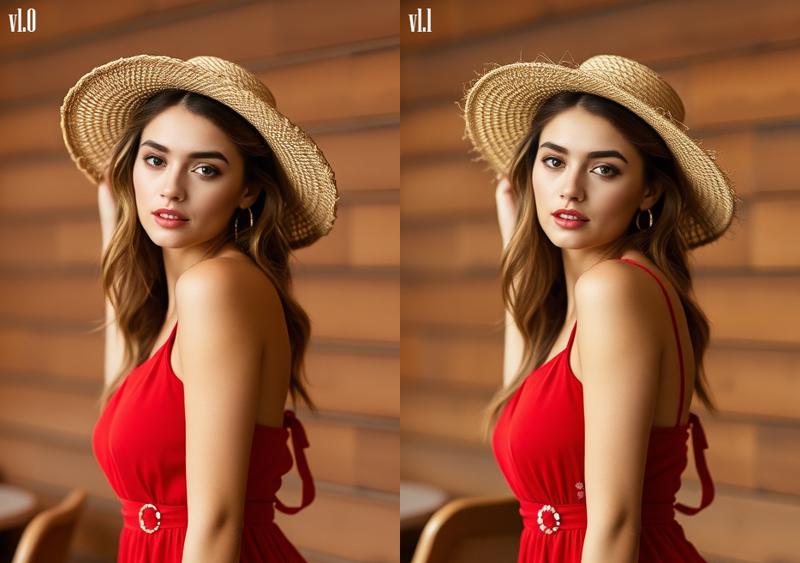 It's 100% Flux.1 S based, so the Dev license does not apply on generated images.

Model Details

Discussion
Please log in to leave a comment.