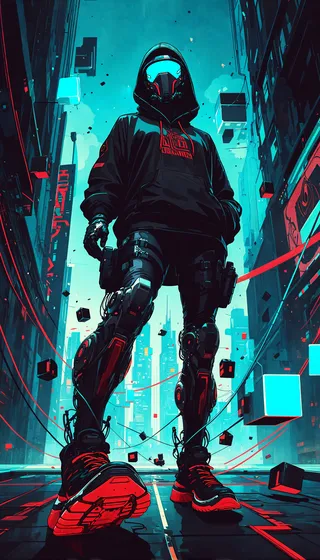
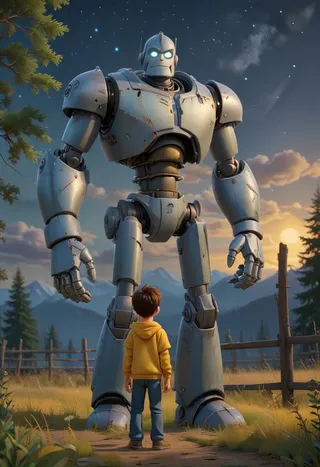
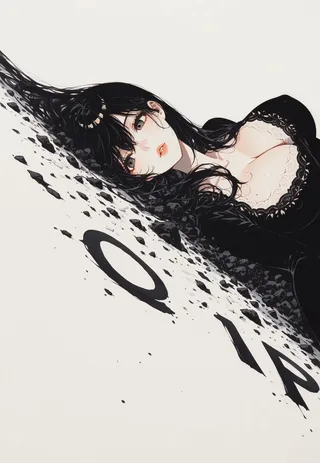
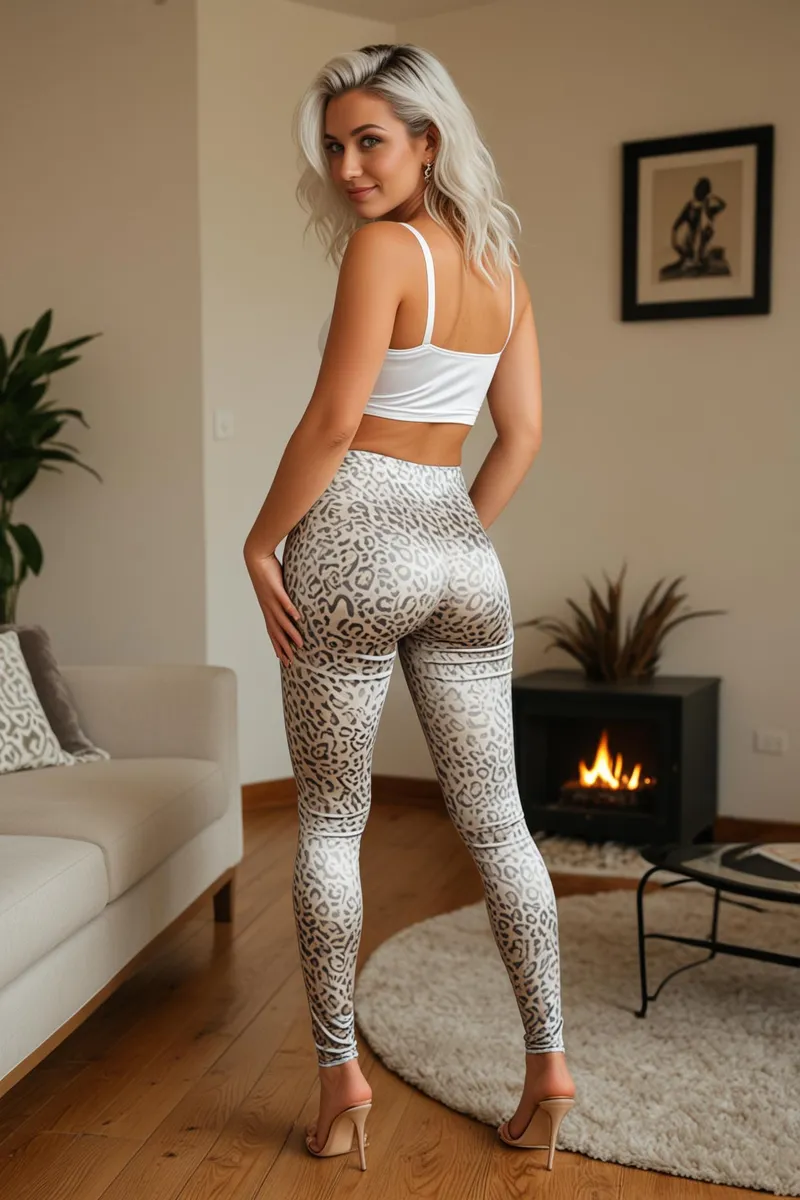
Lenovo UltraReal - v1.0 Wan
Related Keywords & Tags
Highlighted images


Recommended Prompts
l3n0v0
Recommended Negative Prompts
8k, UHD, hyper-realism, cinematic, glossy finish, shallow depth of field, cinematic bokeh, plastic skin, uncanny anatomy, frame-perfect symmetry, blurred background, fat, old, milf, big lips, asian
Recommended Parameters
samplers
steps
cfg
Tips
You can use LoRA values between 1.5 and 2.0 for better effects.
Combine Wan's version with Instagirls LoRA to significantly improve facial features.
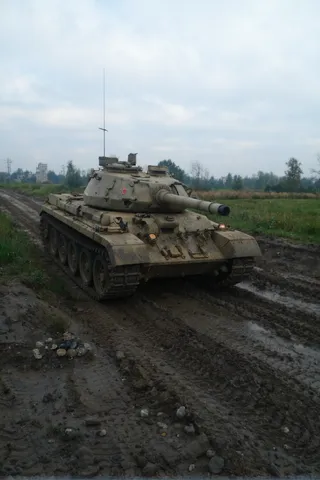
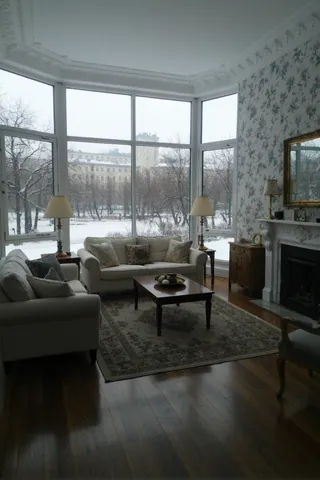
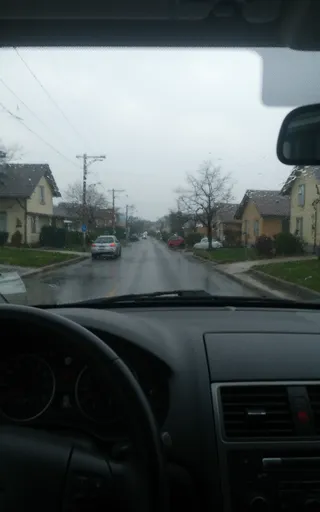
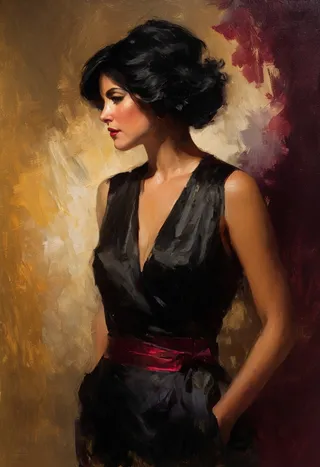
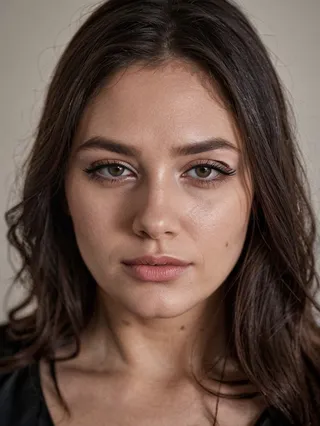
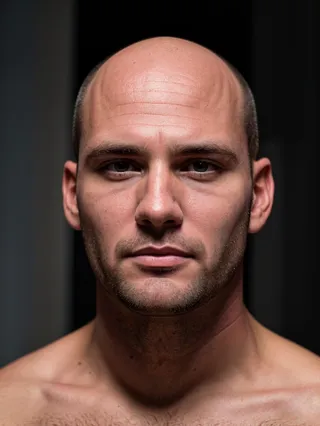
The model is ideal for generating images with dramatic light and shadow reminiscent of 2000s street photography.
Version Highlights
first iteration of this lora for Wan
Creator Sponsors
--Qwen
Works perfectly and much better then other versions. Gives extremely "live" images with amateurish quality with dramatic light and shadows, some blur and with vibe of 2000s street photography
You can take workflow here https://huggingface.co/Danrisi/Lenovo_Qwen/resolve/main/Qwen_danrisi.json
Thanx to fox23vang226. i understood that it's possible (and even have better effect) to use lora with values 1.5 - 2.0.
P.S.: almost all example images generate with both loras (NiceGirls)
--Wan
This is the first release — mainly a test to explore Wan's capabilities.
Note: In this initial version, facial details are somewhat lacking. For better results, I recommend using it alongside the Instagirls LoRA by my friend, which significantly enhances facial features.
--Flux
Who needs a fancy name when the shadows and highlights do all the talking? This experimental LoRA is the scrappy cousin of my Samsung one—same punchy light-and-shadow mojo, but trained on a chaotic mix of pics from my ancient phones (so no Samsung for now)

Model Details
Model type
Base model
Model version
Model hash
Trained words
Creator
Discussion
Please log in to leave a comment.
Model Collection - Lenovo UltraReal

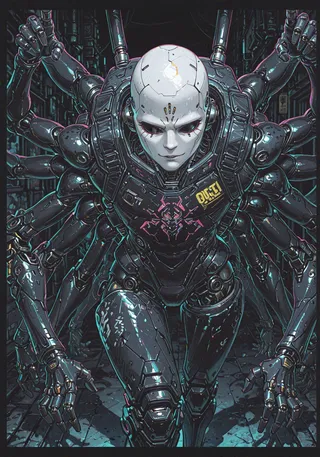
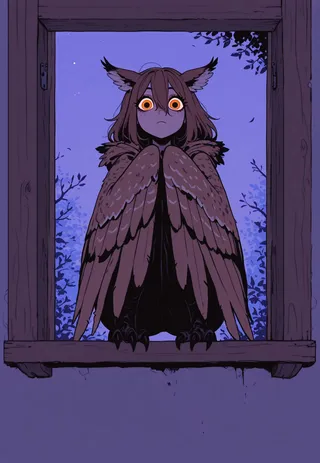
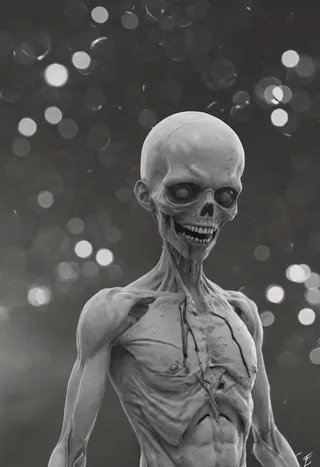
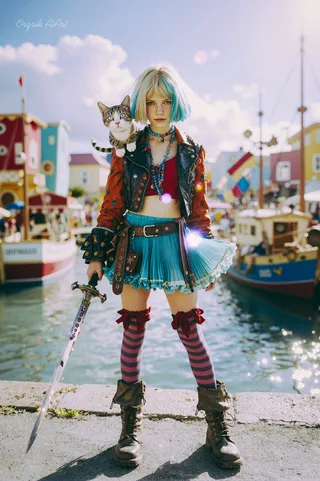
Images by Lenovo UltraReal - v1.0 Wan
dramatic Images



photorealistic Images
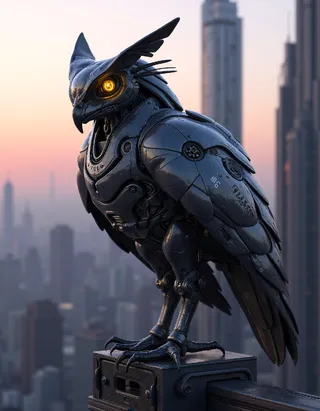

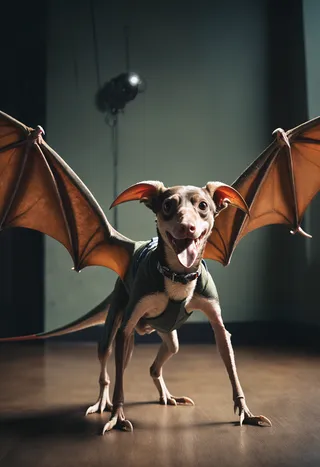



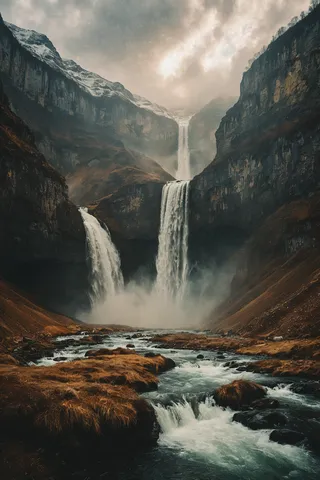
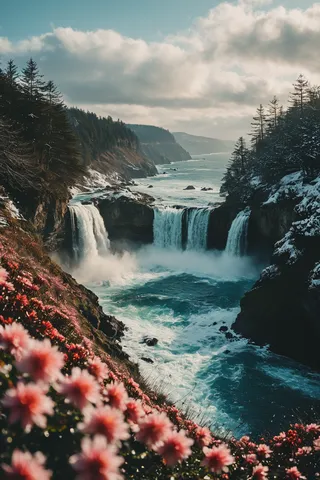
realistic Images

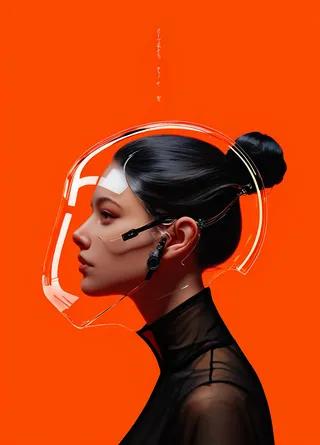
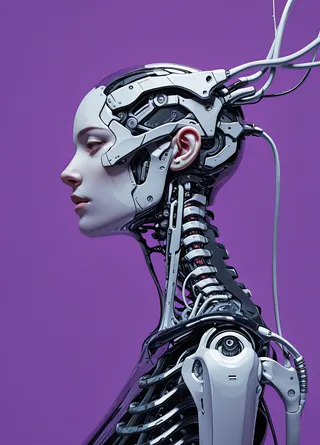
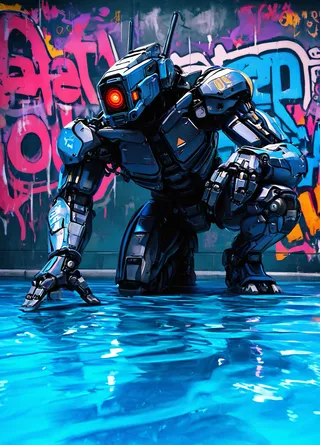

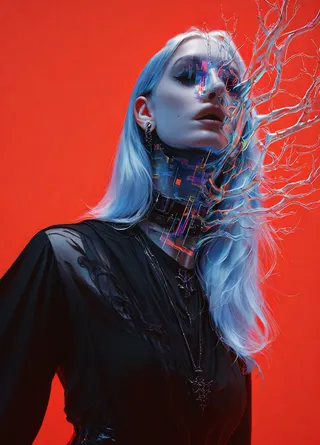
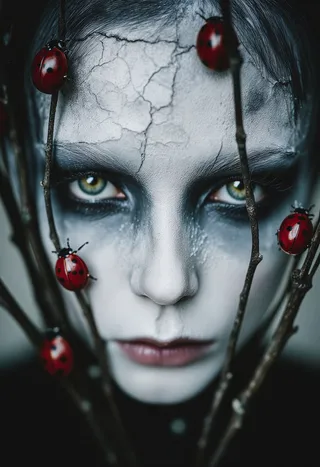

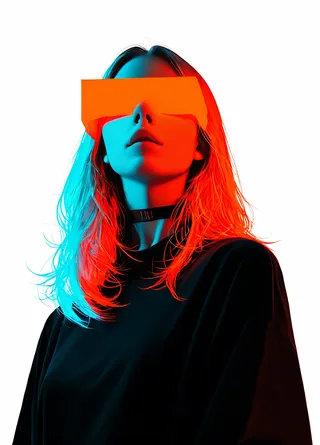
style Images