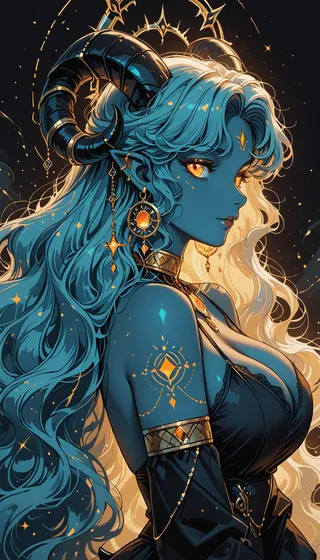
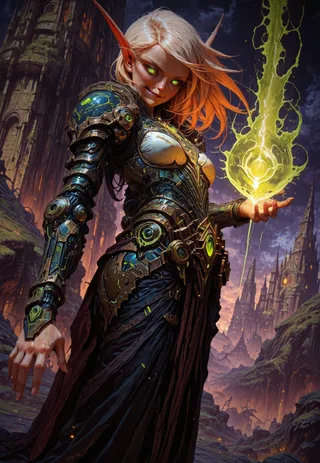
Shadows - Silhouette | Concept LoRA IllustriousXL - v1.2
Highlighted images

Recommended Prompts
colored skin,black skin,(black hair, silhouette:1.5),no eyes,faceless,no highlights
masterpiece, best quality, newest, absurdres, highres, colored skin, black skin, (black hair, silhouette:1.5), no eyes, faceless, no highlights, <lora:Shadows_illusXLNoobAI_Incrs_v1.2-000012:1>, 1girl, outdoors, solo
Recommended Negative Prompts
colored inner hair,hair highlight,highlight hair,glow,shiny hair,gradient hair,reflective hair,lighting on hair
worst quality, old, early, low quality, lowres, bad hands, mutated hands, colored inner hair, hair highlight, highlight hair, glow, shiny hair, gradient hair, reflective hair, lighting on hair, shiny skin
Recommended Parameters
samplers
steps
cfg
resolution
other models
Recommended Hires (High-Resolution) Parameters
upscaler
upscale
steps
denoising strength
Tips
Adjust weight from 0.8 up to 2, with 1 as recommended.
Weight adjustments may be needed depending on the prompt; baked-in characters may require higher weight.
Use the trigger words provided for best results.
To use LoRA in auto1111: download LoRA, copy it to stable-diffusion-webui/models/lora, select the LoRA and use the trigger word, and change weight if needed (default :1).
Shadows - Silhouette | Concept LoRA IllustriousXL
Weight can go from 0.8 up to 2. I recommend 1. Works with decent amount of Styles and Character. Might not work on every checkpoint. You might need to adjust weight according to prompts. Baked in Char tend to be resistent, so use higher weight.
It's experimental, so dont expect perfect results.
Trigger Word:
colored skin, black skin, (black hair, silhouette:1.5), no eyes, faceless, no highlights
Helper Negative Prompt:
colored inner hair, hair highlight, highlight hair, glow, shiny hair, gradient hair, reflective hair, lighting on hair,
How to use LoRA's in auto1111:
Download LoRA
Copy the file to
stable-diffusion-webui/models/loraSelect your LoRA and use the triggerword
Make sure to change the weight if needed (by default it's
:1)Have Fun!

Model Details
Model type
Base model
Model version
Model hash
Trained words
Creator

Discussion
Please log in to leave a comment.