Smooth Lighting Enhancer (NoobAI/Illustrious) - Smooth Lighting v.2
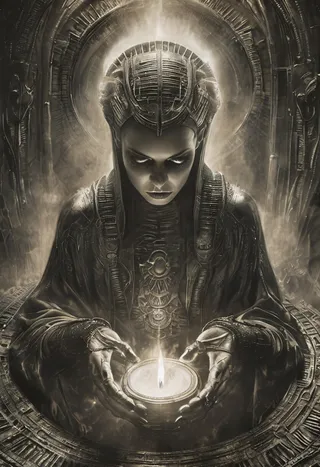
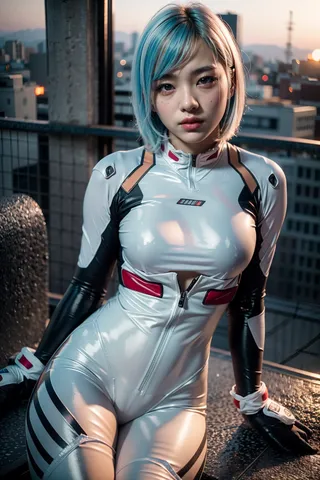
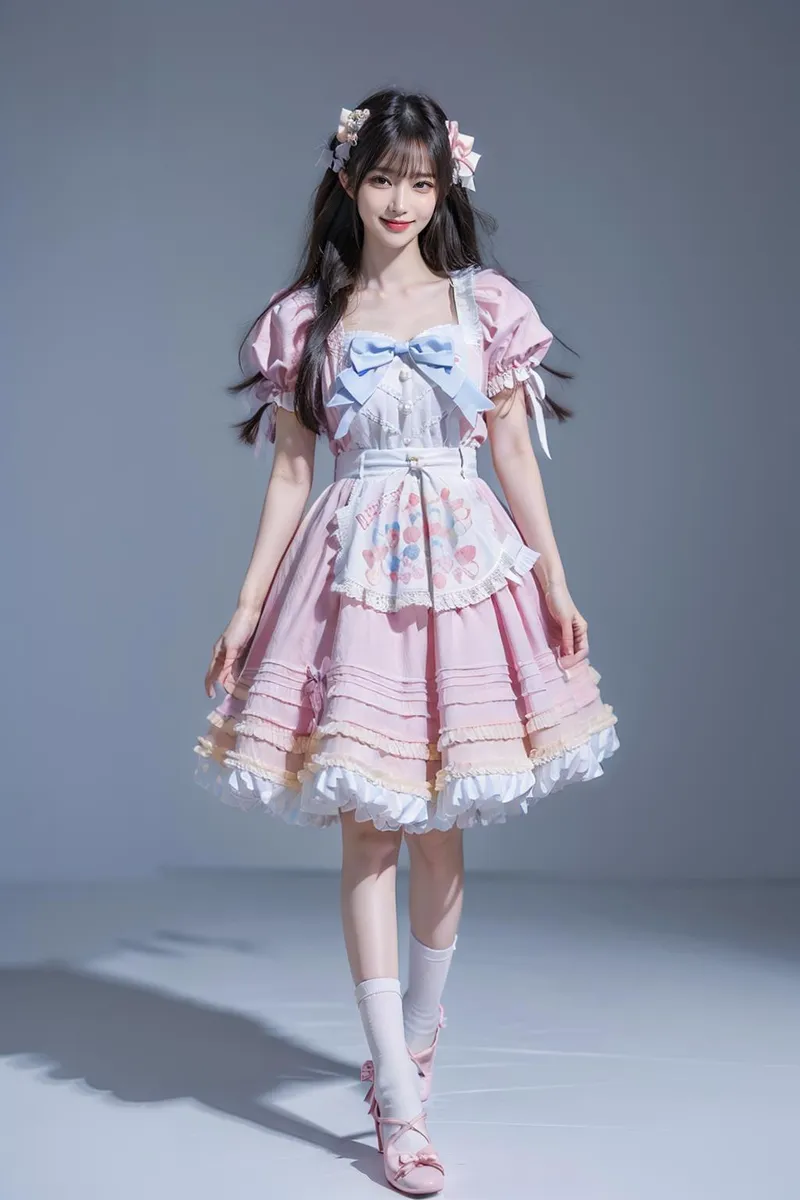
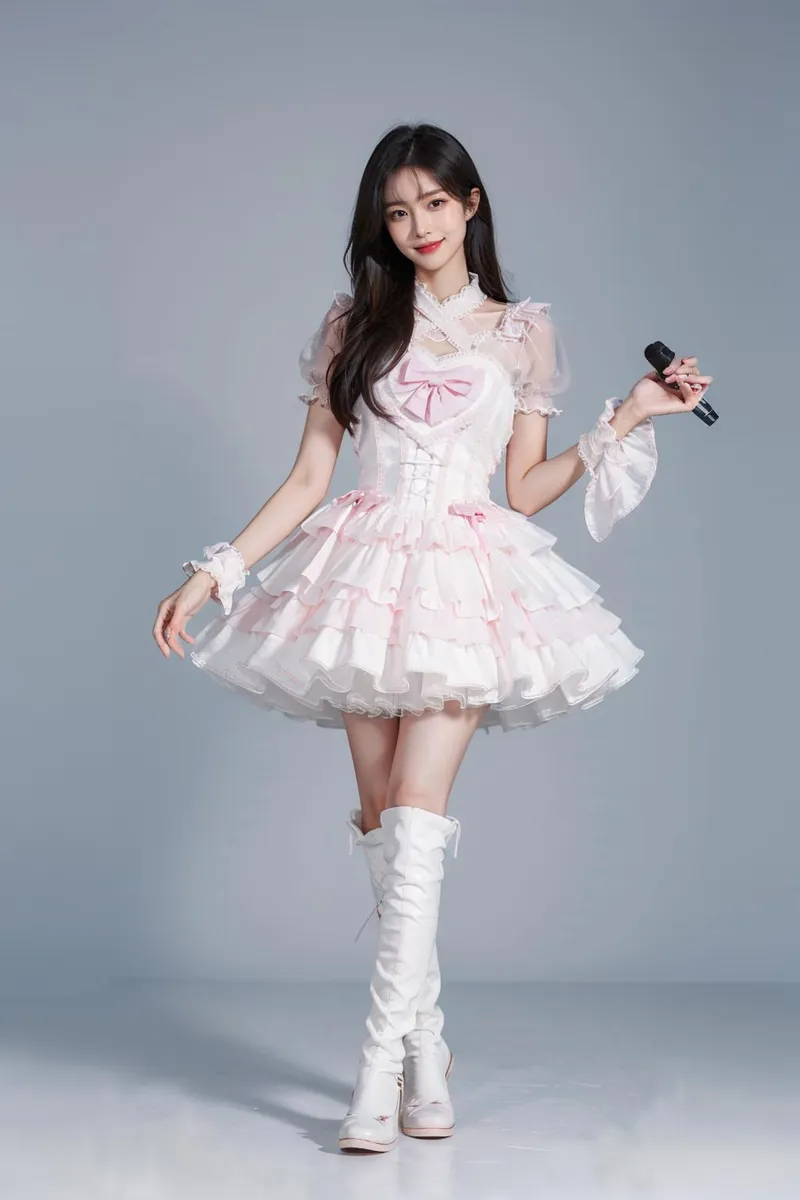
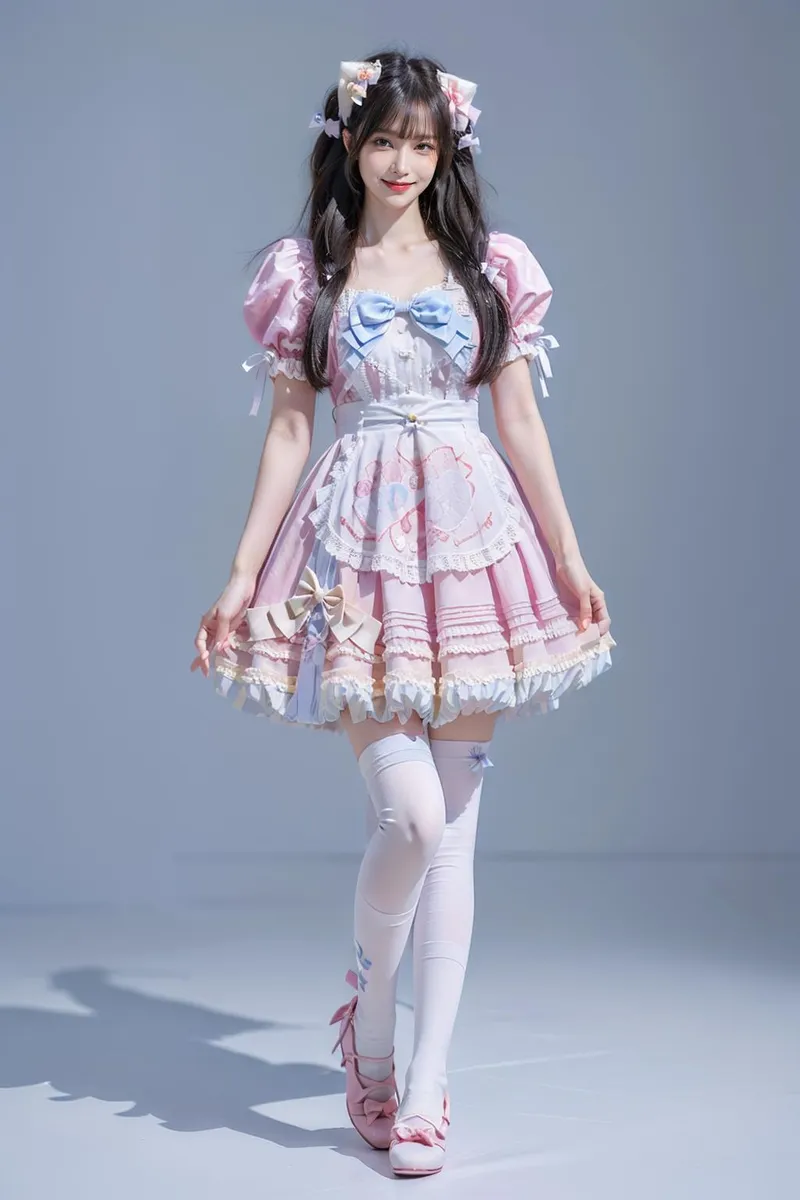
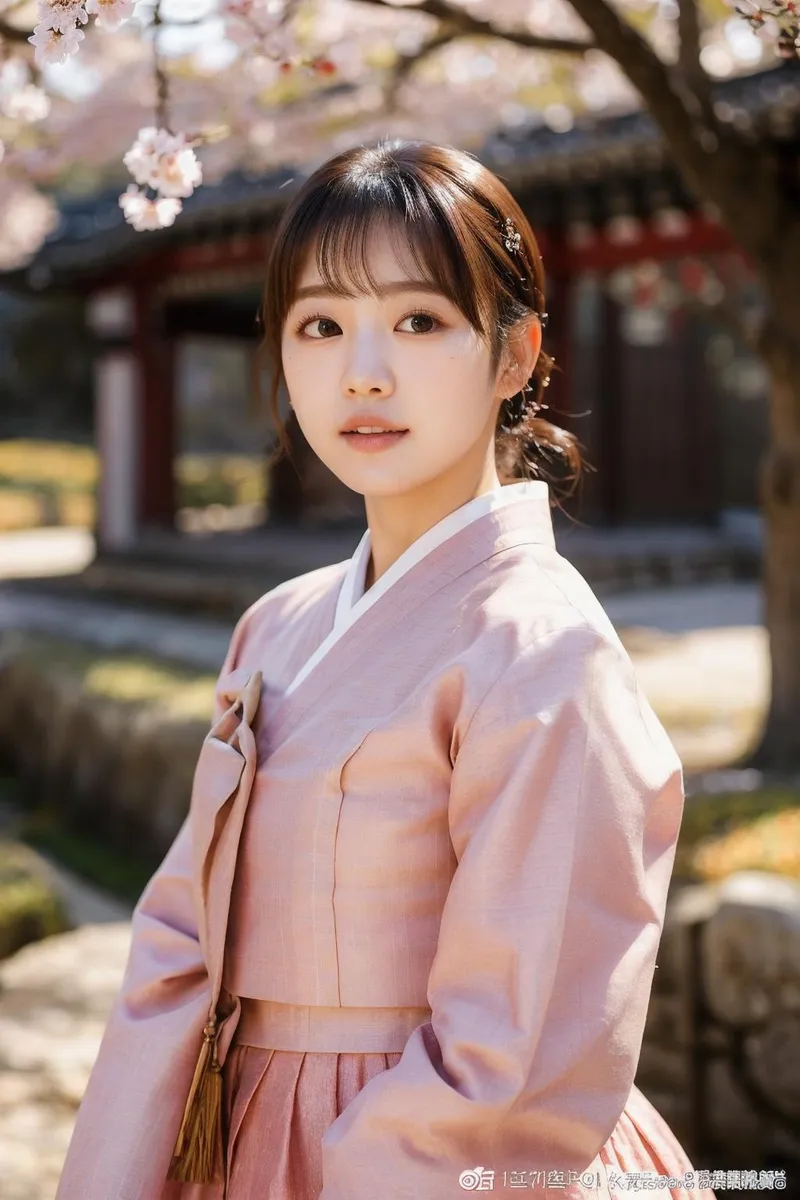
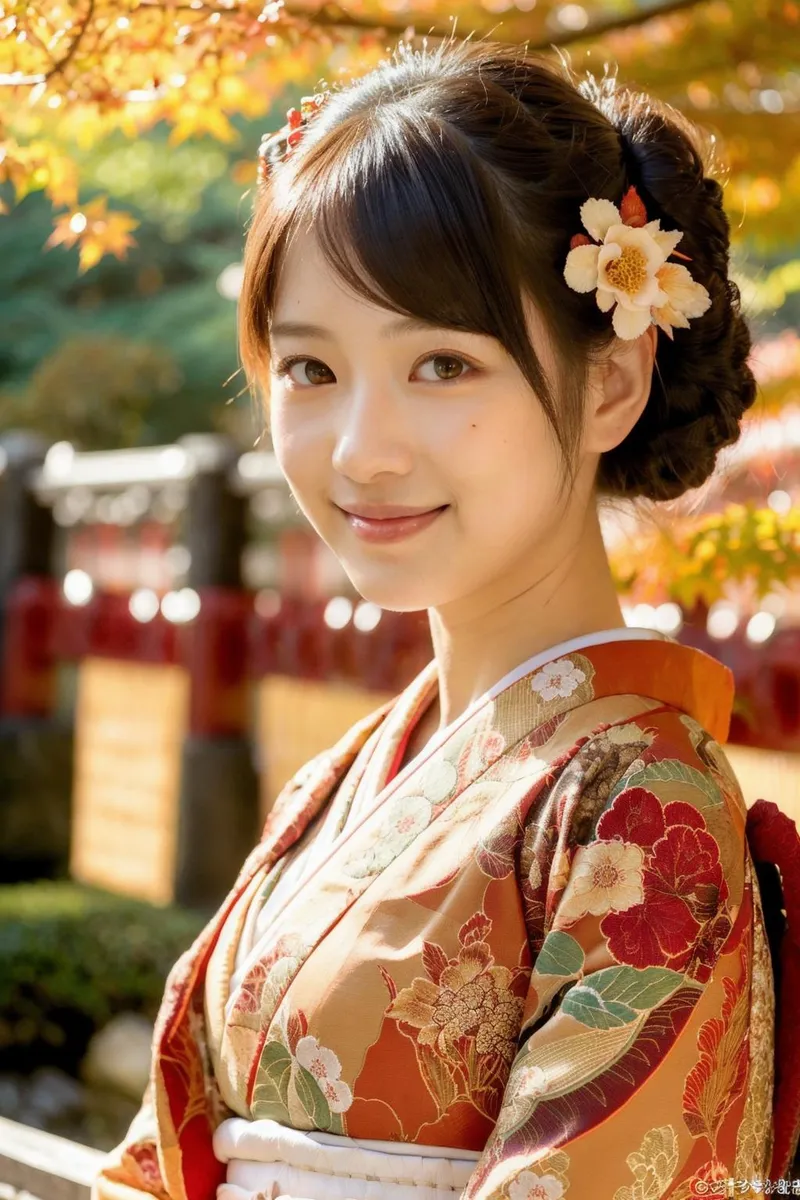
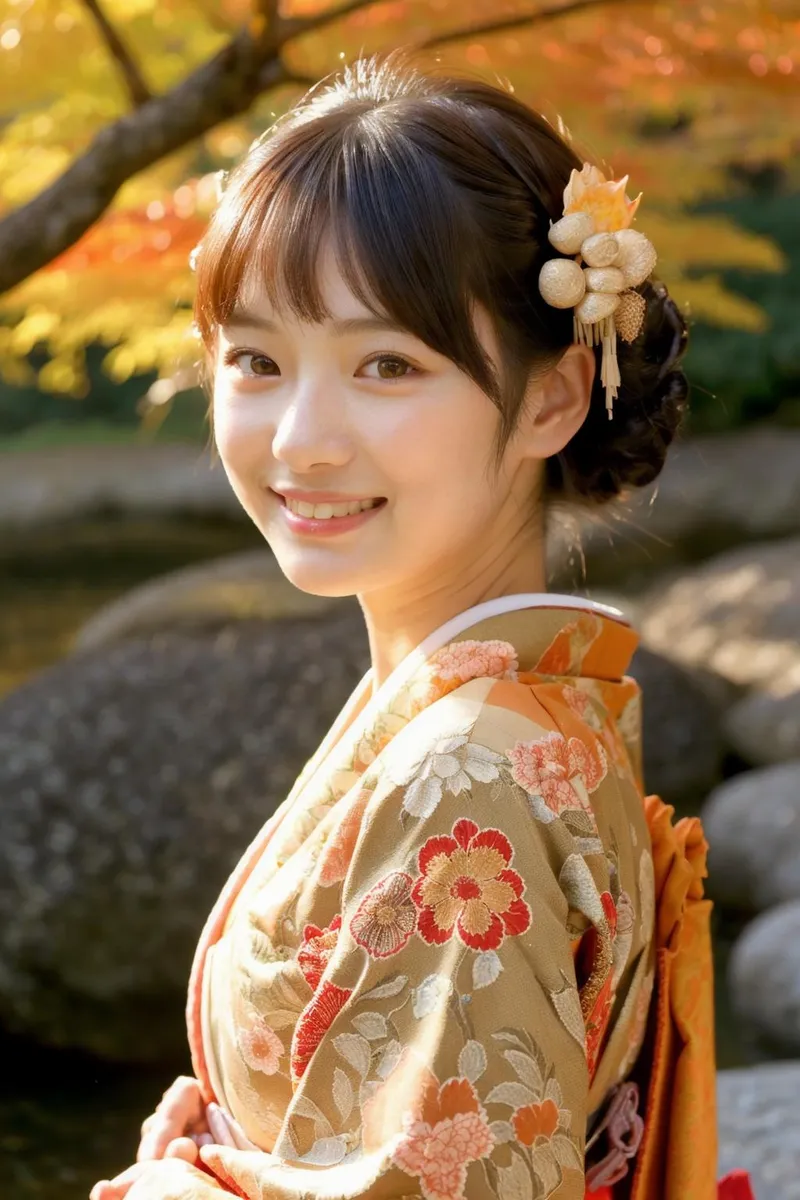
Highlighted images




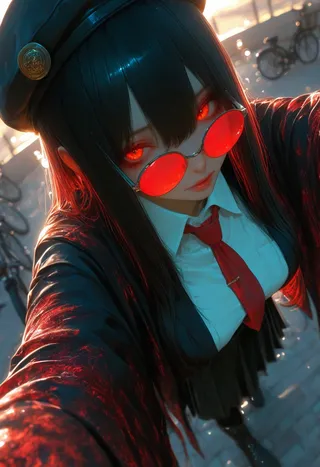

Recommended Prompts
Smooth_Quality, 1girl
Recommended Negative Prompts
Smooth_Negative
Recommended Parameters
samplers
steps
cfg
resolution
other models
Recommended Hires (High-Resolution) Parameters
upscaler
upscale
steps
denoising strength
Tips
Use weight between -0.5 and 0.5 for most images.
Negative weight (-1.0 to 0.0) emphasizes shadows and dark colors; positive weight (0.0 to 1.0) strengthens light sources and bright colors.
Low CFG (3.0 to 5.0) works well on NoobAI Checkpoints.
High weight or CFG can cause oversaturation unless advanced tools like DynamicThresholding are used.
To reduce oversaturation, use DynamicThresholding with settings: CFG 4.0-6.0, Mimic Scale 2.5-3.5, Mimic mode Half Cosine Down, CFG Mode Half Cosine Down.
Other tools like Rescale CFG and Latent Modifier may help but require more testing.
Try combining Smooth Lighting Enhancer with Smooth Detailer Booster for better lighting effects.
SMOOTH LIGHTING v.2!
Can be used on NoobAi/Illustrious/Pony Checkpoints.
NoobAI is proving to be very VERY susceptible to oversaturation and overexpose. This new version is an attempt to mitigate this a little bit while still giving improvement to lighting.
General use:
Weight between (-0.5 ~ 0.5) should be enough for 90% of anything you are trying to make!
Negative weight can be useful to mitigate oversaturation on some images.
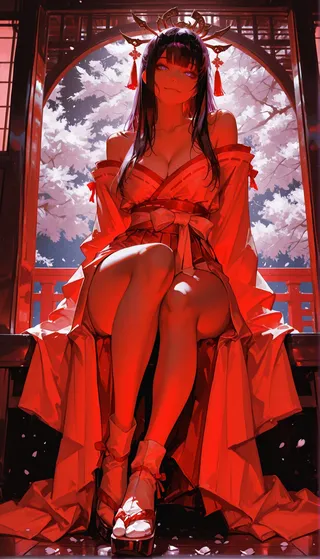
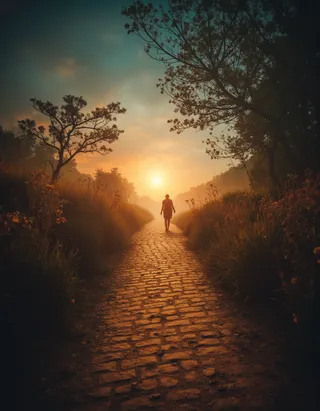
Using Negative Weight (-1.0 ~ 0.0) will put an emphasis on add/strenghening shadows and dark colors while Positive Weight (0.0 ~ 1.0) will put an emphasis on add/strenghening light sources and bright colors.
For "Smooth Mix - NoobAI" use CFG between (2.0 ~ 4.0)! In fact, low CFG (3.0 ~ 5.0) works really well on any NoobAI Checkpoint!
High weight or high CFG with this Lora will easily lead to oversaturation/overexpose on NoobAI Checkpoints UNLESS you use advance tools, so only experience users should go for it.
Advanced use:
To reduce or eliminate oversaturation/overexpose the most effective way I have tested so far is using "DynamicThresholding (CFG-Fix)".
DynamicThresholding Settings: When Using CFG 4.0 ~ 6.0 - Mimic Scale: 2.5 ~ 3.5 / Mimic mode: Half Cosine Down / CFG Mode: Half Cosine Down
Every image on the showcase with this Lora weight 1.0 or CFG over 4.0 used DynamicThresholding.
Other tools include "Rescale CFG" and "Latent Modifier", but I haven't had enough time to test those. Feedback on those would be greatly appreciated.
With anyone has others suggestions on how to mitigate oversaturation be sure to share in the comments! =)
Have fun!
SMOOTH LIGHTING ENHANCER!
A companion to Smooth Detailer Booster with emphasis on lighting. It should work really well on Smooth Mix Checkpoint by giving more stuttle contrast between bright and dark areas while making light sources brighter.
Be sure to try Smooth Detailer Booster and Smooth Lighting Enhancer together!
Already tested on other Checkpoints with great results, so check them out! The weight can have a huge impact on the images depending on the Checkpoint used.
Have fun!

Model Details
Model type
Base model
Model version
Model hash
Creator

Discussion
Please log in to leave a comment.