WOW! Flux (Detail and Aesthetics) - v1.0
Highlighted images


Recommended Parameters
samplers
steps
cfg
clip skip
resolution
Tips
This LoRA can handle strengths greater than 1.0 for increased detail.
Increasing the CFG scale helps improve image details but avoid overdoing to prevent image burning.
Using the LoRA with Schnell sampler at more than 8 steps yields good effects for development.
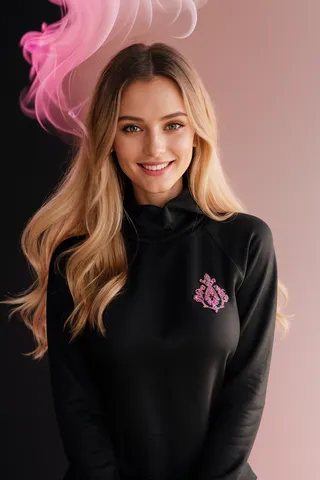
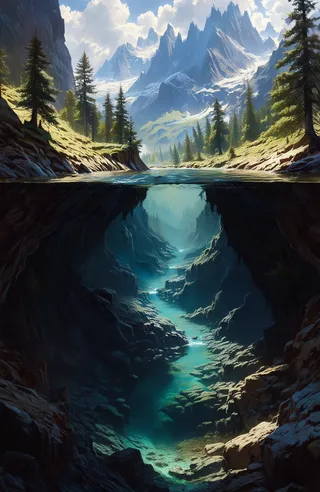
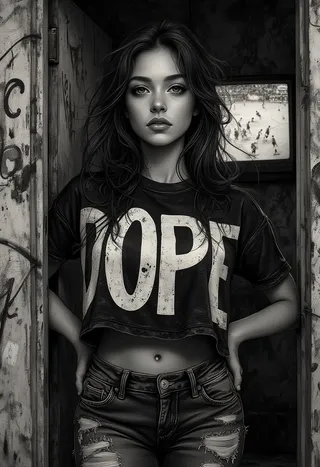
[The above images are non-cherry-picked. Some of the prompts are borrowed. Don't credit me for them.]
This LoRA is intended to add detail and aesthetics (loosely similar to MJ). Flux already has a nice aesthetic but adds an extra "Zing" to the image. I found a merge of several LoRAs produced the intended effect.
Usage Tip: It can handle strengths of > 1.0, the more you add, the more details. Turning up the CFG also helps as usual, but be careful not to burn the image.
Use With Schnell: Although primarily for Dev, I found some good effects with Schnell for a higher number of steps (>8 steps), in initial experiments.

Model Details

Discussion
Please log in to leave a comment.