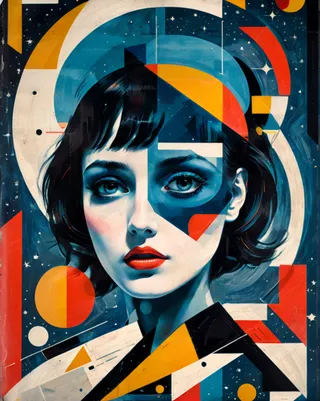
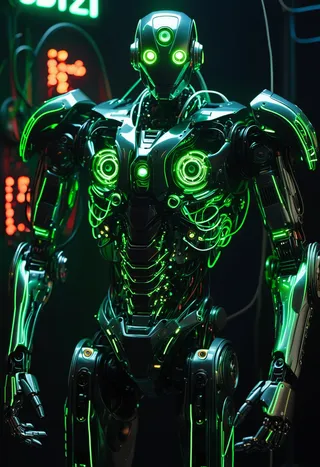
YFG Geometric [Flux] - v1.0
Related Keywords & Tags
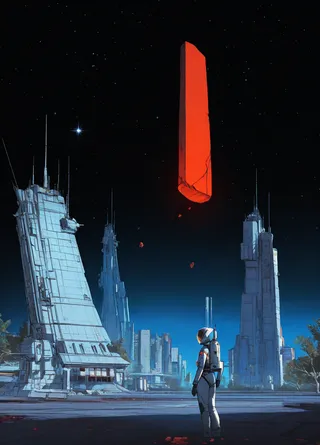
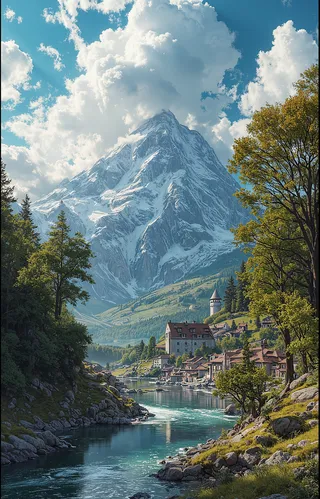
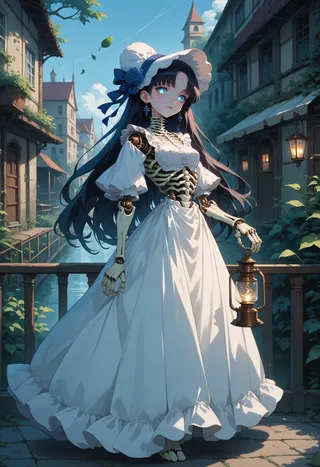
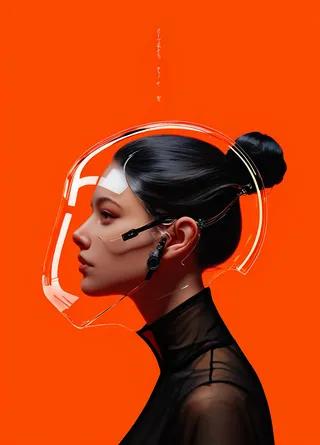
Highlighted images
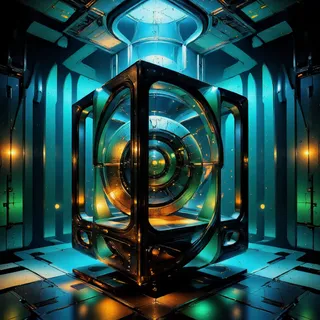
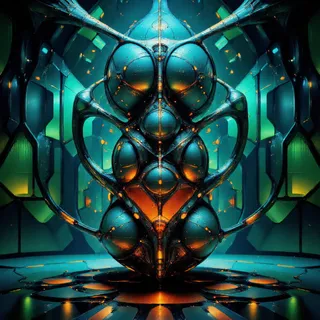
Recommended Prompts
YFG-Ge0m,abstract geometric artwork,futuristic poster design,modern minimal illustration,triangular color blocking
Recommended Negative Prompts
no complex geometry,less saturated color,smooth gradient
Recommended Parameters
samplers
steps
cfg
vae
other models
Tips
Mention specific colors like “blue and orange geometry,” “monochrome shapes,” or “retro pastel” to guide the palette.
Use terms like “symmetrical layout,” “central focal point,” or “balanced design” to enhance composition harmony.
Combine with character or environment prompts to add geometric clothing, backgrounds, or abstract flair to cityscapes.
Use negative prompts like “no complex geometry,” “less saturated color,” or “smooth gradient” to reduce unwanted shapes or style shifts.
Version Highlights
Trained on 30 images captioned with Florence2
YFG Geometric: Bold Shapes & Symmetrical Designs
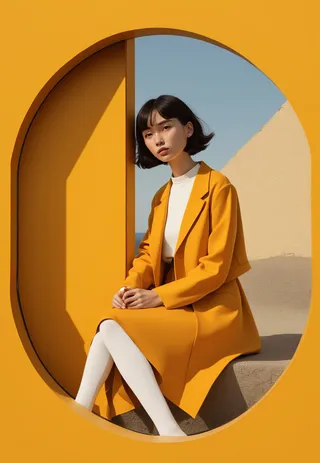
YFG Geometric infuses artwork with eye-catching geometric forms—triangles, circles, sharp corners, and smooth edges—while emphasizing balanced composition and vibrant colors. Whether you’re aiming for abstract art, retro-futuristic posters, or stylized graphic backdrops, this LoRA adds visual punch with strong shapes and striking symmetry.
Key Features
Bold Geometric Shapes
Generates noticeable triangles, circles, squares, and more.
May introduce color blocks or patterns in the background or foreground.
Symmetry & Balance
Naturally leans toward symmetrical or mirrored designs.
Great for modern art pieces, stylized patterns, or structured compositions.
Flexible Strength Range
Works well between 0.4 and 0.9, balancing geometric flair with your original prompt.
Higher values (over 1.1) can produce overly aggressive shapes, so proceed with caution if you want subtler geometry.
Easy Integration
Pairs smoothly with other LoRAs and styles, making it an ideal additive layer for extra visual interest.
Perfect for combining with character or environment prompts to add dynamic shapes and color blocking.
Recommended Usage
Trigger / Prompt Word
Use “YFG-Ge0m” to emphasize the geometric patterns, but it’s optional if your prompt already strongly indicates abstract geometry.
LoRA Strength
0.4 – 0.9 recommended for balanced geometric inserts without overpowering your base concept.
Lower for subtle shapes, higher for bold, eye-catching geometry.
Suggested Themes & Keywords
“Abstract geometric artwork,” “futuristic poster design,” “modern minimal illustration,” “triangular color blocking,” etc.
Tips & Tricks
Guide the Palette
If you want specific colors (e.g., “blue and orange geometry,” “monochrome shapes,” or “retro pastel”), mention them to direct the LoRA’s color choices.
Highlight Composition
Terms like “symmetrical layout,” “central focal point,” or “balanced design” help reinforce harmony in the final image.
Combine With Character or Environment
Try merging with character prompts to give them geometric clothing or backgrounds, or add an abstract flair to cityscapes with geometric patterns layered in.
Refine Via Negative Prompts
If you’re seeing too many shapes or an unwanted style shift, negative prompts like “no complex geometry,” “less saturated color,” or “smooth gradient” can dial things back.
YFG Geometric transforms your images with vibrant geometric motifs, symmetrical layouts, and bold shapes—ideal for adding a contemporary or retro edge to any composition. Adjust strength levels and pair with other styles for unique, visually compelling results!

Model Details
Model type
Base model
Model version
Model hash
Trained words
Creator
Discussion
Please log in to leave a comment.
Model Collection - YFG Geometric [Flux]
Images by YFG Geometric [Flux] - v1.0
architecture Images
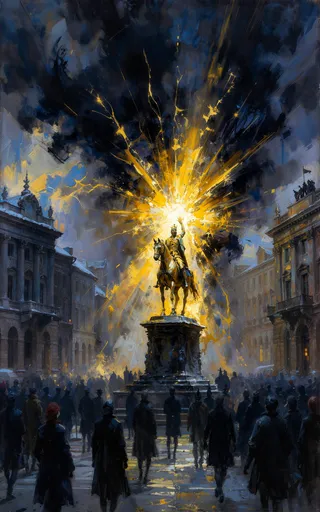
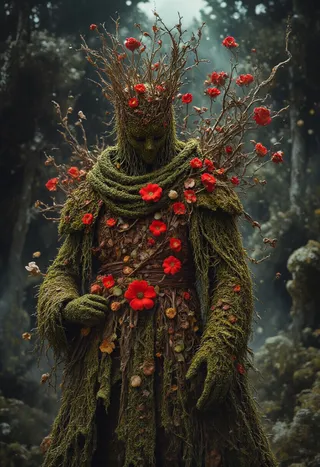
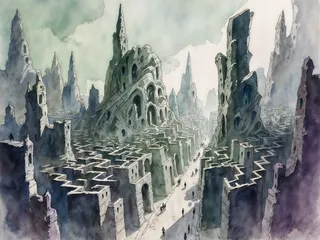
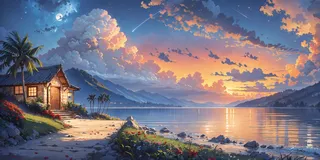
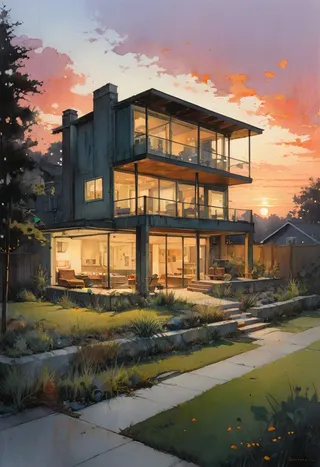
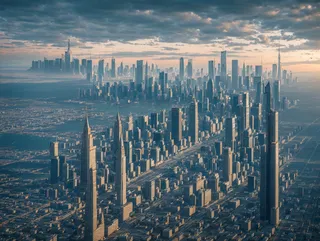
building Images
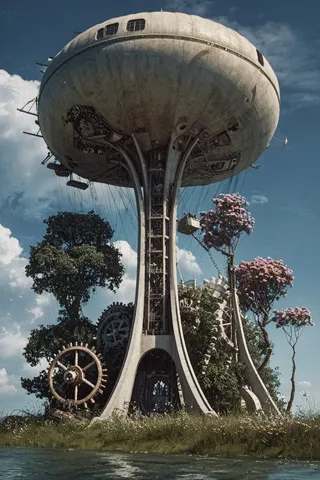
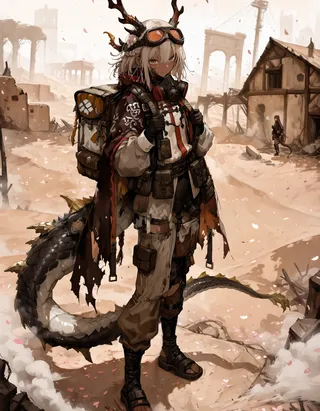
concept Images
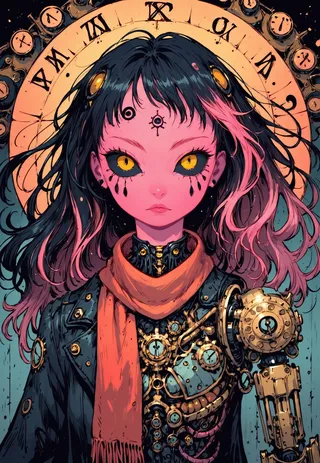
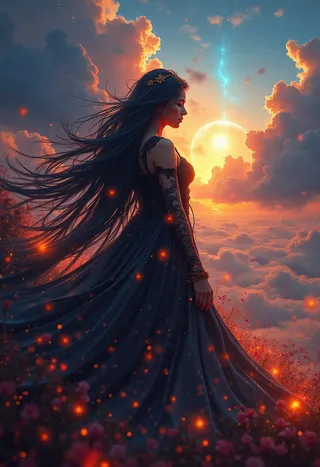
geometric Images
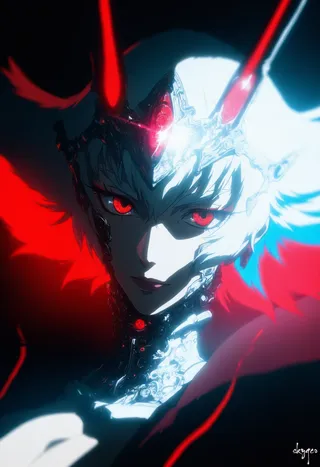
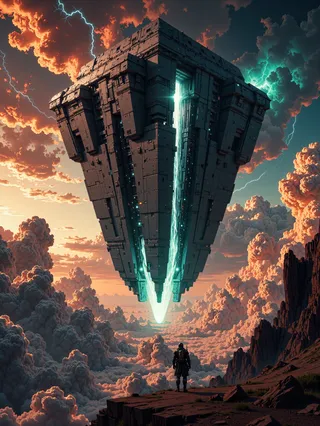
shapes Images