Yoshitaka Amano XL Style LoRA - v1.0
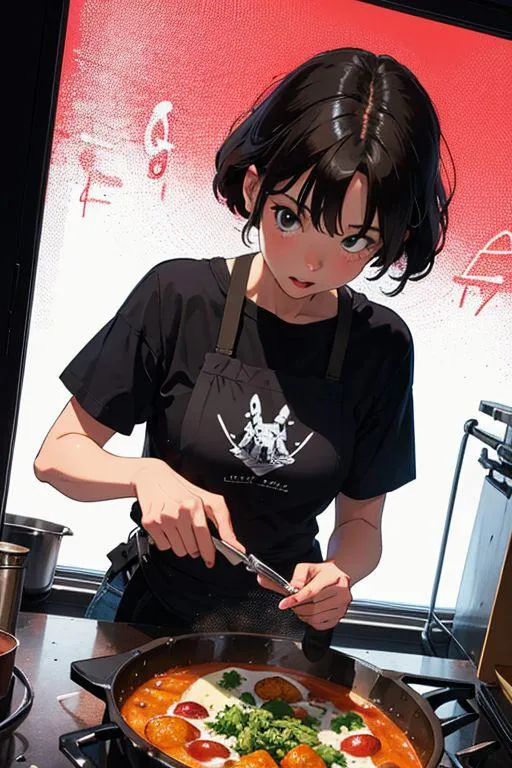
Highlighted images


Recommended Negative Prompts
(low quality, worst quality:1.4), negativeXL_D, cgi, text, signature, watermark, blurry
Recommended Parameters
samplers
steps
cfg
clip skip
resolution
other models
Recommended Hires (High-Resolution) Parameters
upscaler
upscale
steps
denoising strength
Tips
Update webui using 'git pull' or redownload it.
Copy the LoRA file to the folder stable-diffusion-webui/models/lora.
Select LoRA in the interface following the referenced tutorial video.
Adjust the weight parameter from the default 1 to a lower value for better results.
Creator Sponsors
Making models can be expensive. Do you like what I do? Consider supporting me on Patreon 🅿️ or feel free to buy me a coffee ☕
Yoshitaka Amano XL style LoRA
Making models can be expensive. Do you like what I do? Consider supporting me on Patreon 🅿️ or feel free to buy me a coffee ☕
This LoRA net is a tribute to one of my favourite artists.
For this you can use AAM XL, see the suggested resources.
Around 1 weight, Trigger is amano yoshitaka.
How to use LoRA's in auto1111:
Update webui (use
git pulllike here or redownload it)Copy the file to
stable-diffusion-webui/models/loraSelect your LoRA like in this video
Make sure to change the weight (by default it's
:1which is usually too high)
Contributor

Model Details
Model type
Base model
Model version
Model hash
Trained words
Creator

Discussion
Please log in to leave a comment.
Model Collection - Yoshitaka Amano XL Style LoRA

Images by Yoshitaka Amano XL Style LoRA - v1.0
style Images






traditional Images




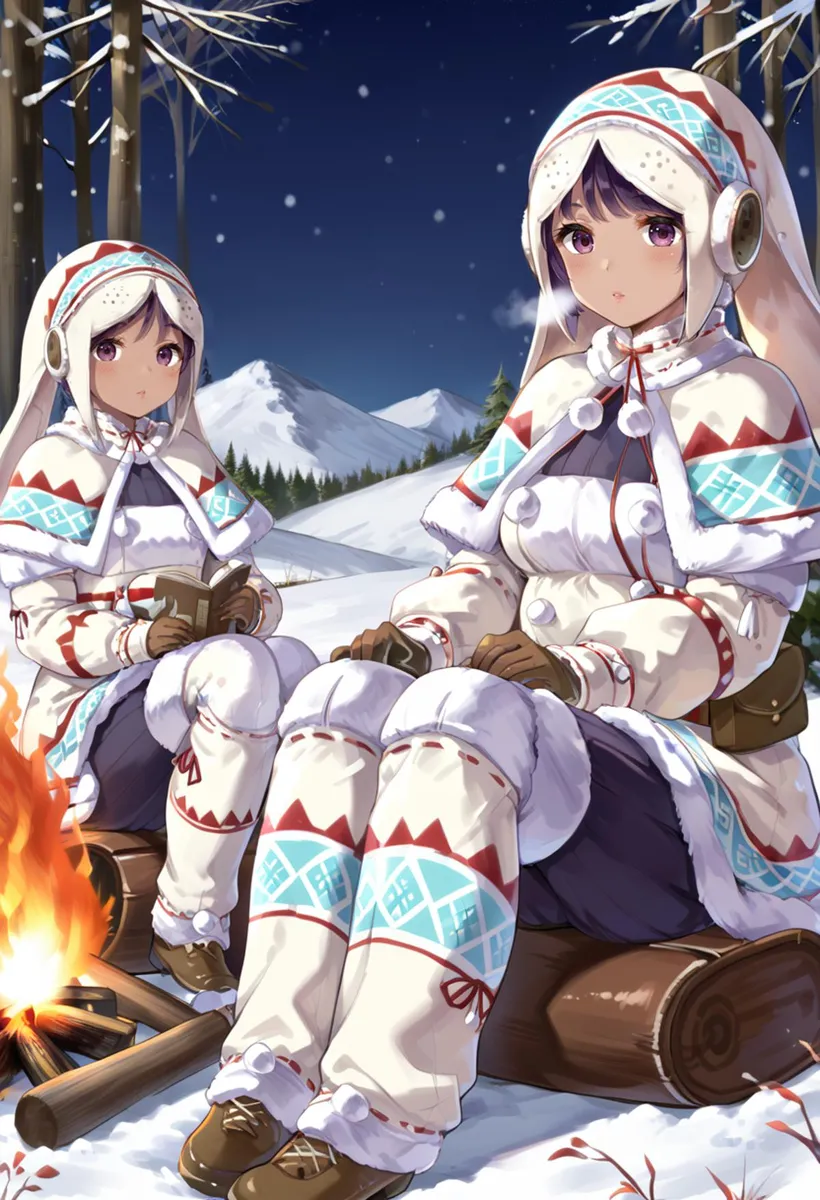
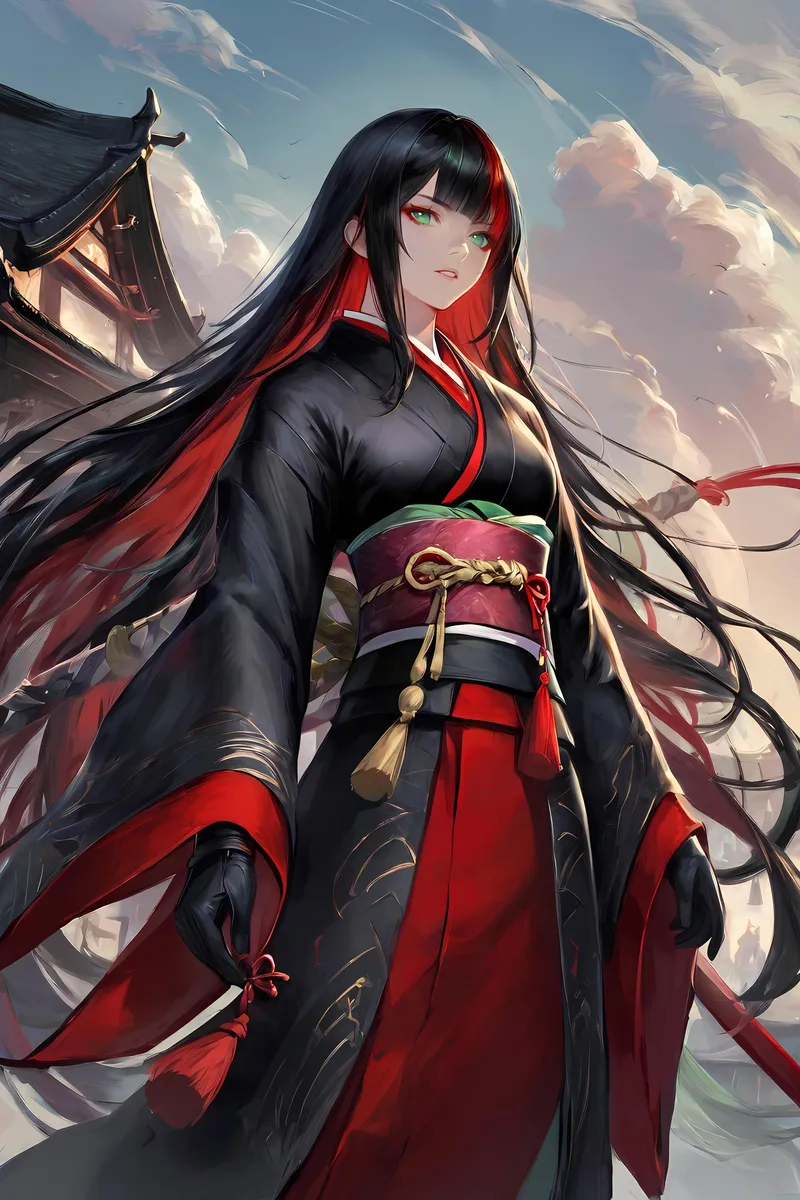


watercolor Images


yoshitaka amano Images