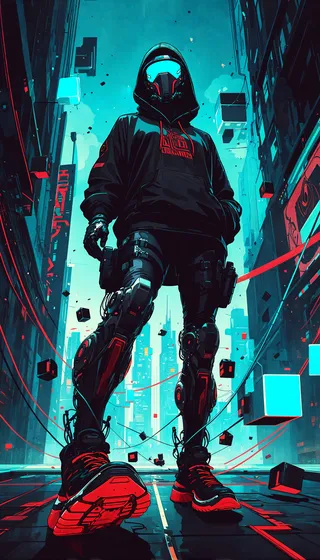
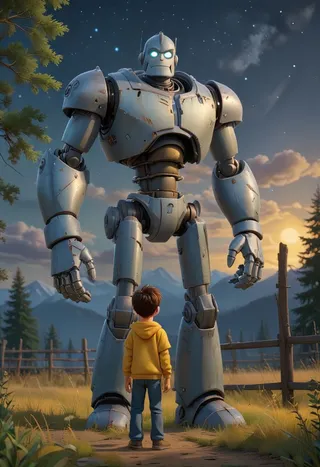
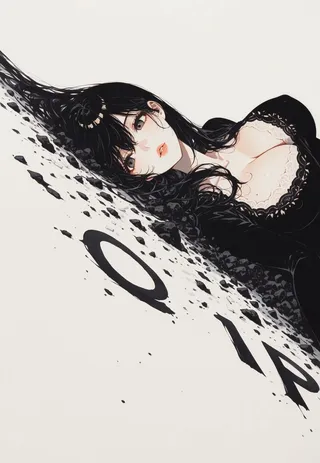
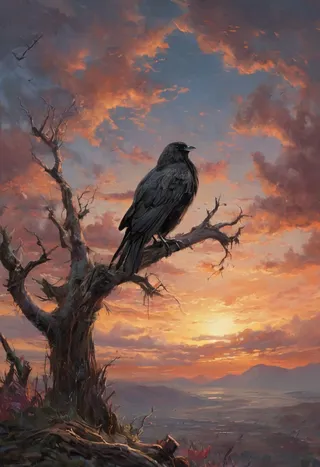
background&fashion customization - V1
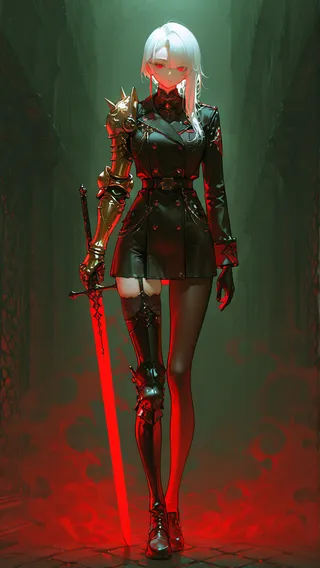
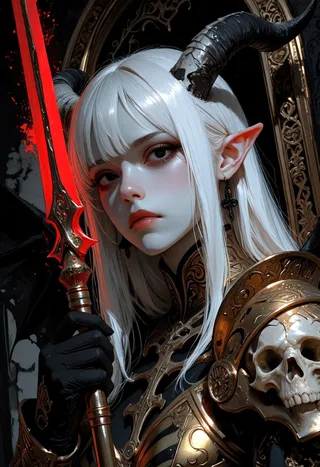
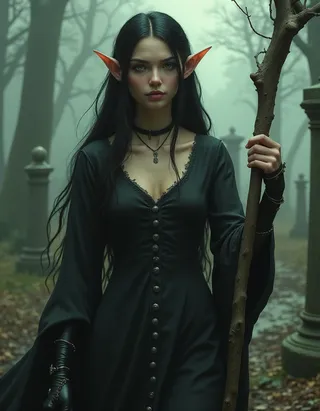
Wyróżnione obrazy
Zalecane podpowiedzi
1rregular_b0, hyperdetailed_bg, (style:1.2), (full_bg or ns_bg, composition), (bg theme:1.3), environment, object, {subject, action}, {clothing style, clothing}, {quality tags}
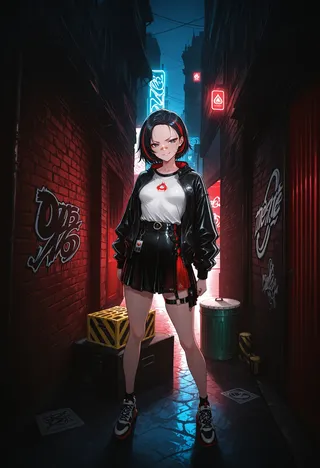
1rregular_b0, hyperdetailed_bg, (realistic_bg:1.4), (full_bg:1.4), ((detailed background, outdoors, dynamic background, uncommon angle), dark alley, graffiti, night, builings, city_theme, barricade, barricade-tape, red background, (1 girl, solo, standing, legs apart, smirking, bandaid on nose), (techwear, jacket, white inner shirt, skirt, thigh strap, stockings, sport shoes), ((great anatomy, correct anatomy, akariL, wide forehead, black hair, short hair, red_streaked_hair, greenish_grey_pupils, red_iris, small breasts)), front view, eye level, ((masterpiece, absurdres, newest, best quality, visual impact, very aesthetic, perfect quality, absolutely eye-catching)), 4K, detailed facial features, detailed clothing features, detailed texture
Zalecane negatywne podpowiedzi
vanishing point, cum on face, worst quality, low quality, normal quality, bad quality, poor quality, lowres, extra fingers, missing fingers, extra toes, poorly rendered hands, mutation, deformed iris, deformed pupils, deformed limbs, missing limbs, amputee, amputated limbs, watermark, deformed legs, censored, bar censor, text
Zalecane parametry
samplers
steps
cfg
Wskazówki
Don't put all tags into your prompt as it can create a mess.
Weight higher than 0.7 gives you borders useful for splash art; lower than 0.7 gives normal background.
Mix tags for desired effects: full_bg offers packed backgrounds, ns_bg gives extra space.
READ HOW TO USE BELOW!!! THIS LORA HAS MIXED STYLES!!! NGL this lora is pretty hard to use, if you want easy masterpiece, this ain't it.
More interesting background (not your room), and some alteration to the fashion.
Damn i told yall not to use the first version and you still did, and yall didnt even buy me coke. Nah that's some hater's behavior fr. Anyway, here is the actual finished version with proper tagging, there's a lot of custom tags to allow for the most customizability. Don't put all the tags into your prompt, it will give you a mess. Or do it, free will exists.
Attached is the all the custom tags I input, some may not work due to insufficient images data. I'll put a description for them later, most are already self-explanatory. 
HOW TO USE?
Weight: higher than 0.7 gives you border, can be cool for splash art. lower than 0.7 gives you normal background.
CFG: 4-7. Higher is more detailed, but lower can be creative.
Steps: 20-30. More steps more details, I like 26-28.
Euler a is recommended to start out.
Example prompt:
1rregular_b0, hyperdetailed_bg, (style:1.2), (full_bg or ns_bg, composition), (bg theme:1.3), environment, object, {subject, action}, {clothing style, clothing}, {quality tags}
You can mix tags, full_bg tends to give a packed background, while ns_bg gives more extra space. So some tags like messyroom works better with full_bg.
Współtwórca
Szczegóły modelu
Dyskusja
Proszę się log in, aby dodać komentarz.
Kolekcja modeli - background&fashion customization
Obrazy z lora


Obrazy z styl