Incursios Meme Diffusion SDXL Pony - v21PDXL
精選圖片


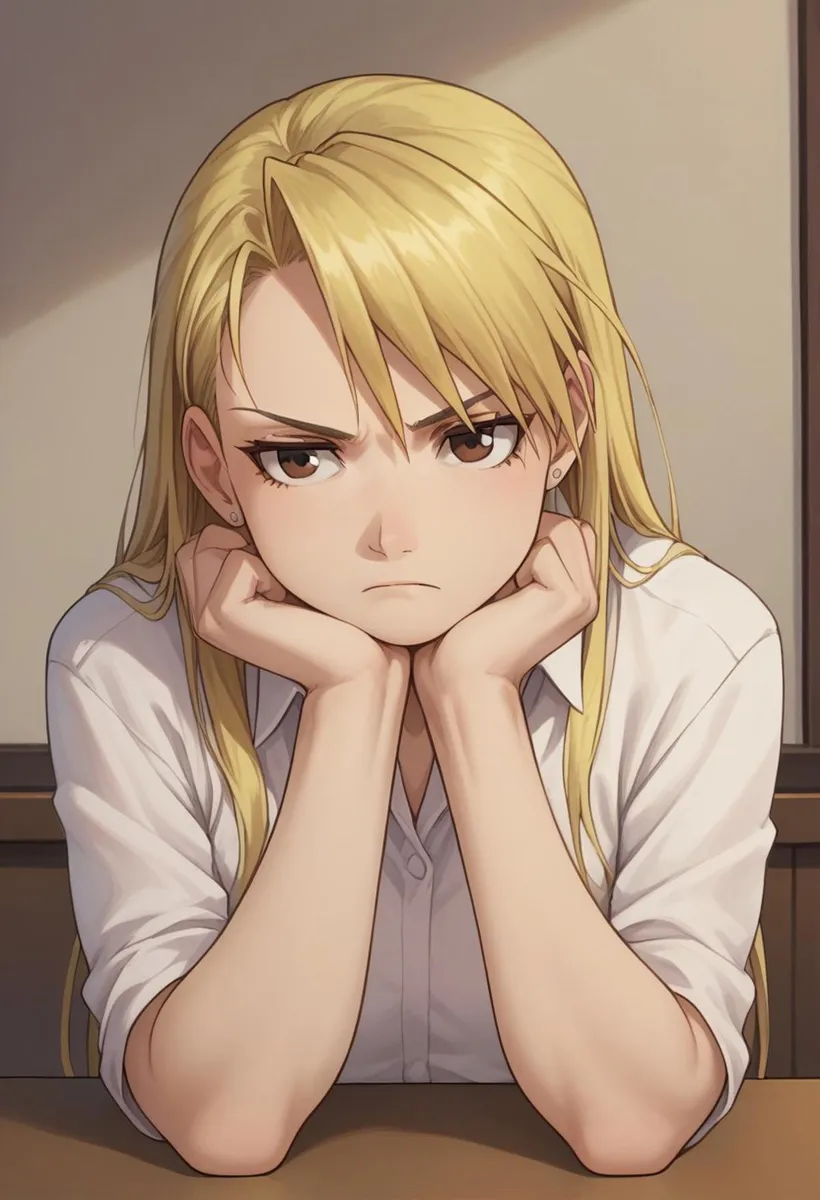

推薦提示詞
score_9,score_8_up,score_7_up,source_anime,detailed,veins,toned
score_9,score_8_up,score_7_up,detailed,night
推薦反向提示詞
white background
monochrome,toned
推薦參數
samplers
steps
cfg
resolution
vae
other models
推薦高解析度參數
upscaler
upscale
steps
denoising strength
提示
版本亮點
訓練為 DoRA 而非 LoRA
使用 CAME/REX 訓練替代 AdamW8Bit
移除所有水印
背景及場景更為強烈
負面標籤中的
3d現在效果不強提升細節與銳利度
現在能生成出色的暗色調圖像
生成 V2.1 版本圖片的設定:
取樣器:Restart
步數:14-18
CFG 4.0-6.0
基礎解析度 1024x1024
創作者贊助
這是我的 Incursio's Meme Diffusion 的 XL 版本。
感謝 @Autismix_anon 允許此合併。非常感激,好友 ❤️
與 @mfcg 合作。查看他的 MCFG PDXL 😉
與 @Anzhc 合作。查看他的 AAAAustism 😉
這是我的旗艦款 Incursio's Meme Diffusion(SDXL,Pony)。我發現它非常符合 Civitai 社群的製作風格。這款模型非常多變,且在圖像生成上擁有獨特的藝術風格。兼容 NSFW。 這是我的 Incursio's Meme Diffusion 的 XL 版本。
請參考版本詳情獲得更改日誌。
V2.7:
本 Checkpoint 基於出色的 Basemodel AutismMix_confetti 訓練。
V2.1:
本 Checkpoint 基於出色的 Basemodel Pony Diffusion V6 訓練。
與 @Anzhc 合作。查看他的 AAAAustism 😉
V1.6:
本 Checkpoint 基於出色的 Basemodel AutismMix_confetti 訓練。
感謝 @Autismix_anon 允許此合併。非常感激,好友 ❤️
與 @mfcg 合作。查看他的 MCFG PDXL 😉
唯一你需要的提示語是這個正面提示:
score_9, score_8_up, score_7_upV1.6 可以使用 source_anime,V2.1 可以使用 detailed 作為附加標籤。veins 是很強勢的標籤,V2.1 中 toned 同樣如此。
不需要使用任何負面提示。請避免使用,或至少只使用你不希望出現在當前圖像中的負面提示。我有時只用 monochrome 負面提示。我已經厭倦看到 妄想般的負面和正面提示。我還建議避免在任何標籤上使用 () 或權重如 (:1.2) ,這會造成影像的瑕疵。詳情請參考這篇 文章。其他標籤相關的內容請參考 Basemodel Pony Diffusion V6。
我還建議使用擴充工具 Adetailer,因為眼睛可能因為燒錄效果而不夠銳利。
生成 V1.6 版本圖片的設定:
取樣器:Euler a
步數:24
CFG 6.0
基礎解析度 1024x1024
生成 V2.1 版本圖片的設定:
取樣器:Restart
步數:14-18
CFG 4.0-6.0
基礎解析度 1024x1024
生成 V2.7 版本圖片的設定:
V2.7 可使用與 v1.6 和 v2.1 相同的設定。風格和細節會依取樣器而變化。
配方 V1.6:
合併至 Checkpoint:TC V Style LoRA PD 權重 0.75 + AutismMix_confetti。
配方 V2.1:
合併至 Checkpoint:TC V Style LoRA PD V2 權重 1.0 + Basemodel Pony Diffusion V6。
配方 V2.7:
合併至 Checkpoint:TC V Style LoRA PD V3 權重 0.65 + AutismMix_confetti = Meme Diffusion v2.3(尚未發布)。
額外合併區塊權重與調整:
incursiosMemeDiffusion_v23 x (1-alpha) + incursiosMemeDiffusion_v21 x alpha (0.2,0.017,0.434,0.052,0.485,0.038,0.652,0.206,0.421,0.032,0.144,0.073,0.27,0.249,0.331,0.849,0.653,0.847,0.979,0.065,0)
調整:-0.38,0.55,0,0.59,-2.74,0,0,0.92
其他細節在圖像標籤中有說明。如果這個 Mix 對你有幫助,請務必留下評價或評論。
如何在 auto1111 使用 Checkpoints:
下載 Checkpoint
將檔案複製至
stable-diffusion-webui/models/Stable-diffusion選擇你的 Checkpoint
開心使用!

模型詳情
模型類型
基礎模型
模型版本
模型雜湊值
訓練詞彙

討論
請log in以發表評論。
模型合集 - Incursios Meme Diffusion SDXL Pony


Incursios Meme Diffusion SDXL Pony - v21PDXL 的圖片
動畫 圖片


女性 圖片


