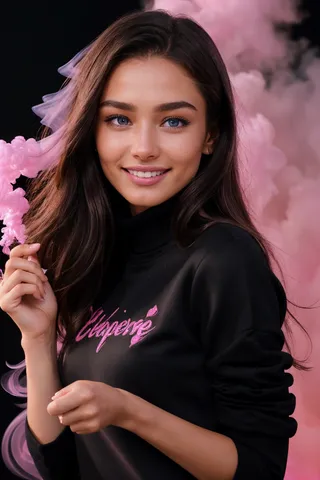
MengX girl_Mix - V40
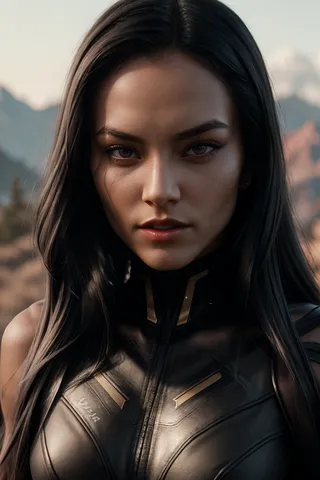
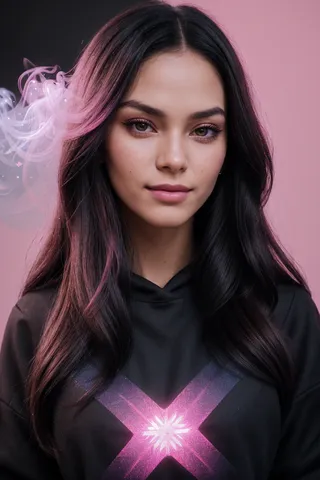
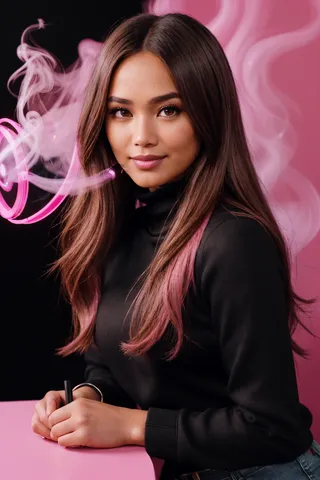
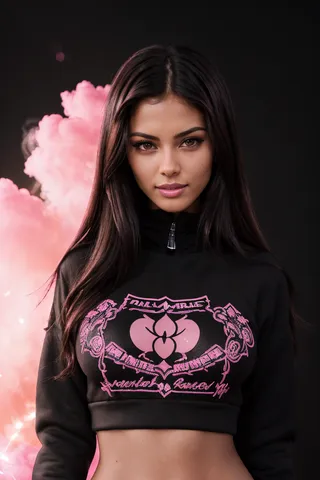
精選圖片


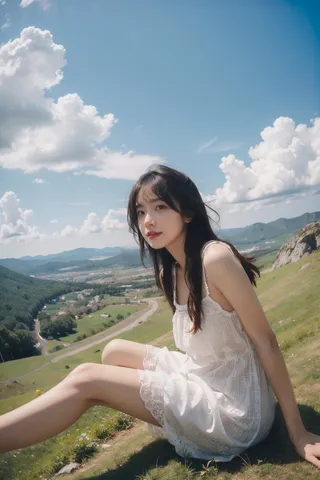
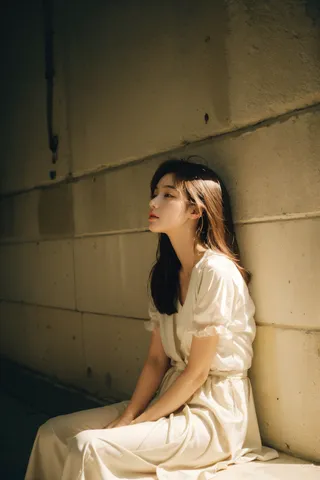
推薦提示詞
blush to make the face more cute and girly,add lora keyword in ADetailer plugin prompt
portrait of 1girl by Bill Henson, depressed, streaming tears, ruins, tears, shadows, dramatic lighting, sunset, contemporary, dark, expressionism, dystopia, industrial, <lora:add_detail:1>, <lora:MengX girl_Mix_V40:0.8>
推薦反向提示詞
(worst quality:2), (low quality:2), (normal quality:2), lowres, bad anatomy, bad hands, normal quality, difConsistency_negative_v2
推薦參數
samplers
steps
cfg
clip skip
resolution
other models
推薦高解析度參數
upscaler
upscale
steps
denoising strength
提示
使用權重介於0.7至1.0之間,0.9看起來特別好。
開啟ADetailer插件,並在插件提示詞中加入「lora」以完美還原臉型。
根據場景與人物大小調整ADetailer中的重繪幅度,建議範圍為0.2-0.4。
嘗試在提示詞中加入「blush」以使臉部更可愛、少女感。
建議下載並於本地使用以獲得最佳效果;在線生成可能效果不佳。
版本亮點
降低了V30的柔光效果,臉型相比V30略微變化,我個人認為V40更可愛一些。
權重0.9似乎更好看。整體來說,各有優點,差別不大,視個人喜好。
請務必開啟ADetailer插件使用,並在插件提示詞中加入lora,這樣才能完美還原臉型。
The soft light effect of the V30 has been reduced, and the face shape has changed slightly compared to the V30. I personally think the V40 is cuter.
A weight of 0.9 seems to look better. Generally speaking, each has its own advantages, and the overall difference is not particularly big, depending on your personal preferences.
Please be sure to open the ADetailer plug-in to use, and add lora to the plug-in prompt word, so as to perfectly restore the face shape.
這是一款亞洲女性臉模型,無需分層使用。此lora在大多數情況下可以使人物皮膚變得更加白皙柔嫩,並在一定程度上改善圖片泛黃問題,代價是犧牲部分皮膚質感。
--此模型不太適合風格鮮明的歐美模型,建議使用亞洲模型。
--我仍建議你們下載至本地使用,我發現許多線上生成效果只能說一言難盡。
--This is an Asian women's face model that does not need to be layered. This lora can make the character's skin whiter and tenderer in most cases, and improve the yellowing problem of the picture to a certain extent, at the cost of sacrificing a certain skin texture.
--This model is not suitable for models with distinctive European and American styles. It is recommended to use Asian models.
--I still recommend that you download it locally and use it. I found that many online generation results are not good.
V40--
降低了V30的柔光效果,臉型相比V30略有變化,我個人認為V40更可愛一些。
權重0.9似乎更好看。推薦權重0.7-1.0。
請務必開啟ADetailer插件使用,並在插件提示詞中加入lora,這樣才能完美還原臉型,
我常用face_yolov8m模型,重繪幅度建議根據景別及人物大小調整,範圍約為0.2-0.4。
可嘗試在提示詞中增加blush,也許能讓臉更可愛、少女感十足。
似乎在其他模型上傳圖片無法鏈接到我的lora,因此希望能在此頁面返圖~
The soft light effect of the V30 has been reduced, and the face shape has changed slightly compared to the V30. I personally think the V40 is cuter.
A weight of 0.9 seems to look better. Recommended weight 0.7-1.0.
Please be sure to open the ADetailer plug-in to use, and add lora to the plug-in prompt word, so as to perfectly restore the face shape.
I usually use the face_yolov8m model. It is recommended to adjust the redrawing range according to the scene and the size of the characters. The range is about 0.2-0.4
You can try to add blush to the prompt word, maybe it can make the face more cute, girly.
It seems that uploading pictures on other models cannot be linked to my lora, so I hope to return pictures on this page~
這是一款亞洲女性臉模型,無需分層使用。此lora在大多數情況下能使角色皮膚變得更白皙柔嫩,並改善圖片泛黃問題,但會犧牲部分皮膚質感。某些情況下帶有柔光效果。
權重1.0或以下皆可,超過此重量未經測試。
此lora可讓你輕鬆獲得面部表現力不錯的亞洲女性形象。
建議開啟ADetailer插件使用。
如果你覺得不錯,請於此分享你認為不錯的圖片,謝謝。
This is an Asian women's face model that does not need to be layered. This lora can make the character's skin whiter and tenderer in most cases, and improve the yellowing problem of the picture to a certain extent, at the cost of sacrificing a certain skin texture. In certain cases, it has a soft light effect.
Weights at or below 1.0 are fine, I haven't tested anything higher than that.
This lora allows you to easily obtain an Asian woman with good facial expressions.
It is recommended to use the ADetailer plug-in.
If you think it is good, please share the pictures you think are good here, thank you.